
Muro di gesso e vernice
Un muro su cui disegnare nel browser. Il gesso si attacca solo alle parti in rilievo, così fughe e buchi restano scoperti e ogni tratto sembra polveroso. Il pennello stende vernice che penetra nelle fughe, si esaurisce e cola. Salva PNG — nulla viene caricato. Scegli gesso o pennello e disegna sul muro, oppure scrivi un testo e premi Scrivi.
Come funziona
- Pick chalk or the brush, a color, and a size.
- Draw on the wall, or type text and press Write.
- Switch walls, erase or undo mistakes, then save a PNG.
Chalk that feels like chalk
The wall's surface decides where chalk sticks. Raised brick faces and concrete grain pick it up; joints, grout, and pits stay bare, so every stroke looks dusty and broken, like the real thing.
Paint that runs
The brush starts loaded and fades as the stroke goes on. Paint soaks darker into joints, and with drips on, heavy strokes send runs down the wall that slow down when they cross a joint.
Domande frequenti
What can I do on the Chalk & Paint Wall?
Draw and write with chalk or a paint brush on one of many walls, erase parts, and save the result as a PNG.
Why does the chalk skip parts of the wall?
Just like real chalk, it only sticks to the raised surface. Brick joints, tile grout, and pits stay bare.
Can I switch walls after drawing?
Yes. Your drawing stays when you pick another wall, including a photo of your own wall.
Do my drawings leave my device?
No. Everything is drawn in your browser. Nothing is uploaded to PictorX servers.
Strumenti correlati

Graffiti Wall
Spray, tag e colature su un muro di mattoni nel browser. Randomizza, annulla e salva PNG — gratis su PictorX.

Crea targhe stradali e placche
Crea una targa stradale, una targa blu, una placca in ottone o un numero civico su un muro realistico. Aggiungi ruggine e usura, poi PNG. Nulla viene caricato.

Crea insegne al neon
Scrivi una parola e trasformala in un’insegna al neon su mattoni, piastrelle, legno o cemento. Colore, font, bagliore e pannello, poi PNG. Nulla viene caricato.
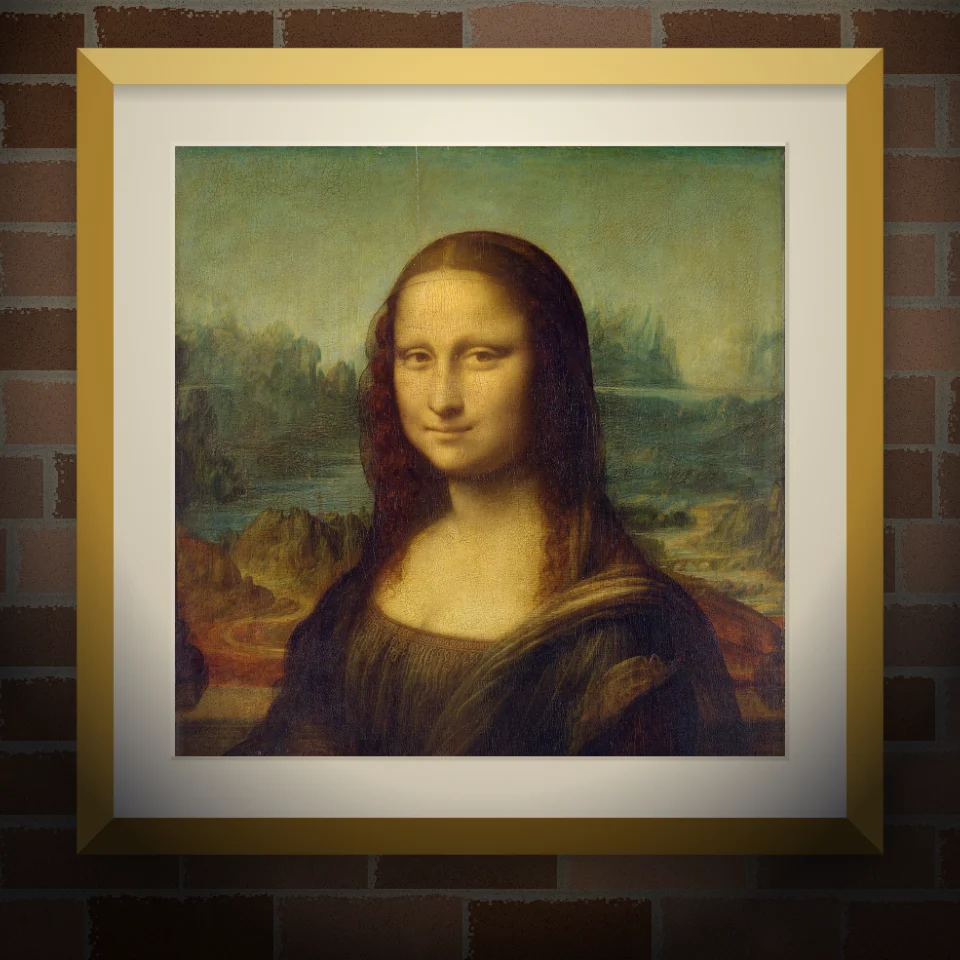
Mockup murale e poster
Metti la tua foto o opera su un muro realistico come murale dipinto, manifesto incollato o stampa incorniciata. Scegli muro e luce, poi PNG. Nulla viene caricato.
Pronto a provarlo?
Apri PictorX nel tuo browser: nessuna installazione, nessuna carta di credito richiesta per iniziare.
Vai all'editor