
Kreide- & Farbwand
Eine Wand zum Bemalen im Browser. Kreide haftet nur an den erhabenen Stellen, Fugen und Löcher bleiben frei und jeder Strich wirkt staubig. Der Pinsel trägt Farbe auf, die in die Fugen zieht, dünn ausläuft und tropft. PNG speichern — nichts wird hochgeladen. Wähle Kreide oder Pinsel und mal auf die Wand, oder gib Text ein und drücke Schreiben.
Wie es funktioniert
- Pick chalk or the brush, a color, and a size.
- Draw on the wall, or type text and press Write.
- Switch walls, erase or undo mistakes, then save a PNG.
Chalk that feels like chalk
The wall's surface decides where chalk sticks. Raised brick faces and concrete grain pick it up; joints, grout, and pits stay bare, so every stroke looks dusty and broken, like the real thing.
Paint that runs
The brush starts loaded and fades as the stroke goes on. Paint soaks darker into joints, and with drips on, heavy strokes send runs down the wall that slow down when they cross a joint.
Häufig gestellte Fragen
What can I do on the Chalk & Paint Wall?
Draw and write with chalk or a paint brush on one of many walls, erase parts, and save the result as a PNG.
Why does the chalk skip parts of the wall?
Just like real chalk, it only sticks to the raised surface. Brick joints, tile grout, and pits stay bare.
Can I switch walls after drawing?
Yes. Your drawing stays when you pick another wall, including a photo of your own wall.
Do my drawings leave my device?
No. Everything is drawn in your browser. Nothing is uploaded to PictorX servers.
Verwandte Tools

Graffiti-Wand
Sprühfarbe, Tags und Tropfen auf einer Ziegel-Graffitiwand im Browser. Randomisieren, rückgängig machen und als PNG speichern — kostenlos bei PictorX.

Straßenschild- & Plaketten-Generator
Gestalte ein eigenes Straßenschild, eine blaue Gedenktafel, ein Messingschild oder eine Hausnummer auf einer echt wirkenden Wand. Rost und Patina hinzufügen, PNG speichern. Nichts wird hochgeladen.

Neonschild-Generator
Tippe ein Wort und mach daraus ein leuchtendes Neonschild auf Ziegel, Fliesen, Holz oder Beton. Farbe, Schrift, Glühen und Rückplatte wählen, PNG speichern. Nichts wird hochgeladen.
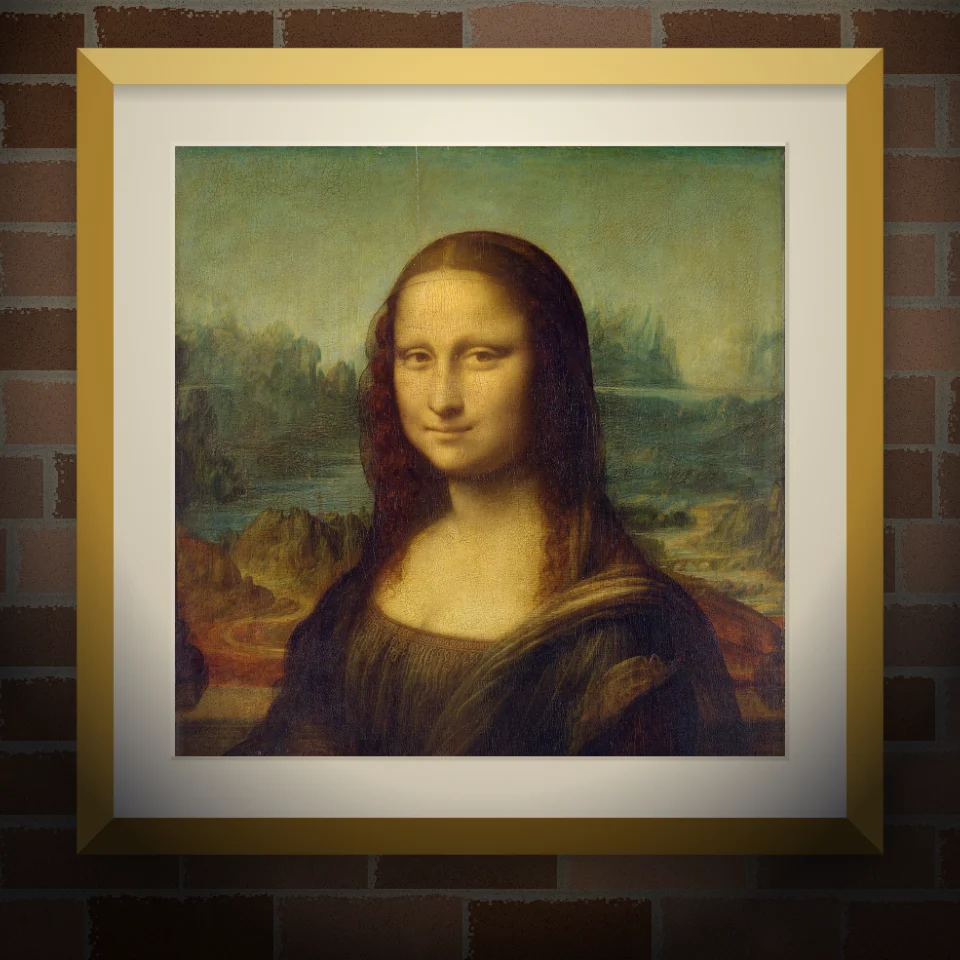
Wandbild- & Plakat-Mockup
Setze dein Foto oder Kunstwerk als gemaltes Wandbild, geklebtes Plakat oder gerahmten Druck auf eine echt wirkende Wand. Wand und Licht wählen, PNG speichern. Nichts wird hochgeladen.
Bereit, es auszuprobieren?
Öffnen Sie PictorX in Ihrem Browser – keine Installation, zum Starten ist keine Kreditkarte erforderlich.
Zum Editor