
Perete cu cretă și vopsea
Un perete pe care să desenezi în browser. Creta se prinde doar de părțile în relief, așa că rosturile și găurile rămân goale și fiecare linie pare prăfuită. Pensula pune vopsea care intră în rosturi, se subțiază și curge. Salvează PNG — nimic nu se încarcă. Alege creta sau pensula și desenează pe perete, ori scrie un text și apasă Scrie.
Cum funcţionează
- Pick chalk or the brush, a color, and a size.
- Draw on the wall, or type text and press Write.
- Switch walls, erase or undo mistakes, then save a PNG.
Chalk that feels like chalk
The wall's surface decides where chalk sticks. Raised brick faces and concrete grain pick it up; joints, grout, and pits stay bare, so every stroke looks dusty and broken, like the real thing.
Paint that runs
The brush starts loaded and fades as the stroke goes on. Paint soaks darker into joints, and with drips on, heavy strokes send runs down the wall that slow down when they cross a joint.
Întrebări frecvente
What can I do on the Chalk & Paint Wall?
Draw and write with chalk or a paint brush on one of many walls, erase parts, and save the result as a PNG.
Why does the chalk skip parts of the wall?
Just like real chalk, it only sticks to the raised surface. Brick joints, tile grout, and pits stay bare.
Can I switch walls after drawing?
Yes. Your drawing stays when you pick another wall, including a photo of your own wall.
Do my drawings leave my device?
No. Everything is drawn in your browser. Nothing is uploaded to PictorX servers.
Unelte conexe

Zid graffiti
Vopsea spray, tag-uri și scurgeri pe un zid de cărămidă în browser. Randomizează, anulează și salvează PNG — gratuit pe PictorX.

Creator de plăcuțe de stradă
Creează o plăcuță de stradă, o placă albastră, o plăcuță de alamă sau un număr de casă pe un perete realist. Adaugă rugină și uzură, apoi PNG. Nimic nu se încarcă.

Creator de firme neon
Scrie un cuvânt și transformă-l într-o firmă neon pe cărămidă, faianță, lemn sau beton. Culoare, font, strălucire și placă, apoi PNG. Nimic nu se încarcă.
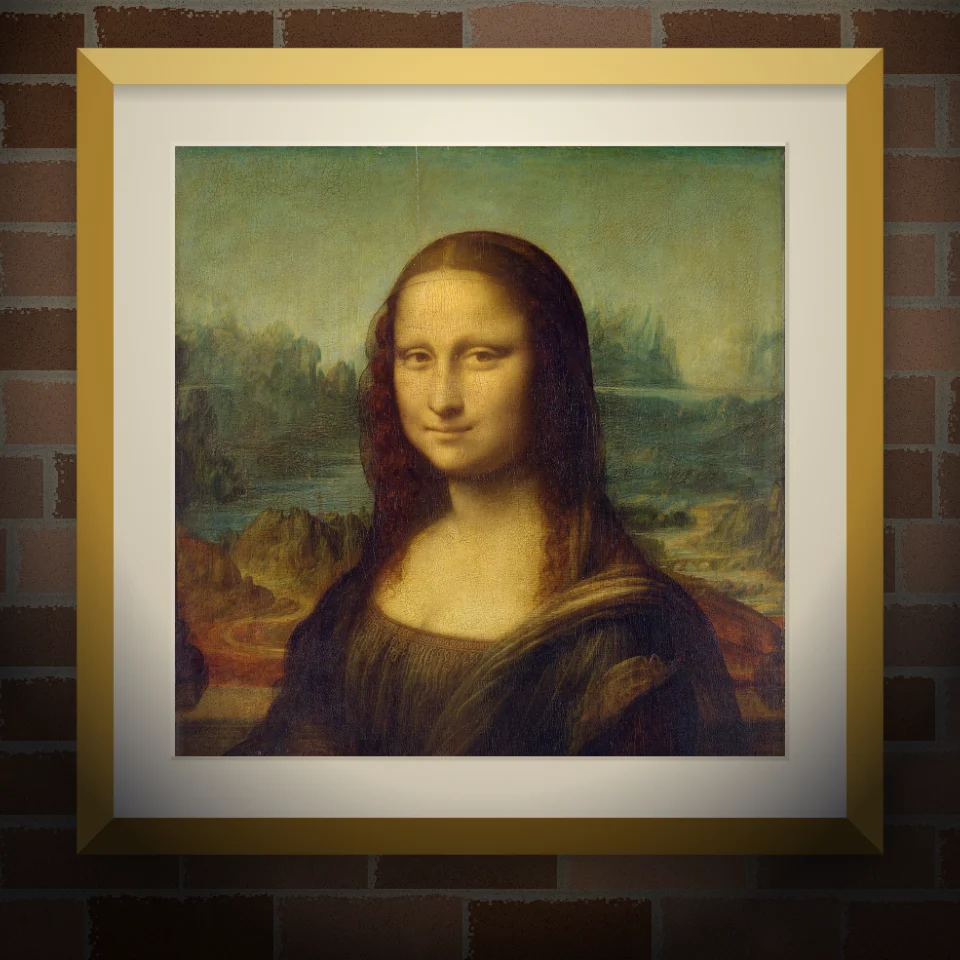
Machetă mural și afiș
Pune fotografia sau lucrarea pe un perete realist ca mural pictat, afiș lipit sau imprimeu înrămat. Alege peretele și lumina, apoi PNG. Nimic nu se încarcă.
Eşti gata să încerci?
Deschide PictorX în browser-ul tău
Du-te la editor