
Book cover maker
Open a photo, type a title and an author, and get a cover that looks like it came off a bookshop shelf. Show it flat, as a standing paperback with its spine, or as a full wrap with the back cover. Open a photo, add a title and an author, and make a paperback cover - flat, standing with its spine, or as a full wrap.
How it works
- Open a photo or pick one of the examples.
- Choose a style and type the title, author and tagline.
- Pick front cover, book with spine or full wrap, then save as PNG.
Five paperback styles
A black-and-white thriller with a red rule, a warm romance with an italic title, a framed classic on cream paper, a blue sci-fi duotone with spaced letters and a quiet literary cover with a white panel.
Spine and back cover
The book with spine view stands the paperback up with its spine turned to the side. The full wrap lays out the back cover, the spine and the front, with your back cover text and an empty box where a barcode would go.
Your own words
Title, author, tagline and publisher name are all yours. Long titles wrap over up to three lines and shrink to fit.
Frequently asked questions
Can I use this to publish a real book?
It is great for mock-ups, gifts and sharing an idea. Printers need exact trim, bleed and spine widths for your page count, so use their template for the final file.
How big is the image?
The front cover is 800 × 1200 pixels, a 2:3 paperback shape. The full wrap is 1710 × 1200 pixels and the standing book is 1100 × 1400 with a transparent background.
Is there a real barcode?
No. The back cover has an empty white box where a printer would place the ISBN barcode.
Is my photo uploaded?
No. The cover is drawn in your browser and your photo stays on your device.
Can I make a 3D book mockup?
Yes. Choose Book with spine under View: the paperback stands up with its spine turned to the side and a soft shadow, on a transparent background of 1100 × 1400 pixels. The cover uses your photo, title and author, so you can drop the PNG on a website or a launch post.
Related tools
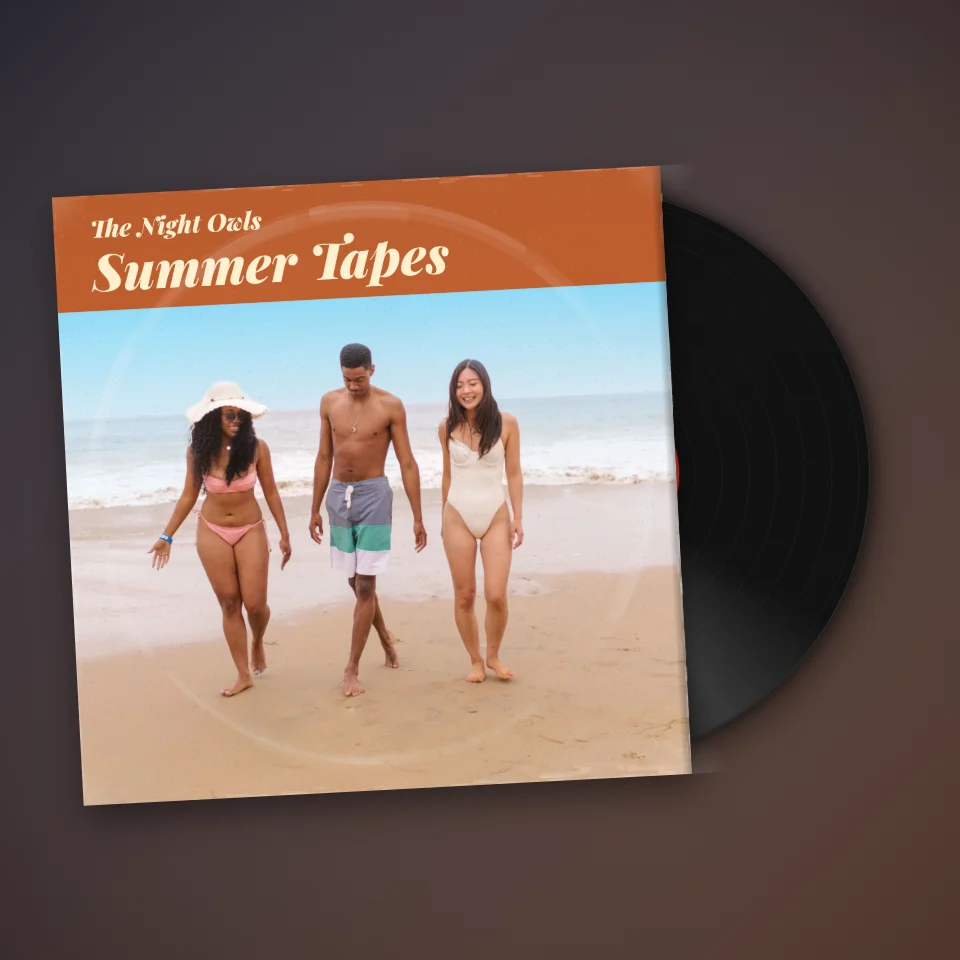
Vinyl record cover maker
Make a vinyl record cover online: your photo on an LP sleeve with a title, an artist, ring wear and the record peeking out. Save as PNG.
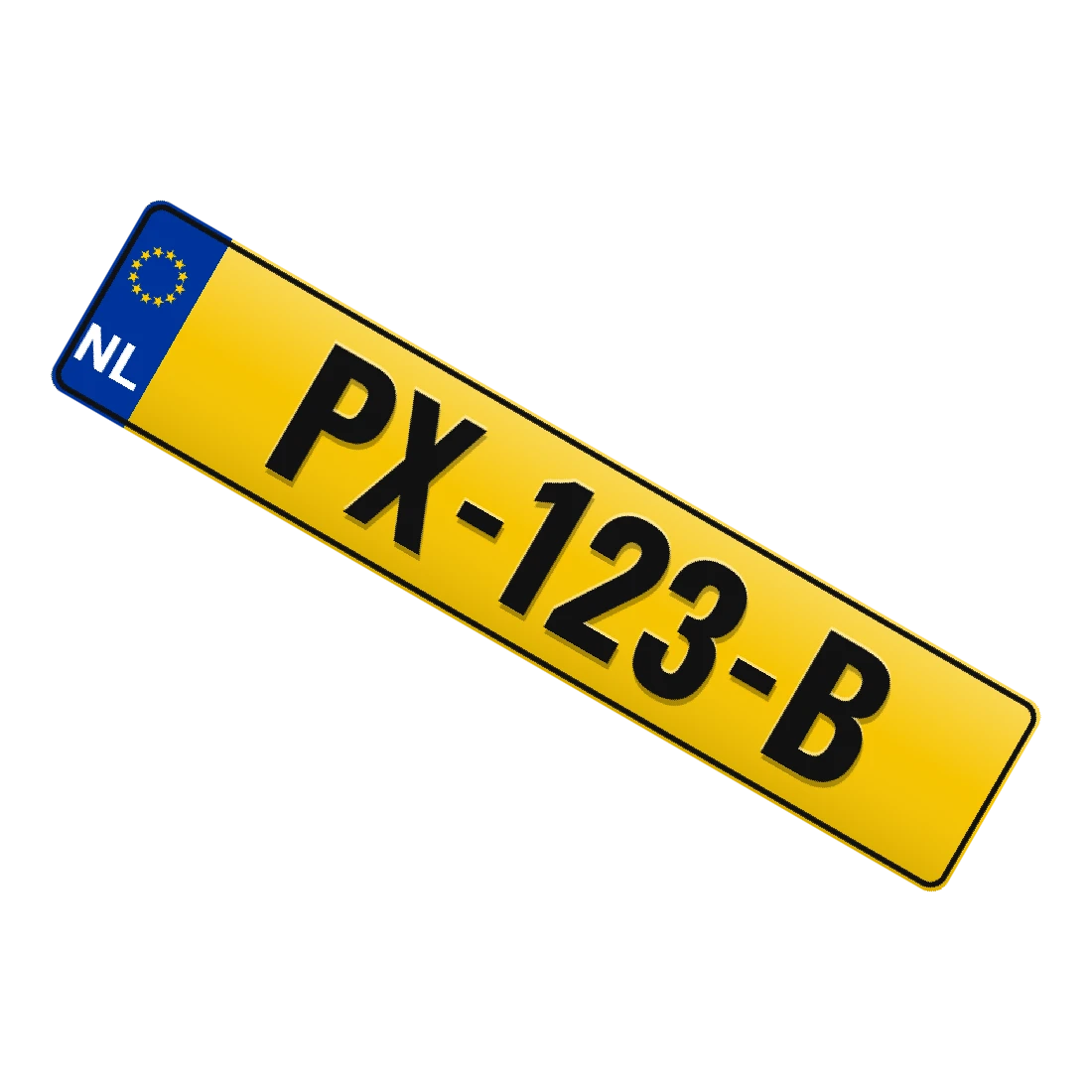
Licence plate maker
Make a novelty licence plate online in a Dutch, German, French, UK, US or other style, with your own text, on its own or on your photo. Save as PNG.
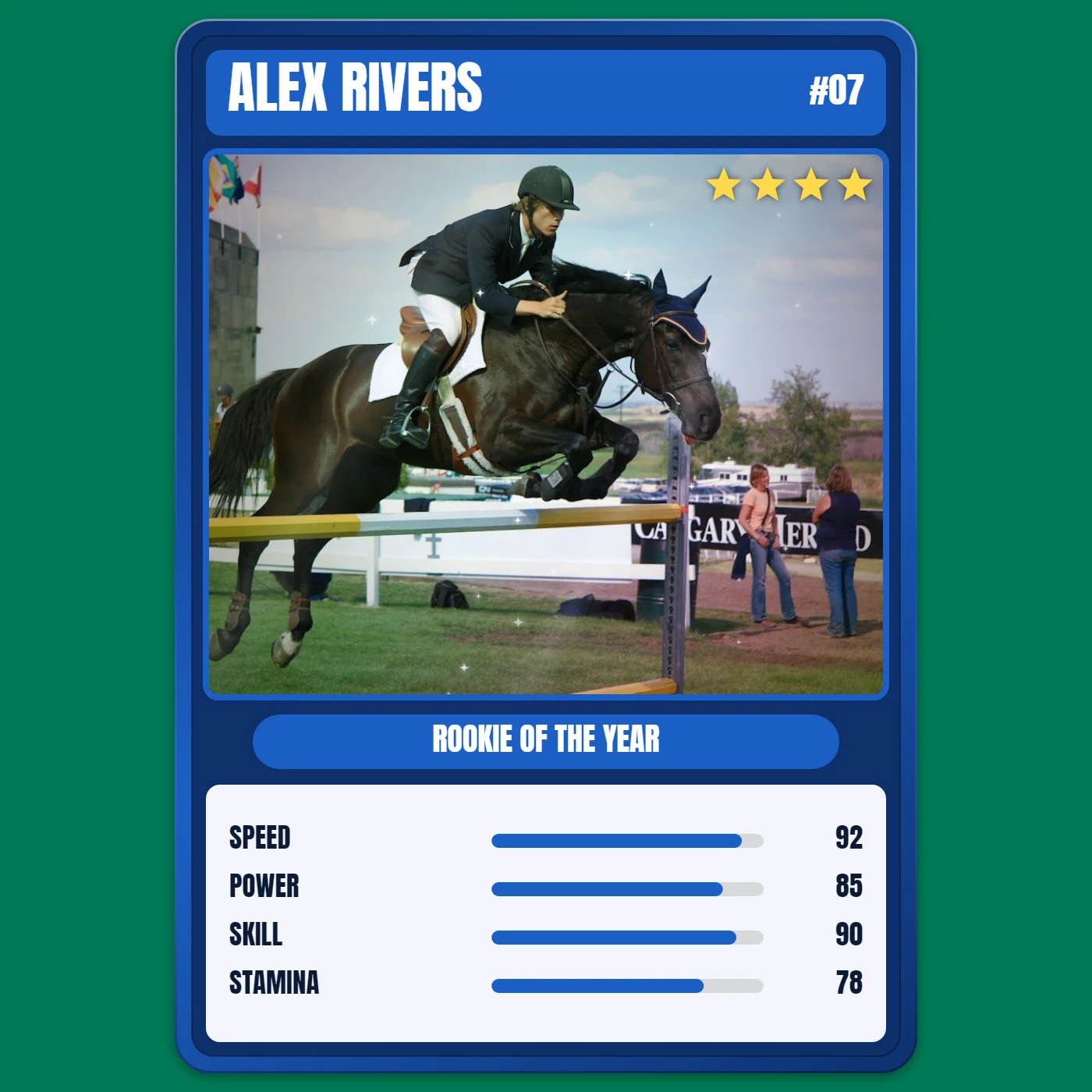
Trading card maker
Make a trading card online: your photo in a sports or fantasy frame with a name, card number, stats bars, rarity stars and a holo foil. Save as PNG.
Ready to try it?
Open PictorX in your browser — no install, no credit card required to start.
Go to Editor