
Strange attractor generator
Take a point, apply a simple formula to it, and apply it again to the answer, millions of times. The point never repeats and never settles, yet it never wanders off either: it keeps returning to a delicate shape of silky threads and folds, a strange attractor. Count how often each pixel is visited and the shape appears, brightest where the orbit returns most. Pick one of six classic maps, drag across the picture to bend the numbers and watch the attractor change, or let the generator find a new one for you. Pick a map and a preset and watch millions of points of one orbit settle into a strange attractor: every pixel counts how often the orbit lands there, and the brightest pixels are visited most. Drag across the picture to change the first two numbers and see the attractor change shape, or set a, b, c and d with the sliders. Find new attractor tries random numbers until it finds an orbit that stays put and is chaotic. Play adds points until Points is reached, Reset starts again, and Record films the attractor as it builds up. Exposure brings out the faint threads. The tiles give the points so far, the Lyapunov exponent, the fractal dimension and how much of its box the attractor fills; the formula with your numbers is under the picture.
How it works
- Choose a map (Clifford, Peter de Jong, Hénon, Ikeda, Gumowski–Mira or Tinkerbell) and one of its presets.
- Drag across the picture to change the first two numbers, or move the sliders a, b, c and d, and watch the attractor reshape itself.
- Press Find new attractor to let the generator try random numbers until it finds a chaotic orbit that stays in place.
- Pick the colours and the exposure, read the Lyapunov exponent and the fractal dimension in the tiles, and save the picture or open it in the editor.
One formula, millions of times
Each map turns a point (x, y) into a new point with a short formula of sines, cosines or squares. Start anywhere, apply the formula a few million times and mark every point where it lands. A stable map would settle on a single point or a short cycle; a chaotic one keeps moving forever, but within a bounded shape. The generator counts the visits per pixel and maps them through a logarithm, so the threads that the orbit returns to most often glow, while places it touches once are still faintly visible.
Chaos you can measure
Two starting points that differ in the tenth decimal end up in completely different places after a few dozen steps: that is chaos. The Lyapunov exponent measures it as the average rate at which nearby orbits separate per step; a positive value means chaos, a negative one a stable cycle. A map with two dimensions has two exponents, and their sum tells how much the map shrinks areas. Combined they give the Kaplan–Yorke estimate of the fractal dimension: about 1.26 for the Hénon attractor, a set between a line and a surface.
Six classic maps
Michel Hénon proposed his quadratic map in 1976 as a simple model of the Lorenz attractor; its thin boomerang is folded infinitely many times. Kensuke Ikeda's map describes light circling in an optical cavity and rolls into a spiral. Igor Gumowski and Christian Mira studied their map around 1980 for particle accelerators, and it draws flowers and starfish. The Clifford and Peter de Jong maps of sines and cosines, made popular by Clifford Pickover and Paul Bourke, give the silk and smoke shapes that make attractors a favourite of generative art.
Frequently asked questions
What is a strange attractor?
It is the shape that the orbit of a chaotic system fills in the long run. The orbit is drawn towards it from almost any start (an attractor), but on the shape itself it moves chaotically and never repeats, and the shape has a fractal structure (strange). The Lorenz butterfly is the best-known example in three dimensions; the maps here are two-dimensional and are drawn point by point.
How is the picture made?
One orbit is iterated millions of times, and the generator counts how often it lands in each pixel. The counts are tone-mapped with a logarithm, so the densest threads are brightest and single visits stay faintly visible. Points sets how many points are drawn and Exposure how strongly the faint parts are lifted. More points give a smoother, finer picture.
What does the Lyapunov exponent tell me?
It is the average rate at which two nearby orbits drift apart, as a natural logarithm per step. A positive value means chaos: a tiny error grows exponentially. A negative value means the orbit settles into a cycle, and the picture shows only a few dots. The classic Hénon attractor has a Lyapunov exponent of about 0.42, so an error grows by a factor of about 1.5 each step.
How is the fractal dimension estimated?
From the two Lyapunov exponents, with the Kaplan–Yorke formula 1 + λ₁ / |λ₂|. The first exponent stretches the attractor along its threads, the second squeezes it across them. For the Hénon attractor this gives about 1.26. When a map does not shrink areas on average, as many Clifford and de Jong attractors do not, the estimate is 2: the threads fill a region of the plane.
Why do some numbers give an empty picture?
Because the orbit escapes to infinity, or settles into a short cycle. Chaotic attractors exist only for some numbers, often in small islands between stable and escaping regions. The app shows a message when the orbit runs away, and Find new attractor tries random numbers until it finds one that is bounded, has a positive Lyapunov exponent and spreads over the picture.
Can I use the attractors in a design?
Yes. Save gives a PNG at the size you choose, drawn again with all its points, and the pencil opens the picture in the PictorX photo editor with the background and the attractor on separate layers, so you can change the background or blend the attractor. In the editor itself it is under Apps ▸ Fractals ▸ Strange Attractors. Everything is computed in your browser.
Strange Attractors: how do I record a video?
Press the red Record button in the playback bar: it films what the stage shows. Press it again to stop, and the video is saved to your device. Recording is free; you only need to sign in. Without a subscription the video carries a small PictorX logo in a corner. The button beside Record opens the video options: the shape (as shown, square, story 9:16 or wide 16:9), the length (until you stop, or 5, 10, 15 or 30 seconds for social media) and the file: MP4, WebM or an animated GIF. You can add one of three music tracks: calm, bright or beat.
Related tools
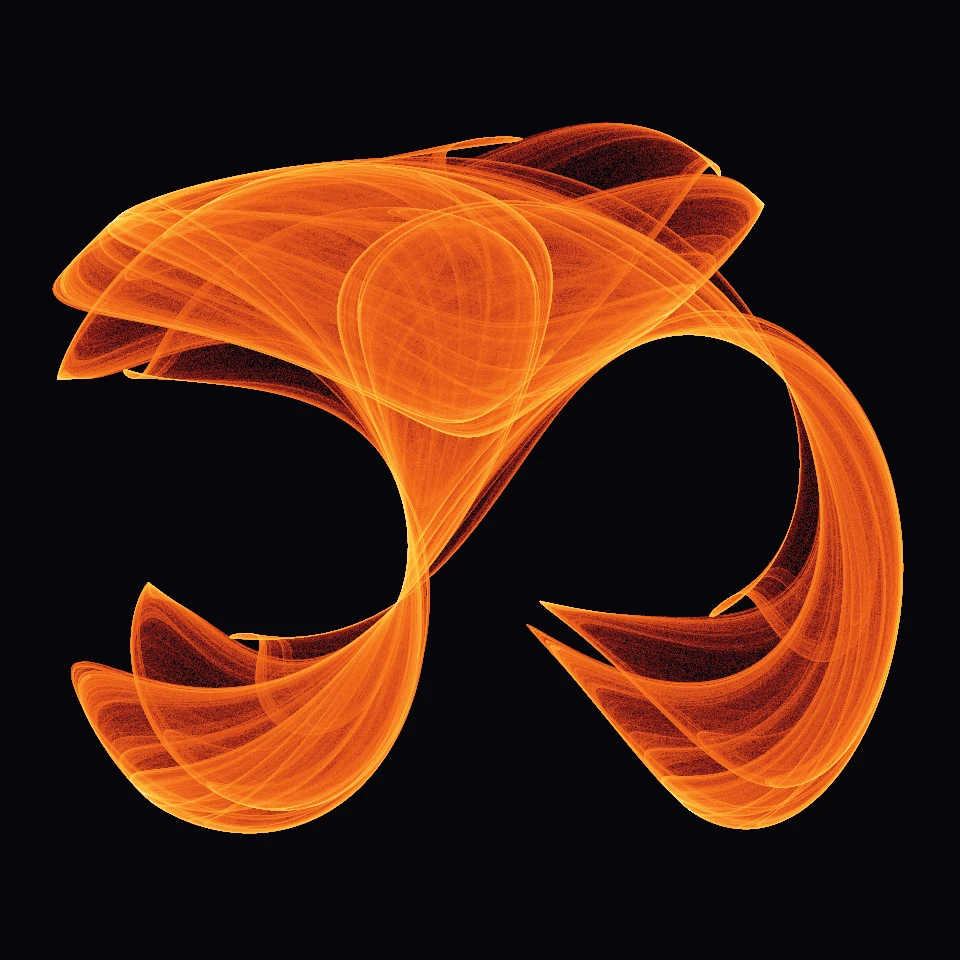
Strange attractors explained
What a strange attractor is, how a simple formula repeated millions of times draws one, how the Lyapunov exponent measures chaos, why the Hénon attractor has dimension 1.26, and where the Clifford, de Jong, Ikeda and Gumowski–Mira maps come from.
Lorenz Attractor
Interactive Lorenz attractor: tune a, b, f, rotate in 3D, try neon/ink/smoke looks, and save a PNG.
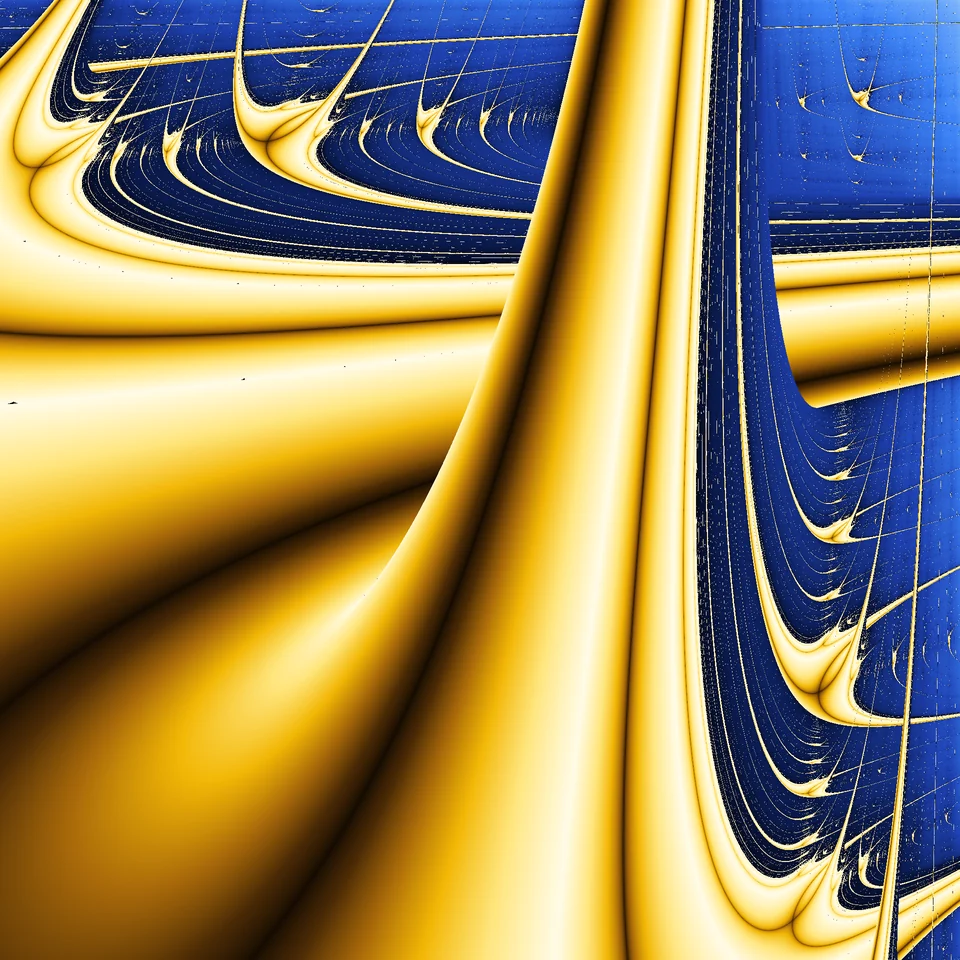
Lyapunov Fractal
Draw Lyapunov fractals in your browser: type a sequence such as AB or BBBBBBAAAAAA, zoom into the swallows of Zircon Zity, and see where the logistic map is stable and where it is chaotic.
Double Pendulum
Simulate a classical double pendulum in your browser. Paint chaotic tip trails, long-exposure paths, or distort a soft field—then save a PNG.
Fractal generator: zoom into Mandelbrot, Julia and Newton fractals
Free online fractal generator: zoom about 5 trillion times into the Mandelbrot set, Julia and Newton fractals, jump to 64 famous spots and save a PNG.
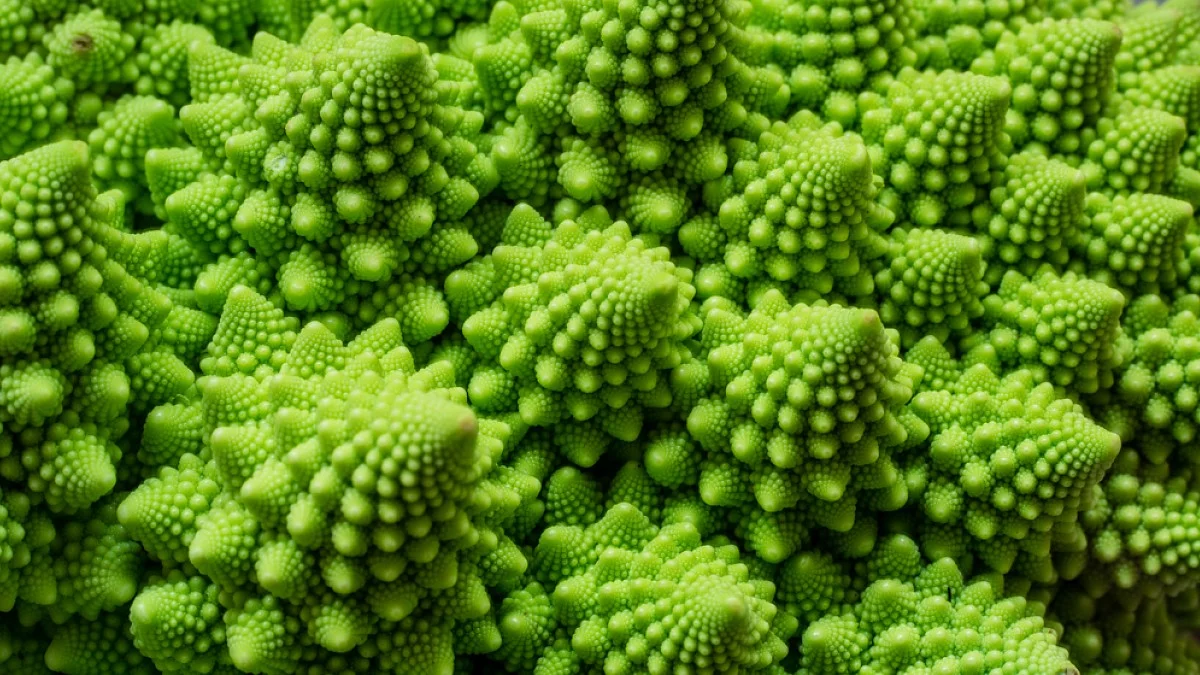
Fractals
What is a fractal? How the Mandelbrot set, Julia sets, Newton fractals (including Newton⁴) and Nova fractals are made, and why zooming never runs out of detail.
Ready to try it?
Open PictorX in your browser — no install, no credit card required to start.
Go to Editor