
Lorenz Attractor
Draw the Lorenz circulating attractor. Tune a, b, and f, try neon/ink/smoke looks, set a background, and save a PNG. Tune a, b, and f to grow a Lorenz circulating attractor.
How it works
- Open PictorX in your browser and start a new project or load an image.
- Use Lorenz Attractor to shape the result, then refine it with the surrounding editor tools.
- Keep editing, export your work, or turn the result into your next design.
How Lorenz Attractor fits your workflow
Draw the Lorenz circulating attractor. PictorX keeps the feature alongside your photos, layers, typography, and design tools, so you can move from an idea to a finished graphic without switching applications.
Create more with Lorenz Attractor
Start with one focused change, review the result in context, and keep iterating. Combine Lorenz Attractor with other PictorX tools when you need a polished image for social media, a presentation, a print layout, or a personal project.
Frequently asked questions
Is Lorenz Attractor free to try?
Yes. Open PictorX in a modern browser to try Lorenz Attractor as part of the free editing workflow.
Do I need to install software for Lorenz Attractor?
No. PictorX runs in your browser, so you can start creating without a desktop software install.
How do I get started with Lorenz Attractor?
Open an image or create a new design in PictorX, select Lorenz Attractor, then adjust the result while viewing the rest of your composition.
Can I combine Lorenz Attractor with other PictorX tools?
Yes. Use Lorenz Attractor alongside layers, selections, text, filters, and other PictorX editing tools to finish your design in one workflow.
Related tools
The Lorenz Attractor
How Edward Lorenz's weather equations revealed chaos theory: the butterfly attractor, sensitive dependence on initial conditions, and why long-term forecasts fail.

Lorenz Wheel
Simulate the Malkus/Lorenz chaotic waterwheel in your browser. Tune flow, leak, and friction, watch reversals, or switch to Lorenz ODEs—then save a PNG. Nothing is uploaded.

Double Pendulum
Simulate a classical double pendulum in your browser. Paint chaotic tip trails, long-exposure paths, or distort a soft field—then save a PNG. Nothing is uploaded.

Spirograph
Draw hypotrochoids and epitrochoids in your browser. Tune R, r, and pen offset, animate the curve, randomize styles, and save a PNG. Nothing is uploaded.
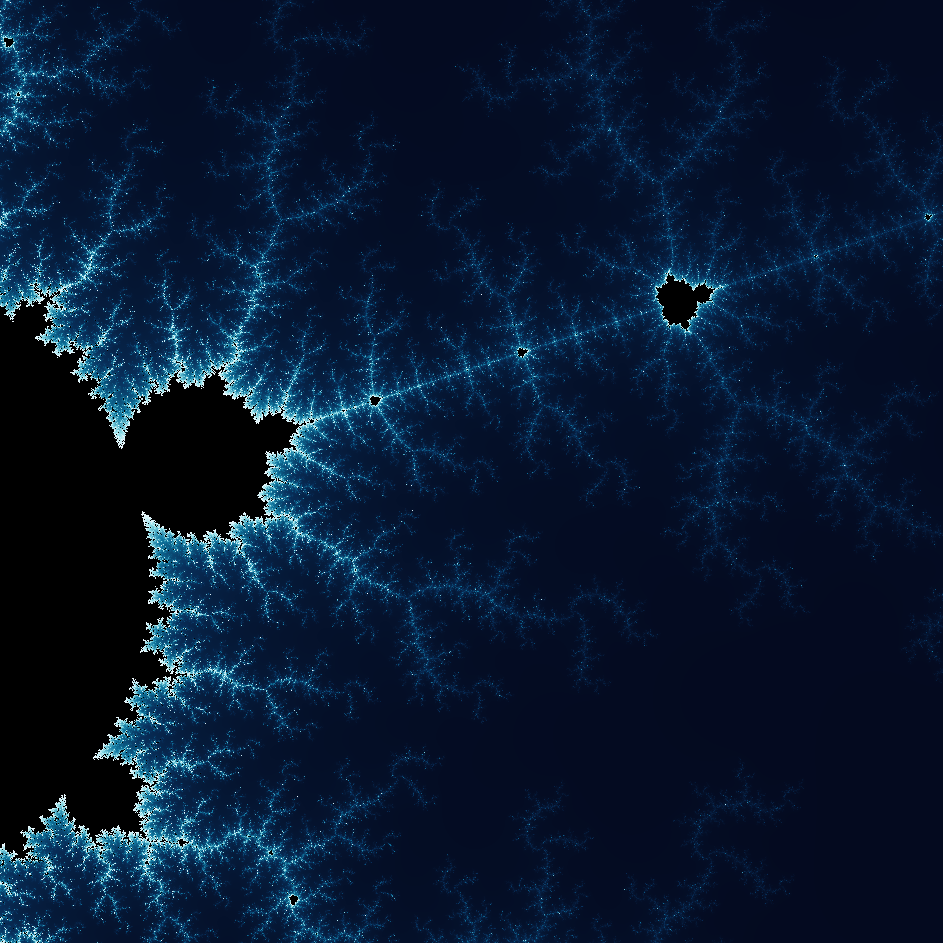
Explore the wonderful world of Fractals
Explore the wonderful world of Fractals. Fractals are complex, detailed geometric patterns found throughout the natural world.
Ready to try it?
Open PictorX in your browser — no install, no credit card required to start.
Go to Editor