
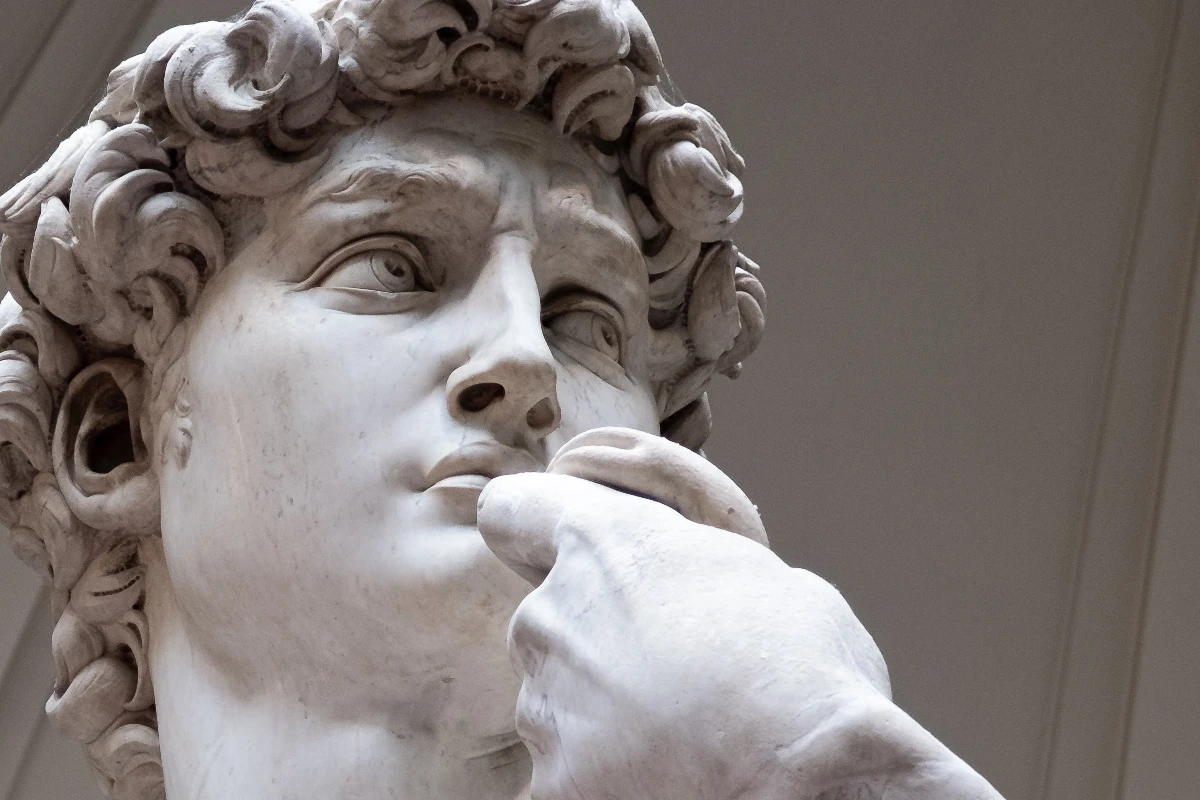
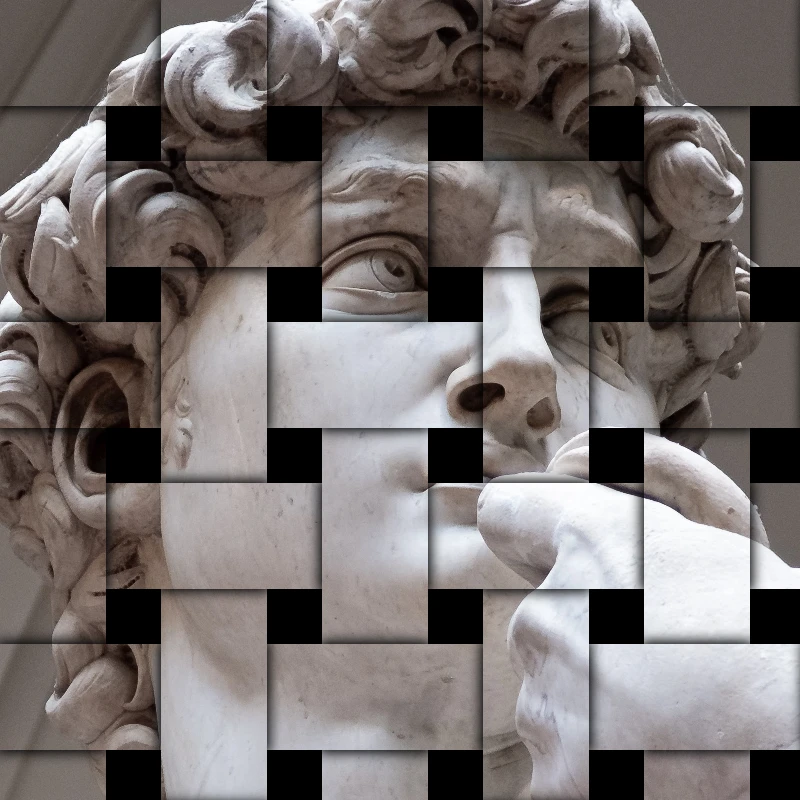
Try a stylize look below, or open your own picture.
Stone Mosaic effect
Open a photo and apply Stone Mosaic in PictorX. This look is part of Stylize effects—adjust the settings on this page, then keep editing with layers, text, and other effects in the same workspace. Try a stylize look below, or open your own picture.
How it works
- Open this page and try Stone Mosaic on the sample, or open your own photo.
- Tune the Stone Mosaic settings, or switch to another look in Stylize effects.
- Save the result, or keep editing with layers, text, and other effects in PictorX.
What the Stone Mosaic effect does
Stone Mosaic is one of the looks in PictorX Stylize effects. Apply it in your browser, then keep working in the same project—crop, type, or add another effect without starting over.
More looks in Stylize effects
This page opens Stylize effects with Stone Mosaic already selected. Switch looks on the demo to compare styles, or open the full Stylize effects page to browse every option in the set.
Looks in this set
Related tools
Stylize effects
Add shatter, glitch, fire, emboss, vignette, and other studio stylize looks to photos.
RGB split effect
Add an RGB split effect to a photo online: move the red, green and blue channels apart for colored edge fringes. Choose channels, Radius and Angle.
Shatter image effect
Shatter an image online: split the photo into triangular shards that fly outward from the center. Set Cell Size, Displacement and Angle, or use squares.
Emboss effect
Apply a Emboss effect to photos free in your browser. Open the Stylize effects tools, tune the look, and keep editing in PictorX. No install.
Engraved photo effect
Turn a photo into an engraving online: tones drawn as cross hatching, parallel lines, circles or waves in two colors. Set Threshold, line width, spacing.
Blueprint filter
Turn a photo into a blueprint online: the outlines become light lines on blue paper, with an optional technical grid. Change the background color.
Frosted Glass effect
Apply a Frosted Glass effect to photos free in your browser. Open the Stylize effects tools, tune the look, and keep editing in PictorX. No install.

Kaleidoscopes
How does a kaleidoscope work? Brewster's invention and its Greek name, how the mirrors make patterns, cells and teleidoscopes, and digital kaleidoscope filters.
Ready to try it?
Open PictorX in your browser — no install, no credit card required to start.
Go to Editor