
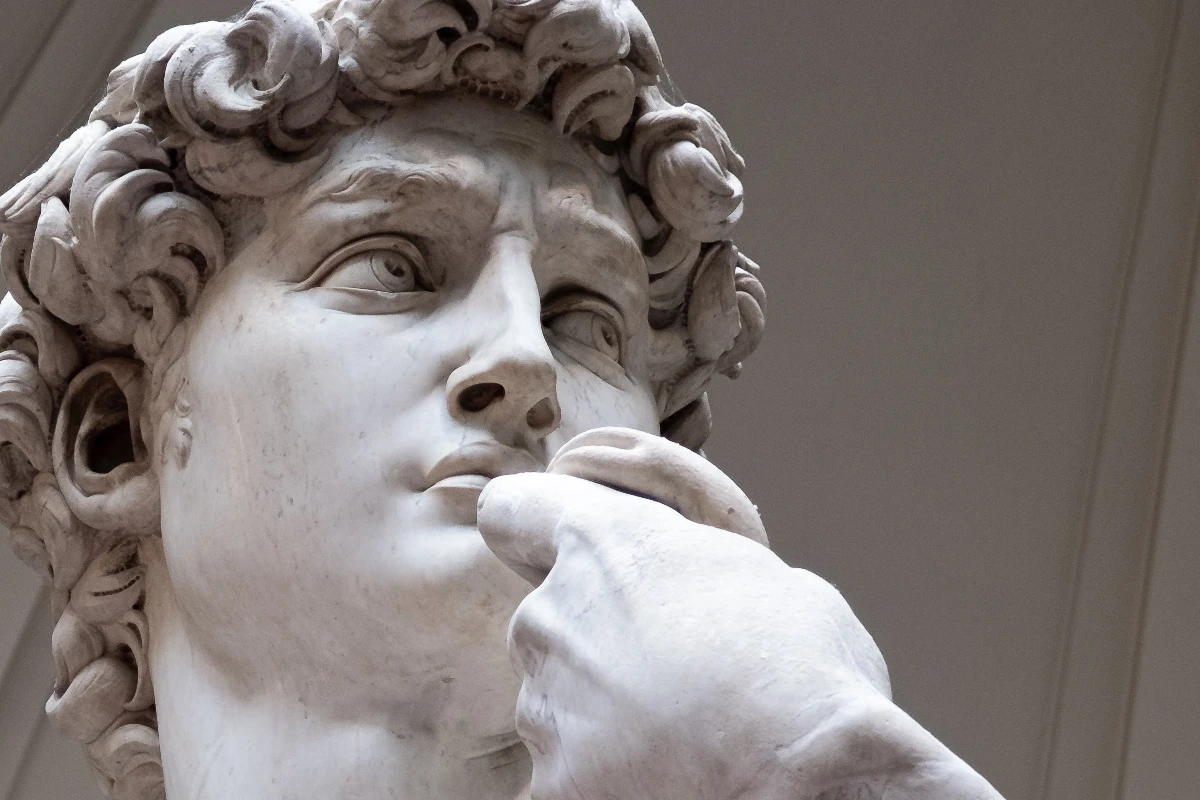
Essayez un look de stylisation ci-dessous, ou ouvrez votre propre image.
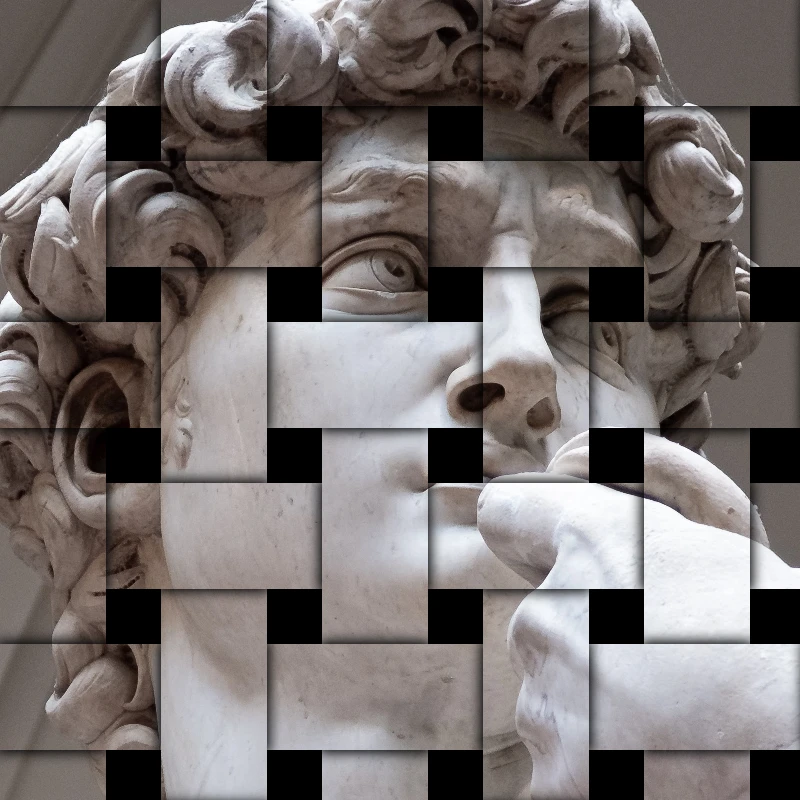
Mosaïque de pierres effect
Open a photo and apply Mosaïque de pierres in PictorX. This look is part of Effets de stylisation—adjust the settings on this page, then keep editing with layers, text, and other effects in the same workspace. Essayez un look de stylisation ci-dessous, ou ouvrez votre propre image.
Comment ça marche
- Open this page and try Mosaïque de pierres on the sample, or open your own photo.
- Tune the Mosaïque de pierres settings, or switch to another look in Effets de stylisation.
- Save the result, or keep editing with layers, text, and other effects in PictorX.
What the Mosaïque de pierres effect does
Mosaïque de pierres is one of the looks in PictorX Effets de stylisation. Apply it in your browser, then keep working in the same project—crop, type, or add another effect without starting over.
More looks in Effets de stylisation
This page opens Effets de stylisation with Mosaïque de pierres already selected. Switch looks on the demo to compare styles, or open the full Effets de stylisation page to browse every option in the set.
Looks in this set
Outils associés
Styliser les effets
Ajoutez des éclats, des pépins, du feu, des gaufrages, des vignettes et d'autres looks stylisés en studio aux photos.
Effet RGB split (éclatement RVB)
Ajoutez un effet RGB split à une photo en ligne : décalez les canaux rouge, vert et bleu pour des franges colorées. Choisissez les canaux, le rayon et l’angle.
Effet image brisée
Brisez une image en ligne : la photo se divise en éclats triangulaires projetés depuis le centre. Réglez taille, déplacement et angle, ou optez pour des carrés.
Gaufrage effect
Apply a Gaufrage effect to photos free in your browser. Open the Effets de stylisation tools, tune the look, and keep editing in PictorX. No install.
Effet gravure sur photo
Transformez une photo en gravure en ligne : tons en hachures croisées, lignes parallèles, cercles ou vagues en deux couleurs. Seuil, épaisseur, espacement.
Filtre plan bleu
Transformez une photo en plan bleu en ligne : les contours deviennent des lignes claires sur papier bleu, grille technique en option. Couleur de fond réglable.
Verre dépoli effect
Apply a Verre dépoli effect to photos free in your browser. Open the Effets de stylisation tools, tune the look, and keep editing in PictorX. No install.

Les kaléidoscopes
Comment fonctionne un kaléidoscope ? L'invention de Brewster et son nom grec, comment les miroirs créent des motifs, cellules, téléidoscopes et filtres.
Prêt à l'essayer ?
Ouvrez PictorX dans votre navigateur – aucune installation, aucune carte de crédit requise pour démarrer.
Aller à l'éditeur