
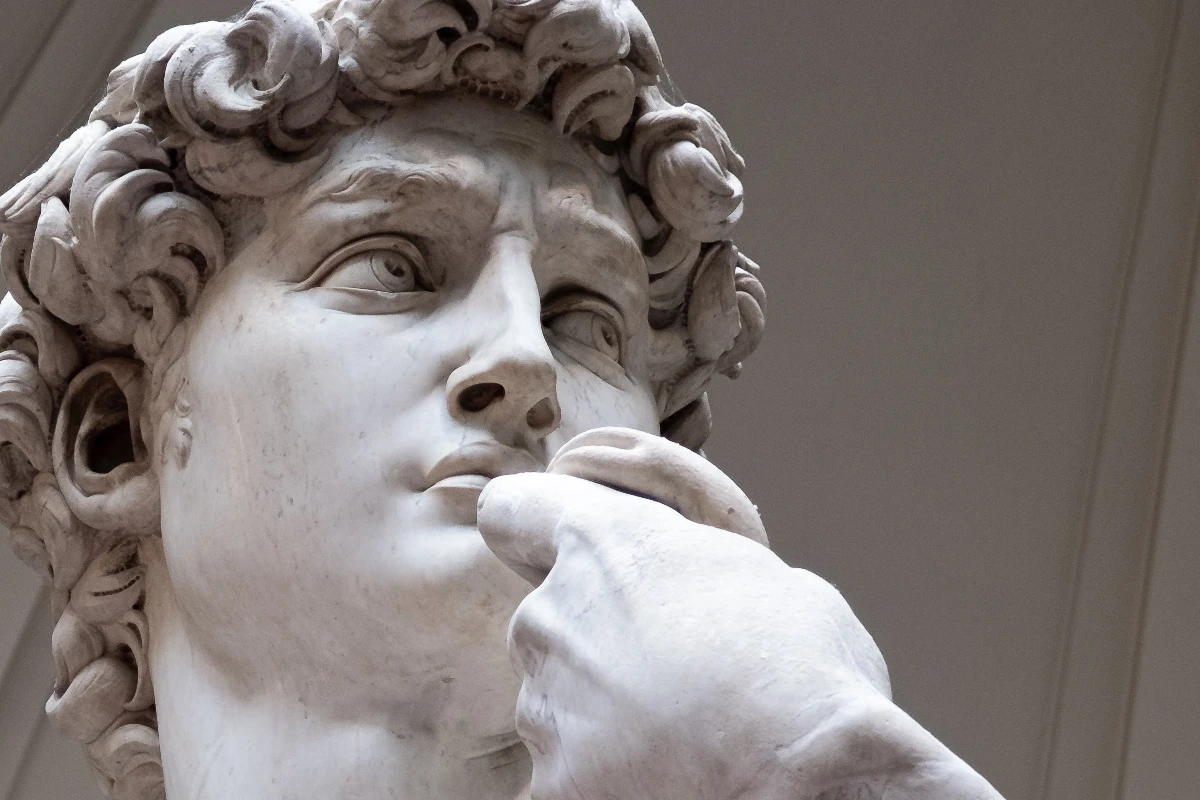
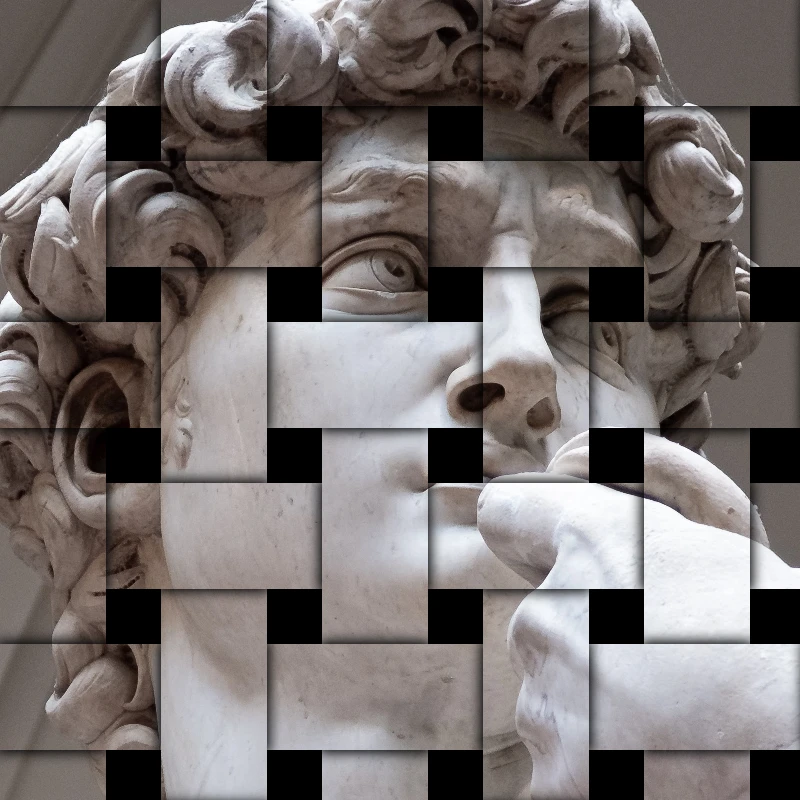
Попробуйте стиль стилизации ниже или откройте своё изображение.
Каменная мозаика effect
Open a photo and apply Каменная мозаика in PictorX. This look is part of Эффекты стилизации—adjust the settings on this page, then keep editing with layers, text, and other effects in the same workspace. Попробуйте стиль стилизации ниже или откройте своё изображение.
Как это работает
- Open this page and try Каменная мозаика on the sample, or open your own photo.
- Tune the Каменная мозаика settings, or switch to another look in Эффекты стилизации.
- Save the result, or keep editing with layers, text, and other effects in PictorX.
What the Каменная мозаика effect does
Каменная мозаика is one of the looks in PictorX Эффекты стилизации. Apply it in your browser, then keep working in the same project—crop, type, or add another effect without starting over.
More looks in Эффекты стилизации
This page opens Эффекты стилизации with Каменная мозаика already selected. Switch looks on the demo to compare styles, or open the full Эффекты стилизации page to browse every option in the set.
Looks in this set
Сопутствующие инструменты
Стилизация эффектов
Добавляйте к фотографиям разброс, глитч, огонь, тиснение, виньетку и другие стилизованные в студии эффекты.
Эффект RGB-сдвига (Разделение RGB)
Добавьте к фото эффект RGB-сдвига онлайн: раздвиньте красный, зелёный и синий каналы и получите цветную кайму по краям. Выберите каналы, «Радиус» и «Угол».
Эффект разбитого изображения
Разбейте изображение онлайн: фото делится на треугольные осколки, разлетающиеся от центра. Задайте «Размер ячейки», «Смещение» и «Угол» или выберите квадраты.
Тиснение effect
Apply a Тиснение effect to photos free in your browser. Open the Эффекты стилизации tools, tune the look, and keep editing in PictorX. No install.
Эффект гравюры для фото
Превратите фото в гравюру онлайн: тона рисуются штриховкой, параллельными линиями, кругами или волнами в два цвета. Задайте порог, толщину и интервал линий.
Фильтр «Синька» (blueprint)
Превратите фото в синьку онлайн: контуры становятся светлыми линиями на синей бумаге, по желанию с технической сеткой. Цвет фона можно изменить.
Матовое стекло effect
Apply a Матовое стекло effect to photos free in your browser. Open the Эффекты стилизации tools, tune the look, and keep editing in PictorX. No install.

калейдоскопах
Как устроен калейдоскоп? Изобретение Брюстера и его греческое название, как зеркала создают узоры, ячейки и телейдоскопы, цифровые фильтры-калейдоскопы.
Готовы попробовать?
Откройте PictorX в своем браузере — установка не требуется, для запуска не требуется кредитная карта.
Перейти в редактор