
SQL query builder
Build a SELECT query by clicking instead of typing. Choose a table, join related ones, pick columns with aliases and aggregates, add WHERE conditions, GROUP BY, HAVING, ORDER BY and LIMIT, and watch the SQL appear, formatted and highlighted, in the dialect you need. Run it on a small sample shop database or on a CSV file of your own, all inside your browser. Pick a table under FROM, then use the + buttons to add joins, columns, conditions, grouping, HAVING and sorting. The SQL updates as you click; Run (or Ctrl+Enter) shows the rows. Import CSV adds your own table, which stays in this browser.
How it works
- Pick a table under FROM, and add JOINs to combine it with related tables.
- Add columns, aggregates such as COUNT or SUM, WHERE conditions, GROUP BY, HAVING, ORDER BY and LIMIT with the + buttons.
- Choose the dialect, copy the SQL, and press Run to see the rows of the sample tables or of a CSV you imported.
The order SQL works in
A SELECT is written in one order but evaluated in another: FROM and the JOINs first, then WHERE filters rows, GROUP BY forms groups, HAVING filters groups, SELECT computes the columns, DISTINCT removes duplicates, ORDER BY sorts and LIMIT keeps the first rows. That is why WHERE cannot use COUNT but HAVING can, and why ORDER BY may use a column alias. The builder runs your query in exactly this order.
One query, four dialects
Most of a SELECT is standard SQL, but the details differ. MySQL quotes names with backticks, PostgreSQL and SQLite with double quotes, SQL Server with square brackets. To keep the first rows, MySQL, PostgreSQL and SQLite write LIMIT, while SQL Server writes TOP, or OFFSET … FETCH NEXT when rows are skipped. Switch the dialect and the same query is rewritten; names that need quoting are quoted, or all of them if you prefer.
Frequently asked questions
What is the difference between INNER JOIN and LEFT JOIN?
INNER JOIN keeps only rows that have a match in both tables. LEFT JOIN keeps every row of the tables before it and fills the joined table's columns with NULL where nothing matches, so customers without orders still appear, with a COUNT of 0. When you add a join, the builder fills in ON for you, linking a column such as customer_id to the other table's id.
What CSV files can I import?
A text file with a header row, separated by commas, semicolons or tabs, up to 1 MB and 5,000 rows. The builder guesses the type of each column: whole numbers, decimals, dates written as YYYY-MM-DD, or text. Empty cells become NULL, and the file name becomes the table name.
Can I type SQL by hand?
The builder writes SELECT queries from what you click, so every query it shows is complete and runs. Copy the SQL into your database tool to change it further. It does not read typed SQL, and it does not build INSERT, UPDATE or DELETE statements.
Why do I get a GROUP BY error?
Once a query groups rows or uses an aggregate, every other column in SELECT must be in GROUP BY, because each group returns one row and the database cannot know which value to show. PostgreSQL, SQL Server and MySQL refuse such queries. Press Add to GROUP BY, or wrap the column in an aggregate such as MAX.
Related tools
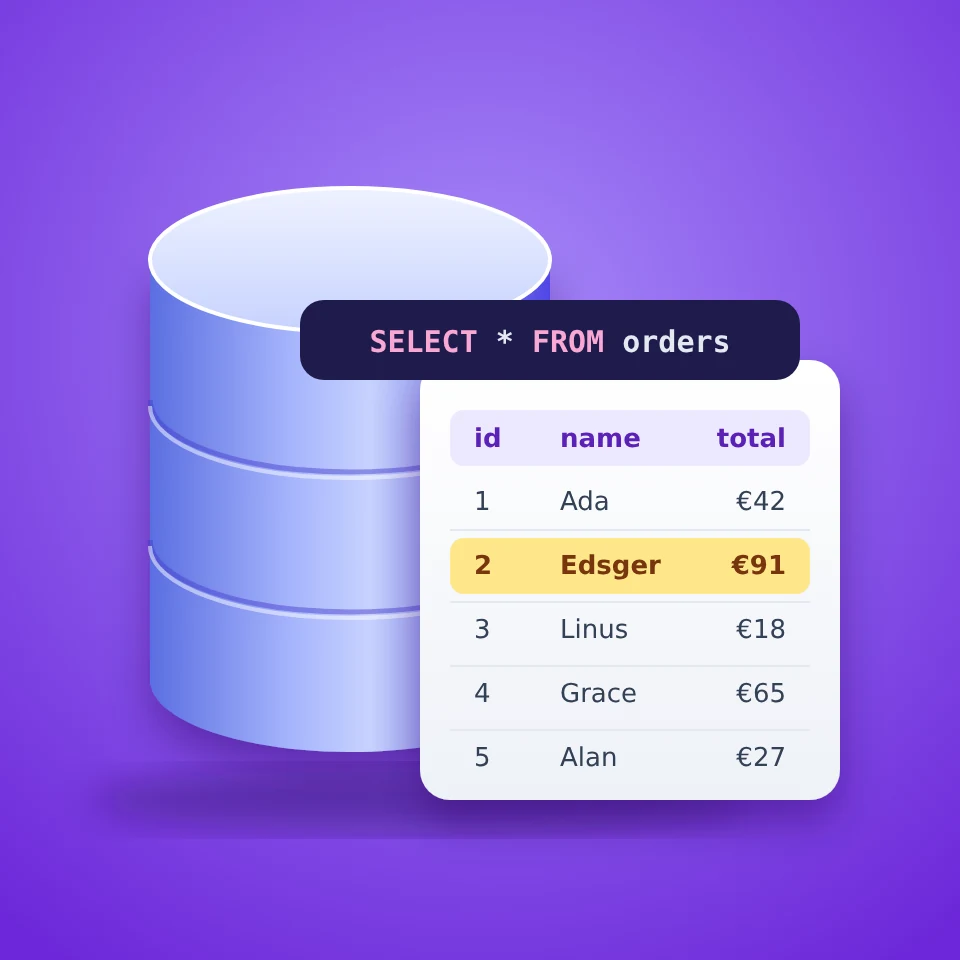
How SQL SELECT queries work
How a SQL SELECT query works: the order of its clauses, INNER and LEFT JOIN, WHERE and NULL, GROUP BY with COUNT and SUM, HAVING, and how MySQL, PostgreSQL, SQLite and SQL Server differ.

JSON formatter
A free JSON formatter and validator: beautify or minify JSON, find the exact line and column of an error, sort keys, browse a collapsible tree, copy paths and convert arrays to CSV, all in your browser.
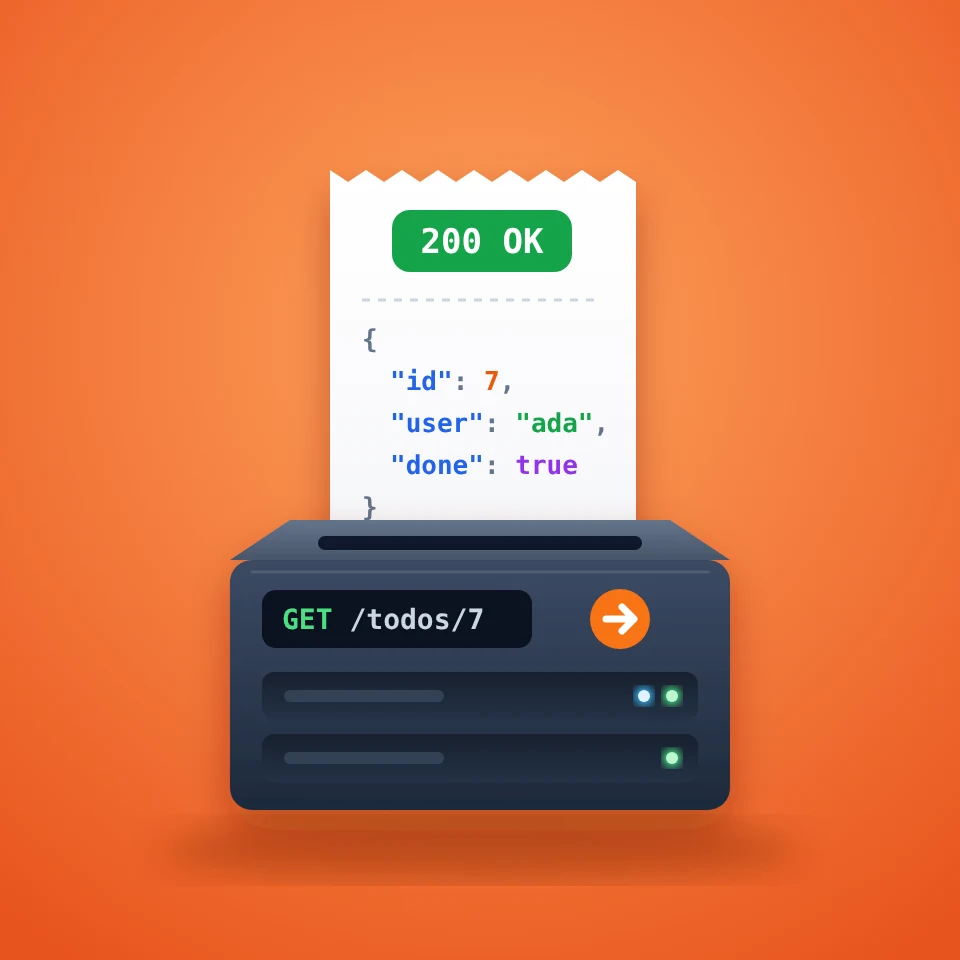
API Tester
A free online API tester: send GET, POST, PUT, PATCH and DELETE requests from your browser with query parameters, headers, a JSON body and auth, then read the status, time, headers and formatted response.
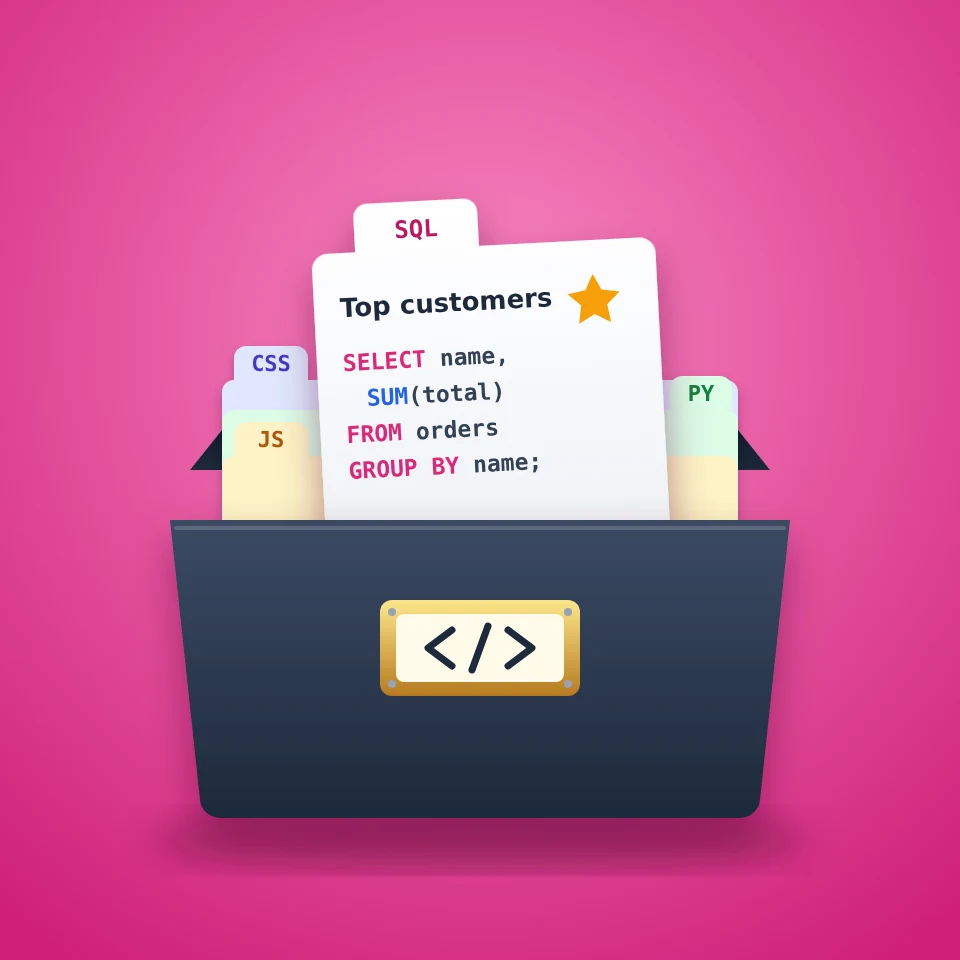
Code Snippet Manager
A free code snippet manager in your browser: save snippets with a title, language and tags, search and filter them, read them with syntax highlighting, copy them in one click, and export or import the library as JSON.
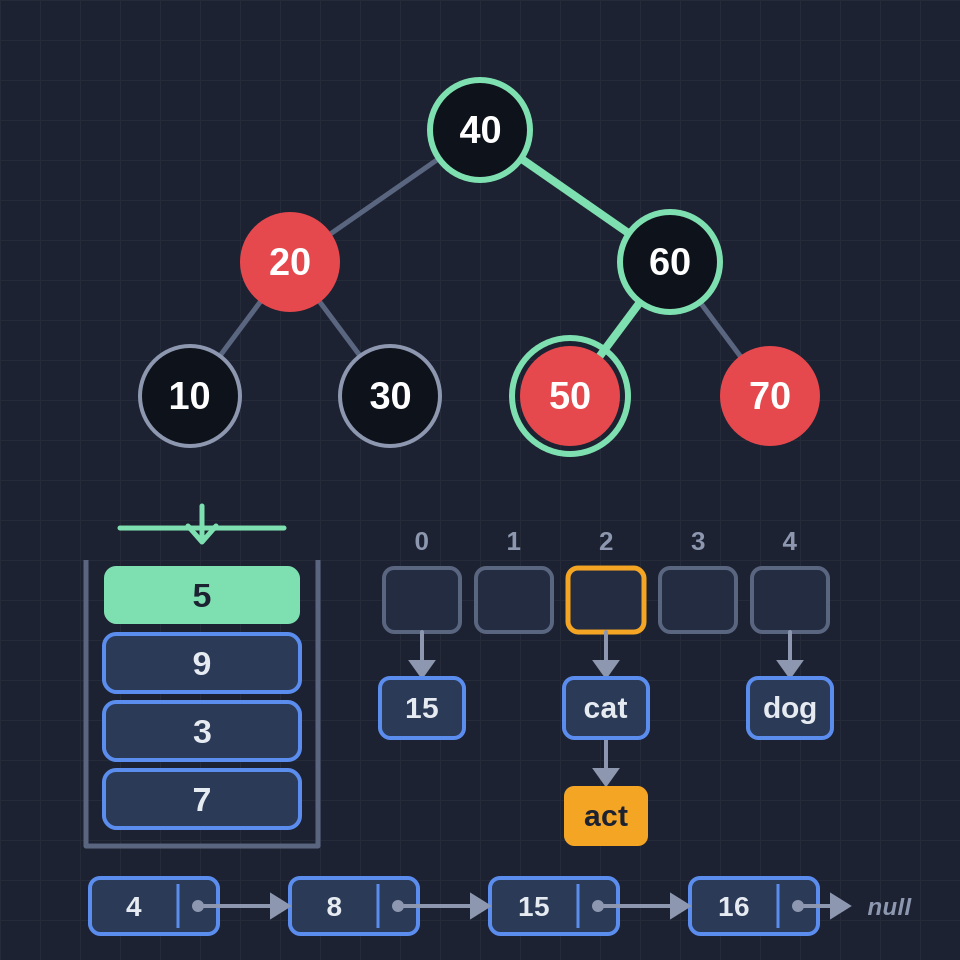
Data structure visualizer
See how data structures work, one step at a time: push and pop a stack, enqueue into a circular buffer, walk a linked list, rotate AVL and red-black trees, sift a heap, resolve hash collisions, search a trie and join union-find sets.
Ready to try it?
Open PictorX in your browser — no install, no credit card required to start.
Go to Editor