
Result
JSON formatter
Paste an API response, a config file or a log line and get readable JSON in one click. The formatter checks your JSON as you type and points to the first error with its line, column and reason. Beautify with 2 or 4 spaces or tabs, minify for transport, sort keys, explore a collapsible tree with type badges and counts, search it, and copy the path of any value. Nothing is uploaded. Paste, type or drop JSON in the editor. It is checked as you type, and the first error is shown with its line and column. Format or minify it, sort the keys, browse the tree and click a key to copy its path, or convert an array of objects to CSV. Your last input is saved in this browser.
How it works
- Paste or type JSON in the editor, drop a file on it, load a file or start with the sample data.
- Read the status: valid JSON shows statistics and a tree, invalid JSON shows the line, column and reason of the first error.
- Format or minify, sort the keys, click a key in the tree to copy its path, convert an array of objects to CSV and download the result.
Errors you can fix
Instead of a vague parse error, the formatter tells you what is wrong and where: a trailing comma, a missing colon, a key without double quotes or an unterminated string. The line number is marked in the gutter and one click selects the exact character.
Fast and private
Large files of several megabytes stay responsive, because the tree only builds the branches you open. Your last input is kept in this browser only. Save the session as JSON, as a PDF or as an image, and undo or redo every change.
Frequently asked questions
Is the JSON formatter free?
Yes. It is free, needs no account and works in any modern browser.
Is my JSON sent to a server?
No. Parsing, formatting, the tree and the CSV conversion all run in your browser. Nothing is uploaded.
What does sort keys do?
It orders the keys of every object alphabetically when you format or minify, which makes two versions of a document easy to compare. Arrays keep their order, because order is meaningful there.
Related tools

The story behind the JSON formatter
How JSON began with Douglas Crockford and json.org in 2001, why it has no comments, the RFC 8259 and ECMA-404 standards, number precision pitfalls and JSONPath, standardised as RFC 9535.

Meeting cost calculator
A free meeting cost calculator: add roles with hourly rates or salaries, start the live ticker and see what the meeting costs per minute. Log past meetings and copy a summary.
Color contrast checker
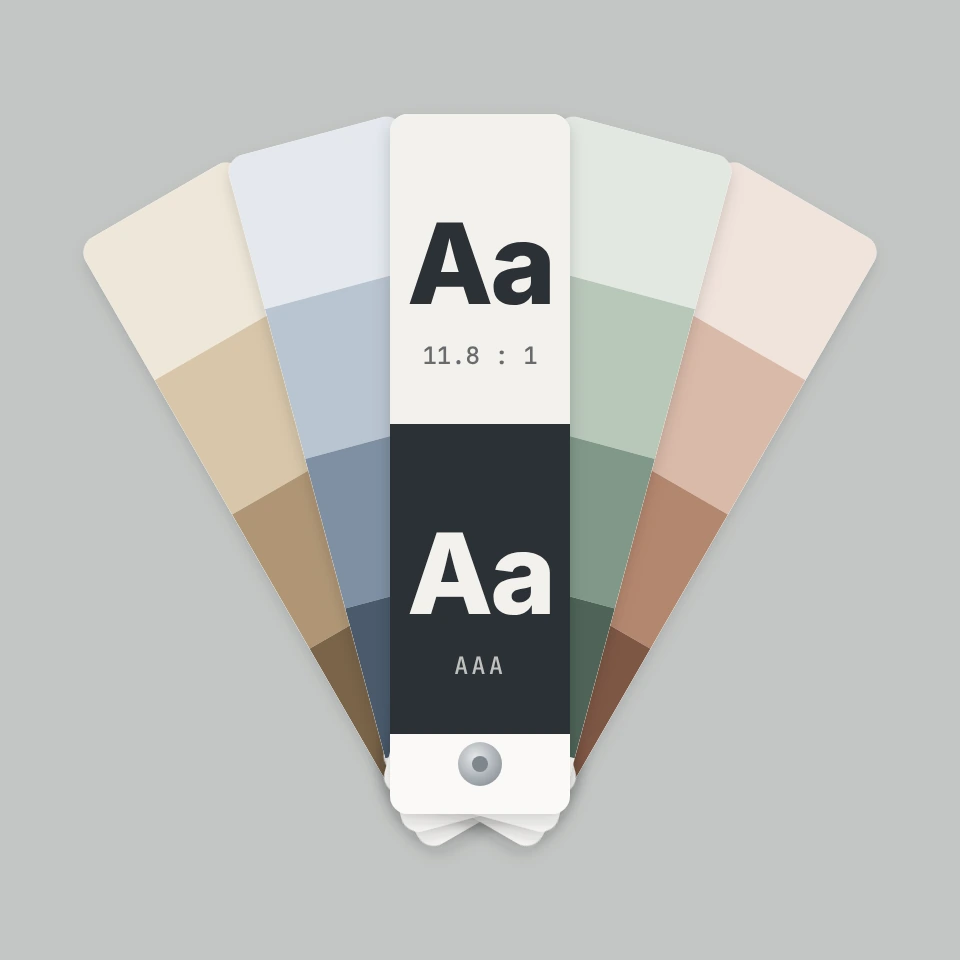
A free WCAG color contrast checker: enter text and background colors as HEX, RGB or HSL, see the contrast ratio with AA and AAA results, get the nearest passing color and simulate color blindness.

Hourly rate calculator
A free hourly rate calculator for freelancers and employees: hourly rate to estimated net monthly income, target income to required rate, and salary to hourly wage, with a breakdown chart.
Ready to try it?
Open PictorX in your browser — no install, no credit card required to start.
Go to Editor