
How SQL SELECT queries work
SQL is the language almost every relational database speaks, and SELECT is the statement you use most: it reads rows from tables, combines, filters, groups and sorts them, and returns a new table. Here is what each clause does, in the order the database applies them, with the pitfalls that catch most people.
Tables, rows and a SELECT
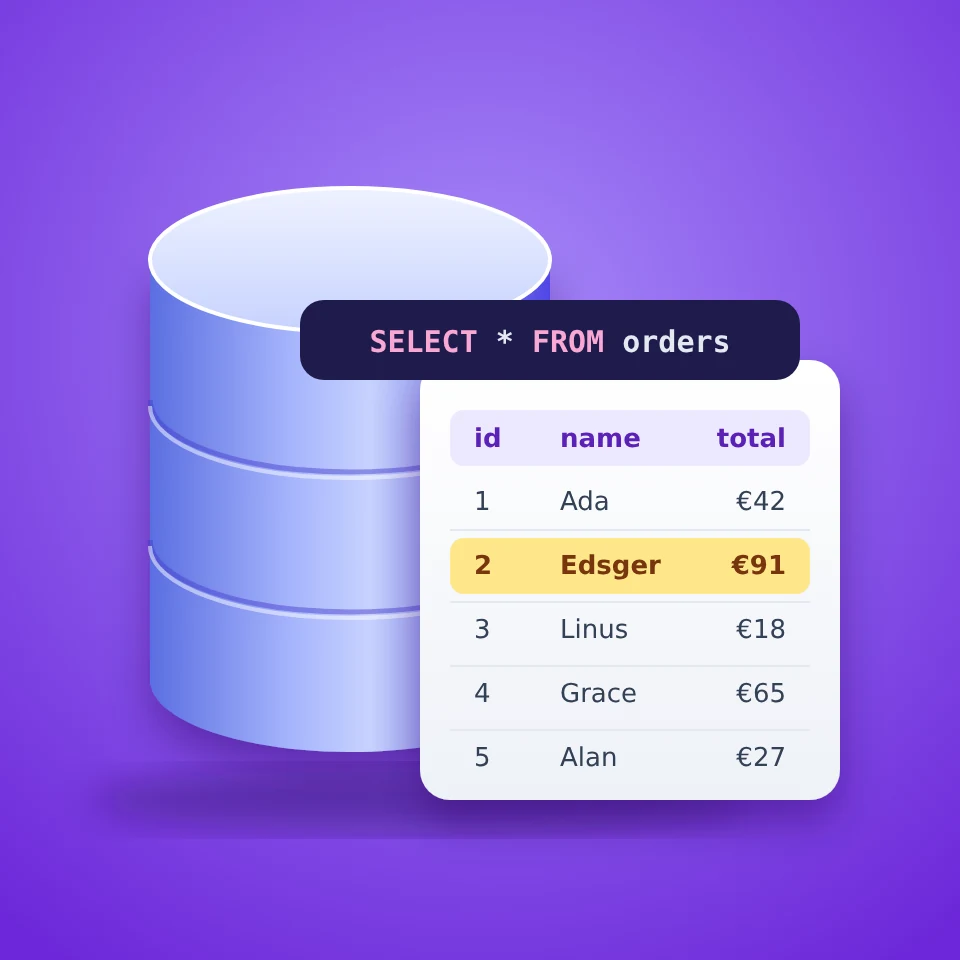
A relational database stores data in tables: each row is one record, each column one attribute with a type, such as a number, a date or text. Keys tie tables together: orders.customer_id holds the id of a row in customers. A SELECT names the columns it wants and the table they come from, as in SELECT name, city FROM customers, and its result is itself a table, which is why queries can be combined and nested.
The order of the clauses
A query is written as SELECT … FROM … WHERE … GROUP BY … HAVING … ORDER BY … LIMIT, but the database works through it as FROM and JOIN, WHERE, GROUP BY, HAVING, SELECT, DISTINCT, ORDER BY and LIMIT. So WHERE sees single rows and cannot use an aggregate, HAVING sees groups, and an alias made in SELECT exists in ORDER BY but not yet in WHERE. Most confusing errors become clear once you read a query in this order.
INNER JOIN and LEFT JOIN
A join pairs the rows of two tables where the ON condition is true, usually a foreign key equal to a primary key. An INNER JOIN keeps only rows that found a partner; a LEFT JOIN keeps every row of the left table and fills the columns of the right one with NULL where there was no match. That makes LEFT JOIN … WHERE right.id IS NULL the classic way to find rows without partners, such as customers who never ordered.
NULL and three-valued logic
NULL means unknown, not zero or empty. Any comparison with NULL is unknown too, so price = NULL is never true: write price IS NULL. WHERE keeps only rows where the condition is true, so rows with unknown values drop out silently. Aggregates skip NULLs: COUNT(*) counts rows, COUNT(email) counts the rows that have an email, and AVG divides by the number of non-NULL values only.
GROUP BY, aggregates and HAVING
GROUP BY folds rows with equal values into one row per group, and aggregates summarise each group: COUNT, SUM, AVG, MIN and MAX, or COUNT(DISTINCT x) for the number of different values. Every selected column must be either grouped or aggregated. HAVING filters the groups afterwards, as in HAVING COUNT(*) >= 2, while WHERE filters rows before grouping, which is also faster when it can do the job.
One language, many dialects
The core of SELECT is standardised, but every database has its own accent. Names are quoted with backticks in MySQL, double quotes in PostgreSQL and SQLite, and square brackets in SQL Server. Row limits are LIMIT in MySQL, PostgreSQL and SQLite, and TOP or OFFSET … FETCH in SQL Server. MySQL and SQL Server compare text without regard to case by default, PostgreSQL does not, and PostgreSQL sorts NULLs last where the others sort them first.
Frequently asked questions
What is the difference between WHERE and HAVING?
WHERE filters single rows before they are grouped; HAVING filters whole groups after GROUP BY, so it can use aggregates such as COUNT(*) or SUM(price). Put every condition that does not need an aggregate in WHERE: fewer rows then reach the grouping step.
Does the order of rows without ORDER BY mean anything?
No. Without ORDER BY a database may return rows in any order, and the order can change when the data, the indexes or the version change. If the order matters, sort explicitly, and add a unique column such as id as the last sort key so that ties are always broken the same way.
Why does LIKE find different rows in different databases?
Because of collations. In MySQL and SQL Server, text comparisons ignore case by default, so LIKE 'a%' also finds Anna. PostgreSQL is case-sensitive and offers ILIKE instead, and the LIKE of SQLite ignores case only for the letters A to Z.
Related tools
SQL query builder
A free visual SQL query builder: pick tables, columns, joins, filters, grouping and sorting, get formatted SQL for MySQL, PostgreSQL, SQLite or SQL Server, and run it on sample data or your own CSV in the browser.

JSON formatter
A free JSON formatter and validator: beautify or minify JSON, find the exact line and column of an error, sort keys, browse a collapsible tree, copy paths and convert arrays to CSV, all in your browser.

Regex tester
A free online regex tester: see every match and capture group as you type, try a replacement with $1 or $<name>, split text, and read your pattern explained piece by piece, with JavaScript flags and examples.
Data structure visualizer
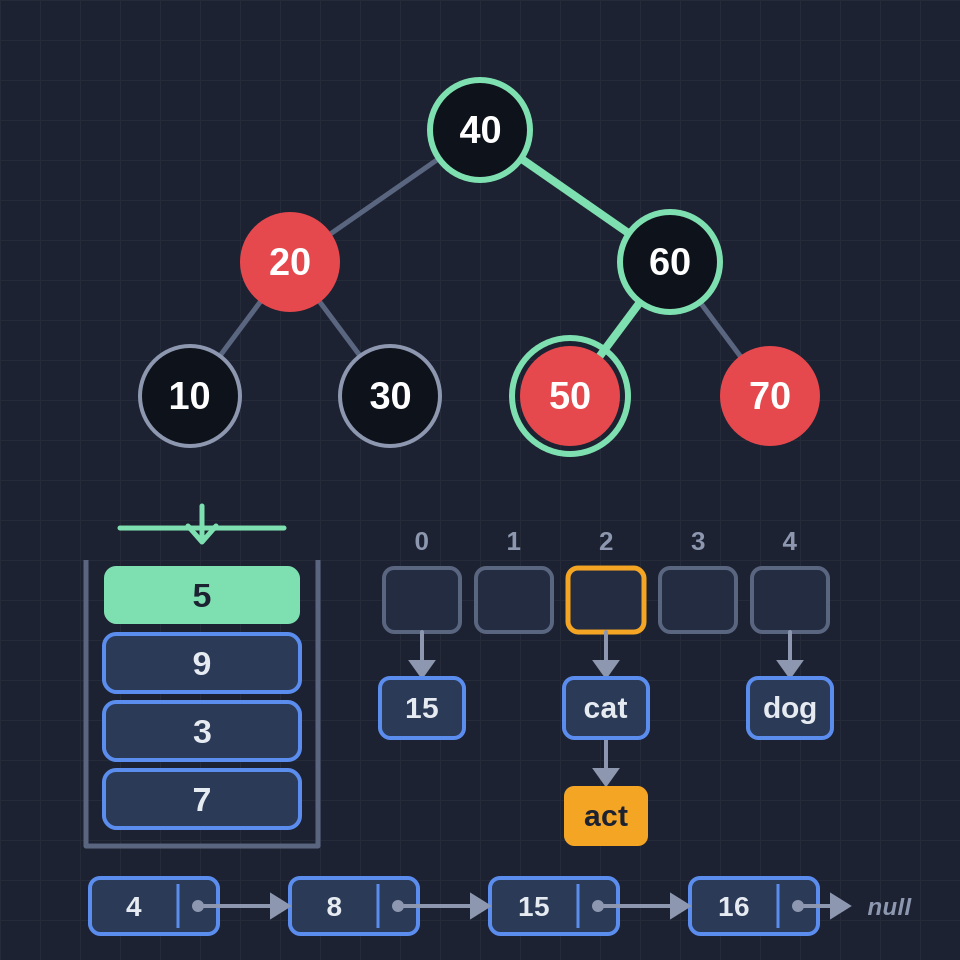
See how data structures work, one step at a time: push and pop a stack, enqueue into a circular buffer, walk a linked list, rotate AVL and red-black trees, sift a heap, resolve hash collisions, search a trie and join union-find sets.
Ready to try it?
Open PictorX in your browser — no install, no credit card required to start.
Open the SQL query builder