
| Operation | Average | Worst case |
|---|
* amortized: averaged over a long run of operations
Data structure visualizer
A data structure is a way of keeping data so that the questions you ask most often are quick to answer. Pick one of eleven classic structures, from a stack to a red-black tree, type a value and press an operation. Every step plays out on screen: which node is compared, which link changes, why a tree rotates or a value sifts up, with a sentence that names what happens. The tiles count the work each operation did, and a table gives its running time. Pick a structure, type a value and press an operation. Every operation plays step by step: the highlighted nodes show what is compared, moved or changed, and the line under the picture says what happens and why. Back, Step, Play and End go through the steps again. Random fill and Clear start over, and Undo takes an operation back. The tiles show the size, the height of trees, the work the last operation did (comparisons, probes or parent links followed) and one figure that matters for the structure; the table lists the running time of each operation.
How it works
- Choose a structure, such as a binary search tree, a hash table or a trie. It starts with random contents; Random fill and Clear start over.
- Type a value and press an operation: push, enqueue, insert, delete, search, a traversal, union or find. The steps play by themselves; Back, Step, Play and End go through them again.
- Read the line under the picture for what each step does, watch the tiles for the size, the height and the work of the last operation, and compare the running times in the table.
Lists, stacks and queues
The simplest structures keep items in a row. A stack only works at one end, so the last item in is the first out, like a pile of plates; a queue adds at the back and takes from the front, like a line at a counter. The queue here lives in a circular buffer: the front and back move around a fixed array and wrap past the end, and when it is full the items are copied into one twice the size. A linked list joins nodes by pointers, so inserting at the head costs nothing, but finding the tail or an index means following the links one by one.
Trees, heaps, hash tables and sets
A binary search tree keeps smaller values to the left and larger ones to the right, so a search halves the candidates at every step, as long as the tree stays bushy. AVL and red-black trees make sure it does, with rotations that you can watch and that are named by their case. A heap keeps only the smallest or largest value at the top, which is all a priority queue needs. A hash table jumps straight to a bucket computed from the key and has to deal with collisions; a trie shares the prefixes of words; union-find tells in almost constant time whether two elements belong to the same set.
Frequently asked questions
Which data structure should I use?
It depends on the questions you ask most often. A stack or a queue when items are handled in the order they arrive or the reverse; a hash table to look up a key; a balanced search tree such as an AVL or red-black tree when you also need the keys in order or the nearest key; a heap when you only ever need the smallest or largest item; a trie for words and prefixes; union-find to keep track of groups that merge.
What is the difference between an AVL tree and a red-black tree?
Both keep a binary search tree shallow, so every search, insert and delete takes time proportional to log n. An AVL tree is balanced more strictly, with the heights of the two sides of every node at most one apart, so lookups are a little faster. A red-black tree allows more slack and needs fewer rotations when it changes, which is why many standard libraries use it for their sorted maps and sets.
Why can a hash table be slow in the worst case?
If many keys land in the same bucket, a lookup has to check them one by one, just like a list. A good hash function spreads the keys evenly and the table grows before it gets too full, so the average lookup takes constant time. Try a table size of 10 with numbers that end in the same digit, or words that are anagrams of each other, to see collisions pile up.
What do the numbers next to the AVL nodes mean?
They are balance factors: the height of a node's left subtree minus the height of its right subtree. In an AVL tree every balance factor must be −1, 0 or +1. When an insert or delete makes one +2 or −2, the tree rotates at that node; the case (LL, RR, LR or RL) says which way the extra height leans and decides between one rotation and two.
Is anything sent to a server?
No. Every operation runs in your browser, and the contents of each structure are saved in this browser's local storage.
Related tools
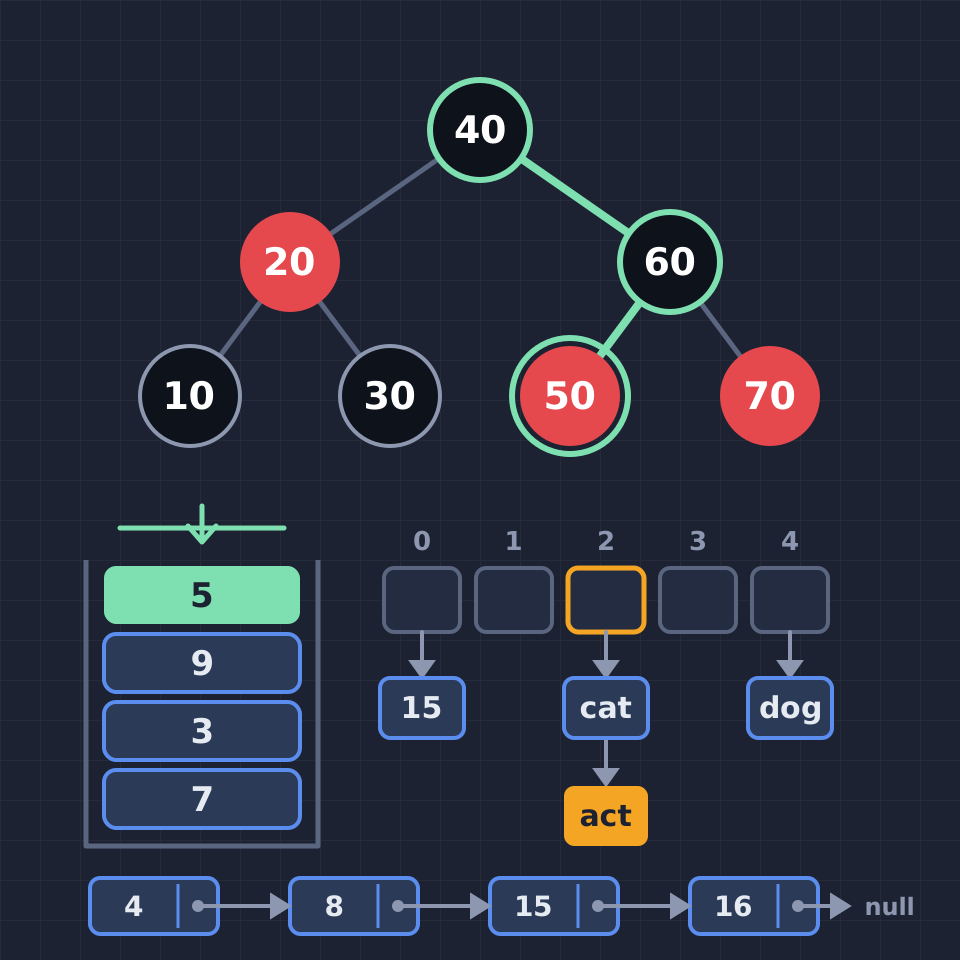
Data structures explained
How the classic data structures work and what they cost: stacks and queues, linked lists, binary search trees, AVL and red-black trees, heaps, hash tables, tries and union-find, with the big-O of each operation.
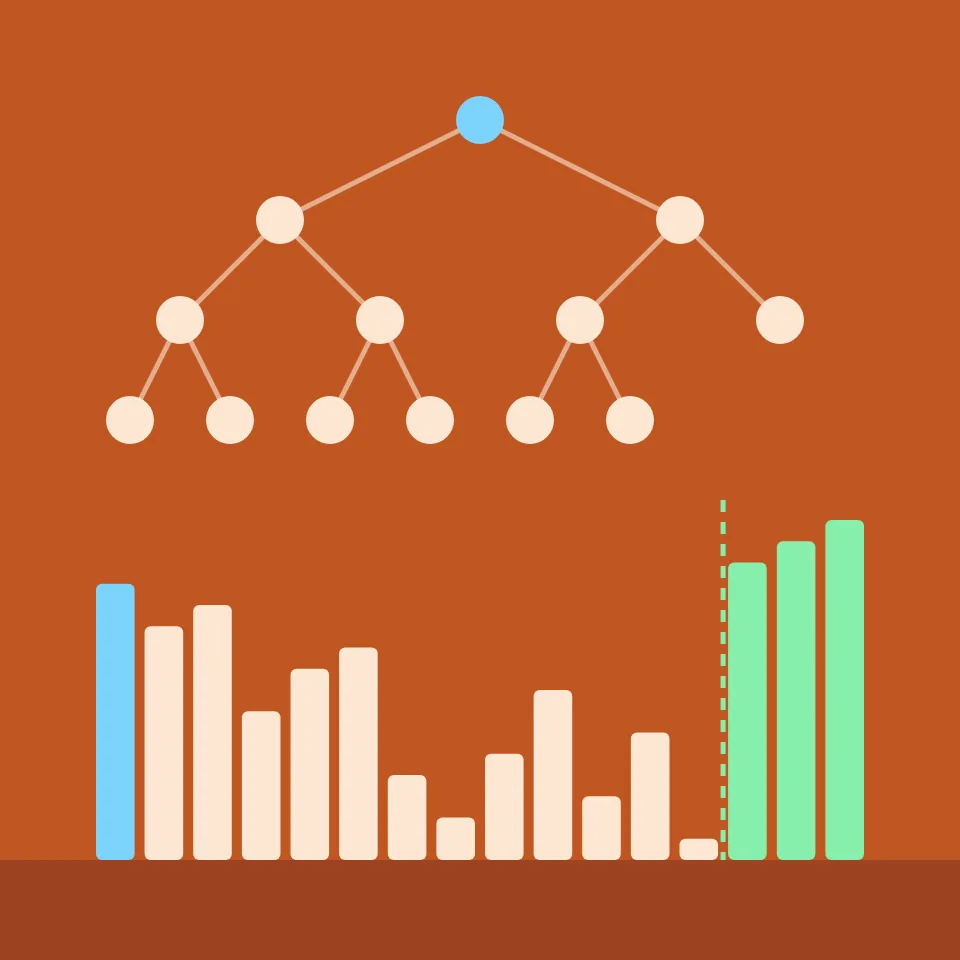
Heap sort
Watch heap sort step by step. See the list become a max-heap, drawn as a tree, then take the largest value off the top, one by one, and count comparisons and swaps.
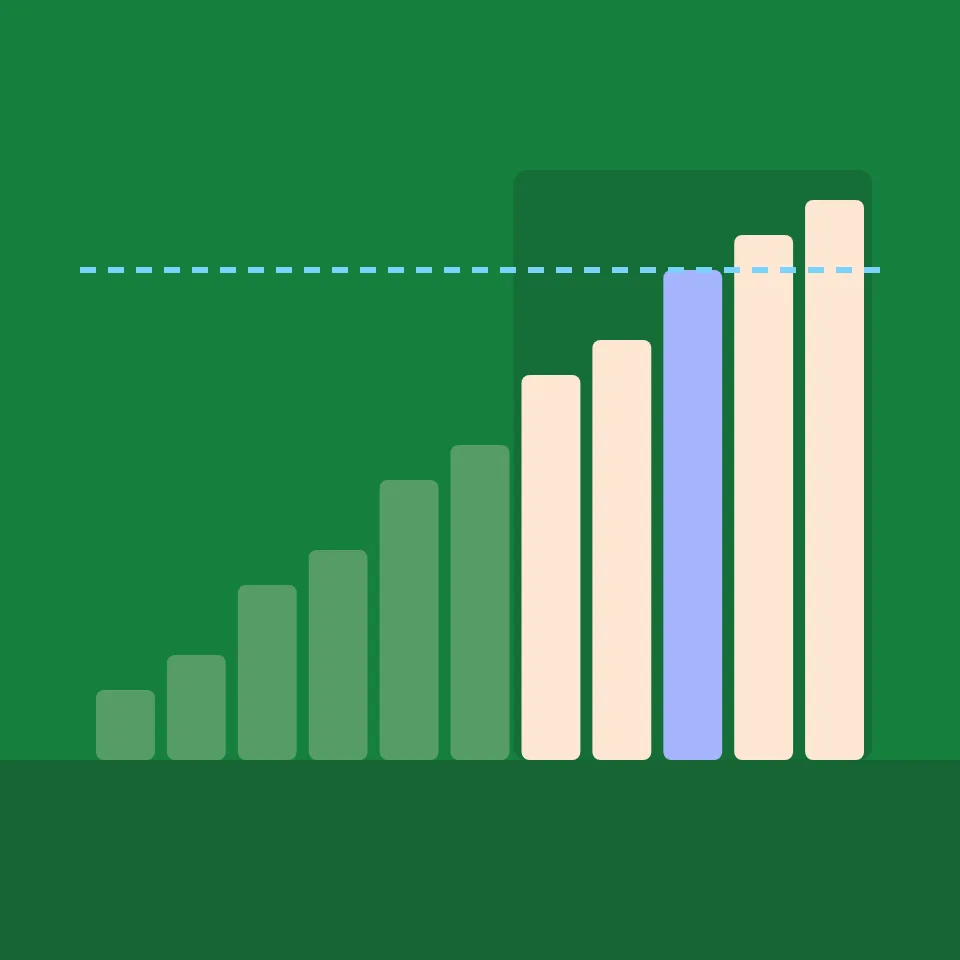
Binary search
Watch binary search step by step. Choose a value, see each comparison with the middle value rule out half of the sorted list, and compare the count with linear search.
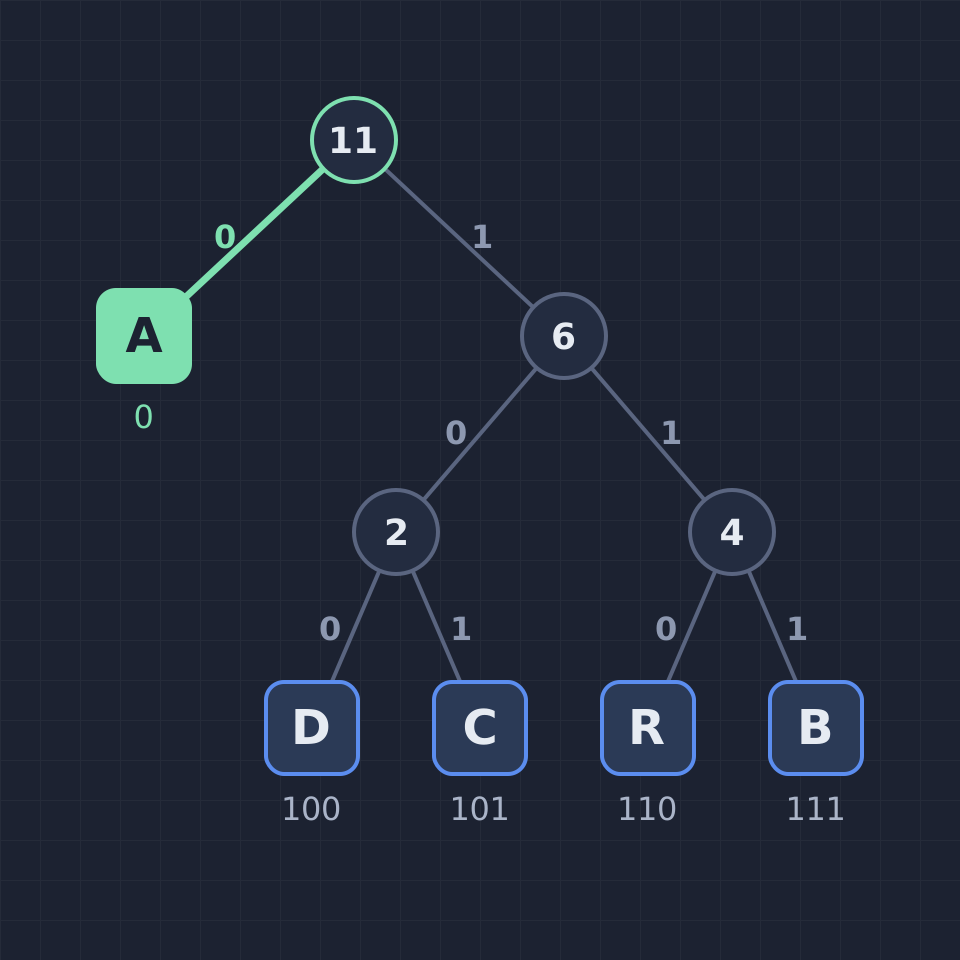
Huffman coding builder
Build a Huffman tree from any text step by step, read the code of every symbol from its path, see the text in Huffman code, and compare it with a fixed-length code, UTF-8 and the entropy.
Hash function playground
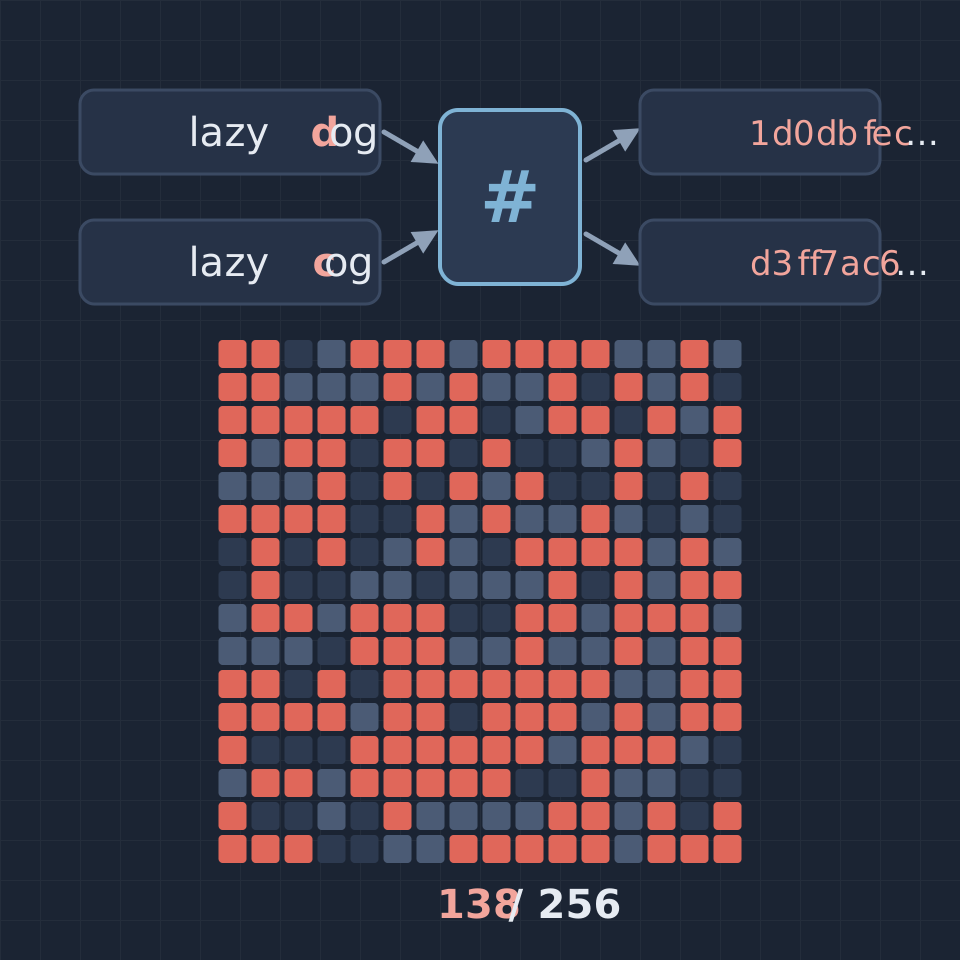
Hash any text with SHA-256, SHA-512, SHA-1, MD5 and CRC-32, change one character and watch half the digest bits flip, test the avalanche effect, and find collisions on short digests with the birthday attack.
Kruskal's algorithm
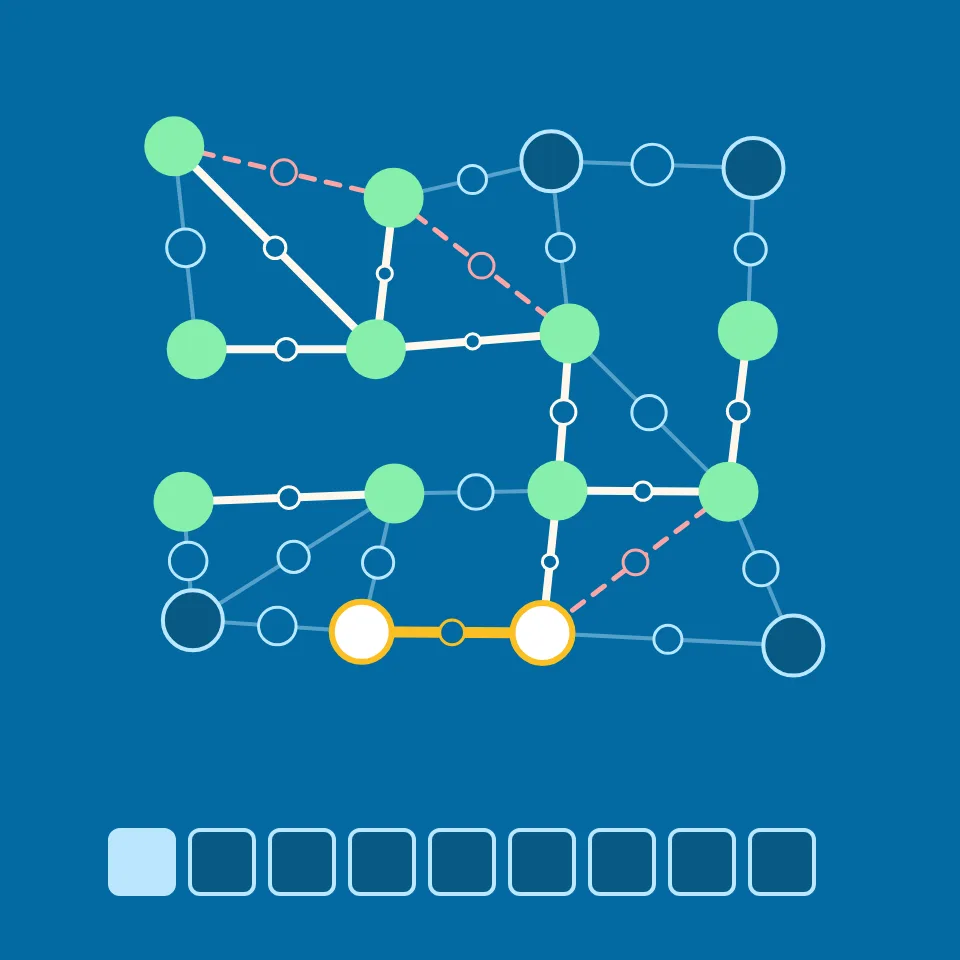
Watch Kruskal's algorithm build a minimum spanning tree step by step: sort the edges, take the shortest ones, and skip every edge that would close a cycle.
Ready to try it?
Open PictorX in your browser — no install, no credit card required to start.
Go to Editor