
Solar System
The sun, all eight planets and their largest moons, the five dwarf planets, and 160 Kuiper belt objects move under Newton's gravity on their real, tilted orbits. Choose a favorite to fly to Earth and the Moon, Jupiter and its moons, or Pluto and Charon, or zoom in on any body to see it as a turning globe. Drag to turn the view. Drag to turn the view in 3D. Right-drag, Shift-drag, or drag with two fingers to pan, and scroll or pinch to zoom. Zoom in on a planet to fly with it up close. Click a body to trace its orbit and read its eccentricity, inclination, and period. Double-click to fit the system. The readout tracks energy and angular momentum.
How it works
- Open this page. The sun, all eight planets, the Moon, and the five dwarf planets are already in orbit, each with a glowing trail, with a ring of Kuiper belt objects beyond Neptune.
- Choose a favorite, or drag to turn the view in 3D and scroll to zoom. Click a body to read its eccentricity, inclination, and speed.
- Zoom in close on a planet, moon, or dwarf planet to fly with it and watch its surface turn, then save a PNG.
Real masses and orbits in a small space
The sun has mass 1000 and Jupiter 1, close to the real ratio, and the other planets, moons, and dwarf planets keep their real masses beside them. The planets keep their real order and the real tilts of their orbits, and the dwarf planets follow their real orbits, but the distances are squeezed so Mercury and Neptune share the screen. Every body pulls on every other with Newton's law. At the start speed Earth goes round in 72 seconds and Neptune in about 12 minutes.
Orbits in 3D
The planets do not share one flat plane. Mercury's orbit is tilted 7° to Earth's and Venus's 3.4°, and the mini solar system uses these real tilts. Drag the picture to turn it, or choose Angled, From above, or Edge-on under View. Edge-on, the tilted orbits fan out around the plane.
Favorites that fly you there
Each favorite flies the camera to a place in the same running solar system: the inner planets, Earth and the Moon, Mars with Phobos and Deimos, Jupiter with its four Galilean moons, Saturn and Titan, Uranus on its side with three of its moons, Neptune with Triton going round backwards, Pluto and Charon, or the Kuiper belt seen from above. Each sets its own speed, so the moons go round in seconds and the Kuiper belt runs fast enough to watch Neptune go round.
Globes up close
Zoom in on a planet and the camera flies with it. Earth shows its coastlines, clouds, and city lights, Mars its dark markings and polar caps, Jupiter its belts and the Great Red Spot, and Saturn its rings and their shadow. The Moon, Pluto and Charon, the other dwarf planets, and even the Kuiper belt objects have surfaces of their own.
Frequently asked questions
Are the distances to scale?
No. The real solar system is too wide to show the planets beside the sun, so the distances are squeezed: Neptune is 30 times as far out as Earth, here 4.5 times. Beyond Neptune the picture keeps Neptune's scale. Moons are drawn farther from their planets than they are, so you can see them, while their pull is worked out from where they really are.
Are the masses and orbits real?
The masses keep their real ratios, with the sun at 1000 and Jupiter at 1. The planets' orbits keep their real tilts, and Pluto and the other dwarf planets follow their real, stretched orbits. Each body is pulled by every other one, so Neptune holds Pluto and the plutinos in their 3 : 2 resonance, as it does in the real Kuiper belt.
Why do the moons go round so fast?
Real moons go round in days, and here a whole Earth year passes in 72 seconds, so the Moon circles Earth in about five. Each favorite sets a speed to suit its place, and the Speed slider changes it further.
Can I turn the view?
Yes. Drag the picture to turn it in 3D, or choose Angled, From above, or Edge-on under View. Right-drag, Shift-drag, or drag with two fingers to pan. With the picture focused, the arrow keys turn it too.
Does this upload anything?
No. The simulation runs on a canvas in your browser. Save downloads a PNG. Edit opens that image in the PictorX editor.
Related tools
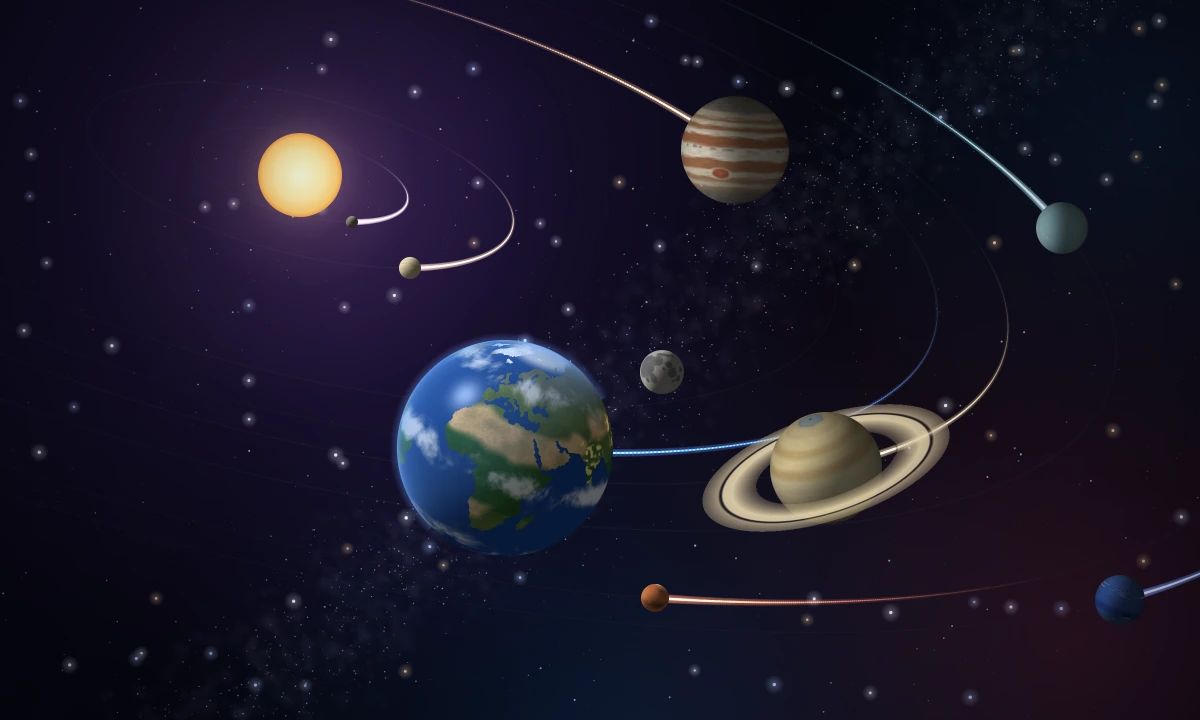
Gravity shapes the solar system
How the sun's gravity holds the eight planets, their moons, the dwarf planets, and the Kuiper belt on tilted orbits, and what each looks like up close.
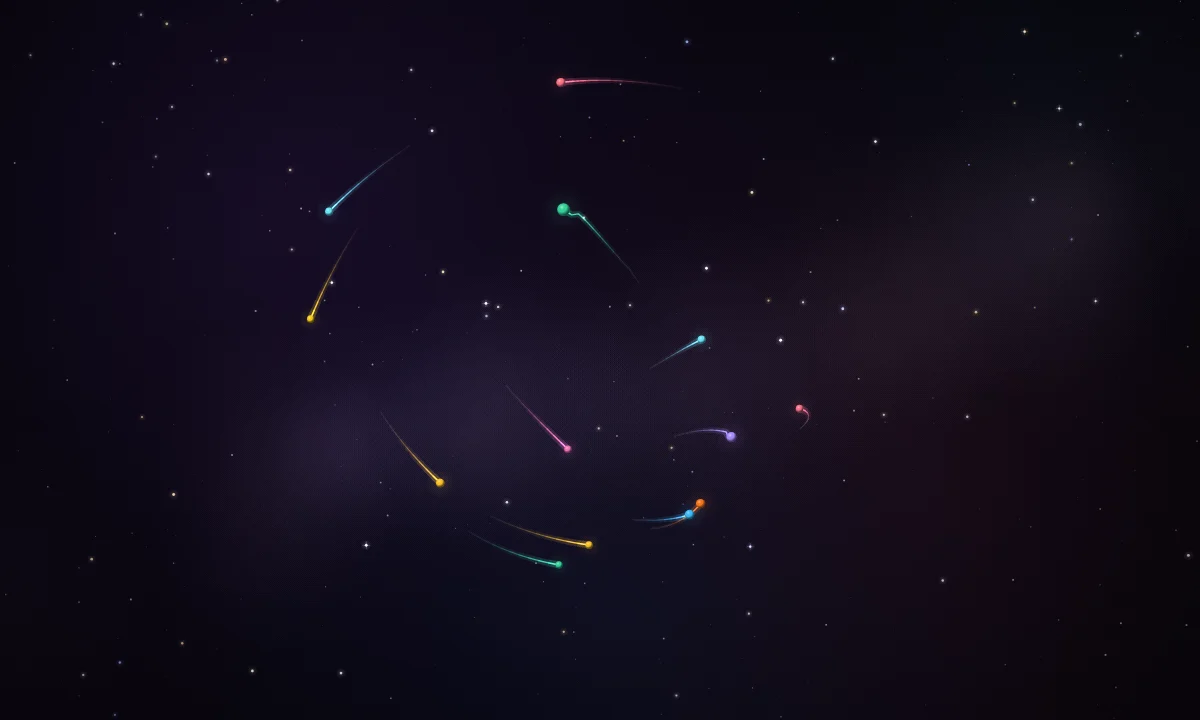
N-Body System
Watch Newton's gravity move stars, planets, and moons in 3D in your browser. Turn the view, and see stable orbits, resonances, slingshots, Trojans, and a chaotic cluster.
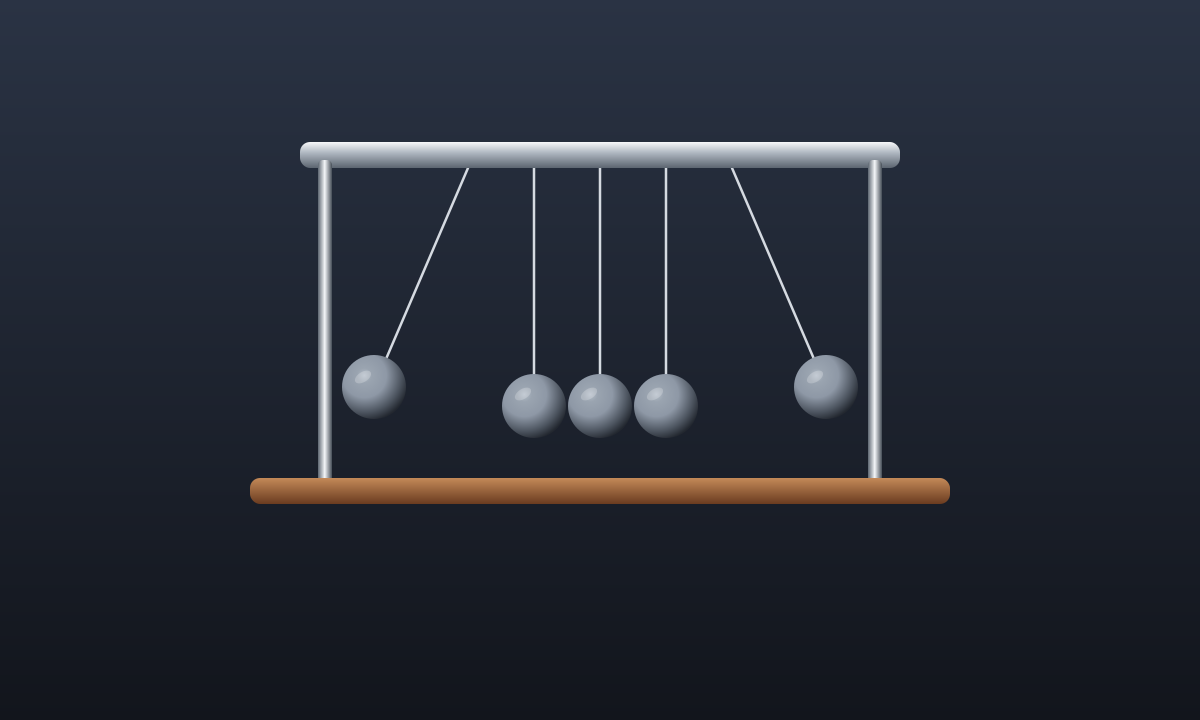
Newton's cradle
Lift a steel ball and let it fall. The click sends that motion out the other side. Watch height turn into motion as the cradle swings.
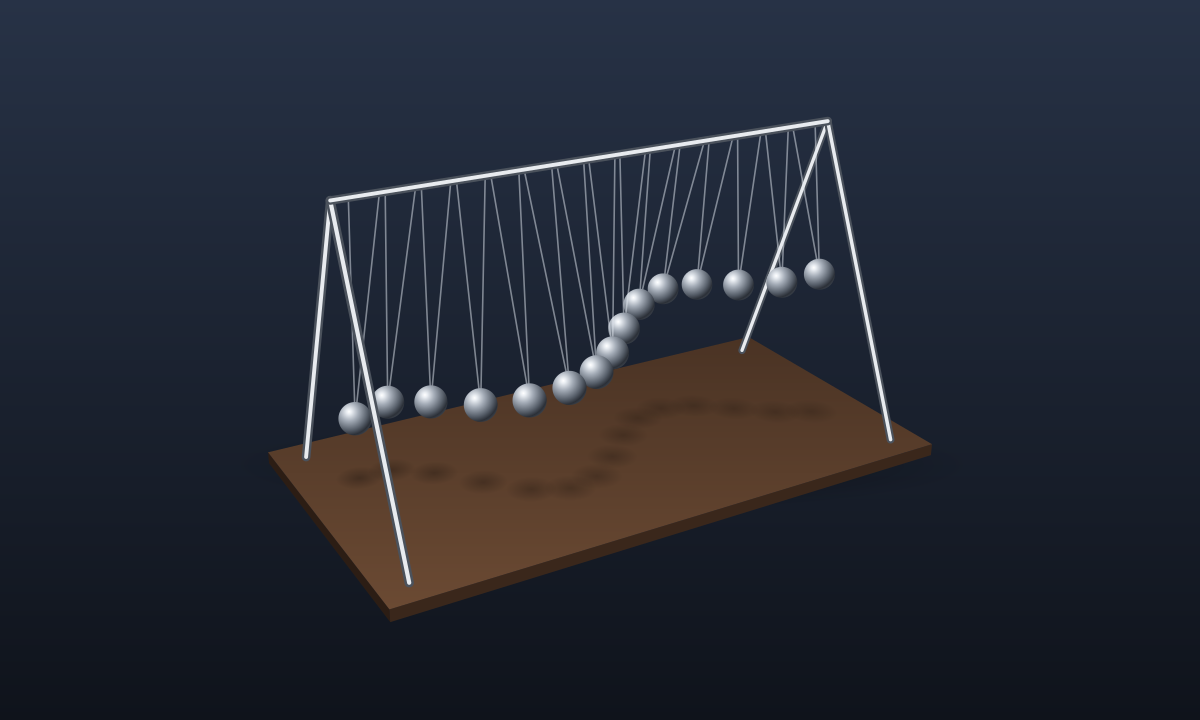
Pendulum wave
Fifteen pendulums, each a little shorter than the last. Let them go together and watch them drift into waves, split into rows, and swing in step again.
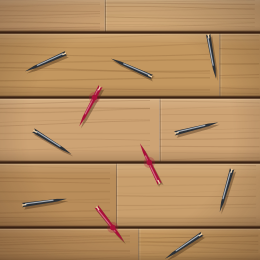
Buffon's Needle
Drop needles on a lined floor in your browser. Count the crossings and watch Buffon's 1777 experiment estimate π.
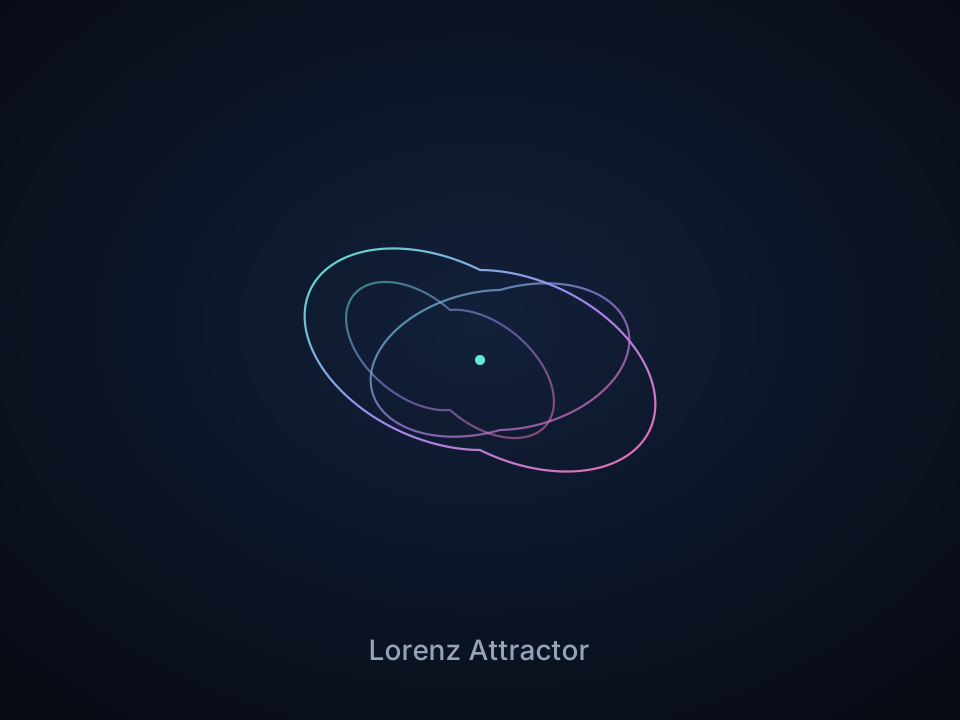
Lorenz Attractor
Interactive Lorenz attractor: tune a, b, f, rotate in 3D, try neon/ink/smoke looks, and save a PNG.
Ready to try it?
Open PictorX in your browser — no install, no credit card required to start.
Go to Editor