
Rose Window Maker
Build the great round window of a cathedral in your browser. Choose how many petals it has and how many rings of them, give them round, pointed, trefoil or cinquefoil heads or turn them into medallions, put a rosette, a star or a sun in the middle, and fill every opening with stained glass held by lead, from Gothic reds and blues to Chartres blue and a rainbow sunburst. Pick an example or set the petals, the rings, the petal heads and the center, cut the glass into a mosaic, diamonds or rays, and choose the palette and how wide the stone is. Save a PNG or an SVG, or open the window in the editor with the tracery, the glow, the center, each ring of petals, the roundels and the border on layers of their own.
How it works
- Pick an example such as Gothic cathedral, Twelve apostles, Notre-Dame, Victorian rose or Sunburst, or start from your own number of petals and rings.
- Give the petals round, pointed, trefoil or cinquefoil heads, or make them medallions; choose the center, the border and the roundels between the petals.
- Cut the glass into a mosaic, diamonds or rays, set how many pieces it has and how wide the stone tracery is, and pick a palette or Coloring page.
- Press Play to turn the window or let the sun move over it, save a PNG or SVG, or open it in the PictorX editor with every ring of petals on a layer of its own.
Stone, glass and lead
A rose window is a wheel of stone. The tracery divides the circle into a medallion in the middle, rings of petals around it and small roundels in the gaps, and every opening is filled with stained glass: hundreds of small pieces of colored glass held together by strips of lead. The maker draws it the same way. The stone keeps the same width between every two openings, each petal has a border of beads, a field of glass pieces and medallions stacked along its axis, and every piece is outlined in lead.
Petals, foils and medallions
Round heads give the soft petals of a flower, pointed heads the Gothic arch, and trefoil and cinquefoil heads the three and five cusped lobes of High Gothic tracery. Medallions turns every petal into a round panel in a field of glass, as in the rings of Notre-Dame in Paris; Medallions outside keeps petals inside and medallions in the outer ring. Double the outer rings gives every ring twice as many petals as the one inside it, the classic pattern of 12 and 24.
From Chartres blue to a coloring page
The palettes follow real windows: the ruby and sapphire of Gothic cathedrals, the deep blue of Chartres, the violet of Notre-Dame, Victorian amber and teal, a bright sunburst and an icy modern window. Glow lets the light shine round the glass as when the sun stands behind it, and Coloring page draws black stone and lead on white glass, to print and color in. Save an SVG to print the window at any size.
Frequently asked questions
What is a rose window?
A large round window of a Gothic church, divided by stone tracery into petals around a center and filled with stained glass, so that it looks like a rose or a wheel. The great rose windows of Chartres, Notre-Dame in Paris and Strasbourg date from the 13th century; most face west, north and south.
Is the Rose Window Maker free?
Yes. Design as many rose windows as you like and save them as PNG pictures, without an account or a watermark. Everything is drawn in your browser. Saving as SVG is part of Premium.
What is tracery?
The stone ribs that divide the window into openings. Tracery sets how wide they are: thin for the lace-like windows of late Gothic, wide for the heavy stone of early Gothic and Victorian windows. The width is the same between every two openings, as a mason would cut it.
Can I print it as a coloring page?
Yes. Choose the Coloring page example or palette: the stone and the lead are black and every piece of glass is white. Save the picture, or save an SVG to print it sharp at any size.
Can I keep editing the window?
Yes. The pencil opens it in the PictorX editor with the wall, the tracery, the glow, the center, each ring of petals, the roundels and the border on layers of their own, so you can recolor a ring or switch the glow off. In the editor, Apps ▸ Geometry ▸ Rose Window adds a rose window to any design.
Rose Window Maker: how do I record a video?
Press the red Record button in the playback bar: it films what the stage shows. Press it again to stop, and the video is saved to your device. Recording is free; you only need to sign in. Without a subscription the video carries a small PictorX logo in a corner. The button beside Record opens the video options: the shape (as shown, square, story 9:16 or wide 16:9), the length (until you stop, one seamless loop, or 5, 10, 15 or 30 seconds for social media) and the file: MP4, WebM or an animated GIF. You can add one of three music tracks: calm, bright or beat. With a fixed length or One loop the video is made frame by frame, so it runs smoothly even on a slow device, and One loop joins its end to its start without a seam.
Related tools
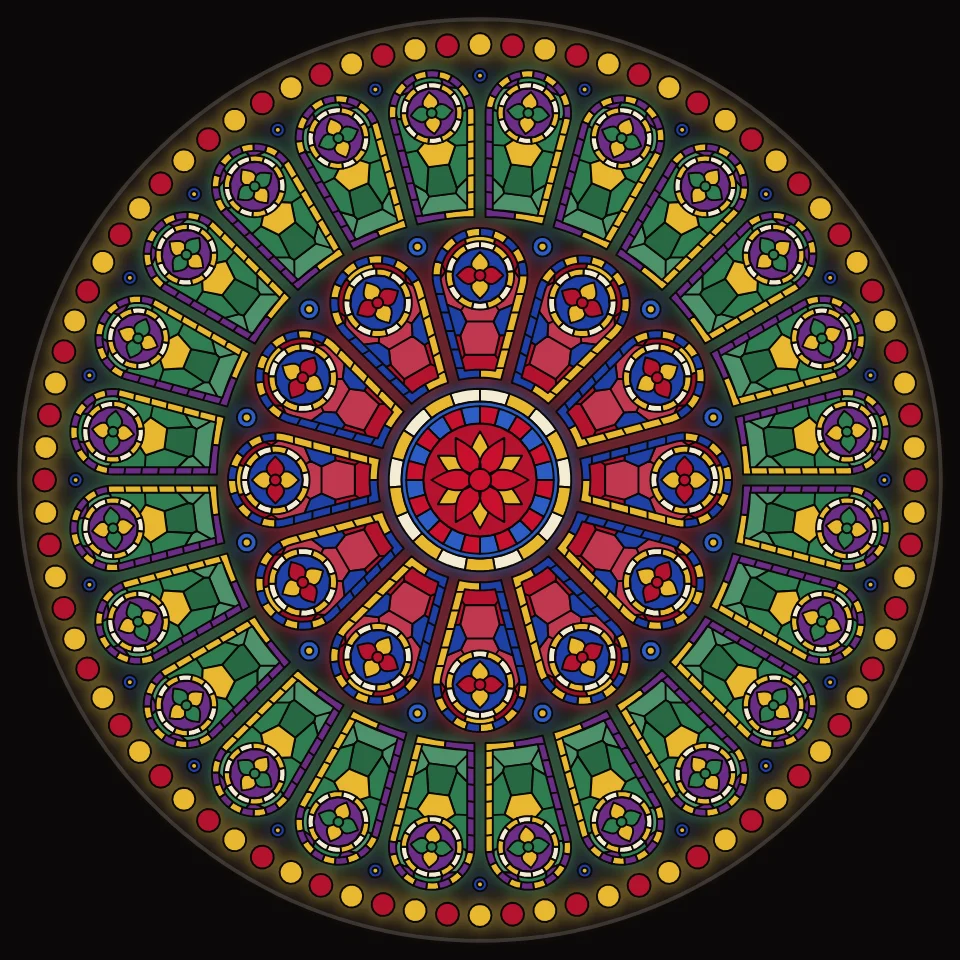
Rose windows explained
How a rose window is built: the stone tracery, the petals, foils and roundels, the stained glass held by lead, the great roses of Chartres and Notre-Dame, and the geometry of their symmetry.
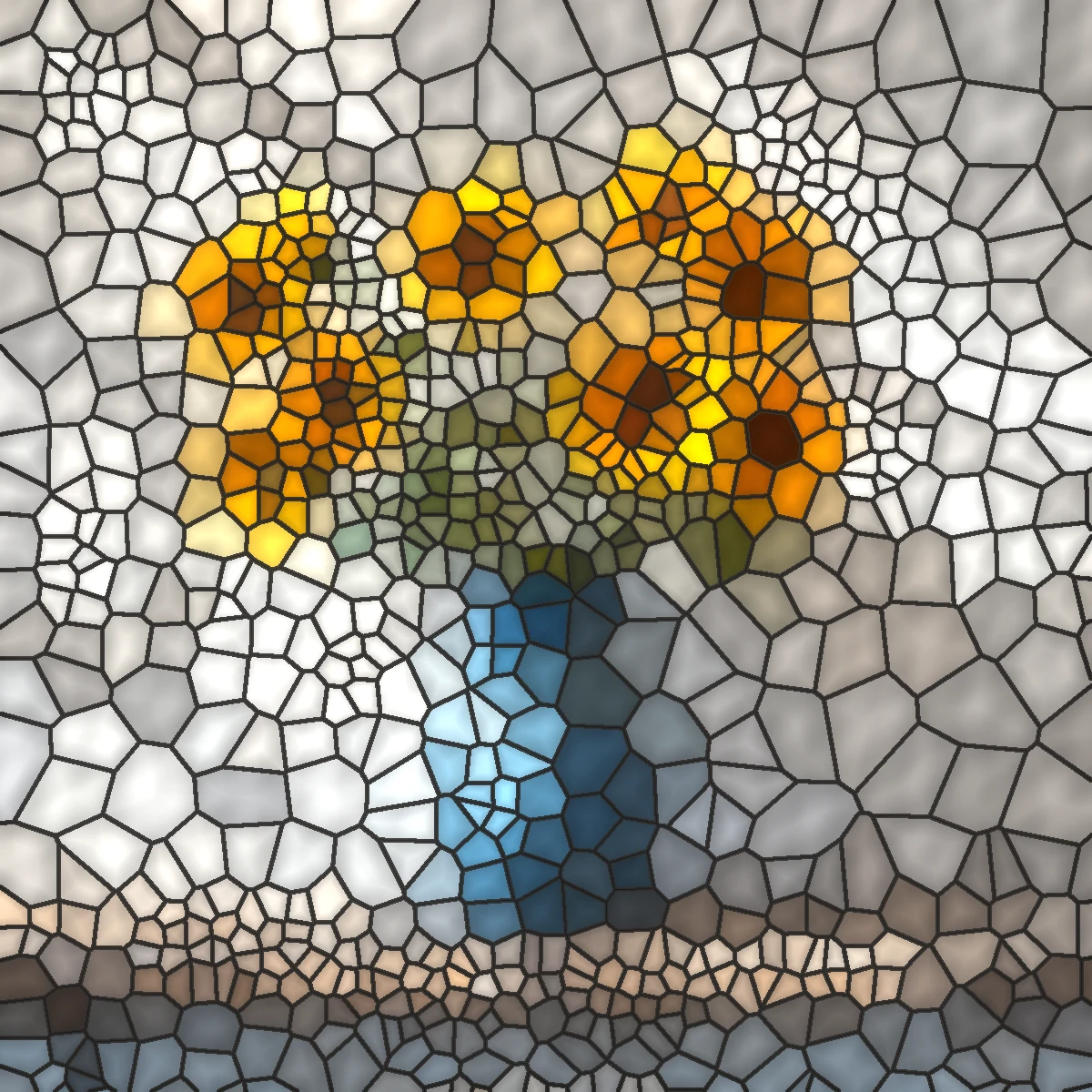
Stained glass maker
Turn your photo into a stained glass window online: Voronoi glass pieces, lead lines and light glowing through. Free to try, nothing uploaded.
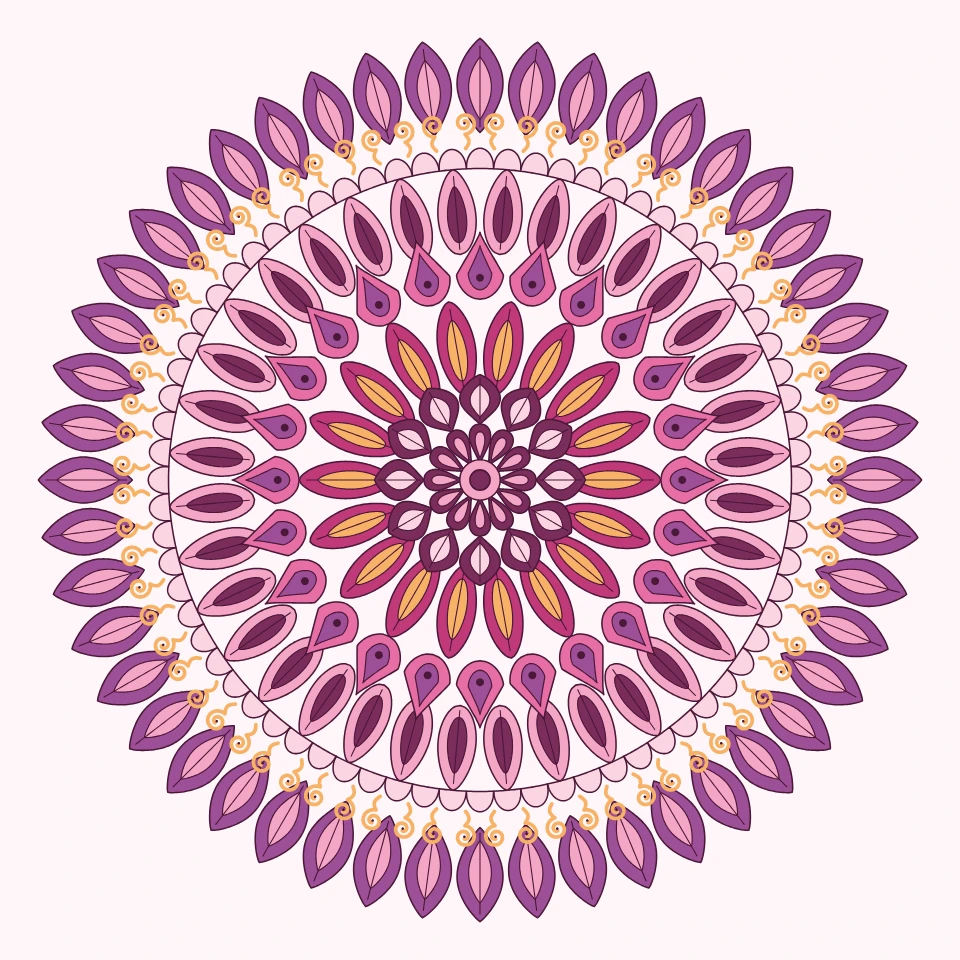
Mandala Maker
Make a mandala online for free: rings of petals, leaves, hearts, dots and stars around a center, in colors, soft shading, gold lines, neon or as a coloring page. Edit every ring, draw with symmetry, save a PNG or SVG.
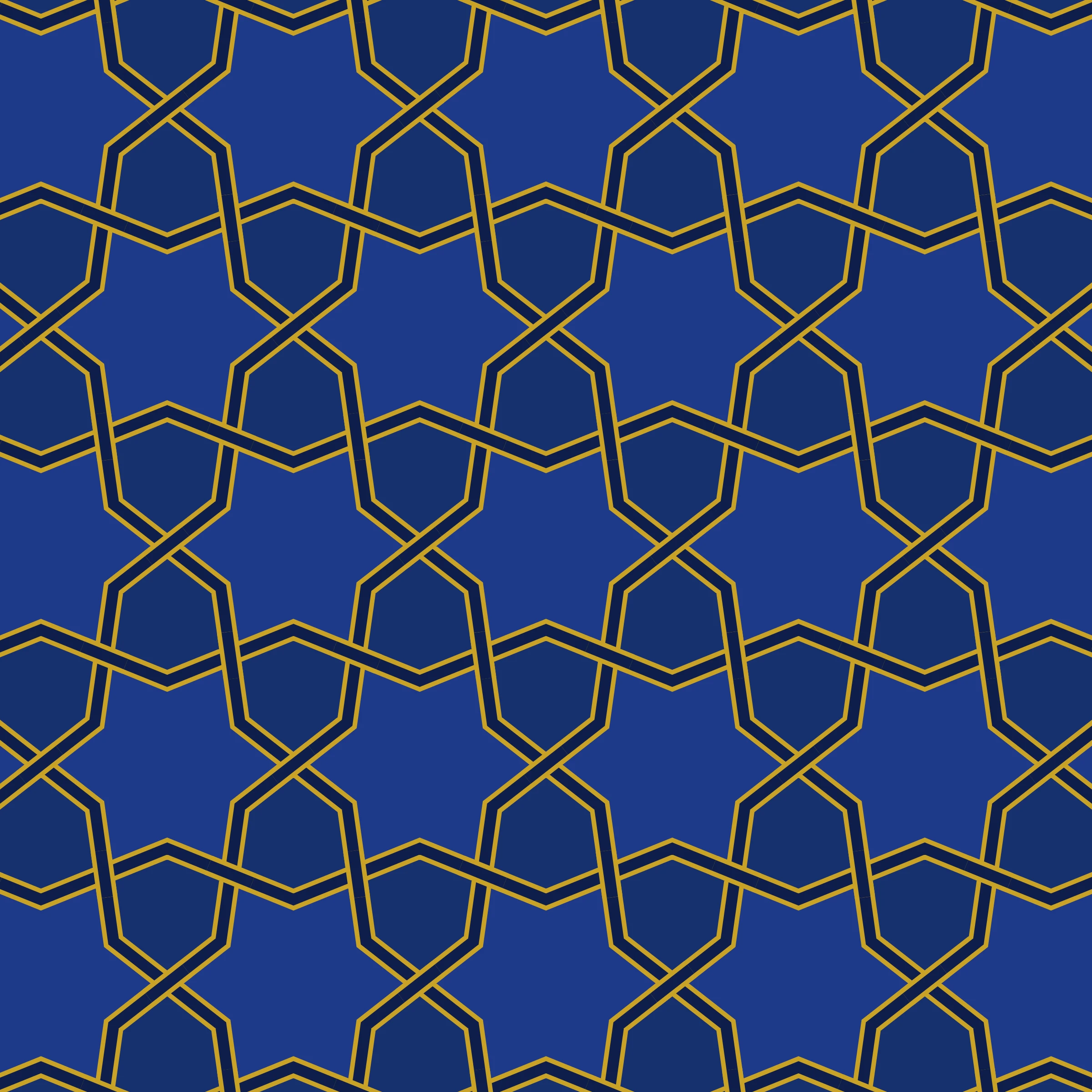
Islamic Pattern Maker
Make Islamic geometric patterns online: Alhambra stars, rosettes, girih, muqarnas and zellige, or star patterns of interlaced bands in six-, eight- and twelve-fold symmetry. Save a PNG or SVG.
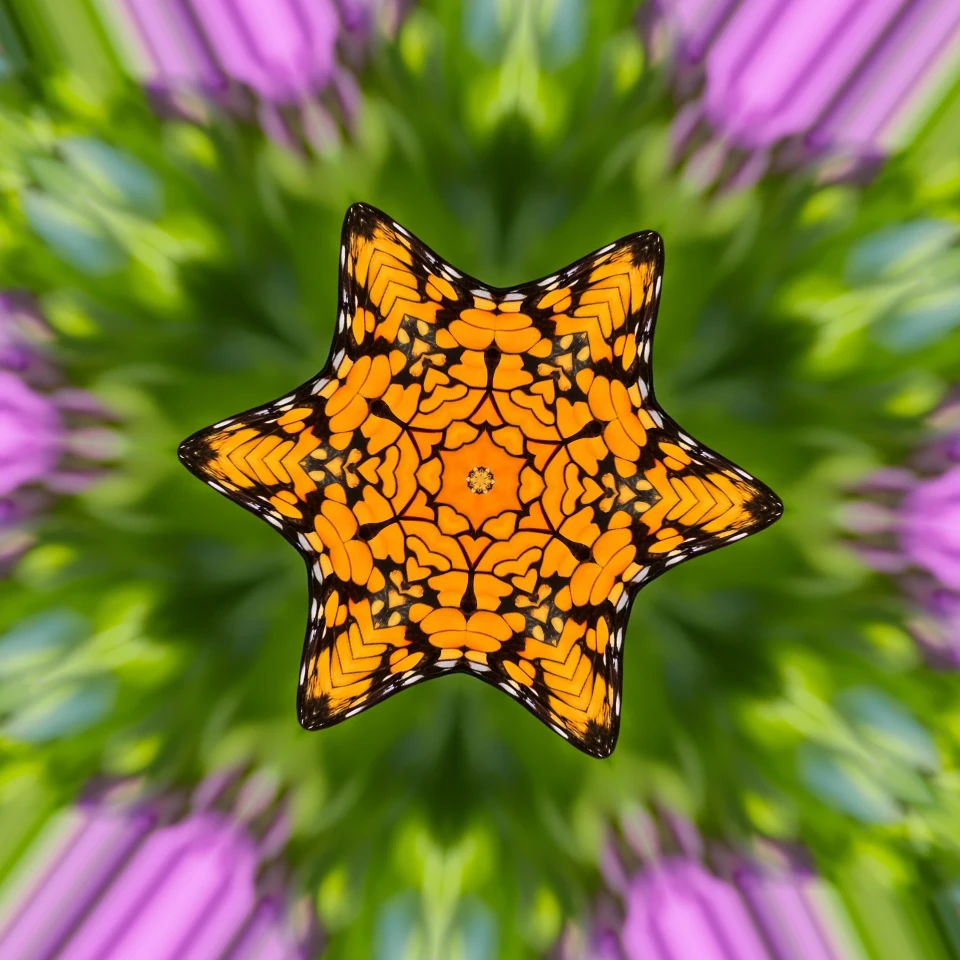
Fold a photo into a kaleidoscope
Turn a photo into a radial kaleidoscope pattern in your browser. Set sides, angle, and rotation.
Ready to try it?
Open PictorX in your browser — no install, no credit card required to start.
Go to Editor