
Stained glass maker
Open a photo and watch it cut into pieces of coloured glass, joined by lead and lit from behind. Choose the size of the pieces, the lead and the glow, then save it as a PNG. Open a photo and turn it into a stained glass window - choose the size of the glass pieces, the lead lines and how much light glows through, then save it as a PNG.
How it works
- Open a photo or pick an example.
- Choose the glass piece size, lead width and glow.
- Pick the glass colours and lead colour, then save as PNG.
Real glass pieces
The photo is cut into irregular Voronoi cells, like hand-cut glass. Each piece takes the average colour of the photo underneath, so faces and shapes stay readable.
Lead and light
Bevelled lead lines in black, pewter or gold join the pieces. The glow setting makes each piece brightest at its heart and adds a soft bloom, as if the sun is behind the window.
Your style of glass
Keep the photo colours, push them to deep jewel tones or soften them to pastels. A faint ripple texture makes each piece look like real cathedral glass.
Frequently asked questions
What size of pieces should I use?
Around 30 gives a classic window where the subject is still clear. Small pieces keep more detail; large pieces look bolder and more abstract.
Can I get a different cut?
Yes. The shuffle button picks a new random cut and new settings, so you can try several windows from the same photo.
Can I use it as a pattern for real glass?
It works well as inspiration or a design sketch. Cutting real glass needs simpler shapes, so use large pieces and print it as a guide.
Is my photo uploaded?
No. The window is made in your browser and your photo stays on your device.
Related tools
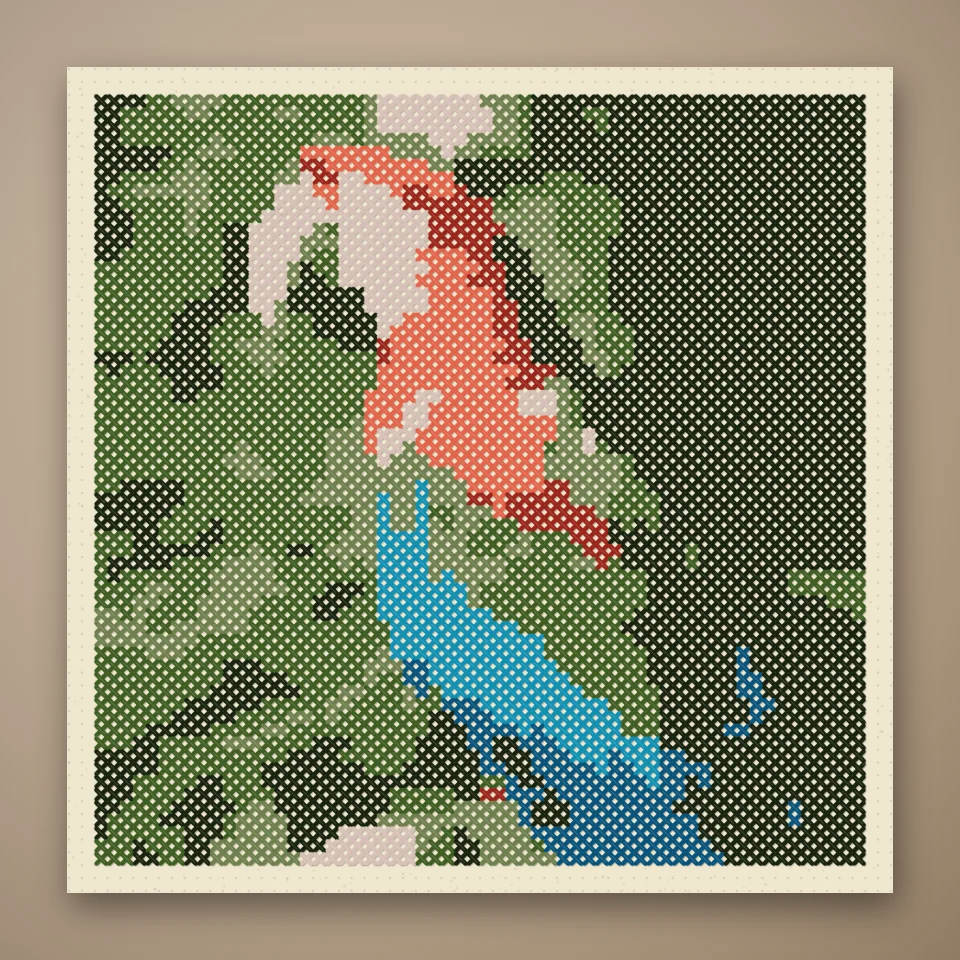
Cross-stitch pattern maker
Turn your photo into a counted cross-stitch pattern online: choose the stitch count and number of colours, see it stitched, and save a printable chart with symbols and a colour key.
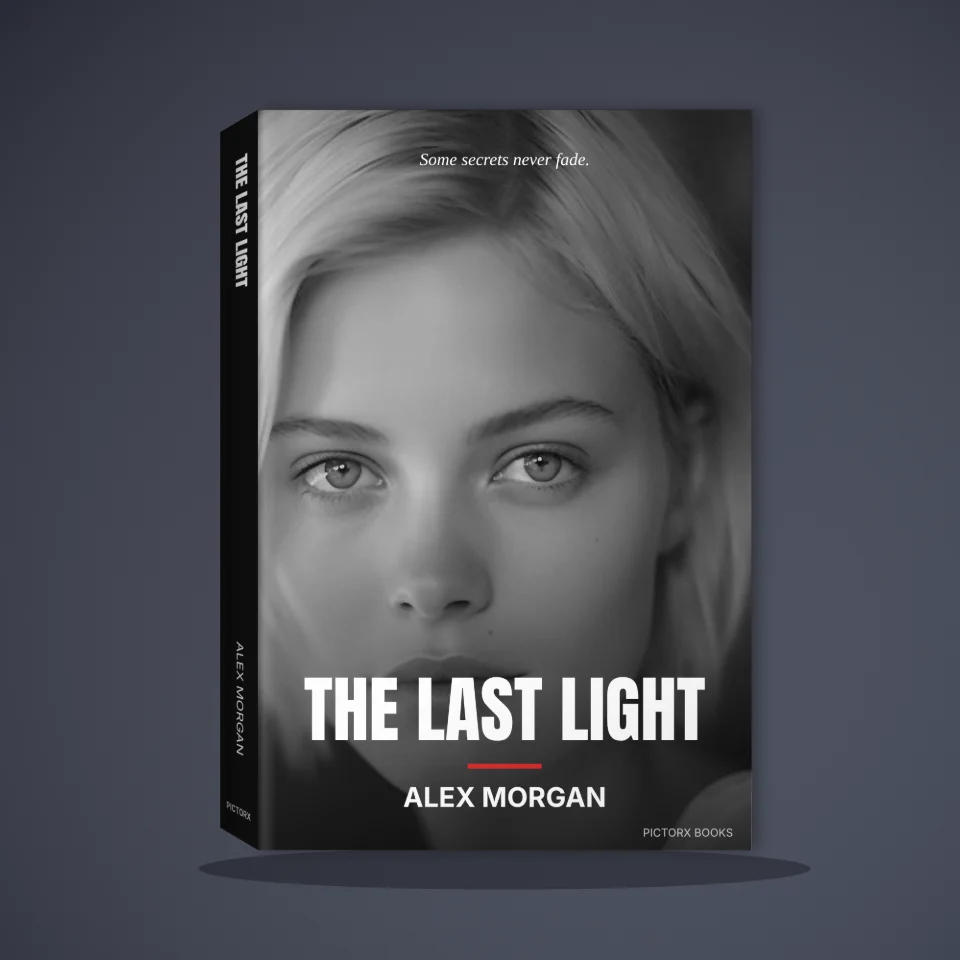
Book cover maker
Make a paperback book cover online from your photo in a thriller, romance, classic, sci-fi or literary style, with a spine and back cover if you like. Save as PNG.

Vintage postcard maker
Make a retro 'Greetings from' postcard online: your photo inside big 3D letters of any place name, retro backdrops and an optional postcard back. Save as PNG.
Ready to try it?
Open PictorX in your browser — no install, no credit card required to start.
Go to Editor