

Andy Warhol effects
In 1960s New York, Andy Warhol turned fame, advertising, and everyday icons into high art. At The Factory he silkscreened Marilyn Monroe into electric color grids, repeated soup cans and dollar signs until they felt both sacred and mass-produced, and proved that a portrait could be as bold as a billboard. Andy Warhol effects in Pictorx channel that same pop-art energy: open Effects → Warhol to transform a photo into Marilyn-style color tiles, Ten Marilyns grids, Che and Mao poster looks, Dollar Sign, Guns, Speed Skater, Brooklyn Bridge, and more. Tune tile count, spacing, contrast, and palettes until your image feels like it just left the Factory—ideal for portraits, products, album covers, and social graphics that want that unforgettable Warhol punch. Try a Warhol look below, or open your own picture.
How it works
- Open PictorX in your browser and start a new project or load an image.
- Use Andy Warhol effects to shape the result, then refine it with the surrounding editor tools.
- Keep editing, export your work, or turn the result into your next design.
How Andy Warhol effects fits your workflow
Channel Andy Warhol’s Factory energy—bold color grids, repeated icons, and pop-art portraits that feel like silkscreen posters. PictorX keeps the feature alongside your photos, layers, typography, and design tools, so you can move from an idea to a finished graphic without switching applications.
Create more with Andy Warhol effects
Start with one focused change, review the result in context, and keep iterating. Combine Andy Warhol effects with other PictorX tools when you need a polished image for social media, a presentation, a print layout, or a personal project.
Frequently asked questions
What is an Andy Warhol effect?
Bold color grids, repeated portraits, and a silkscreen-style Factory look.
Can I repeat the same face in different colors?
Yes. That grid of color variants is the classic treatment.
How is this different from Pop Art effects?
Warhol is the repeated-icon grid. Pop Art also includes comic dots, Lichtenstein, and stencil looks.
What source photo works best?
A clear face or object on a simple background posters more cleanly.
Related tools
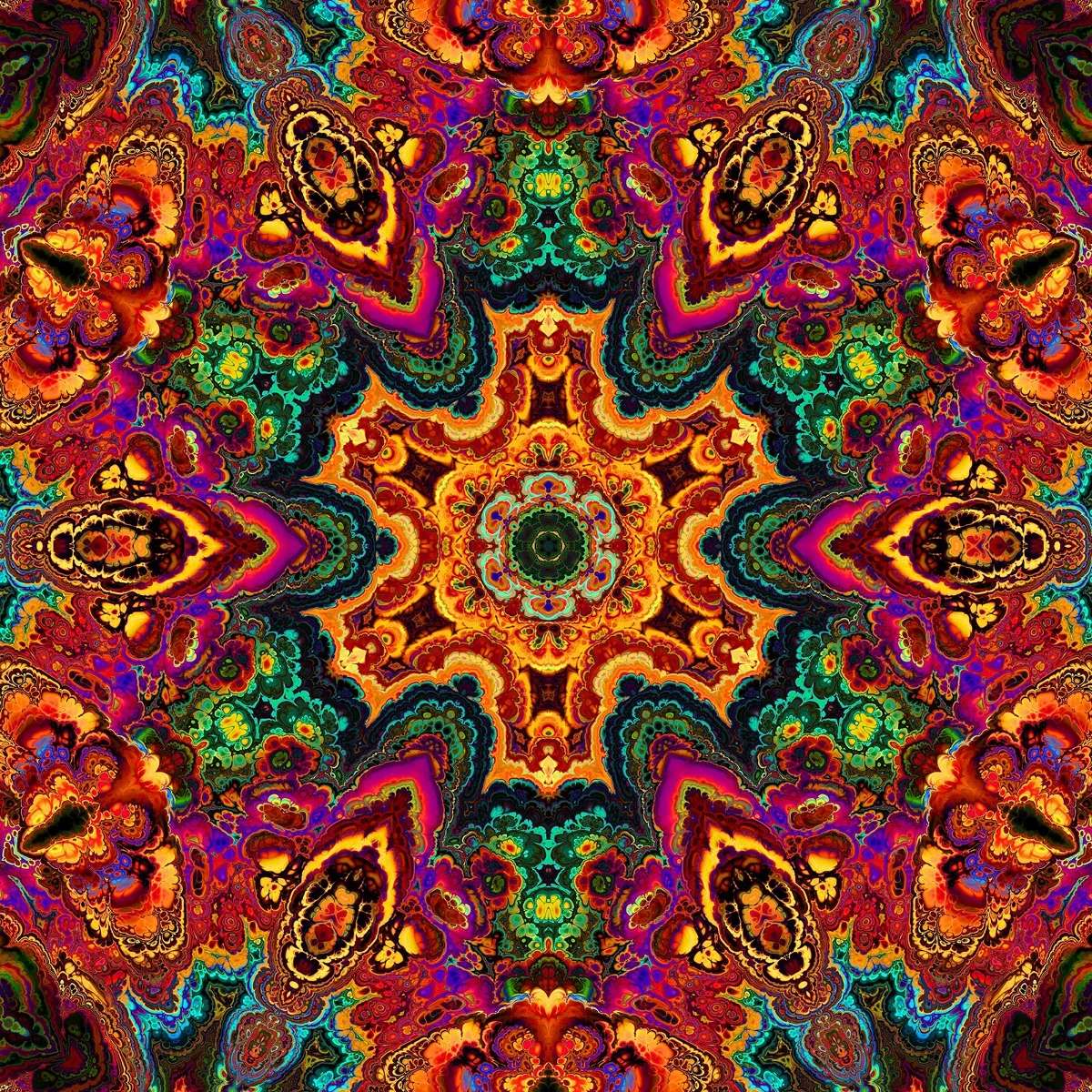
Kaleidoscopes
How kaleidoscopes work: Brewster’s invention, angled mirrors, radial symmetry, and digital kaleidoscope filters you can try on a photo in PictorX.
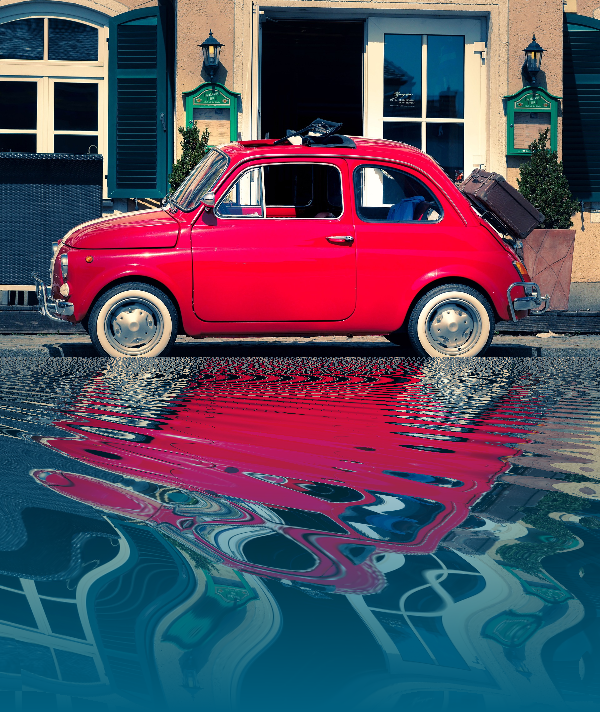
Reflection effects
Mirror, tile, water, wet-floor, and kaleidoscope looks that flip a photo into a reflected composition. Use PictorX free in your browser with no software install required.

Spirograph
Draw hypotrochoids and epitrochoids in your browser. Tune R, r, and pen offset, animate the curve, randomize styles, and save a PNG. Nothing is uploaded.
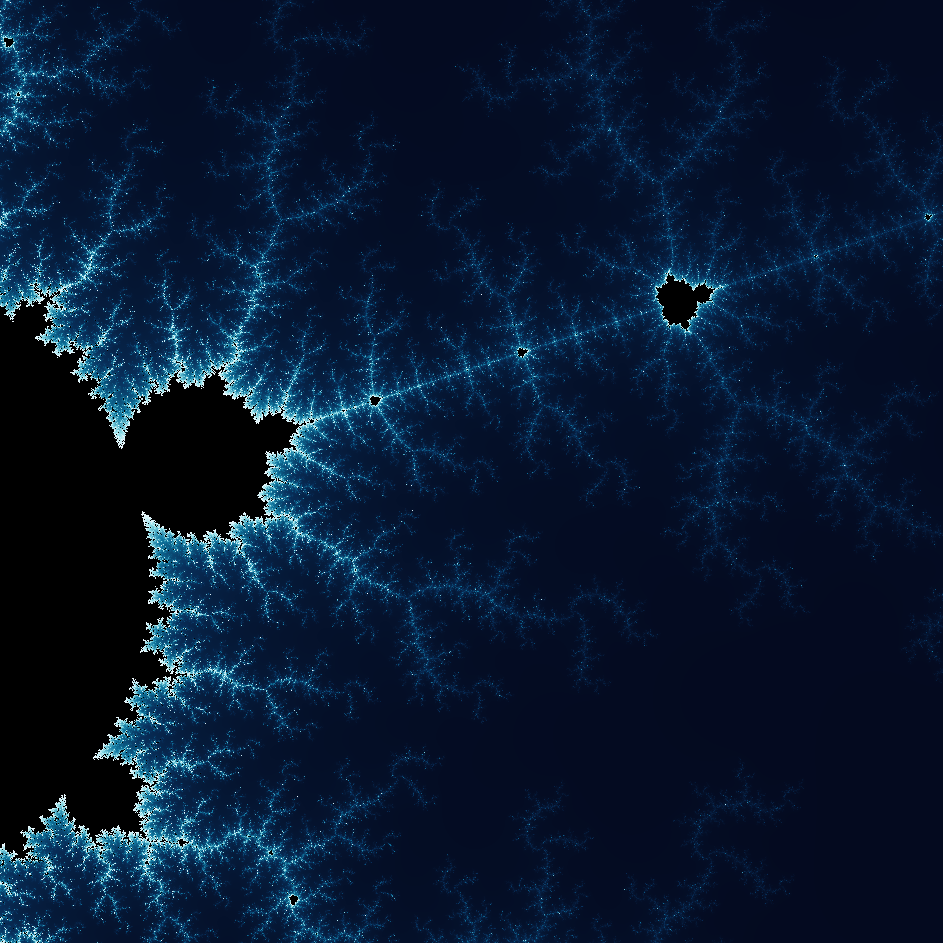
Explore the wonderful world of Fractals
Explore the wonderful world of Fractals. Fractals are complex, detailed geometric patterns found throughout the natural world.

Banksy Street Art
Turn a photo into Banksy-style stencil street art in your browser. Pick a wall, spray, and drip — then save a PNG. Nothing is uploaded.
Ready to try it?
Open PictorX in your browser — no install, no credit card required to start.
Go to Editor