
Photos
Text
Style
Photo booth strip maker
Turn your photos into a photo booth strip, the kind that drops out of the booth at a fair or a wedding: four photos in a row of frames with a band at the bottom for a caption and the date. Pick three or two photos, two by two or a row, square or landscape photos, and the black and white or sepia of the old booths. Two to four photos on a strip of photo paper, as a photo booth prints them. Pick a layout (four, three or two photos in a strip, two by two, or a row), the shape of the photos and the look: black and white and sepia feel like the old booths. Write a caption and a date for the band under the photos, pick a font, the strip's colour, rounded corners and a decoration.
How it works
- Pick the layout: four, three or two photos in a strip, two by two, or a row of four.
- Open your photos or drop them on the strip; click a photo and drag to move it in its frame.
- Write the caption and the date, and pick the font, the photo look and the strip's colour.
- Save the strip, print it, or open it in the PictorX editor with every part on a layer of its own.
Like the booth at the fair
A photo booth prints its photos one above the other on a narrow strip of photo paper, with a white border and a wider band at the bottom. This maker draws the same strip: the photos in their frames, the paper with a faint sheen and a soft shadow under the strip. Rounded corners, a black, red, pink or kraft strip and a decoration of hearts, stars or confetti give it the look of a wedding or a party booth.
Black and white, sepia or colour
Photo look turns every photo black and white, sepia, warm, cool, faded or vivid at once, so photos taken at different moments look like one series. The photo shape is landscape, square or portrait, and the strip grows to fit.
A caption and a date
The band under the photos holds a caption, such as the couple's names, the party or a line you like, and a date. Handwritten, script, typewriter and bold fonts are drawn in the browser and stay editable as text layers when you open the strip in the PictorX editor.
Frequently asked questions
What size is a photo booth strip?
A classic photo booth strip is about 2 by 6 inches (5 by 15 cm) with four photos. Save the strip at the size you need; it keeps its shape, so it prints well on photo paper.
Can I use fewer than four photos?
Yes. Pick 3 photos or 2 photos for a shorter strip, or 2 x 2 and Row of 4 for other shapes. With fewer photos than frames the photos repeat.
How do I make the photos black and white?
Choose Black and white under Photo look. Sepia, warm, cool, faded and vivid are there too, and they change all photos at once.
Can I add text to the strip?
Yes. Write a caption and a date for the band under the photos and pick a handwritten, script, typewriter or bold font.
Can I print the strip on photo paper?
Yes. Save it at the largest size and print it on 10 x 15 cm (4 x 6 inch) photo paper: two four-photo strips fit side by side, so you can cut one for each guest.
Can I keep editing the strip?
Yes. The pencil opens it in the PictorX editor with the shadow, the strip, each photo, the decoration, the caption and the date on layers of their own. In the editor, Apps ▸ Collages ▸ Photo Booth Strip makes one from the photos in your document.
Related tools
Polaroid collage
Make Polaroid collages free online with PictorX. Fill Big Picture, stack, scattered, and Droste layouts with different photos.
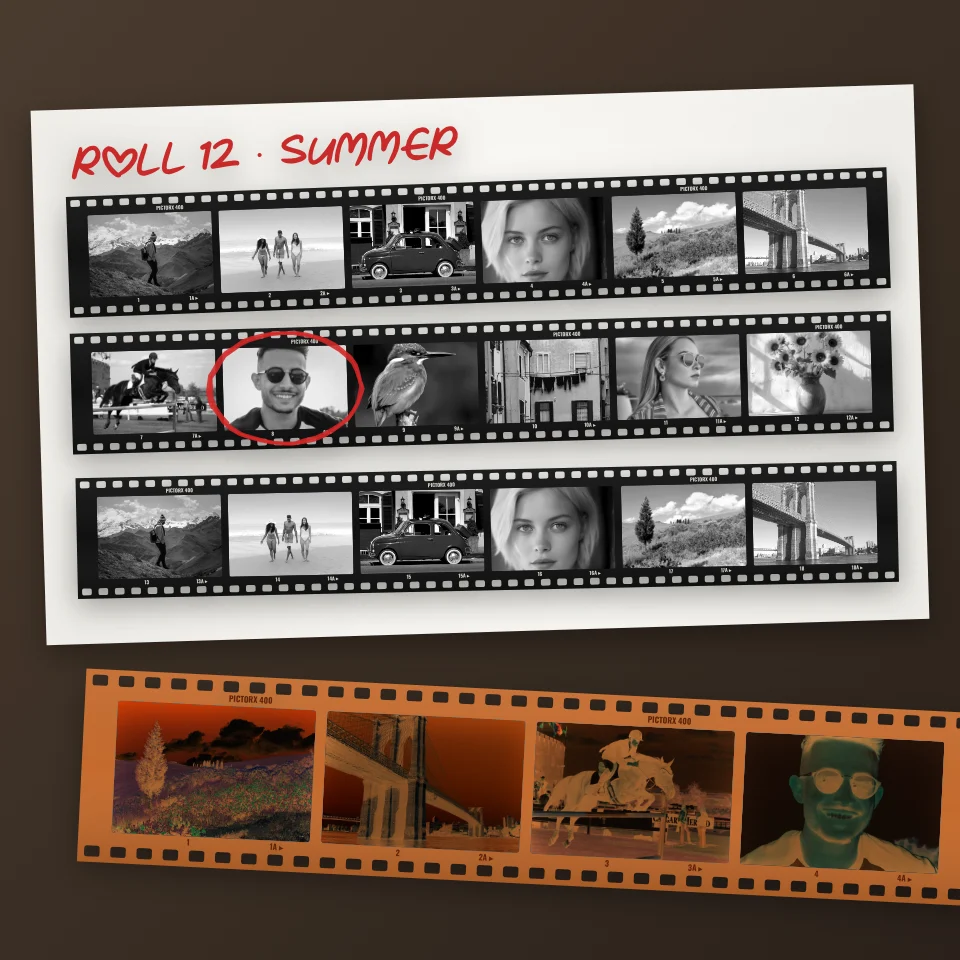
Film strip and contact sheet maker
Put your photos on a 35 mm film strip with sprocket holes and frame numbers, or on a contact sheet with grease pencil marks: colour, negative or black and white. Free, in your browser.
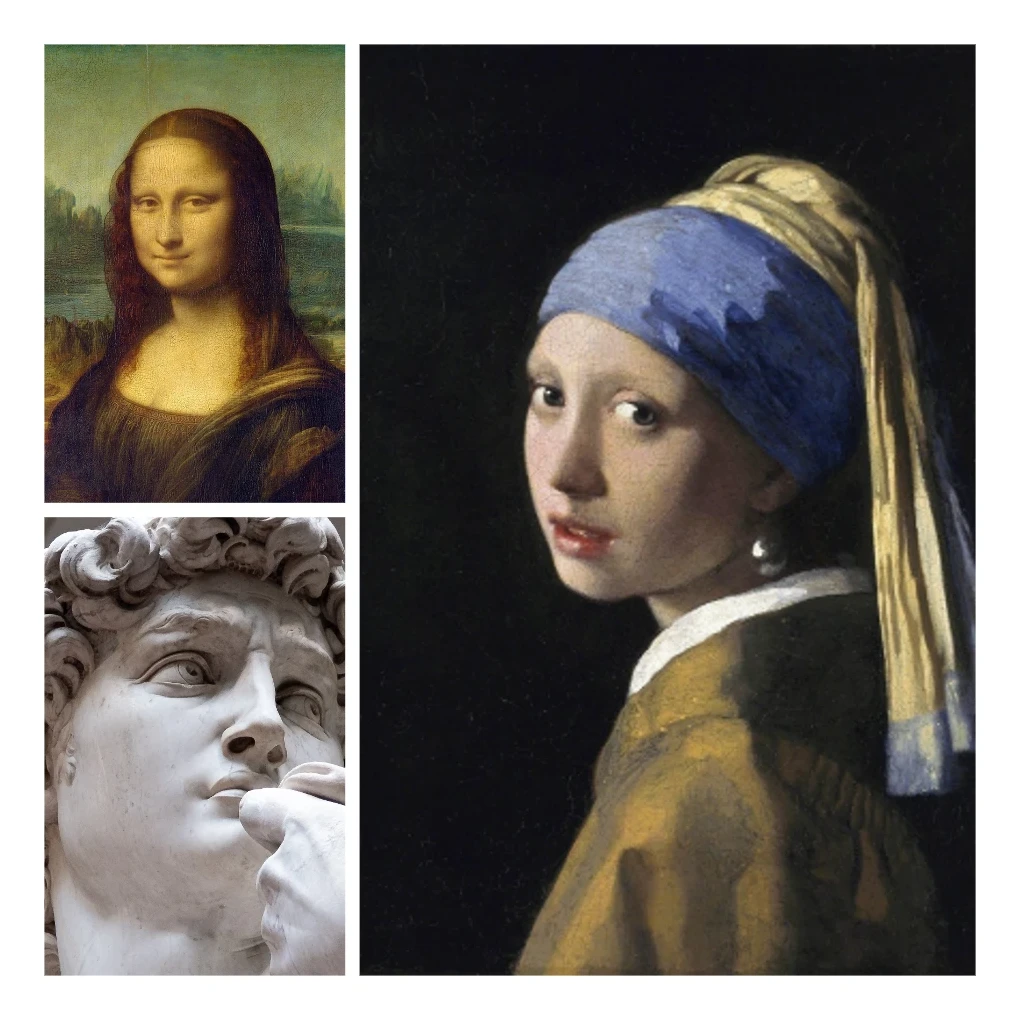
Photo collage
Make photo collages free online with PictorX. Combine 2 to 20 photos, pick a layout, and export.
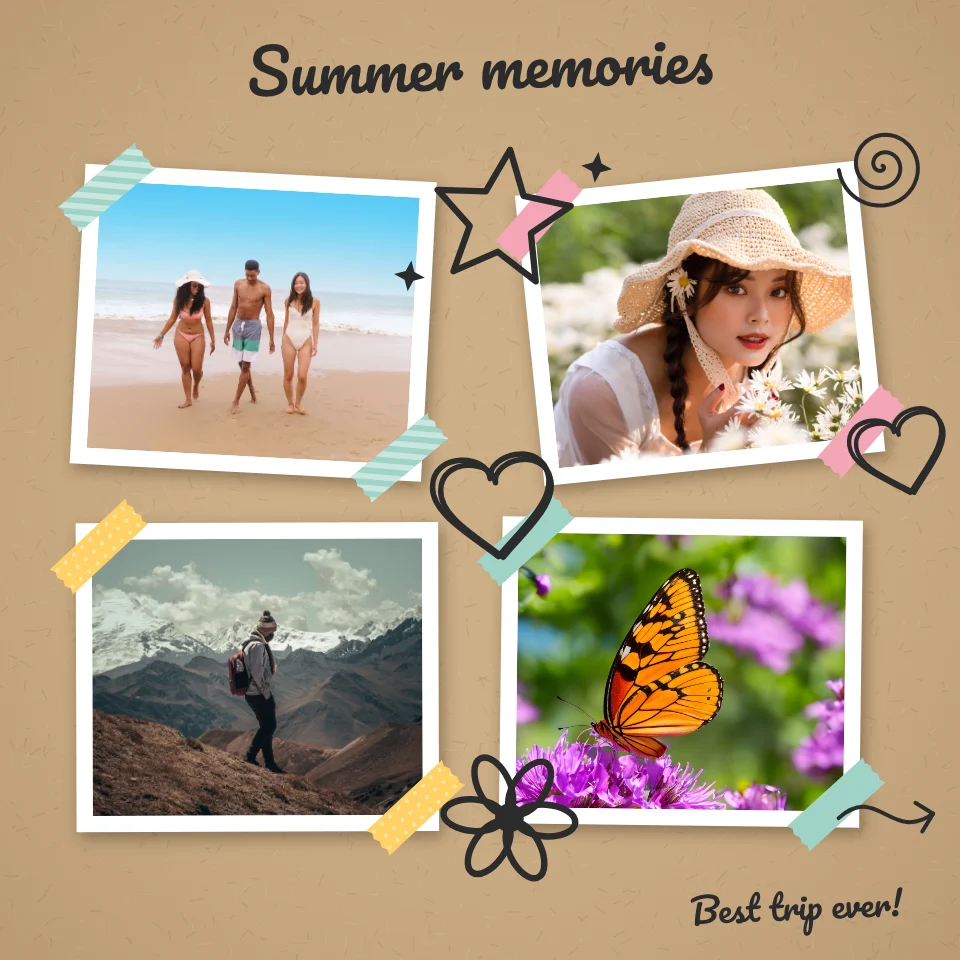
Scrapbook page maker
Make a digital scrapbook page: your photos on patterned paper with washi tape, photo corners, doodles and a handwritten title. Free, in your browser, every piece on its own layer.
Ready to try it?
Open PictorX in your browser — no install, no credit card required to start.
Go to Editor