
M.C. Escher
Ein interaktiver Tessellations-Spielplatz inspiriert von M.C. Escher. Motiv wählen, Kacheldichte und Farben einstellen, Augen und Konturen umschalten, PNG speichern. Erstelle Tessellationen im Escher-Stil — Eidechsen, Vögel, Fische, Reiter und mehr.
Wie es funktioniert
- Open PictorX in your browser and start a new project or load an image.
- Use M.C. Escher to shape the result, then refine it with the surrounding editor tools.
- Keep editing, export your work, or turn the result into your next design.
How M.C. Escher fits your workflow
Tessellate lizards, birds, fish, horsemen and more in the spirit of M.C. Escher. Tune scale, colours, and eyes — save a PNG. PictorX keeps the feature alongside your photos, layers, typography, and design tools, so you can move from an idea to a finished graphic without switching applications.
Create more with M.C. Escher
Start with one focused change, review the result in context, and keep iterating. Combine M.C. Escher with other PictorX tools when you need a polished image for social media, a presentation, a print layout, or a personal project.
Häufig gestellte Fragen
Is M.C. Escher free to try?
Yes. Open PictorX in a modern browser to try M.C. Escher as part of the free editing workflow.
Do I need to install software for M.C. Escher?
No. PictorX runs in your browser, so you can start creating without a desktop software install.
How do I get started with M.C. Escher?
Open an image or create a new design in PictorX, select M.C. Escher, then adjust the result while viewing the rest of your composition.
Can I combine M.C. Escher with other PictorX tools?
Yes. Use M.C. Escher alongside layers, selections, text, filters, and other PictorX editing tools to finish your design in one workflow.
Verwandte Tools
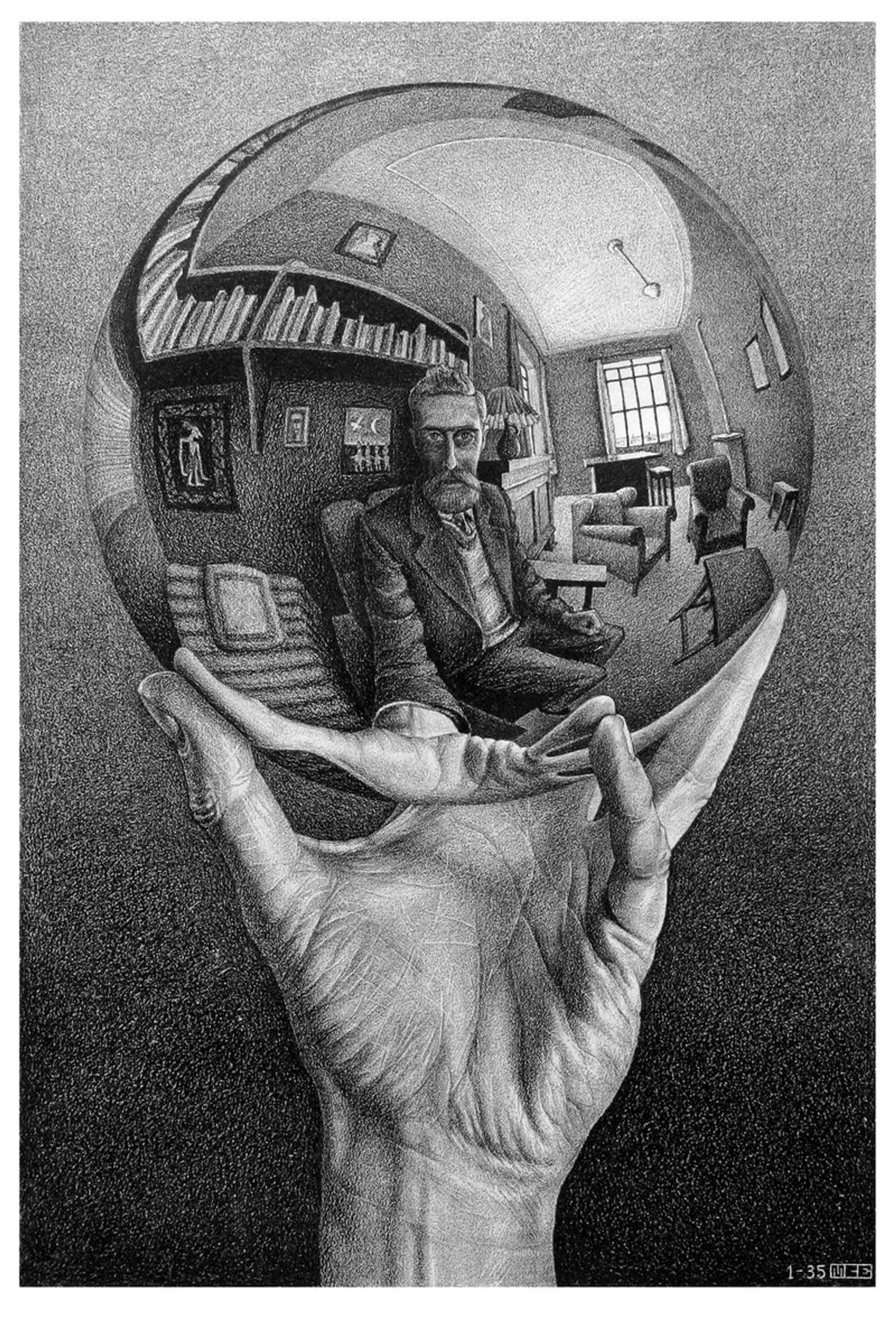
M.C. Escher
M.C. Eschers regelmäßige Flächenaufteilungen: Alhambra-Tessellationen, Translation, Rotation und Spiegelung, Metamorphose, hyperbolische Unendlichkeit und Figur-Grund-Dualität—plus PictorX M.C. Escher.

Mondriaan
Gestalten Sie klassische De-Stijl-Raster im Mondriaan-Stil im Browser. Stellen Sie Komplexität, Linienstärke und Farbfüllung ein — klicken Sie Zellen zum Umfärben und speichern Sie ein PNG. Es wird nichts hochgeladen.
Pollock Painter
Male Tropfen und Spritzer im Jackson-Pollock-Stil im Browser. Gestenpinsel, Auto-Pollock, Paletten und PNG-Export — nichts wird hochgeladen.
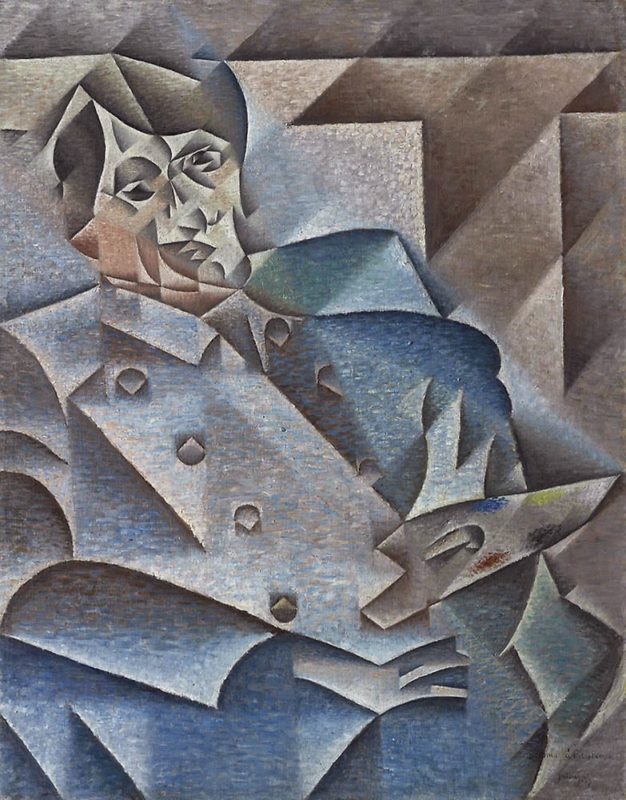
Kubismus
Kurzer Leitfaden zum Kubismus: Picasso und Braque, analytischer und synthetischer Kubismus, zersplitterte Ebenen, Mehransichtigkeit und eine digitale Hommage in PictorX.
Bereit, es auszuprobieren?
Öffnen Sie PictorX in Ihrem Browser – keine Installation, zum Starten ist keine Kreditkarte erforderlich.
Zum Editor