
M.C. Эшер
Интерактивная тесселяция в духе M.C. Эшера. Выберите мотив, настройте плотность и цвета, включите глаза и контуры, сохраните PNG. Создавайте тесселяции в стиле Эшера — ящерицы, птицы, рыбы, всадники и другое.
Как это работает
- Open PictorX in your browser and start a new project or load an image.
- Use M.C. Escher to shape the result, then refine it with the surrounding editor tools.
- Keep editing, export your work, or turn the result into your next design.
How M.C. Escher fits your workflow
Tessellate lizards, birds, fish, horsemen and more in the spirit of M.C. Escher. Tune scale, colours, and eyes — save a PNG. PictorX keeps the feature alongside your photos, layers, typography, and design tools, so you can move from an idea to a finished graphic without switching applications.
Create more with M.C. Escher
Start with one focused change, review the result in context, and keep iterating. Combine M.C. Escher with other PictorX tools when you need a polished image for social media, a presentation, a print layout, or a personal project.
Часто задаваемые вопросы
Is M.C. Escher free to try?
Yes. Open PictorX in a modern browser to try M.C. Escher as part of the free editing workflow.
Do I need to install software for M.C. Escher?
No. PictorX runs in your browser, so you can start creating without a desktop software install.
How do I get started with M.C. Escher?
Open an image or create a new design in PictorX, select M.C. Escher, then adjust the result while viewing the rest of your composition.
Can I combine M.C. Escher with other PictorX tools?
Yes. Use M.C. Escher alongside layers, selections, text, filters, and other PictorX editing tools to finish your design in one workflow.
Сопутствующие инструменты
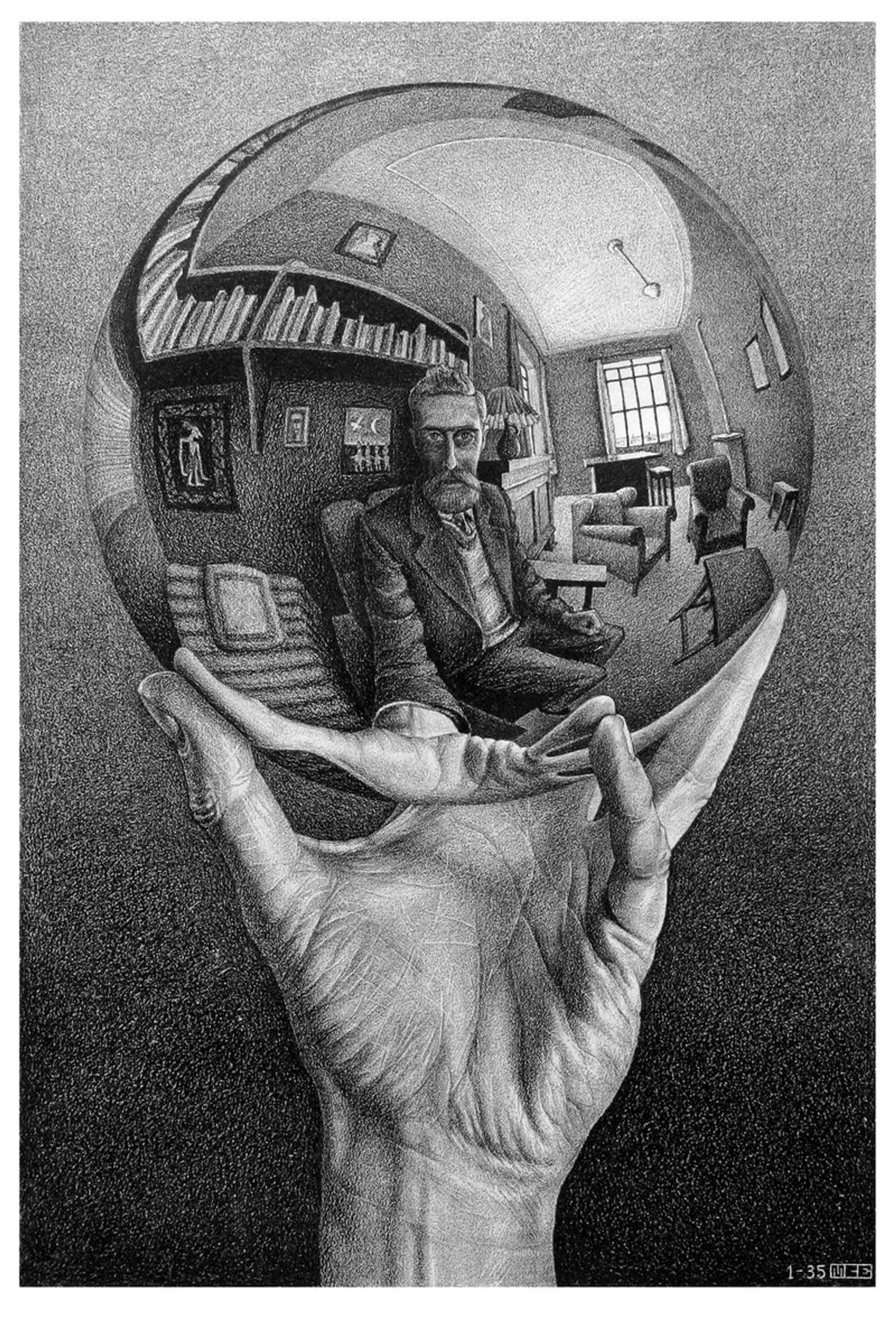
М.К. Эшер
Регулярные разбиения плоскости М.К. Эшера: мозаики Альгамбры, перенос, поворот и отражение, метаморфоза, гиперболическая бесконечность и двойственность фигуры и фона—плюс PictorX M.C. Escher.

Мондриан
Собирайте классические сетки De Stijl в стиле Мондриана в браузере. Настройте сложность, толщину линий и заливку — щёлкните ячейки, чтобы перекрасить, затем сохраните PNG. Ничего не загружается.
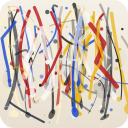
Pollock Painter
Рисуйте капли в стиле Поллока в браузере. Жестовые кисти, Auto-Pollock, палитры и экспорт PNG — ничего не загружается.
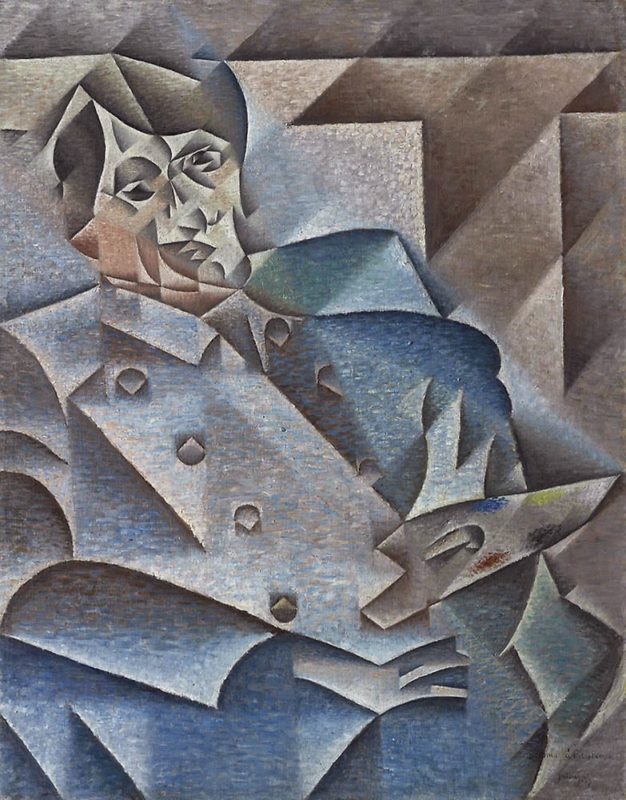
Кубизм
Краткий гид по кубизму: Пикассо и Брак, аналитический и синтетический кубизм, раздробленные плоскости, несколько точек зрения и цифровая дань уважения в PictorX.
Готовы попробовать?
Откройте PictorX в своем браузере — установка не требуется, для запуска не требуется кредитная карта.
Перейти в редактор