
M.C. Escher
Een interactieve speeltuin voor regelmatige vlakverdeling, geïnspireerd door M.C. Escher. Kies een motief, pas tegelgrootte en kleuren aan, zet ogen en lijnen aan of uit, en sla een PNG op. Maak tessellaties in Escher-stijl — hagedissen, vogels, vissen, ruiters en meer.
Hoe het werkt
- Open PictorX in your browser and start a new project or load an image.
- Use M.C. Escher to shape the result, then refine it with the surrounding editor tools.
- Keep editing, export your work, or turn the result into your next design.
How M.C. Escher fits your workflow
Tessellate lizards, birds, fish, horsemen and more in the spirit of M.C. Escher. Tune scale, colours, and eyes — save a PNG. PictorX keeps the feature alongside your photos, layers, typography, and design tools, so you can move from an idea to a finished graphic without switching applications.
Create more with M.C. Escher
Start with one focused change, review the result in context, and keep iterating. Combine M.C. Escher with other PictorX tools when you need a polished image for social media, a presentation, a print layout, or a personal project.
Veelgestelde vragen
Is M.C. Escher free to try?
Yes. Open PictorX in a modern browser to try M.C. Escher as part of the free editing workflow.
Do I need to install software for M.C. Escher?
No. PictorX runs in your browser, so you can start creating without a desktop software install.
How do I get started with M.C. Escher?
Open an image or create a new design in PictorX, select M.C. Escher, then adjust the result while viewing the rest of your composition.
Can I combine M.C. Escher with other PictorX tools?
Yes. Use M.C. Escher alongside layers, selections, text, filters, and other PictorX editing tools to finish your design in one workflow.
Gerelateerde gereedschappen
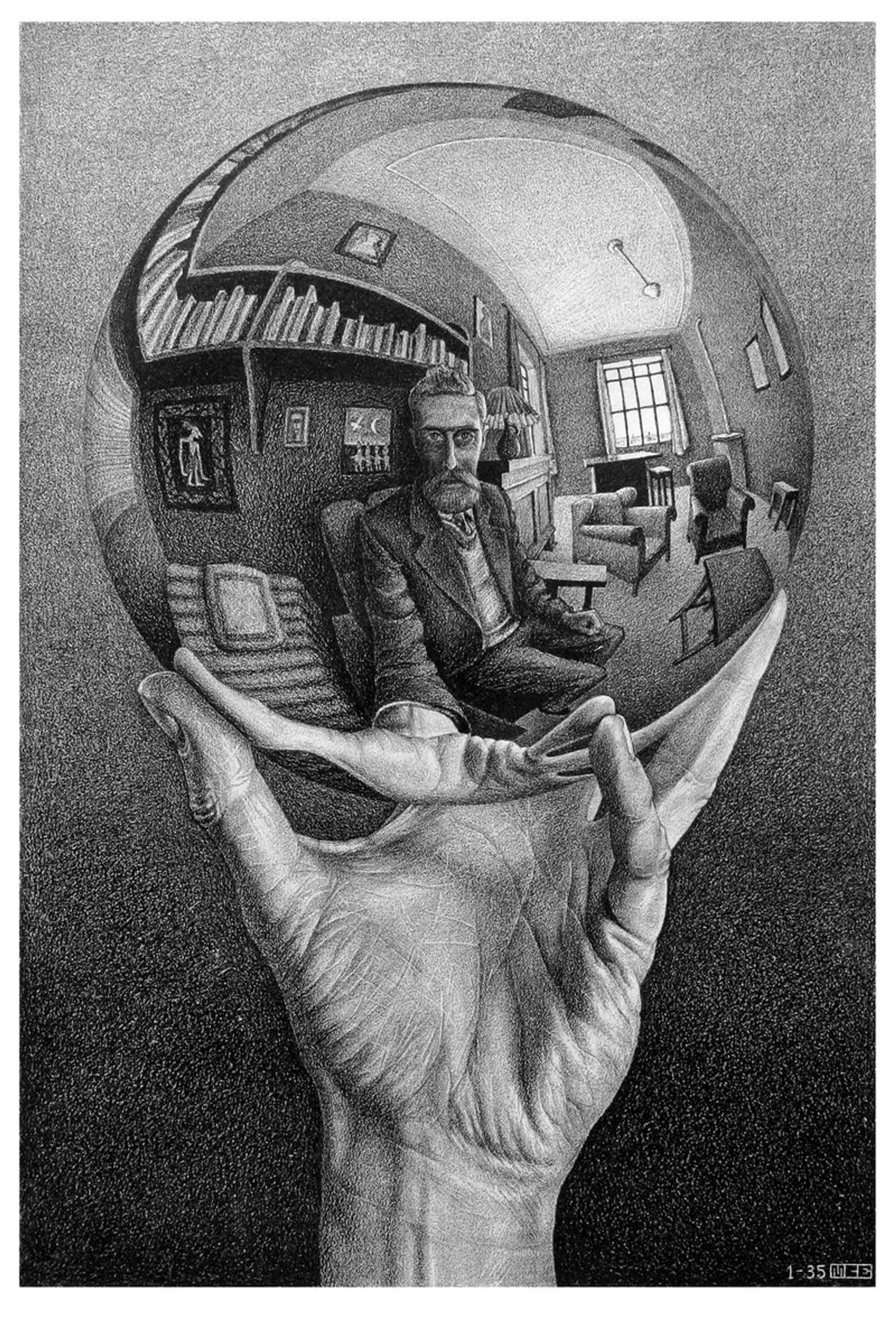
M.C. Escher
De regelmatige vlakverdelingen van M.C. Escher: Alhambra-tessellaties, translatie, rotatie en reflectie, metamorfose, hyperbolische oneindigheid en figuur-grond-dualiteit—plus PictorX M.C. Escher.
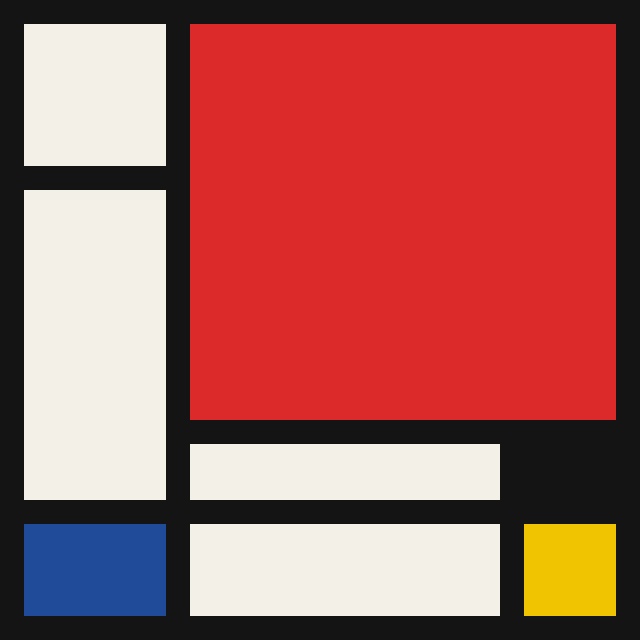
Mondriaan
Maak klassieke De Stijl-rasters in Mondriaan-stijl in je browser. Stel complexiteit, lijndikte en kleurvulling in — klik cellen om te herkleuren en sla een PNG op. Er wordt niets geüpload.
Pollock Painter
Schilder druppels in Jackson-Pollock-stijl in je browser. Gebarenpenselen, Auto-Pollock, paletten en PNG-export — er wordt niets geüpload.
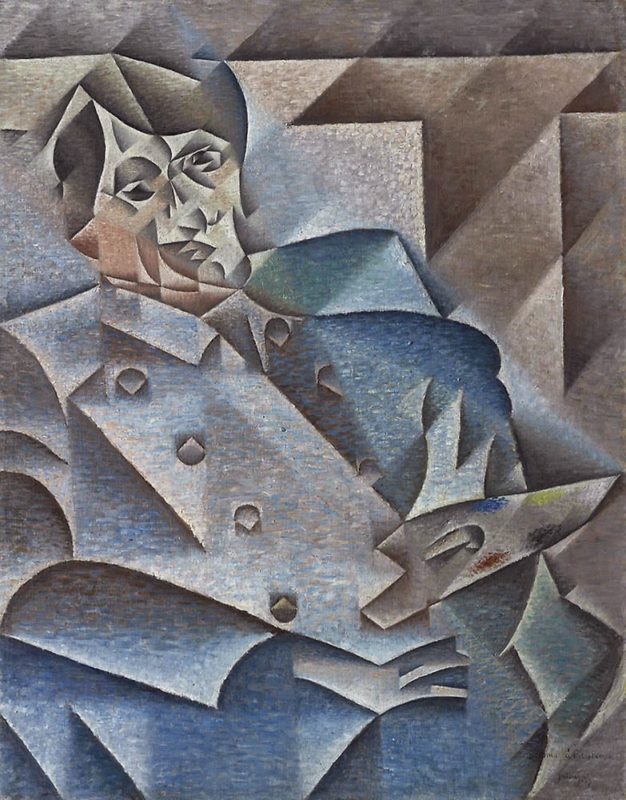
Kubisme
Korte gids over kubisme: Picasso en Braque, analytisch en synthetisch kubisme, gefragmenteerde vlakken, meerdere gezichtspunten, en een digitaal eerbetoon in PictorX.
Klaar om het te proberen?
Open PictorX in uw browser - geen installatie, geen creditcard vereist om te starten.
Ga naar Editor