
M.C. エッシャー
M.C. エッシャーに着想を得たテッセレーション制作。モチーフを選び、密度と色を調整し、目と輪郭を切り替えて PNG を保存。 エッシャー風のテッセレーションを作る——トカゲ、鳥、魚、騎手など。
使い方
- Open PictorX in your browser and start a new project or load an image.
- Use M.C. Escher to shape the result, then refine it with the surrounding editor tools.
- Keep editing, export your work, or turn the result into your next design.
How M.C. Escher fits your workflow
Tessellate lizards, birds, fish, horsemen and more in the spirit of M.C. Escher. Tune scale, colours, and eyes — save a PNG. PictorX keeps the feature alongside your photos, layers, typography, and design tools, so you can move from an idea to a finished graphic without switching applications.
Create more with M.C. Escher
Start with one focused change, review the result in context, and keep iterating. Combine M.C. Escher with other PictorX tools when you need a polished image for social media, a presentation, a print layout, or a personal project.
よくある質問
Is M.C. Escher free to try?
Yes. Open PictorX in a modern browser to try M.C. Escher as part of the free editing workflow.
Do I need to install software for M.C. Escher?
No. PictorX runs in your browser, so you can start creating without a desktop software install.
How do I get started with M.C. Escher?
Open an image or create a new design in PictorX, select M.C. Escher, then adjust the result while viewing the rest of your composition.
Can I combine M.C. Escher with other PictorX tools?
Yes. Use M.C. Escher alongside layers, selections, text, filters, and other PictorX editing tools to finish your design in one workflow.
関連ツール
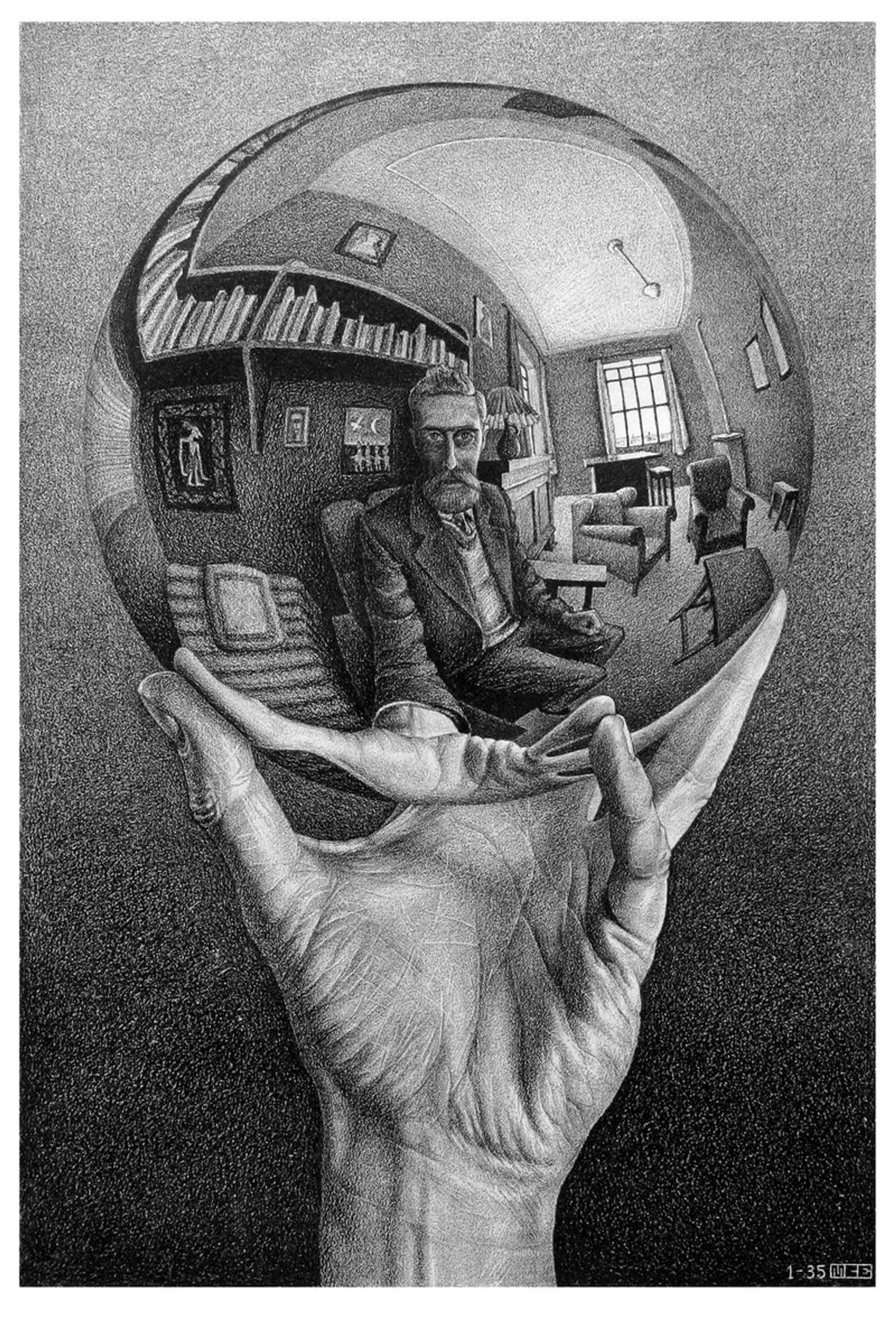
M.C. エッシャー
M.C. エッシャーの平面の規則的分割:アルハンブラのテッセレーション、平行移動・回転・反射、メタモルフォーゼ、双曲的無限、図と地の双対性——そして PictorX の M.C. Escher。

モンドリアン
ブラウザで古典的なモンドリアン風 De Stijl グリッドを構成。複雑さ、線の太さ、塗りを調整し、セルをクリックして塗り替え、PNG を保存。アップロードはありません。
ポロック・ペインター
ブラウザでジャクソン・ポロック風のドリップを描く。ジェスチャーブラシ、オート・ポロック、パレット、PNG書き出し——アップロードなし。
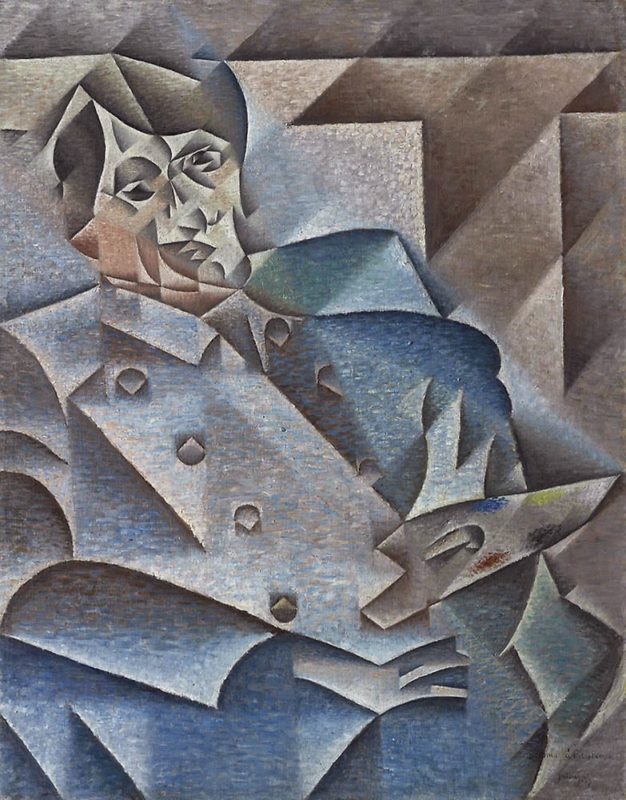
キュビスム
キュビスムの短いガイド:ピカソとブラック、分析的・総合的キュビスム、断片化した平面、複数の視点、PictorX で試せるデジタルなオマージュ。
試してみますか?
ブラウザで PictorX を開きます。インストール不要、始めるのにクレジットカードも不要です。
エディターへ