
Arrastra un punto. Los bordes correspondientes siguen, para que las teselas encajen.
M.C. Escher
Un playground de teselación inspirado en M.C. Escher. Elige un motivo, ajusta densidad y colores, activa ojos y contornos, y guarda un PNG. Crea teselaciones estilo Escher — lagartos, aves, peces, jinetes y más.
como funciona
- Open PictorX in your browser and start a new project or load an image.
- Use M.C. Escher to shape the result, then refine it with the surrounding editor tools.
- Keep editing, export your work, or turn the result into your next design.
How M.C. Escher fits your workflow
Tessellate lizards, birds, fish, horsemen and more in the spirit of M.C. Escher. Tune scale, colours, and eyes — save a PNG. PictorX keeps the feature alongside your photos, layers, typography, and design tools, so you can move from an idea to a finished graphic without switching applications.
Create more with M.C. Escher
Start with one focused change, review the result in context, and keep iterating. Combine M.C. Escher with other PictorX tools when you need a polished image for social media, a presentation, a print layout, or a personal project.
Preguntas frecuentes
Is M.C. Escher free to try?
Yes. Open PictorX in a modern browser to try M.C. Escher as part of the free editing workflow.
Do I need to install software for M.C. Escher?
No. PictorX runs in your browser, so you can start creating without a desktop software install.
How do I get started with M.C. Escher?
Open an image or create a new design in PictorX, select M.C. Escher, then adjust the result while viewing the rest of your composition.
Can I combine M.C. Escher with other PictorX tools?
Yes. Use M.C. Escher alongside layers, selections, text, filters, and other PictorX editing tools to finish your design in one workflow.
Herramientas relacionadas
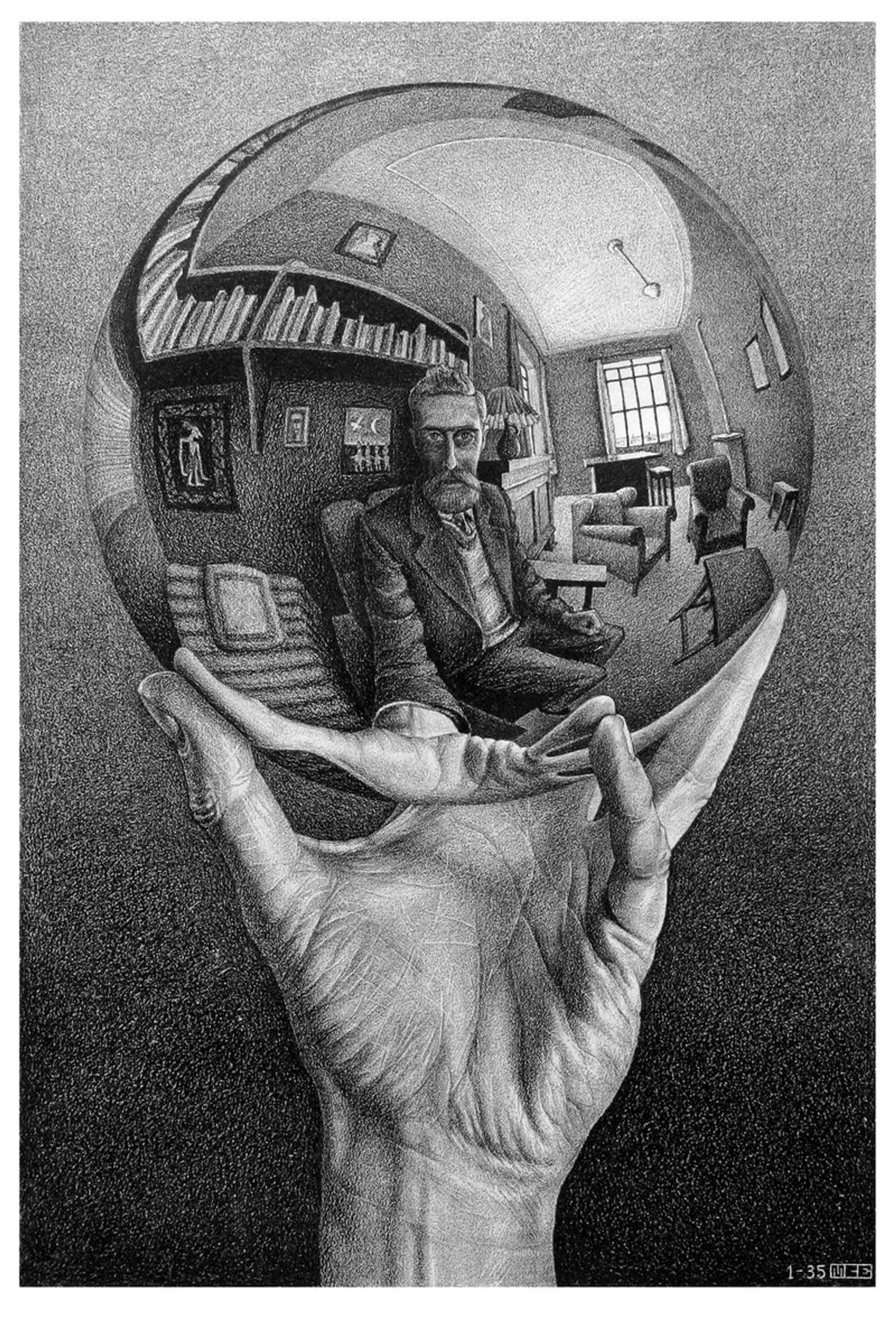
M.C. Escher
Las divisiones regulares del plano de M.C. Escher: teselaciones de la Alhambra, traslación, rotación y reflexión, metamorfosis, infinito hiperbólico y dualidad figura–fondo—más PictorX M.C. Escher.

Mondriaan
Compón cuadrículas De Stijl clásicas al estilo Mondriaan en el navegador. Ajusta complejidad, grosor de línea y relleno — haz clic en las celdas para recolorearlas y guarda un PNG. No se sube nada.
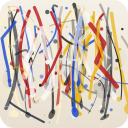
Pollock Painter
Pinta gotas al estilo Jackson Pollock en el navegador. Pinceles gestuales, Auto-Pollock, paletas y exportación PNG — no se sube nada.
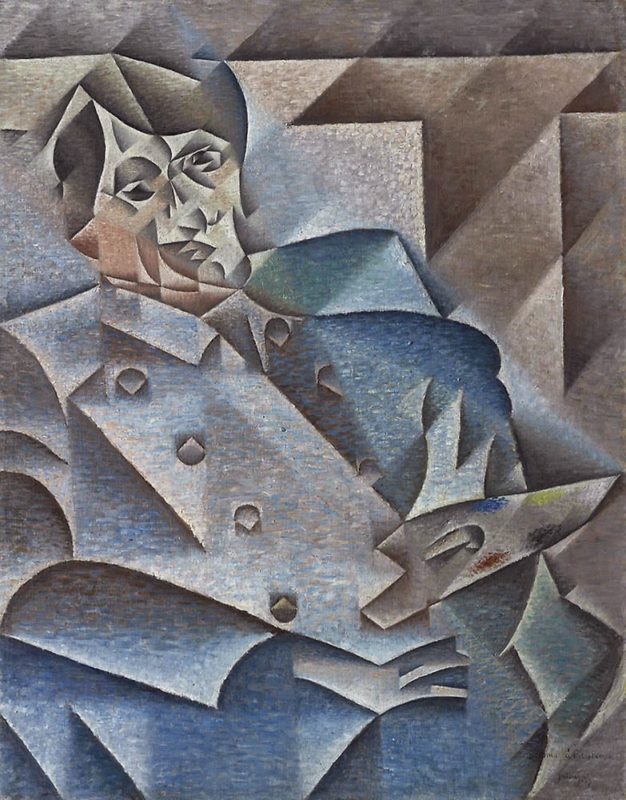
El cubismo
Una guía breve del cubismo: Picasso y Braque, cubismo analítico y sintético, planos fragmentados, múltiples puntos de vista y un homenaje digital en PictorX.
¿Listo para probarlo?
Abra PictorX en su navegador: no requiere instalación ni tarjeta de crédito para comenzar.
Ir al editor