
M.C. Escher
An interactive tessellation playground inspired by M.C. Escher. Pick a motif, adjust tile density and colours, toggle eyes and outlines, then save a PNG. Tạo tessellation kiểu Escher — thằn lằn, chim, cá, kỵ sĩ và hơn thế.
Cách nó hoạt động
- Open PictorX in your browser and start a new project or load an image.
- Use M.C. Escher to shape the result, then refine it with the surrounding editor tools.
- Keep editing, export your work, or turn the result into your next design.
How M.C. Escher fits your workflow
Tessellate lizards, birds, fish, horsemen and more in the spirit of M.C. Escher. Tune scale, colours, and eyes — save a PNG. PictorX keeps the feature alongside your photos, layers, typography, and design tools, so you can move from an idea to a finished graphic without switching applications.
Create more with M.C. Escher
Start with one focused change, review the result in context, and keep iterating. Combine M.C. Escher with other PictorX tools when you need a polished image for social media, a presentation, a print layout, or a personal project.
Hỏi thường xuyên
Is M.C. Escher free to try?
Yes. Open PictorX in a modern browser to try M.C. Escher as part of the free editing workflow.
Do I need to install software for M.C. Escher?
No. PictorX runs in your browser, so you can start creating without a desktop software install.
How do I get started with M.C. Escher?
Open an image or create a new design in PictorX, select M.C. Escher, then adjust the result while viewing the rest of your composition.
Can I combine M.C. Escher with other PictorX tools?
Yes. Use M.C. Escher alongside layers, selections, text, filters, and other PictorX editing tools to finish your design in one workflow.
Công cụ liên quan
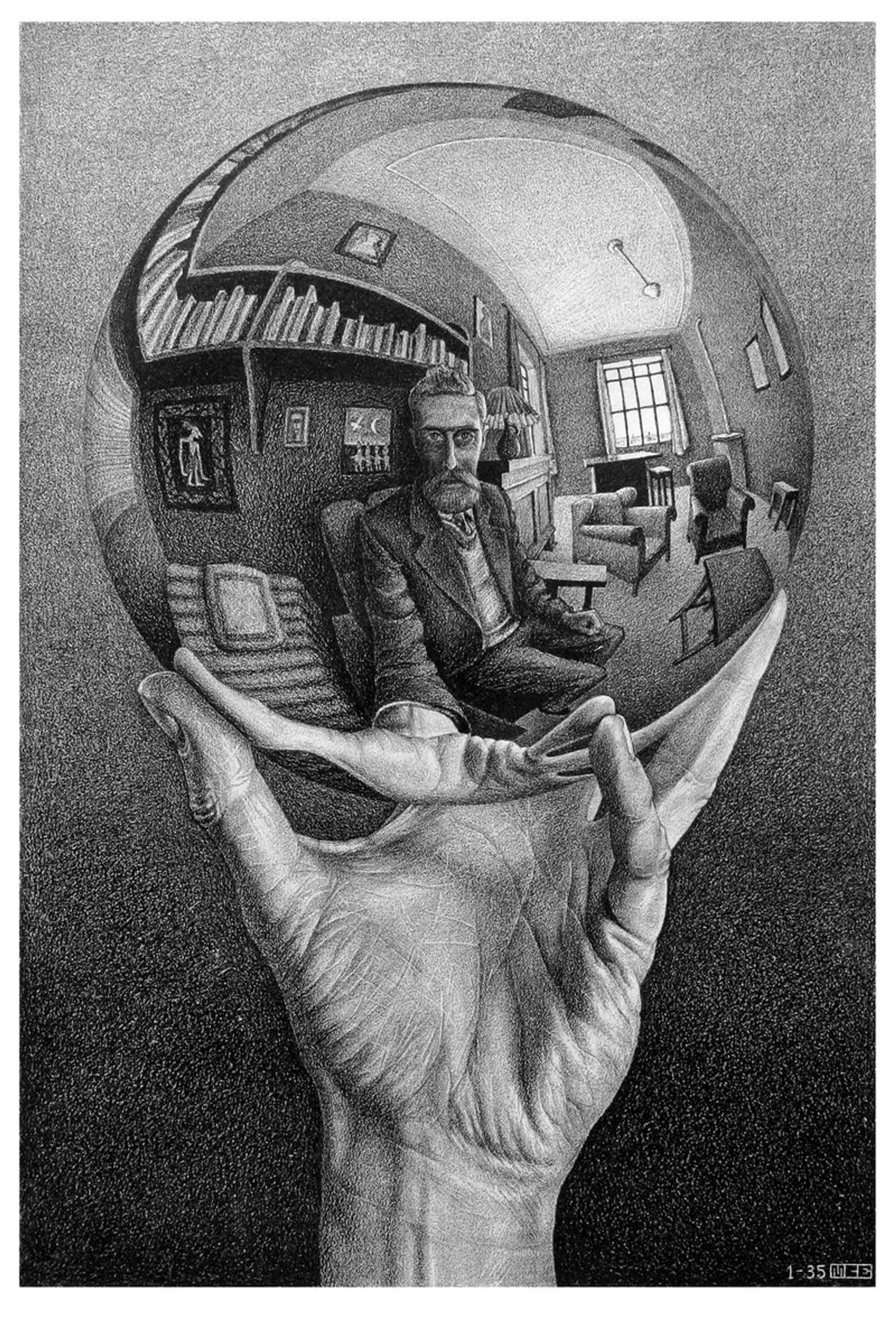
M.C. Escher
Các phép chia đều mặt phẳng của M.C. Escher: tessellation Alhambra, tịnh tiến, quay và phản xạ, biến hình, vô hạn hyperbolic và lưỡng tính hình–nền—cùng PictorX M.C. Escher.

Mondriaan
Tạo lưới De Stijl cổ điển kiểu Mondriaan trong trình duyệt. Chỉnh độ phức tạp, độ dày nét và tô màu — nhấp ô để đổi màu, rồi lưu PNG. Không có gì được tải lên.
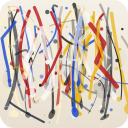
Pollock Painter
Vẽ nhỏ giọt kiểu Jackson Pollock trong trình duyệt. Cọ cử chỉ, Auto-Pollock, bảng màu và xuất PNG — không tải gì lên.
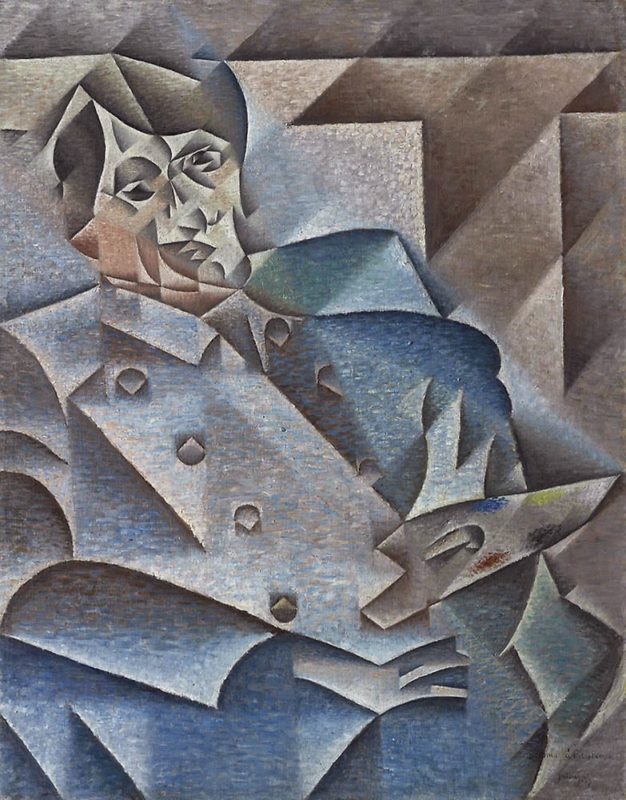
Lập thể
Hướng dẫn ngắn về Lập thể: Picasso và Braque, Lập thể phân tích và tổng hợp, mặt phẳng phân mảnh, nhiều góc nhìn, và phiên bản số trong PictorX.
Sẵn sàng thử chưa?
Mở PictorX trong trình duyệt của bạn — không cài đặt, không cần thiết thẻ tín dụng để khởi động.
Tới bộ sửa