
M.C. Escher
An interactive tessellation playground inspired by M.C. Escher. Pick a motif, adjust tile density and colours, toggle eyes and outlines, then save a PNG. 에셔 스타일 테셀레이션 만들기 — 도마뱀, 새, 물고기, 기마병 등.
작동 원리
- Open PictorX in your browser and start a new project or load an image.
- Use M.C. Escher to shape the result, then refine it with the surrounding editor tools.
- Keep editing, export your work, or turn the result into your next design.
How M.C. Escher fits your workflow
Tessellate lizards, birds, fish, horsemen and more in the spirit of M.C. Escher. Tune scale, colours, and eyes — save a PNG. PictorX keeps the feature alongside your photos, layers, typography, and design tools, so you can move from an idea to a finished graphic without switching applications.
Create more with M.C. Escher
Start with one focused change, review the result in context, and keep iterating. Combine M.C. Escher with other PictorX tools when you need a polished image for social media, a presentation, a print layout, or a personal project.
자주 묻는 질문
Is M.C. Escher free to try?
Yes. Open PictorX in a modern browser to try M.C. Escher as part of the free editing workflow.
Do I need to install software for M.C. Escher?
No. PictorX runs in your browser, so you can start creating without a desktop software install.
How do I get started with M.C. Escher?
Open an image or create a new design in PictorX, select M.C. Escher, then adjust the result while viewing the rest of your composition.
Can I combine M.C. Escher with other PictorX tools?
Yes. Use M.C. Escher alongside layers, selections, text, filters, and other PictorX editing tools to finish your design in one workflow.
관련 도구
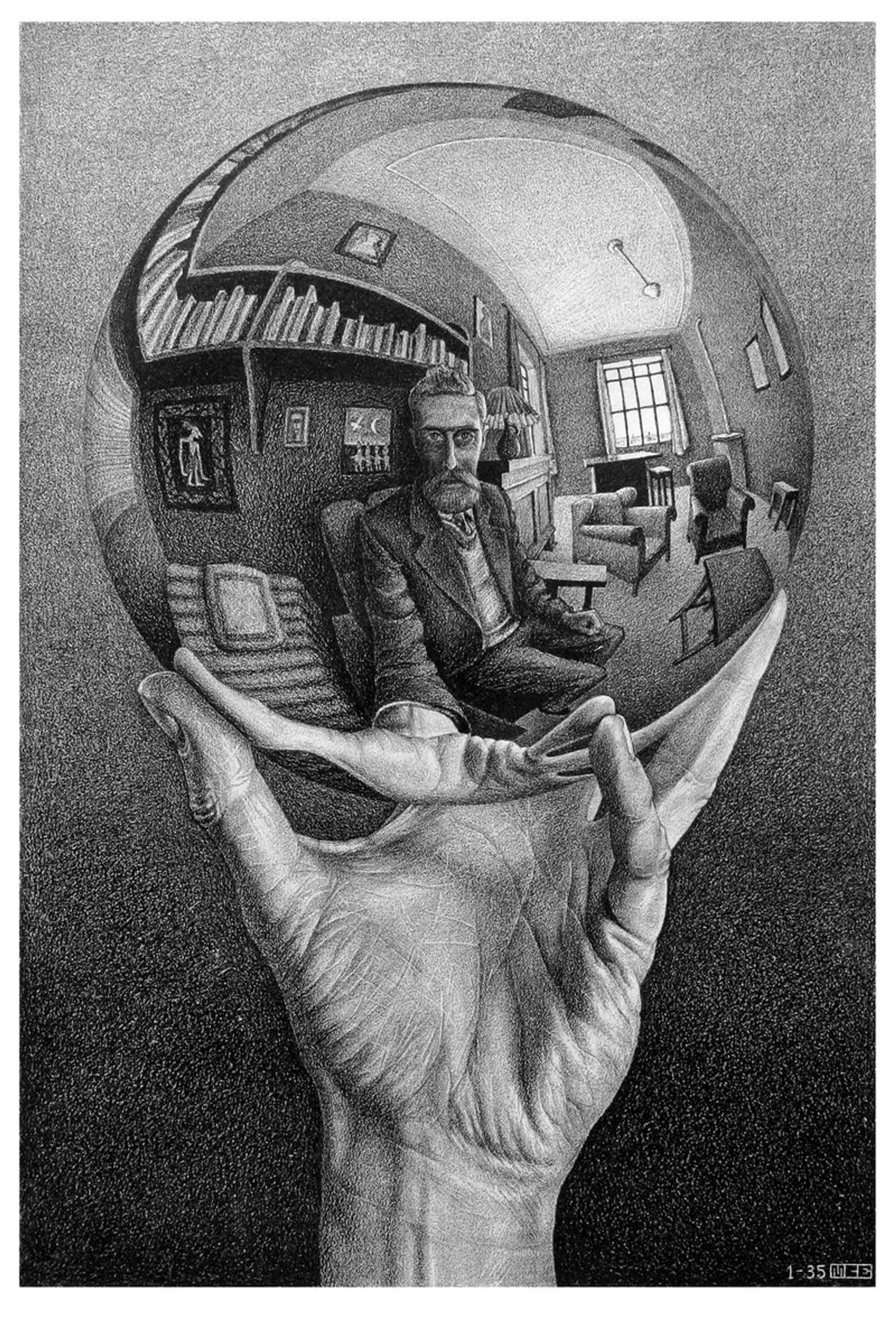
M.C. 에셔
M.C. 에셔의 평면 규칙 분할: 알람브라 테셀레이션, 평행이동·회전·반사, 메타모르포시스, 쌍곡 무한, 도형–바탕 이중성—그리고 PictorX M.C. Escher.
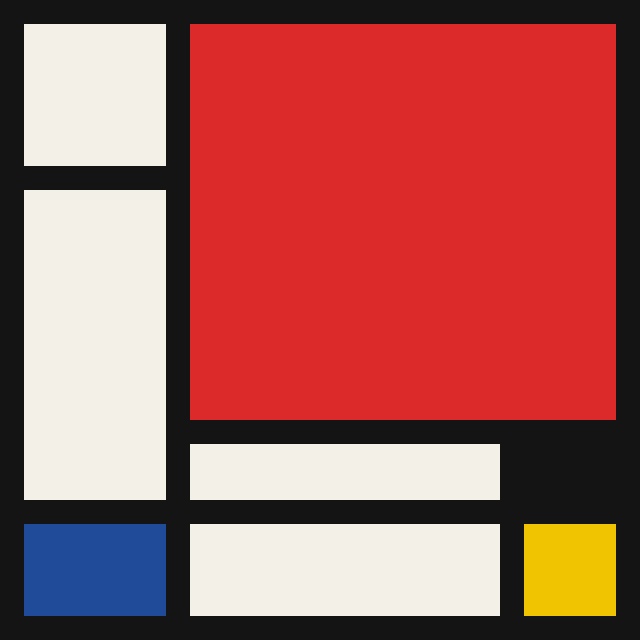
몬드리안
브라우저에서 고전적인 몬드리안 스타일 데 스테일 격자를 구성하세요. 복잡도, 선 굵기, 색 채우기를 조절하고 칸을 클릭해 다시 칠한 뒤 PNG를 저장하세요. 아무것도 업로드되지 않습니다.
폴록 페인터
브라우저에서 잭슨 폴록 스타일 드립을 그리세요. 제스처 브러시, 오토 폴록, 팔레트, PNG 내보내기 — 업로드 없음.
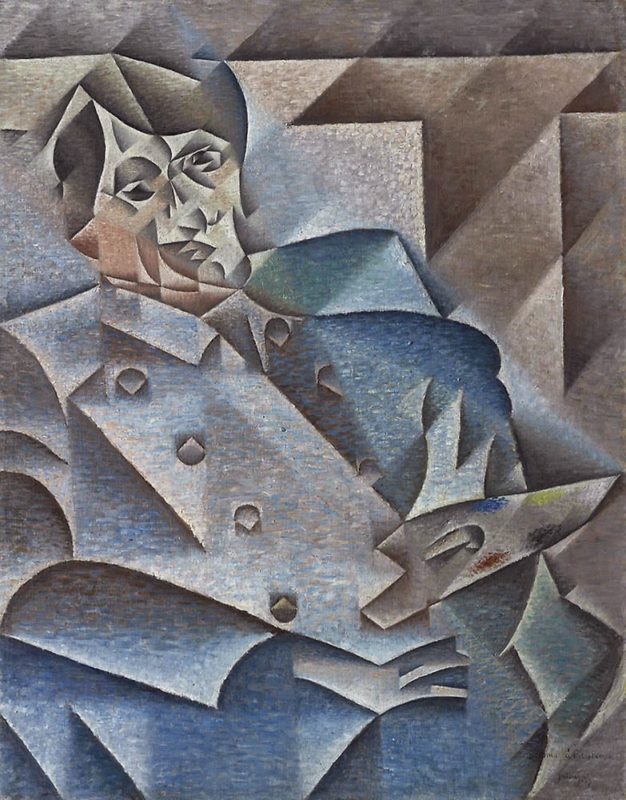
입체파
입체파 짧은 안내: 피카소와 브라크, 분석적·종합적 입체파, 분절된 평면, 다중 시점, PictorX에서 체험할 수 있는 디지털 오마주.
시도해 볼 준비가 되셨나요?
브라우저에서 PictorX를 엽니다. 설치가 필요 없고 시작하는 데 신용 카드가 필요하지 않습니다.
편집자로 이동