
M.C. Escher
An interactive tessellation playground inspired by M.C. Escher. Pick a motif, adjust tile density and colours, toggle eyes and outlines, then save a PNG. Lav tessellationer i Escher-stil — øgler, fugle, fisk, ryttere og mere.
Sådan virker det
- Open PictorX in your browser and start a new project or load an image.
- Use M.C. Escher to shape the result, then refine it with the surrounding editor tools.
- Keep editing, export your work, or turn the result into your next design.
How M.C. Escher fits your workflow
Tessellate lizards, birds, fish, horsemen and more in the spirit of M.C. Escher. Tune scale, colours, and eyes — save a PNG. PictorX keeps the feature alongside your photos, layers, typography, and design tools, so you can move from an idea to a finished graphic without switching applications.
Create more with M.C. Escher
Start with one focused change, review the result in context, and keep iterating. Combine M.C. Escher with other PictorX tools when you need a polished image for social media, a presentation, a print layout, or a personal project.
Ofte stillede spørgsmål
Is M.C. Escher free to try?
Yes. Open PictorX in a modern browser to try M.C. Escher as part of the free editing workflow.
Do I need to install software for M.C. Escher?
No. PictorX runs in your browser, so you can start creating without a desktop software install.
How do I get started with M.C. Escher?
Open an image or create a new design in PictorX, select M.C. Escher, then adjust the result while viewing the rest of your composition.
Can I combine M.C. Escher with other PictorX tools?
Yes. Use M.C. Escher alongside layers, selections, text, filters, and other PictorX editing tools to finish your design in one workflow.
Relaterede værktøjer
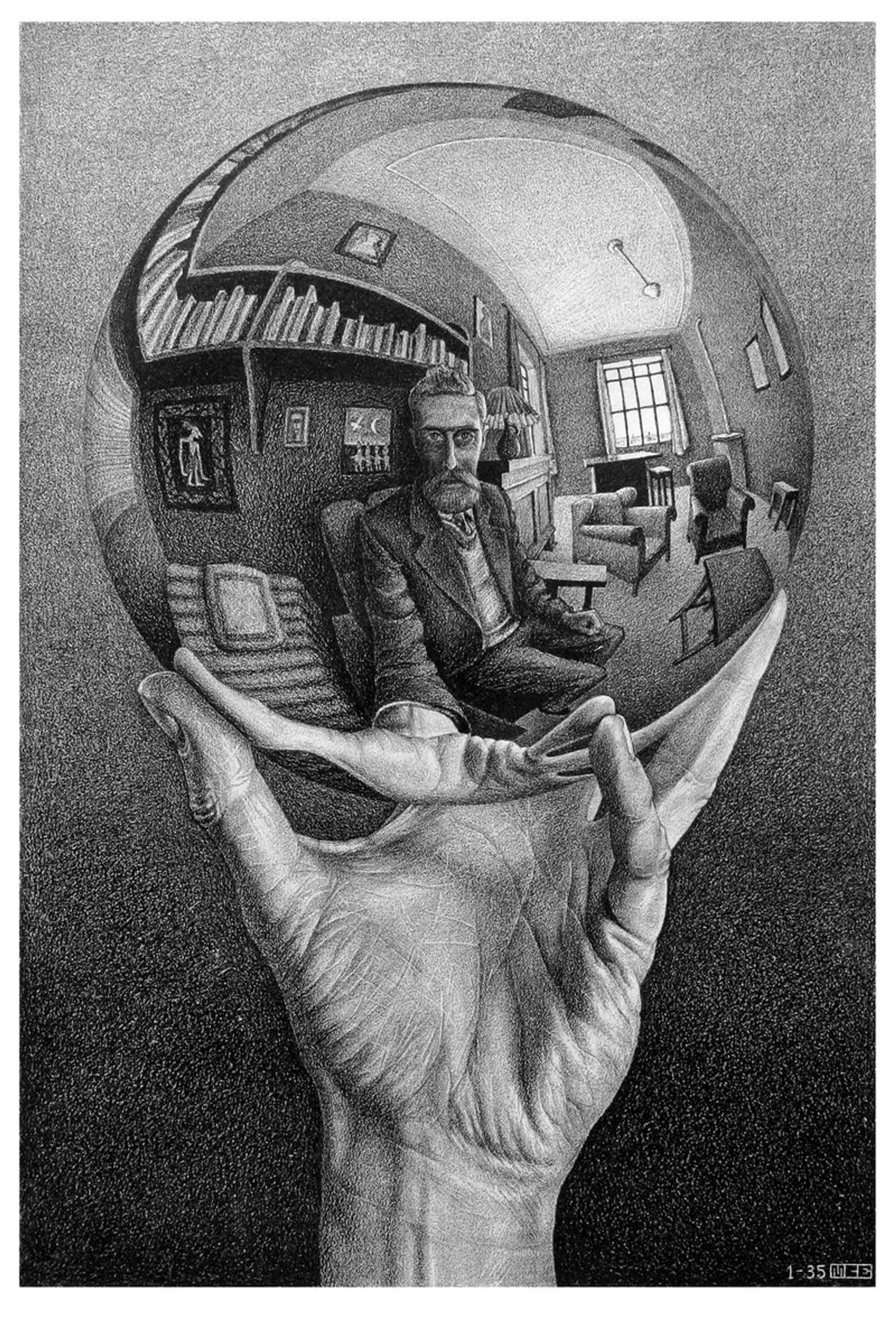
M.C. Escher
M.C. Eschers regulære fladedelinger: Alhambra-tessellationer, translation, rotation og spejling, metamorfose, hyperbolisk uendelighed og figur–grund-dualitet—plus PictorX M.C. Escher.
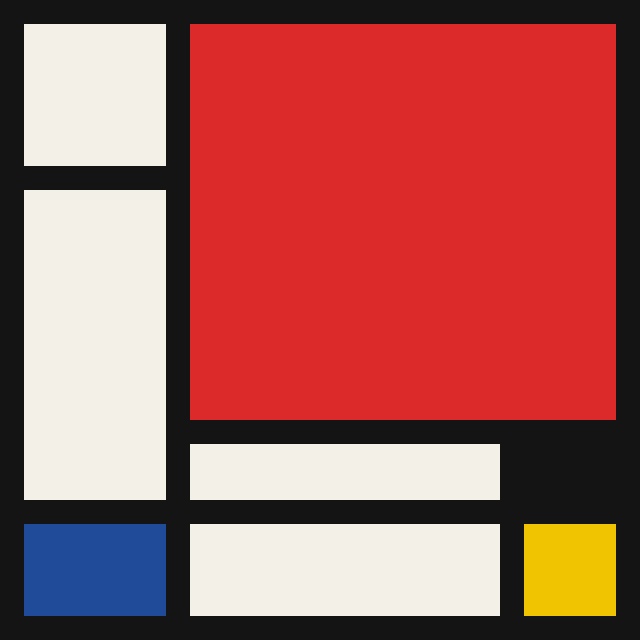
Mondriaan
Komponér klassiske De Stijl-gitre i Mondriaan-stil i browseren. Juster kompleksitet, linjetykkelse og farvefyld — klik celler for at farve om, og gem en PNG. Intet uploades.
Pollock Painter
Mal dryp i Jackson Pollock-stil i browseren. Gestuspensler, Auto-Pollock, paletter og PNG-eksport — intet uploades.
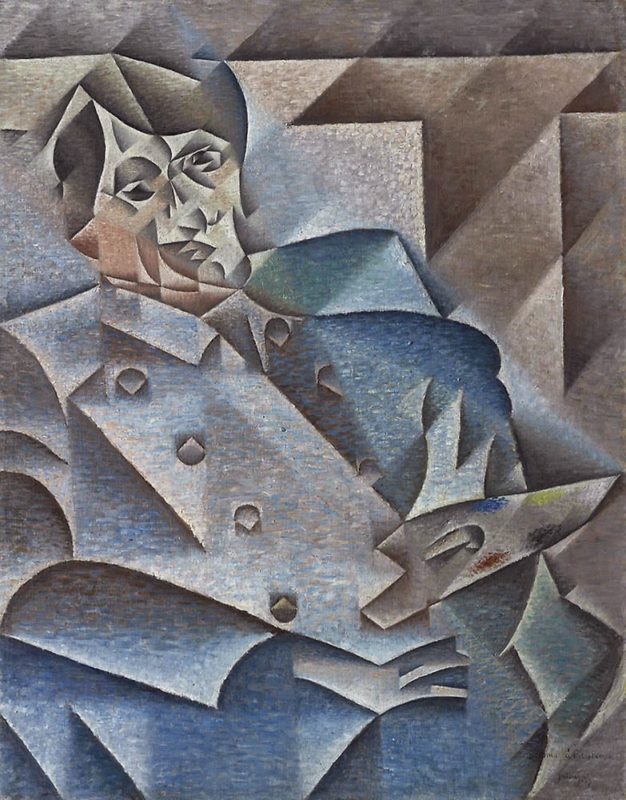
Kubisme
Kort guide til kubisme: Picasso og Braque, analytisk og syntetisk kubisme, fragmenterede flader, flere synsvinkler og en digital hyldest i PictorX.
Er du klar til at prøve?
Åbn PictorX i din browser - ingen installation, ingen kreditkort kræves for at starte.
Gå til Editor