
Press Esc to leave focus mode.
Shortcuts: Ctrl+B bold, Ctrl+I italic, Ctrl+K link, Ctrl+Z undo, Esc leaves focus mode
Markdown editor
Write in plain Markdown and watch it turn into clean formatted text as you type. Headings, lists, task lists, tables, quotes, links, images and code blocks with simple syntax highlighting all work, and the preview is cleaned so pasted scripts or unsafe links can never run. Keep several documents in your browser, write in focus mode and download the result as Markdown or HTML. Nothing is uploaded. Write Markdown on the left and see the formatted result on the right as you type. Use the toolbar or Ctrl+B, Ctrl+I and Ctrl+K for bold, italic and links, switch between editor, preview or both, and turn on focus mode to write without distractions. Your documents are saved automatically in this browser.
How it works
- Type or paste Markdown in the editor, load a .md file, or drop one onto the app. Use the toolbar or Ctrl+B, Ctrl+I and Ctrl+K for bold, italic and links.
- Watch the preview update as you type. Switch between split view, editor only and preview only, keep scrolling in sync, and press the focus button to hide everything except your text. Esc brings the controls back.
- Check the word count, characters and reading time, then download the document as .md or .html, copy the HTML, or save it as PDF, image or JSON. Every change is saved automatically in this browser.
Markdown with a safe preview
The editor understands the CommonMark basics and the popular GitHub additions: tables with alignment, task lists, strikethrough and links that are recognised automatically. Raw HTML in the text is shown as text instead of being run, links with javascript or other unsafe schemes are dropped, and the result passes an allow list before it reaches the page. Text you paste from somewhere else cannot attack your browser.
Write, organise and export
Create as many documents as you need and switch between them from the list. Each one is saved a moment after you stop typing, with undo and redo for your edits. Focus mode hides the toolbar and the preview so only the text remains. When you are done, download clean Markdown for a README or a static site, or a complete HTML page with simple styling.
Frequently asked questions
Is the Markdown editor free?
Yes. It is free, needs no account and works in any modern browser.
Are my documents uploaded?
No. Parsing, the preview and the autosave all happen in your browser. The documents stay in local storage on this device until you delete them or clear the browser data.
Can I use HTML inside my Markdown?
For safety, no. HTML tags are shown as plain text in the preview and in the exported HTML. Use Markdown syntax for formatting, links and images instead.
Related tools
The story behind the Markdown editor
How John Gruber and Aaron Swartz created Markdown in 2004 from email habits, why dialects drifted apart, how CommonMark tidied the rules in 2014, what GitHub Flavored Markdown added and why previews must be sanitized.
Text case converter
A free text case converter: UPPERCASE, lowercase, Title Case with language rules, Sentence case, camelCase, PascalCase, snake_case, kebab-case, CONSTANT_CASE, dot.case and URL slugs, plus cleanup for spaces, line breaks, bullets and emojis.
JSON formatter
A free JSON formatter and validator: beautify or minify JSON, find the exact line and column of an error, sort keys, browse a collapsible tree, copy paths and convert arrays to CSV, all in your browser.
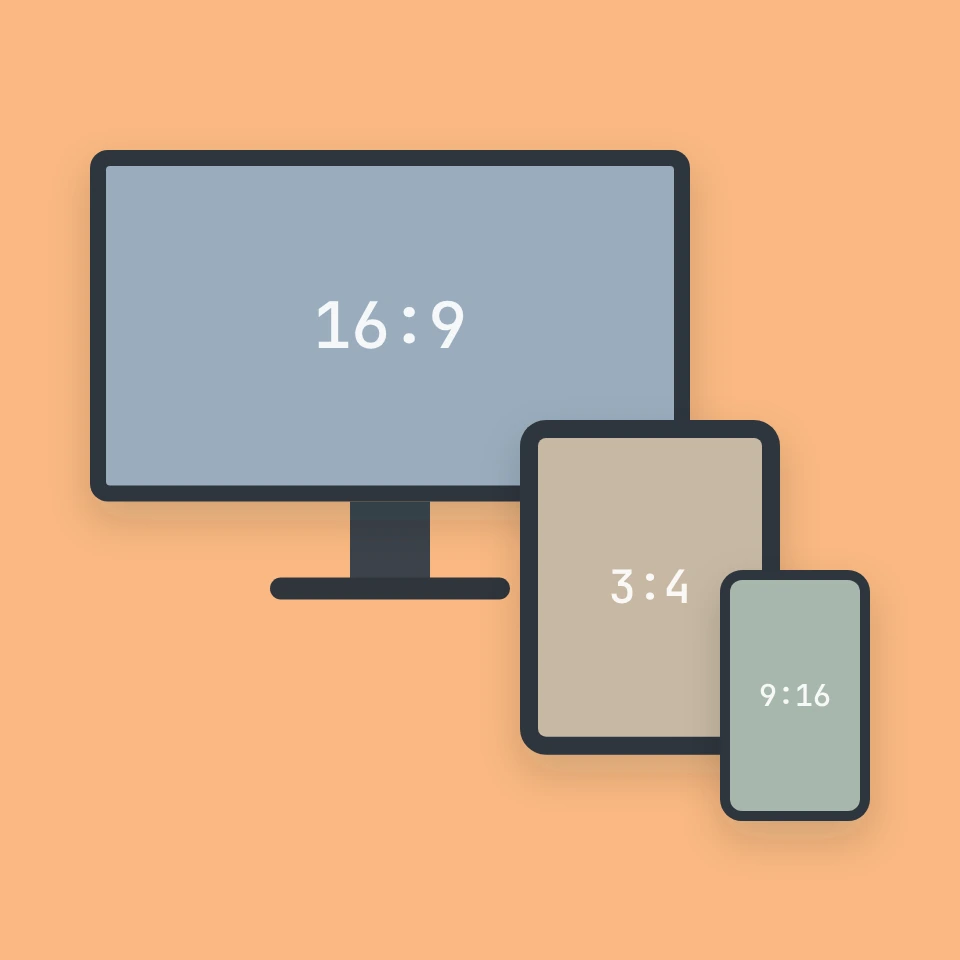
Aspect ratio calculator
A free aspect ratio calculator: simplified ratio and decimal ratio from width and height, the nearest common ratio, resize with a locked ratio and rounding for video, presets for screens, social media and print, and fit or fill with letterbox bars.
Ready to try it?
Open PictorX in your browser — no install, no credit card required to start.
Go to Editor