
Recent sizes
Sizes you use appear here.
Aspect ratio calculator
Type a width and height and see the ratio at once: 1920 x 1080 is 16:9, 2560 x 1080 is 64:27, the real size behind ultrawide 21:9. Lock the ratio to resize without distortion, round to even numbers or multiples of 8 or 16 for video encoders, compare ratios in the preview and work out the bars or the crop when a picture has to fit another frame. Nothing is uploaded. Enter a width and height to get the simplified ratio, the decimal ratio and the nearest common ratio such as 16:9 or 4:3. With the ratio locked, changing one side updates the other, rounded to whole pixels, even numbers for video or multiples of 8 or 16. Pick a preset, scale by a percentage, check megapixels and print or screen size, and see how the image fits or fills another size. Your inputs are saved in this browser.
How it works
- Enter the width and height in pixels, or choose a preset such as Full HD, an Instagram story or A4 at 300 dpi.
- Read the simplified ratio, the decimal ratio and the nearest common ratio. Keep the ratio locked and change one side, or scale by a percentage, with the rounding that suits your project.
- Add a target size to see how the image fits with bars or fills with a crop, enter a PPI or a screen diagonal for the physical size, then copy the results or save them as PDF or JSON.
Resize without stretching
With the lock on, the calculator keeps the original ratio while you type a new width or height. Video codecs and many cameras prefer even sizes or blocks of 8 or 16 pixels, so the rounding options give a size you can use directly. Rounding can shift the ratio slightly, which is why the results always show the ratio of the size you actually have.
Fit or fill another frame
A 16:9 video on a square post or a 4:3 photo on a widescreen TV does not match. Fit scales the picture so it is fully visible and shows the size of the black bars, letterbox at the top and bottom or pillarbox at the sides. Fill scales it to cover the frame and shows how many pixels are cropped and which part of the original stays visible.
Frequently asked questions
Is the aspect ratio calculator free?
Yes. It is free, needs no account and works in any modern browser.
Why does 2560 x 1080 show 64:27 and not 21:9?
64:27 is the exact simplified ratio, about 2.37:1. Screens sold as 21:9 use this size, so the calculator names 21:9 as the nearest common ratio. True 21:9 would be 2.33:1.
Which rounding should I use for video?
Most encoders need even numbers, so choose Even numbers. Some older codecs and hardware work best with multiples of 8 or 16. For images on the web, whole pixels are fine.
Related tools
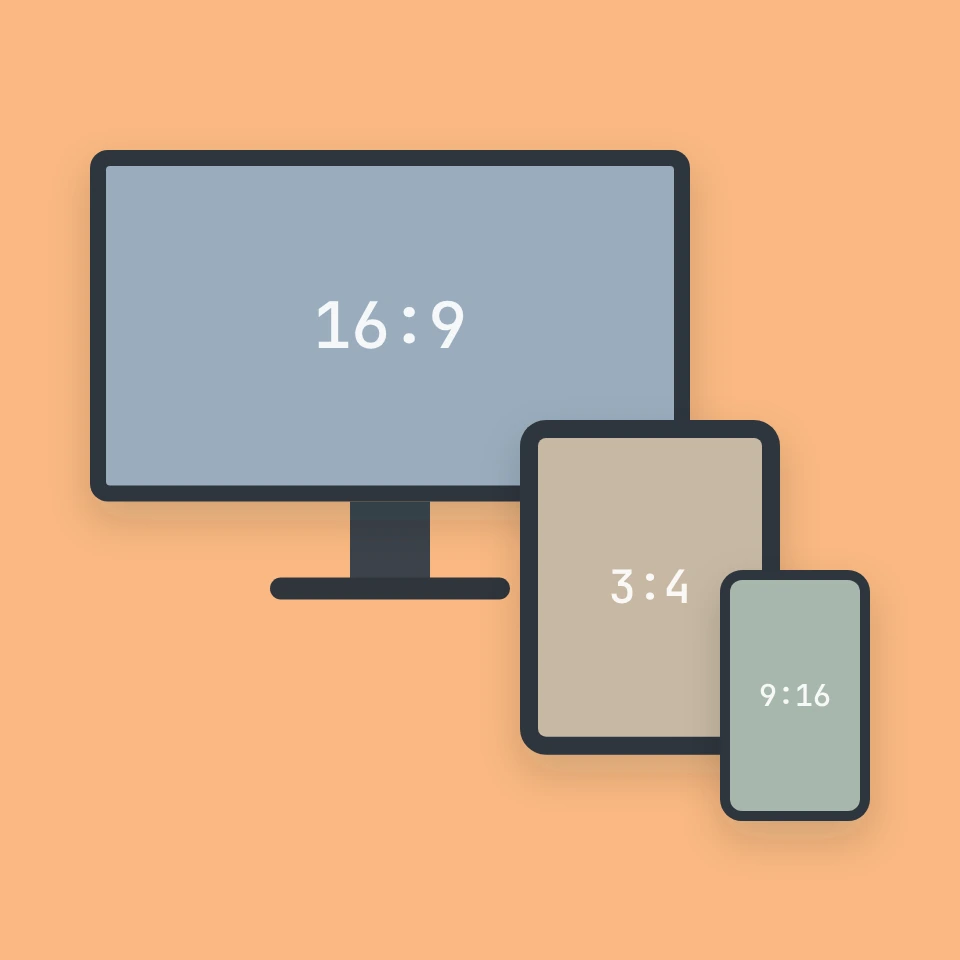
The story behind the aspect ratio calculator
Why early film was 4:3, how CinemaScope made cinema wide, why 16:9 became the compromise for television, where the square root of two in A4 paper comes from, and how phones turned video vertical.

Text case converter
A free text case converter: UPPERCASE, lowercase, Title Case with language rules, Sentence case, camelCase, PascalCase, snake_case, kebab-case, CONSTANT_CASE, dot.case and URL slugs, plus cleanup for spaces, line breaks, bullets and emojis.
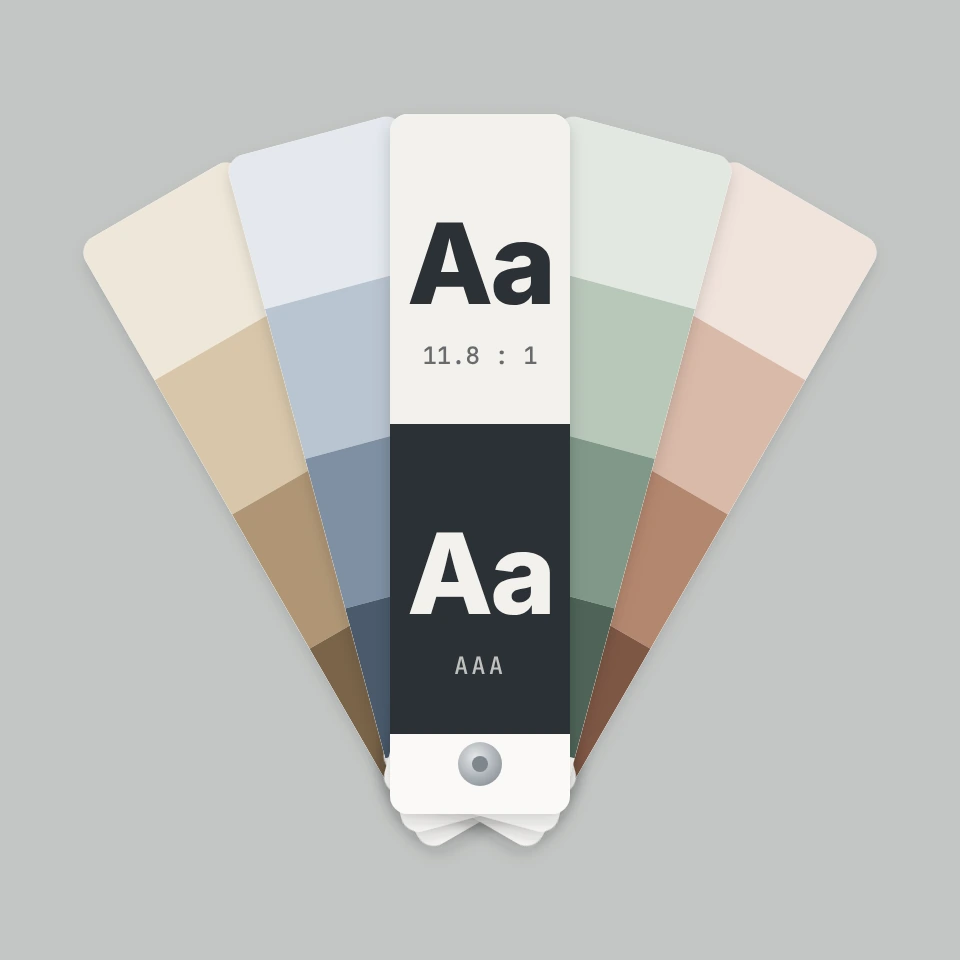
Color contrast checker
A free WCAG color contrast checker: enter text and background colors as HEX, RGB or HSL, see the contrast ratio with AA and AAA results, get the nearest passing color and simulate color blindness.
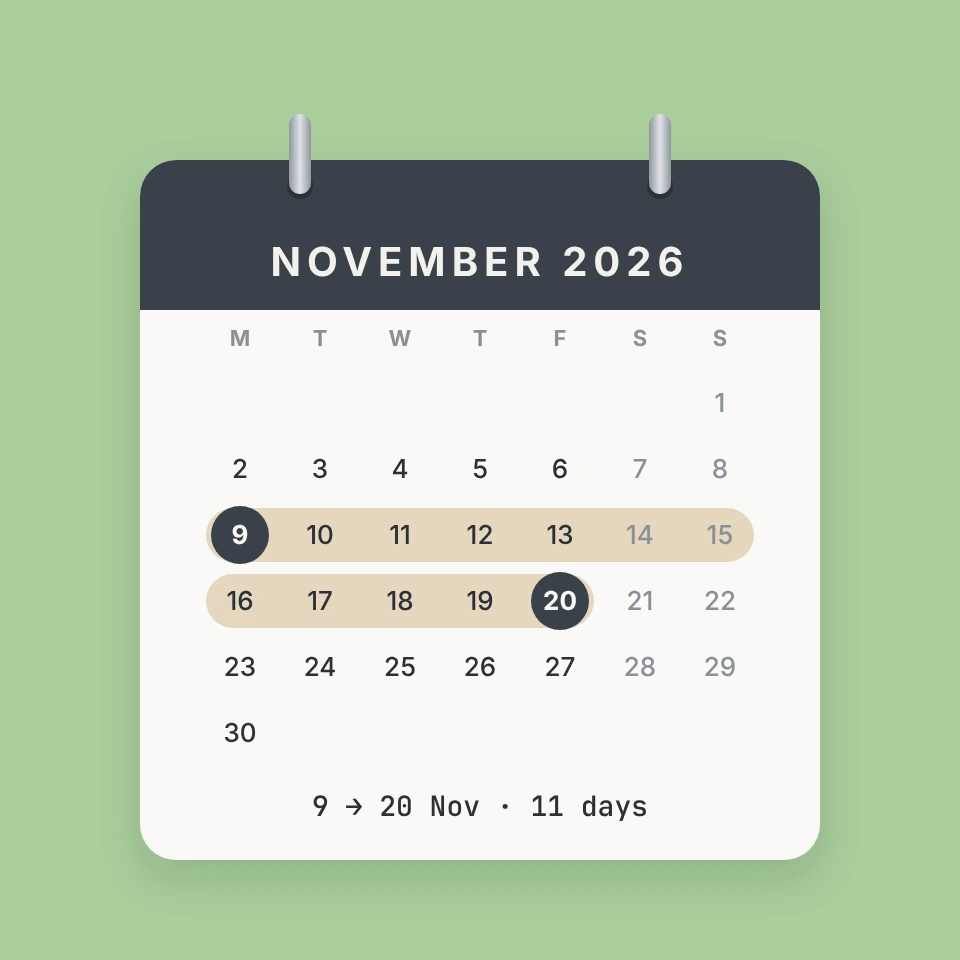
Date calculator
A free date calculator: count the days between two dates, add or subtract months and days, count working days with public holidays, find an exact age and look up the ISO week number.
Ready to try it?
Open PictorX in your browser — no install, no credit card required to start.
Go to Editor