
杂志剪贴字母生成器
在浏览器里做勒索信拼贴字。每个字母都有自己的纸片、字体、颜色、倾斜和大小。PictorX 在本地生成。 输入文字并选择风格。点击某个字母可重新随机,拖动可调整位置。
它是如何运作的
- 输入一个词或一行短句。
- 选择随机字体或单一字体,然后点随机。
- 下载 PNG,或在 PictorX 里继续编辑。
剪贴字母为什么好看
杂志字看起来像手工剪的,因为每块纸都不一样。逐字换字体、纸色、旋转和大小,才像拼贴。
字体、颜色和大小
随机字体让每个字换一种面孔。单一字体保住家族,颜色和大小仍会跳。大小是基准,每块纸还会略缩放。
常见问题
Is Magazine Cutout Letters Generator free to try?
Yes. Open PictorX in a modern browser to try Magazine Cutout Letters Generator as part of the free editing workflow.
Do I need to install software for Magazine Cutout Letters Generator?
No. PictorX runs in your browser, so you can start creating without a desktop software install.
How do I get started with Magazine Cutout Letters Generator?
Open an image or create a new design in PictorX, select Magazine Cutout Letters Generator, then adjust the result while viewing the rest of your composition.
Can I combine Magazine Cutout Letters Generator with other PictorX tools?
Yes. Use Magazine Cutout Letters Generator alongside layers, selections, text, filters, and other PictorX editing tools to finish your design in one workflow.
相关工具

涂鸦墙
在浏览器的砖墙上喷涂、盖印标签与滴流。随机化、撤销并保存为 PNG——PictorX 免费提供。
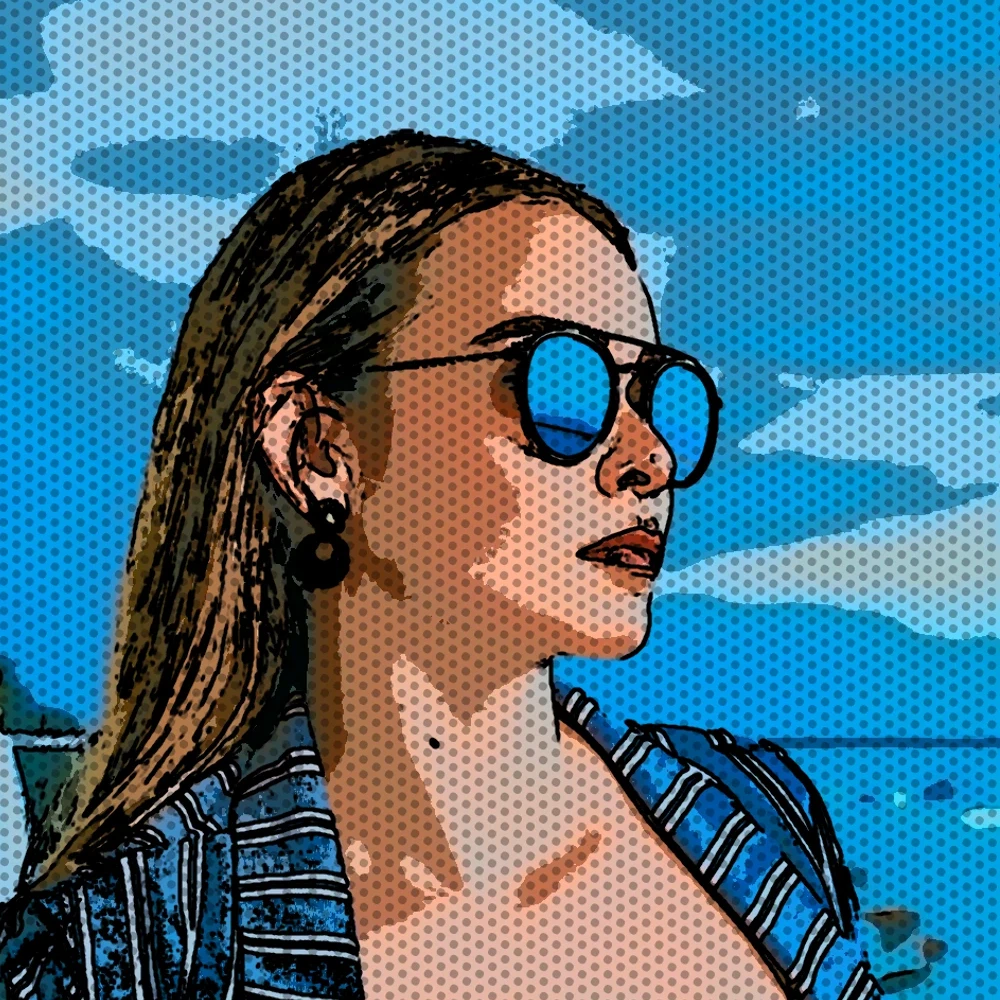
将照片变成漫画面板
在浏览器中将照片变成漫画页。将不同的细节放大到 1、2、4 或 6 个墨水面板中,然后添加可选的 Ben-Day 点和标题。
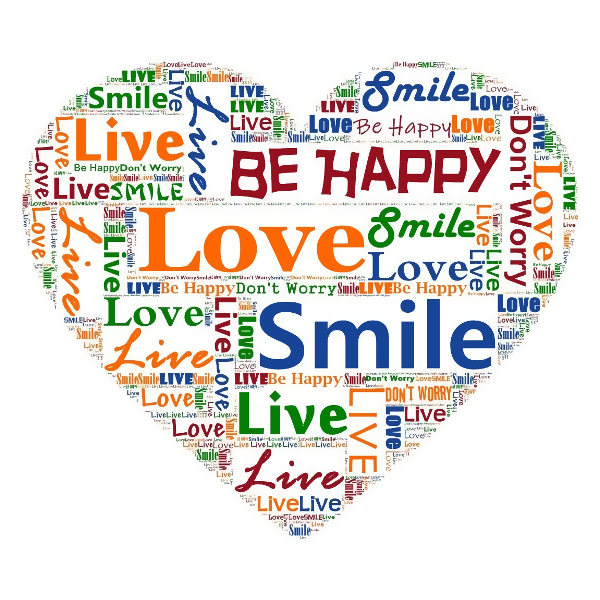
字体艺术效果
通过效果 → 文本把照片变成文字构成的艺术。用效果 → 文本 → 格莱美艺术将自定义词语填入轮廓,用效果 → 文本 → 文字肖像以字体绘制肖像,或用效果 → 文本 → 商务文字艺术散布商业流行语。用效果 → 文本 → 字符马赛克将亮度渲染为字符马赛克,或用效果 → 文本 → 排版效果将重复行堆叠成海报。调节间距、大小、字体、颜色和词表,打造海报、专辑封面与社交媒体图形。
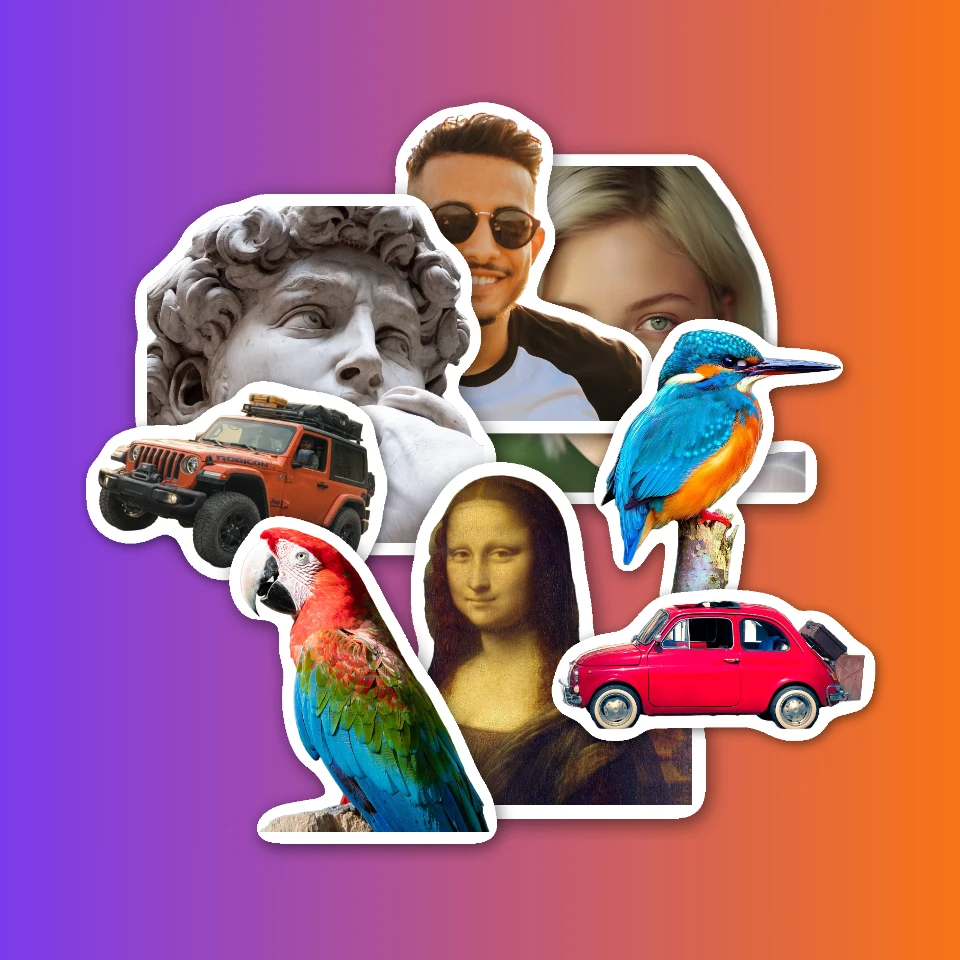
贴纸拼贴
Make a sticker collage free online with PictorX. Open 1 to 8 photos, cut out each subject, wrap it as a sticker, then drag and resize on a transparent, solid, or gradient backdrop.
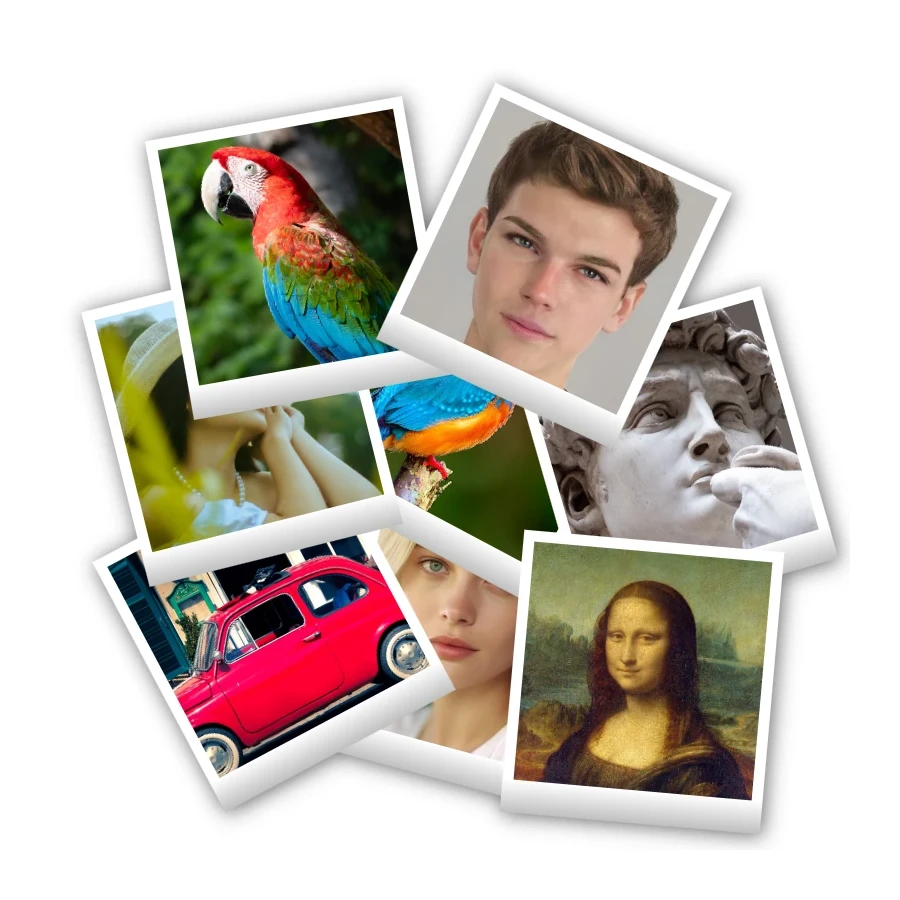
宝丽来拼贴
使用 PictorX 免费在线制作宝丽来拼贴。用不同照片填充大图、叠放、散落和德罗斯特版式。
准备好尝试了吗?
在浏览器中打开 PictorX — 无需安装,无需信用卡即可启动。
前往编辑器