
Kakuro
Kakuro is a crossword with numbers: instead of words, each run of white cells has a sum, and you fill it with digits from 1 to 9 that add up to it without repeating one. It mixes the logic of Sudoku with a little arithmetic. Every puzzle here is made in your browser with exactly one solution, and the app shows which digit combinations make the clues of the cell you choose. Fill the white cells with the digits 1 to 9. Every row or column of white cells adds up to the clue at its start: the number above the slash for a row to the right, below it for a column going down. No digit may appear twice in the same row or column of cells. Click a cell, then type a digit or use the number pad; the line under the board lists the combinations that make the clues of the chosen cell.
How it works
- Choose a board size and a difficulty, or keep the 8 x 8 Medium puzzle that is ready.
- Click a white cell and type a digit, or use the number pad. The line under the board lists the combinations that make the clues of that cell, across and down.
- Fill every cell so each run adds up to its clue with no digit twice. A clue turns red when its run cannot be right; Hint marks the next cell and Solve fills in the rest.
The rules
The board has black cells with clues and white cells to fill. A number above the slash in a black cell is the sum of the white cells to its right, up to the next black cell; a number below the slash is the sum of the cells beneath it. Each run uses the digits 1 to 9 at most once, so a run of two that adds up to 4 must be 1 and 3, never 2 and 2.
Combinations are the key
Some sums can only be made in one way: 3 in two cells is 1 + 2, 17 in two cells is 8 + 9, 6 in three cells is 1 + 2 + 3 and 45 in nine cells uses every digit. Start from these, then look where an across run and a down run cross: the digit there has to belong to both of their combinations, which often leaves a single choice.
Easy, medium and hard
Easy puzzles fall to the combinations and the crossings alone, step by step. Medium puzzles sometimes need you to think ahead: if this cell were a 7, the run beside it could not reach its sum. Hard puzzles need that reasoning several times, on bigger boards with longer runs.
Frequently asked questions
Does every Kakuro have exactly one solution?
Yes. The computer fills a pattern with digits, writes the sums and checks with a solver that no other filling fits them. Where a second solution exists, it turns a cell black and checks again, until only one is left.
What does the line under the board show?
For the chosen cell, the combinations of digits that make its across clue and its down clue, such as Across 17 in 2: 89. It saves you from looking the combinations up and is the fastest way to see which digits can go in a cell.
What do Hint and Solve do?
Hint marks one cell: a digit of yours that is wrong, a cell where only one digit fits, or the next cell to work out, and tells you which. Solve fills in the rest one cell at a time, and Step one cell. A puzzle solved with help does not count for your best time.
Is Kakuro harder than Sudoku?
It feels different more than harder. Sudoku is pure placement; Kakuro adds sums, so knowing a few combinations by heart helps a lot. Small Kakuro boards are a gentle start, and the large Hard ones are a real challenge.
Can I play with the keyboard?
Yes. The arrow keys move between white cells and skip the black ones, the digits 1 to 9 fill the chosen cell, and Backspace, Delete or 0 clears it. Ctrl+Z undoes a change.
Kakuro: how do I record a video?
Press the red Record button in the playback bar: it films what the stage shows. Press it again to stop, and the video is saved to your device. Recording is free; you only need to sign in. Without a subscription the video carries a small PictorX logo in a corner. The button beside Record opens the video options: the shape (as shown, square, story 9:16 or wide 16:9), the length (until you stop, or 5, 10, 15 or 30 seconds for social media) and the file: MP4, WebM or an animated GIF. You can add one of three music tracks: calm, bright or beat.
Related tools
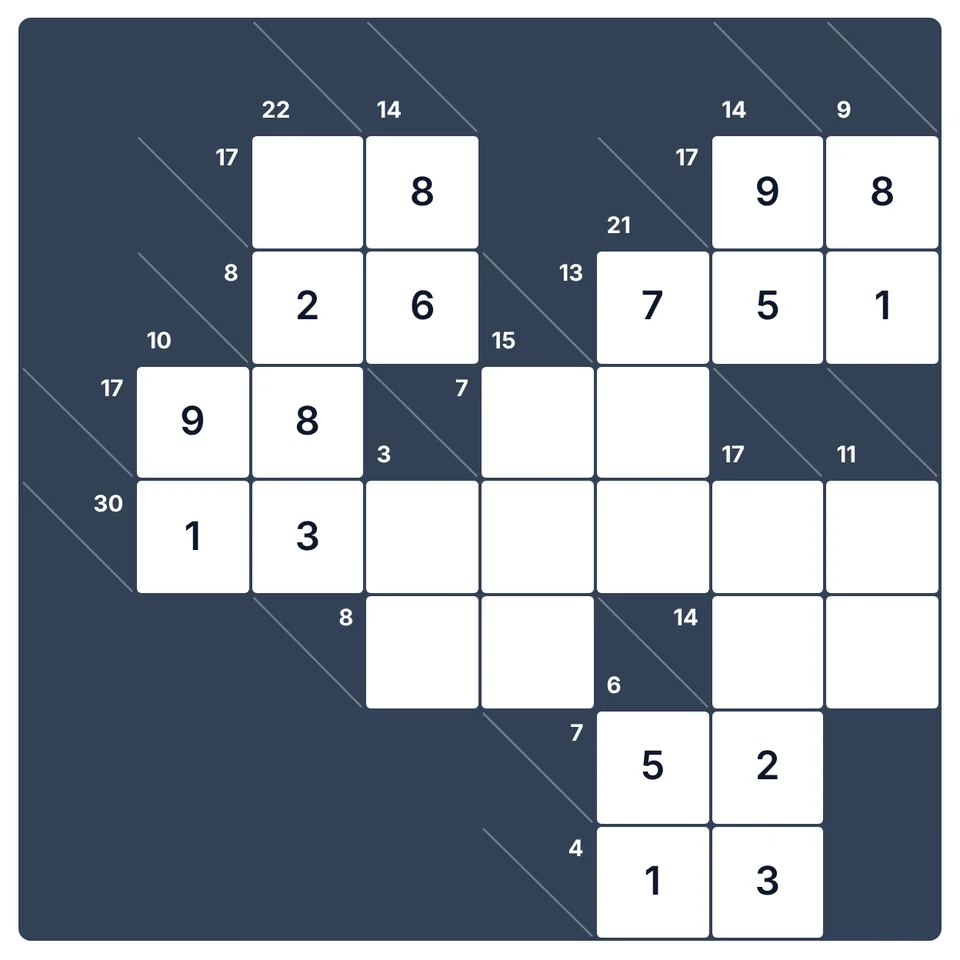
How Kakuro works
How Kakuro works: the rules of the cross sums puzzle, where it comes from, the digit combinations worth knowing, the techniques that solve it, and how puzzles with one solution are made.
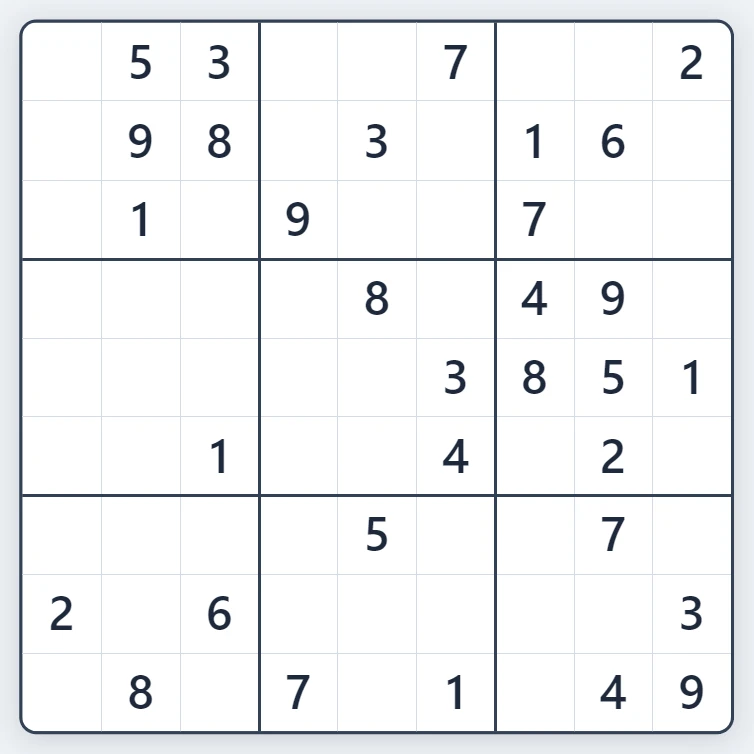
Sudoku
Play Sudoku free in your browser. Fresh puzzles with exactly one solution, four levels from Easy to Expert, pencil notes, hints, mistake highlighting and undo.
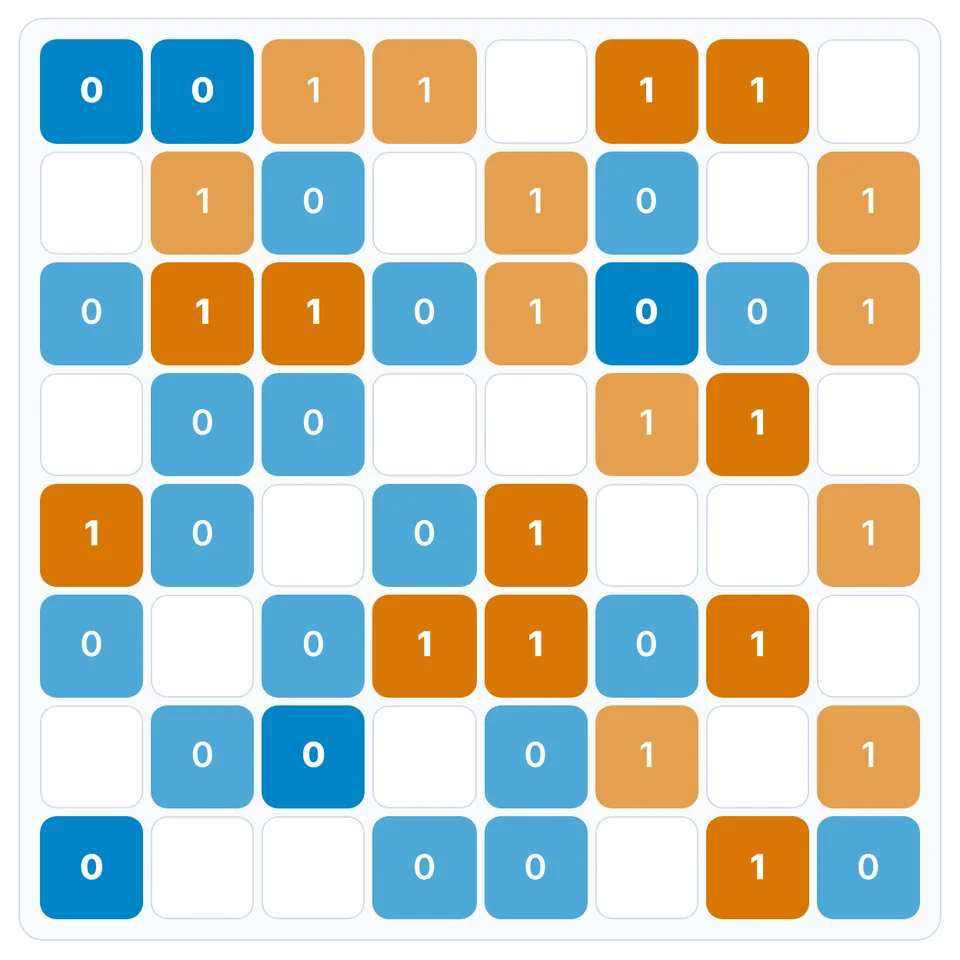
Binary Puzzle
Play the binary puzzle, also called Takuzu or Binairo, free in your browser. Fill the grid with 0s and 1s on boards from 6 x 6 to 14 x 14, easy to hard, with hints that explain the next step.
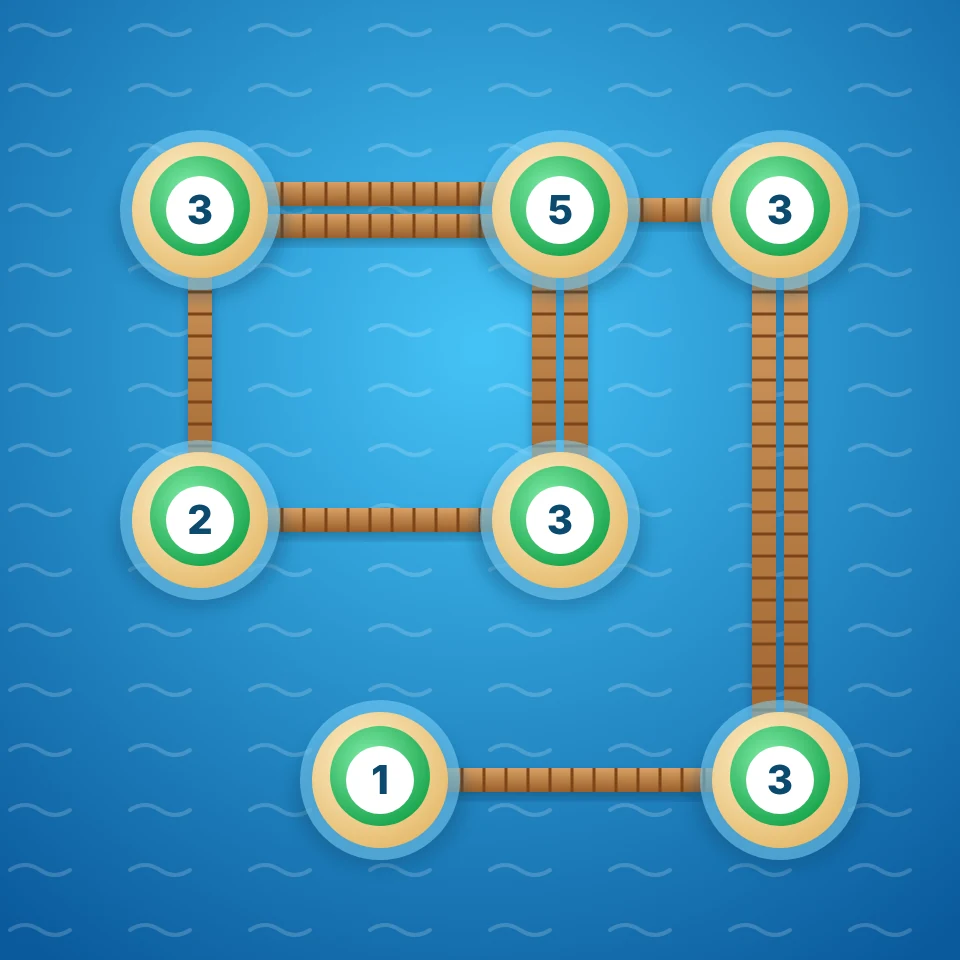
Bridges
Play Bridges, the island puzzle also called Hashi, free in your browser. Join numbered islands with bridges on boards from 7 x 7 to 15 x 15, easy to hard, with hints, the solution and your best times.
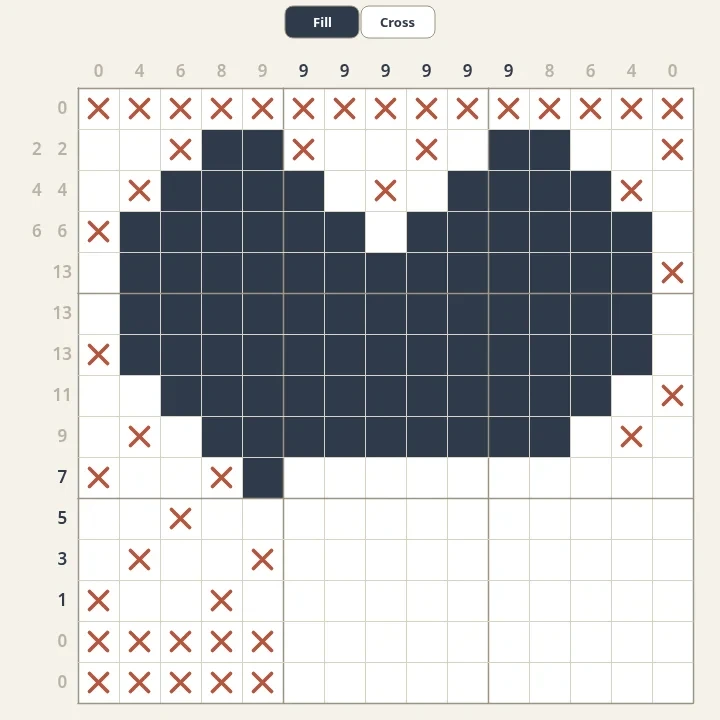
Nonograms
Solve free nonograms in your browser. Every puzzle is generated, has one logical solution and reveals a pixel picture. Choose sizes from 5x5 to 20x20 and mark empty cells with crosses.
Math Challenge
Play Math Challenge online: solve as many sums as you can in 30, 60 or 120 seconds. Addition, subtraction, multiplication and division at three levels, with streak bonuses and best scores.
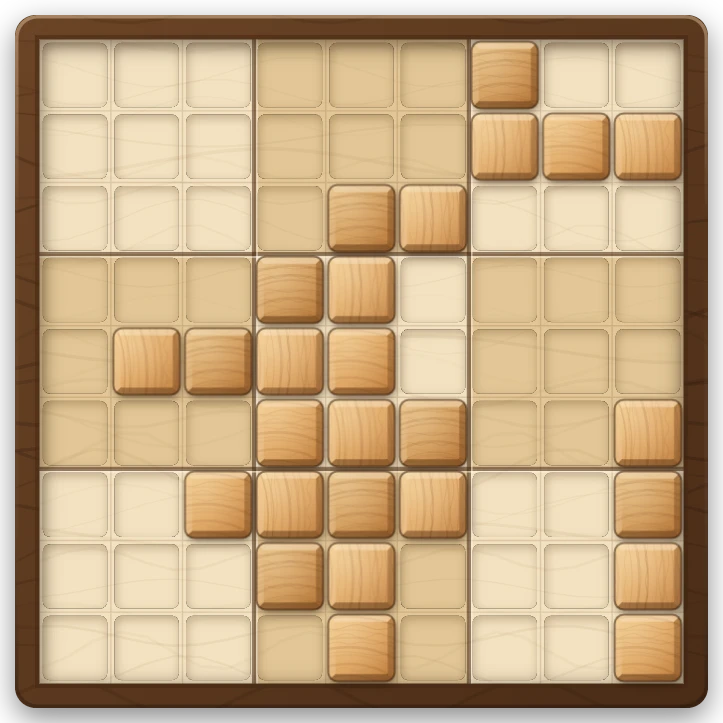
Wood Block Sudoku Puzzle
Play Wood Block Sudoku free in your browser. Drag wooden pieces onto a 9x9 board and clear rows, columns and 3x3 boxes. Combos, streaks, a holder slot and no time limit.
Ready to try it?
Open PictorX in your browser — no install, no credit card required to start.
Go to Editor