
Fraction calculator
Type two fractions, optionally with a whole number in front, and pick +, -, x or /. You get the answer as a simplified fraction, a mixed number and a decimal, with every step written out: the common denominator found with the LCM and the final simplification with the GCD. Bars show how big each fraction is. Enter two fractions or mixed numbers, choose an operator and read the simplified result, the steps and the picture. Use the mode menu to simplify a fraction, convert a decimal or compare two fractions.
How it works
- Enter the first and second fraction. Leave the whole number empty for an ordinary fraction.
- Choose +, -, x or /, or switch the mode to simplify, convert a decimal or compare.
- Read the result in three forms, follow the steps and copy the answer if you need it elsewhere.
Steps you can check
The calculator shows the same working a teacher expects: mixed numbers become improper fractions, both fractions are rewritten over the least common multiple of the denominators, the numerators are combined and the answer is divided by the greatest common divisor. That makes it useful for checking homework, not only for getting the answer.
Decimals and comparing
In Decimal to fraction mode, 0.375 is written as 375/1000 and simplified to 3/8. In Compare mode the two fractions are rewritten over a common denominator, so you can see at once whether the first is smaller than, equal to or larger than the second.
Frequently asked questions
How do I add fractions with different denominators?
Find the least common multiple of the denominators, rewrite both fractions with that denominator and add the numerators. For 1/4 + 1/6 the LCM is 12, so you get 3/12 + 2/12 = 5/12.
Can I enter negative fractions?
Yes. Put a minus sign in front of the whole number, or in front of the numerator when there is no whole number. A mixed number like -1 1/2 means minus one and a half.
Are my fractions sent anywhere?
No. Everything is calculated in your browser, and your last inputs are only kept in your browser's local storage.
Related tools
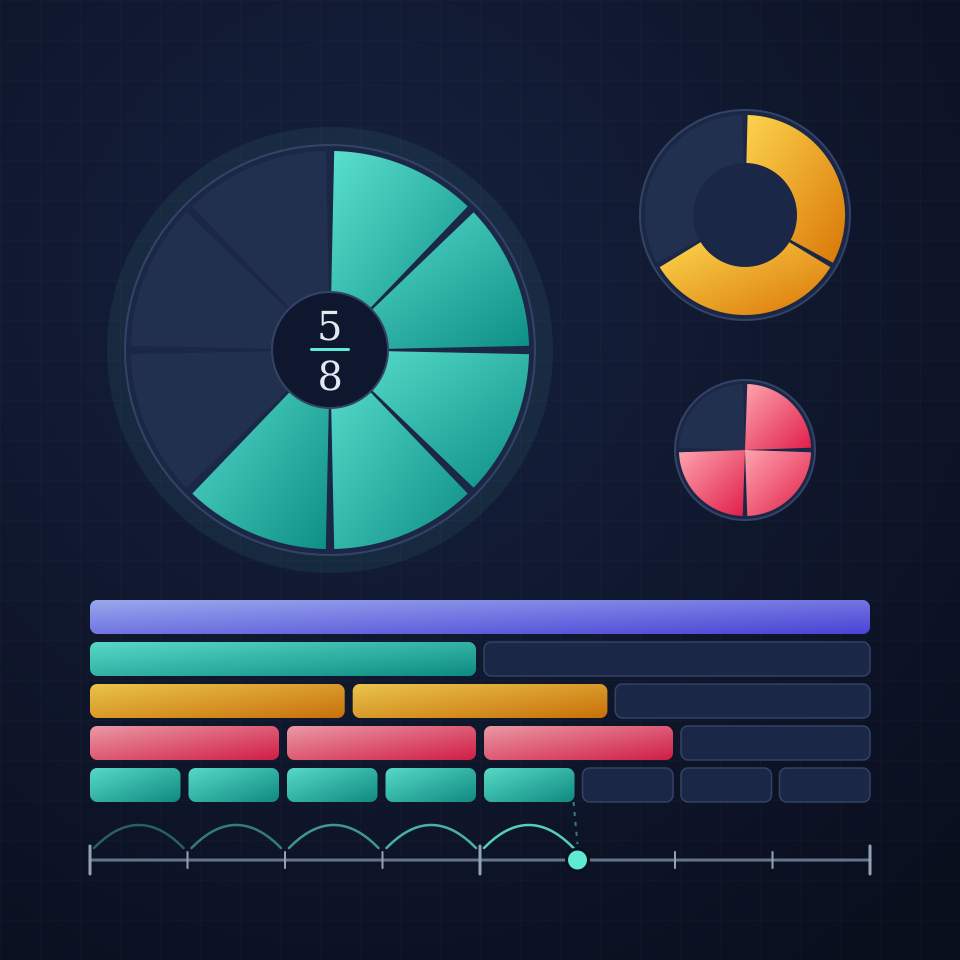
Fractions, from Egyptian papyrus to lowest terms
What a fraction is, how to simplify it with the greatest common divisor and Euclid's algorithm, and how the ancient Egyptians wrote every fraction as a sum of unit fractions.
Calculator
A free online calculator with a basic and a scientific mode: trigonometry, logarithms, powers, roots, factorials, memory and history, with the correct order of operations.
Matrix calculator
A free online matrix calculator: add, subtract, multiply, transpose and invert matrices up to 6x6, with determinant, rank, powers and exact fractions.

Statistics calculator
A free online statistics calculator: paste numbers and get the mean, median, mode, variance, standard deviation, quartiles and a histogram instantly.
Ready to try it?
Open PictorX in your browser — no install, no credit card required to start.
Go to Editor