
Screen
View
Text
Background
Device mockup generator
Show off your app or website the way the stores and landing pages do. Put a screenshot in a phone, tablet, laptop, desktop monitor, browser window or watch, choose the frame color, tilt it in 3-D, and add a soft shadow, a glare on the glass, a background and an App-store style title. Save a PNG or JPG, or keep editing every part on its own layer in the editor. Open a screenshot, drop it on the picture or pick an example. Choose the device, its color and the background, drag the picture to tilt the device, and add a title. Your screenshots stay on your device.
Як це працює
- Open a screenshot, drop it on the picture, or start with one of the examples.
- Pick the device, its orientation and its frame color, and the shape of the picture.
- Drag the picture to tilt and turn the device, and set the shadow, the glare and the padding.
- Write a title and subtitle, pick a background, then save a PNG or JPG, or open the mockup in the editor with every part on a layer of its own.
Six devices, drawn for you
A phone and a tablet, upright or on their side, a laptop, a desktop monitor, a browser window and a watch, each drawn as clean vector art with a polished frame, rounded screen corners, a camera and buttons. The frames come in black, graphite, silver, white, gold, blue or any color. The devices are generic, so the mockup suits any app or site.
A real 3-D tilt, shadow and glare
Tilt and Turn lean the device back and turn it to the side in true perspective: the frame and the screenshot are warped together and the edge of the device shows its thickness. A soft shadow falls under it and a glare runs across the glass; switch either off for a flat look. A long screenshot can be scrolled to the part you want to show, or fitted whole.
Поширені запитання
How do I make a device mockup of my screenshot?
Open your screenshot on this page or drop it on the picture, pick a device and a frame color, and drag the picture to tilt it. Add a title and a background, then save the picture. The same app is in the editor under Apps → Photo → Device mockup, where the open image is the screenshot.
Which devices can I use?
A phone and a tablet (upright or on their side), a laptop, a desktop monitor, a browser window and a watch. They are drawn as generic devices without brand names or logos, in black, graphite, silver, white, gold, blue or a color of your own.
My screenshot is longer than the screen. What can I do?
With Fill the screenshot covers the screen and Scroll picks the part that shows, from the top to the bottom of a long page. With Fit the whole screenshot shows, with a border where its shape differs from the screen's.
Can I save it with a transparent background?
Yes. Pick Transparent among the backgrounds and save a PNG: only the device, its shadow and the text are in the picture, ready to place on your own page or slide.
Can I keep editing the mockup?
Yes. The pencil opens it in the PictorX photo editor with the background, the shadow, the screen, the device and the glare on layers of their own, and the title and subtitle as text you can edit, so you can swap the background, move the text or hide the glare.
Схожі інструменти
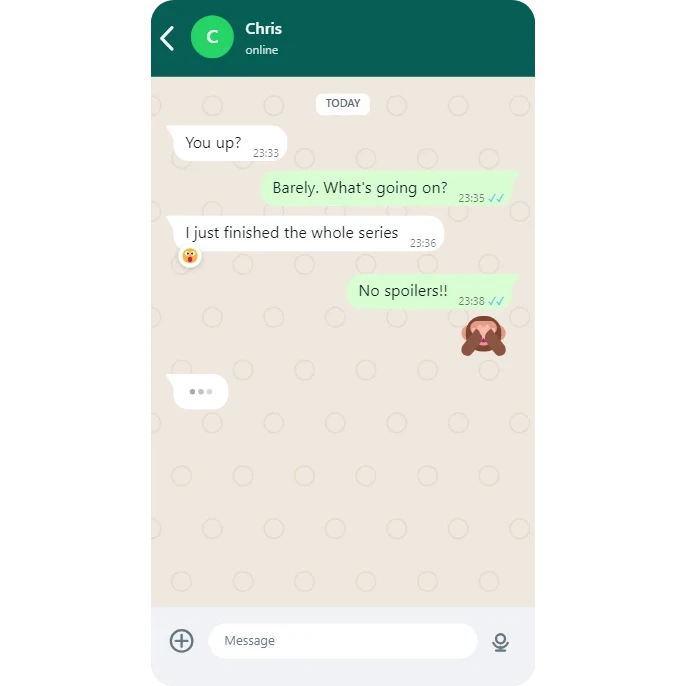
Макет чату
Створіть вигаданий чат у телефоні в стилі iMessage, WhatsApp, Instagram, Messenger або Android. Введіть історію, а потім збережіть PNG або додайте його до свого дизайну.
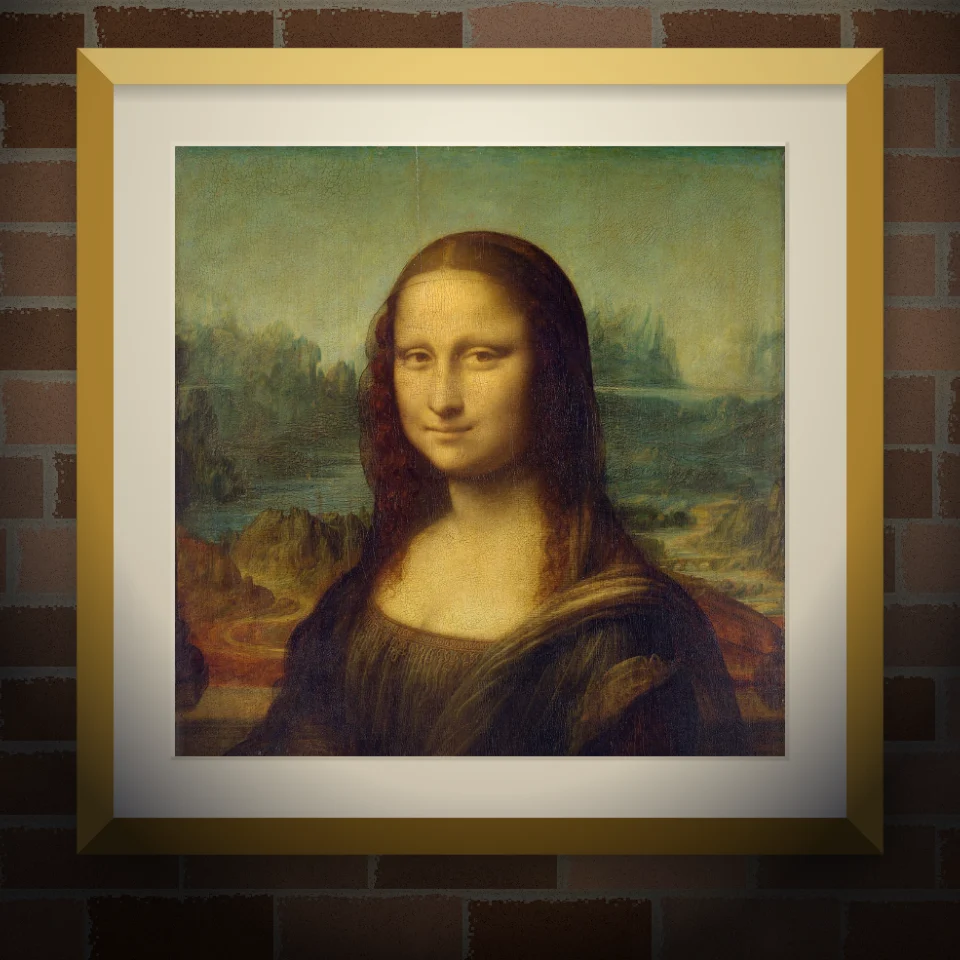
Мокап муралу й постера
Розмістіть своє фото чи твір на реалістичній стіні як намальований мурал, наклеєний постер або картину в рамі. Виберіть стіну й освітлення, а потім збережіть PNG.
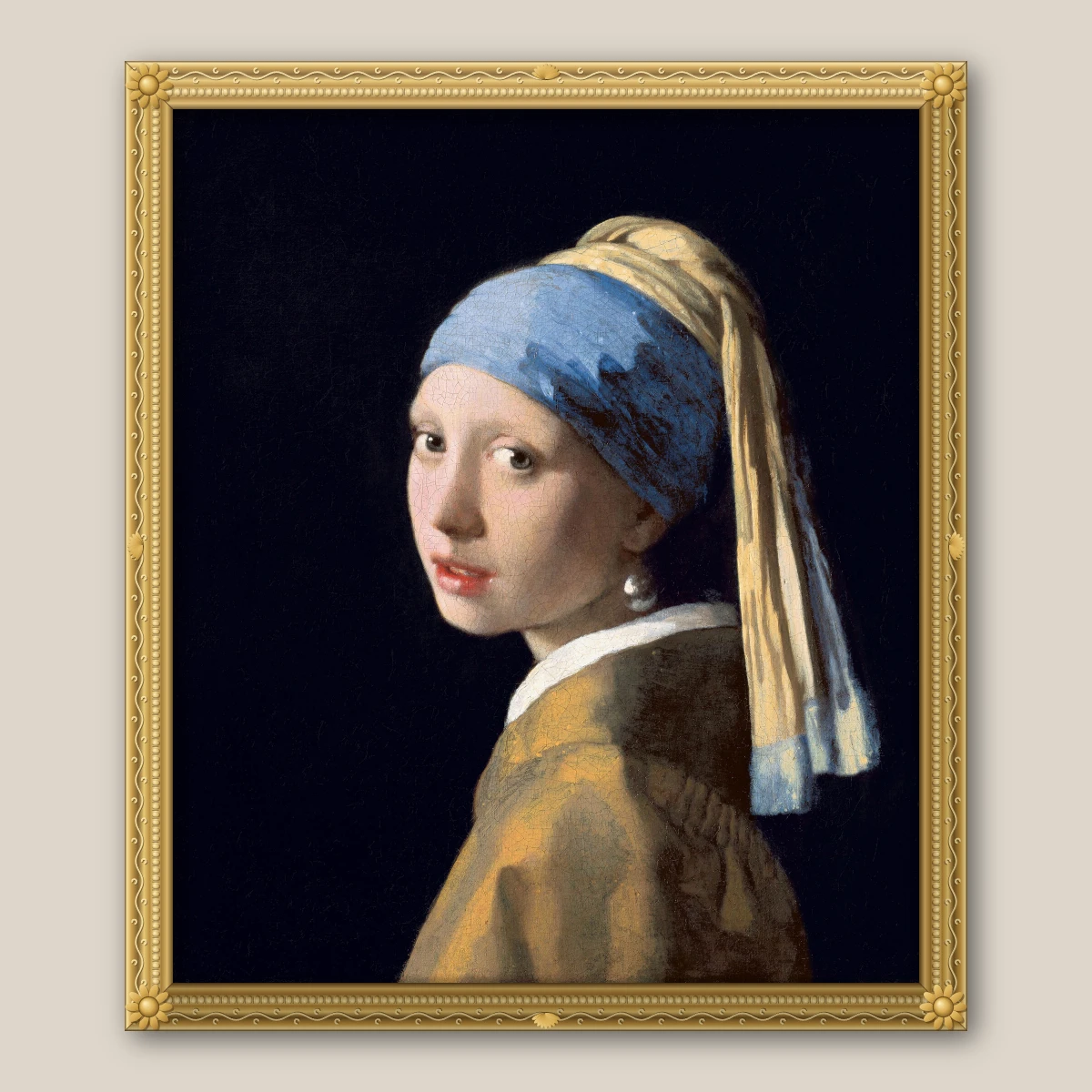
Конструктор рамок
Вставте фото в позолочену, барокову, дерев'яну, галерейну, ширяючу, металеву рамку, рамку поляроїда, фотоплівки чи поштової марки, додайте паспарту й збережіть PNG.
Перетворіть одне обличчя на інше
Перетворюйте одне обличчя на інше просто в браузері. Два фото, відповідні точки на очах, носі, роті й підборідді та плавний морфінг, який можна відтворити, зупинити на півдорозі, записати як відео або відкрити шарами в редакторі.
Готові спробувати?
Відкрийте PictorX у браузері — без встановлення і без кредитної картки.
Перейти до редактора