
Mix light and filters: additive and subtractive colour
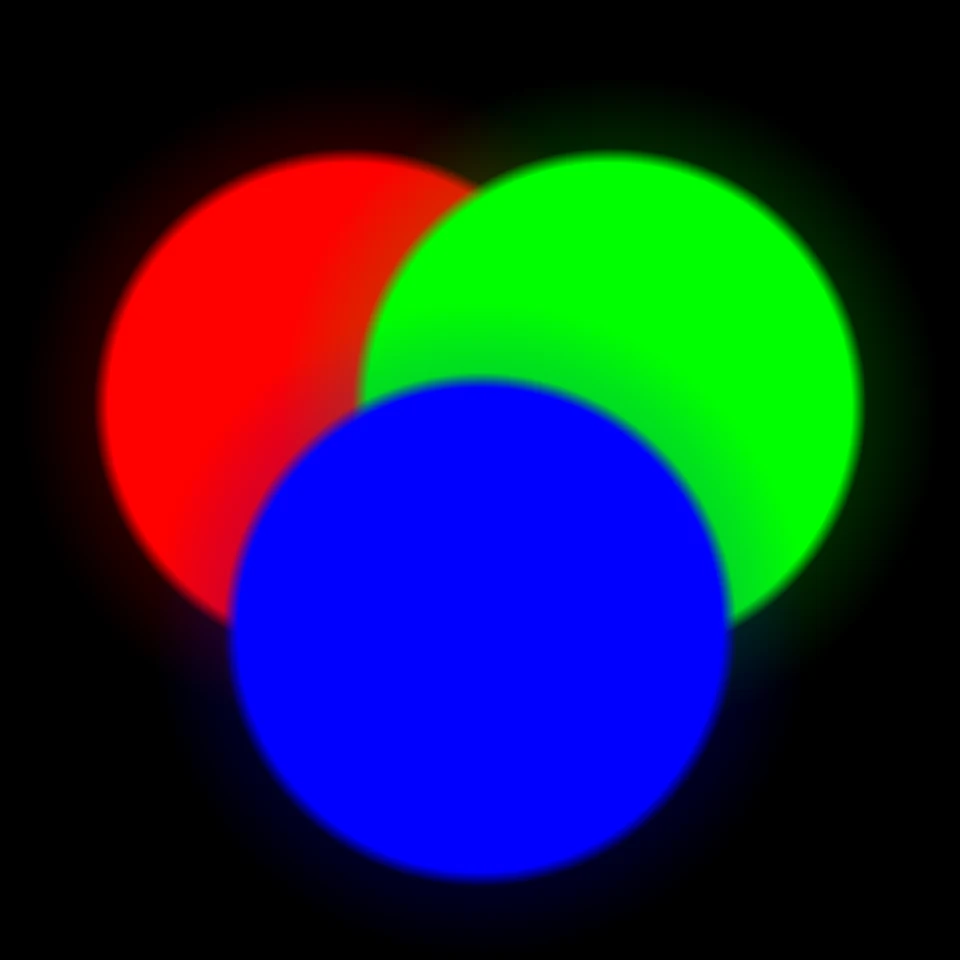
Your screen makes every colour from tiny red, green and blue lights, and a printer makes them from cyan, magenta and yellow inks. Shine three coloured spotlights on a dark wall and watch their light add up, or lay three colour filters on a light table and watch each one take light away. A probe reads any colour as hex, RGB, CMYK and HSL, shows which wavelengths it contains and how strongly it stirs the three kinds of cone in your eye, the reason why three colours are enough. Pick an example or a mode. In Light, spots of red, green and blue light shine on a black wall, and where they overlap their light adds up. In Filters, sheets of cyan, magenta and yellow filter lie on a white light table; each takes away part of the light, so less gets through where they overlap. Drag a circle to move it, and drag the probe (the ring with a cross) or tap anywhere to read the colour there: the tiles give its hex code, RGB, CMYK and HSL, and the picture shows its spectrum and how strongly it excites the three kinds of cone in your eye. Set each circle's level under Mix. Turn on Match a colour and mix the target colour at the probe: a difference ΔE below 2.3 is a match. Press Play to make the circles swirl, breathe or fade (choose under Circles); Back and Step move by half a second. With Sound on, the colour at the probe sounds as a chord while the circles move: each light's frequency 40 octaves lower.
How it works
- Pick an example or a mode: Light for spots of red, green and blue light on a black wall, Filters for sheets of cyan, magenta and yellow filter on a white light table, or both side by side.
- Drag the circles to overlap them and watch the mixtures appear. Set each circle's level under Mix to dim a light or thin a filter.
- Drag the probe or tap anywhere to read the colour there: its hex code, RGB, CMYK and HSL in the tiles, and under the circles its spectrum and how strongly it excites the L, M and S cones.
- Turn on Match a colour under Challenge and mix the target at the probe, or press Play to make the circles swirl, breathe or fade, and record a video.
Additive mixing: light adds up
Coloured lights add their light together. Red and green light make yellow, green and blue make cyan, blue and red make magenta, and all three at full strength make white. This is how every screen works: each pixel is three tiny lights, red, green and blue, and a colour is written as how bright each one is, from 0 to 255, or as a hex code such as #FFFF00 for yellow. In the app the spots overlap with the canvas's lighter blend, which adds the three channels just as the light adds up.
Subtractive mixing: filters take light away
A filter or a transparent ink does not add colour: it absorbs part of the light that passes through it. A cyan filter absorbs red, magenta absorbs green and yellow absorbs blue. Stack cyan and yellow and only green gets through both; stack all three and nothing does: black. Each filter multiplies what is left by its own transmission, which is why the app lays the filters with the multiply blend. Printers mix cyan, magenta and yellow inks this way, and add black, the K of CMYK, because the three inks together give a muddy dark brown rather than a deep black.
Why three colours are enough
The retina has three kinds of cone cell. L cones respond most to long wavelengths (peak about 564 nm), M cones to medium ones (about 534 nm) and S cones to short ones (about 420 nm). Every colour you see comes down to three numbers: how strongly each kind is excited. Yellow light of a single wavelength near 570 nm and a mix of red and green light excite the L and M cones in about the same proportion, so they look the same: they are metamers. That is why three primaries can imitate most colours, an idea of Thomas Young from 1802 that Hermann von Helmholtz and James Clerk Maxwell later put to the test.
Spectra and complementary colours
White light contains every wavelength of the rainbow. The spectrum view shows what the probe's colour contains: in Light, the peaks of the red, green and blue lamps; in Filters, the bands of white light the filters let through. Magenta is a colour the rainbow does not have: it is red and blue light without the green between them. Every region on the light side and the same region on the filter side are complementary colours, which add up to white, like red and cyan, green and magenta, or blue and yellow.
Frequently asked questions
Why do red and green light make yellow?
Because your eye cannot split light into its wavelengths. Yellow light near 570 nm excites the L cones a little more than the M cones and the S cones hardly at all. Red light excites mostly the L cones and green light mostly the M cones, so the two together give about the same pattern, and the brain sees yellow. A screen never sends any yellow light: look at a yellow area through a magnifying glass and you see only red and green dots side by side.
Why are the primary colours red, yellow and blue at school but cyan, magenta and yellow in printing?
Red, yellow and blue is an old painters' tradition from before the science of light was understood, and it mixes a narrower range of colours. The true subtractive primaries are the colours that each take away exactly one of the eye's three bands: cyan takes red, magenta takes green and yellow takes blue. With them you can mix red (magenta + yellow), green (cyan + yellow) and blue (cyan + magenta), which is why printer inks are cyan, magenta and yellow.
What do hex, RGB, CMYK and HSL mean?
They are four ways of writing the same colour. RGB gives the red, green and blue levels from 0 to 255; hex writes those three numbers in base 16, so #FF8000 is 255, 128, 0. CMYK gives the percentages of cyan, magenta, yellow and black ink, with black taking over the part the three would share. HSL gives the hue as an angle on the colour wheel (0° red, 120° green, 240° blue) and the saturation and lightness in percent.
Is a level of 50% half the light?
No. Screens store a colour's levels on a curve, the sRGB curve, which is close to the way we perceive brightness: a level of 50% sends only about 21% of the full power, yet looks roughly half as bright. The tiles show the levels, as a colour code does, while the spectrum and the cone bars use the power that really arrives.
Does mixing paint work like the filters?
Roughly. Transparent inks and colour filters multiply like the app's filters. Paint is full of pigment grains that also scatter light back, so mixing paints is more complicated (the Kubelka–Munk theory describes it), and the mixtures usually come out darker and duller than ideal filters predict. Blue and yellow paint make green because the yellow pigment absorbs blue, the blue pigment absorbs red and yellow, and green is what both let through.
Can I use the picture?
Yes. Save gives a PNG at the size you choose, and the pencil opens the picture in the PictorX photo editor with the background, each circle on a layer of its own with its blend mode (lighter for light, multiply for a filter), so the editor shows the same mix, the labels, the probe, the spectrum and the cones as layers, and the example's name as editable text. In the editor itself it is under Apps ▸ Science ▸ Physics ▸ Colour Mixing. Everything runs in your browser.
Colour Mixing: how do I record a video?
Press the red Record button in the playback bar: it films what the stage shows. Press it again to stop, and the video is saved to your device. Recording is free; you only need to sign in. Without a subscription the video carries a small PictorX logo in a corner. The button beside Record opens the video options: the shape (as shown, square, story 9:16 or wide 16:9), the length (until you stop, or 5, 10, 15 or 30 seconds for social media) and the file: MP4, WebM or an animated GIF. For the sound, choose the app's own sounds or one of three music tracks: calm, bright or beat.
Related tools
Colour mixing explained
How colours mix: white light and the spectrum, Newton's prism, the eye's three cones and trichromacy, additive mixing of light on screens, subtractive mixing with filters and inks, complementary colours, metamers, printing with CMYK, why paint mixes differently and colour blindness.
Ray diagrams for lenses and mirrors
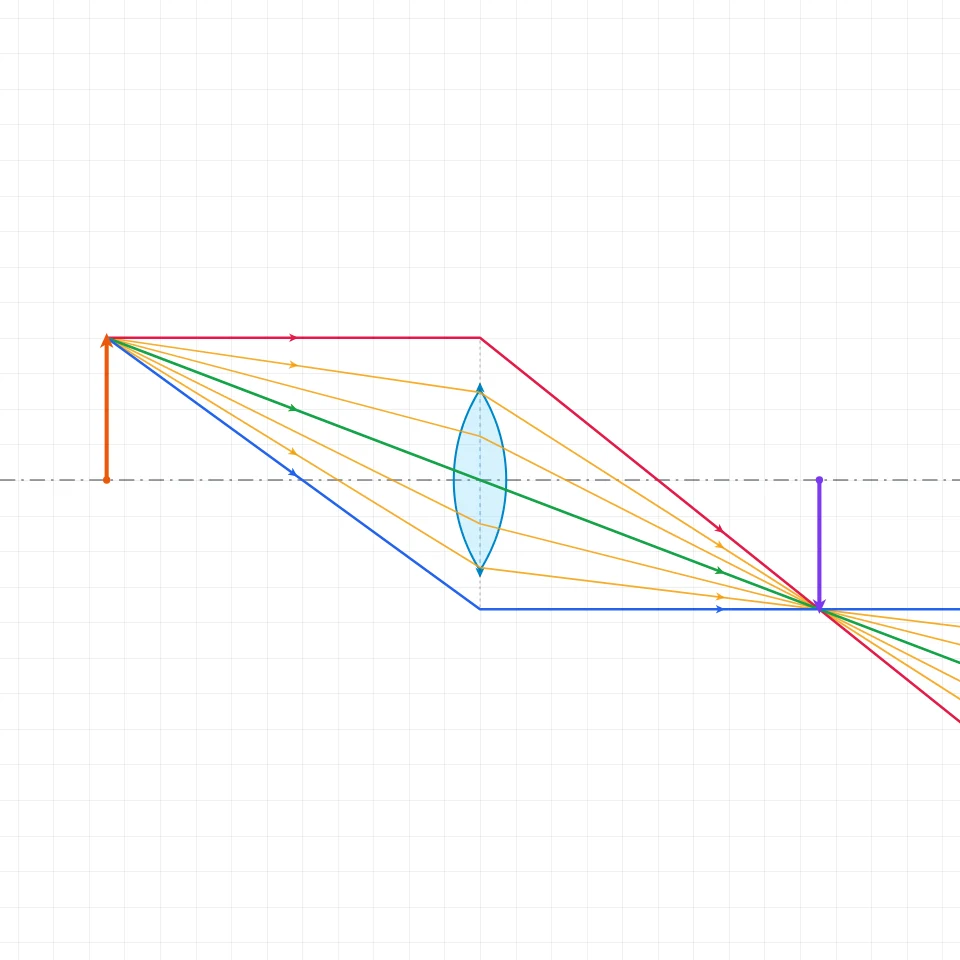
Draw ray diagrams for convex and concave lenses and mirrors online: drag the object and see the principal rays and the real or virtual image, with the thin lens equation 1/f = 1/dₒ + 1/dᵢ and the magnification. Build a camera, a projector, two telescopes and a microscope.
Prisms and rainbows: white light split into its colours
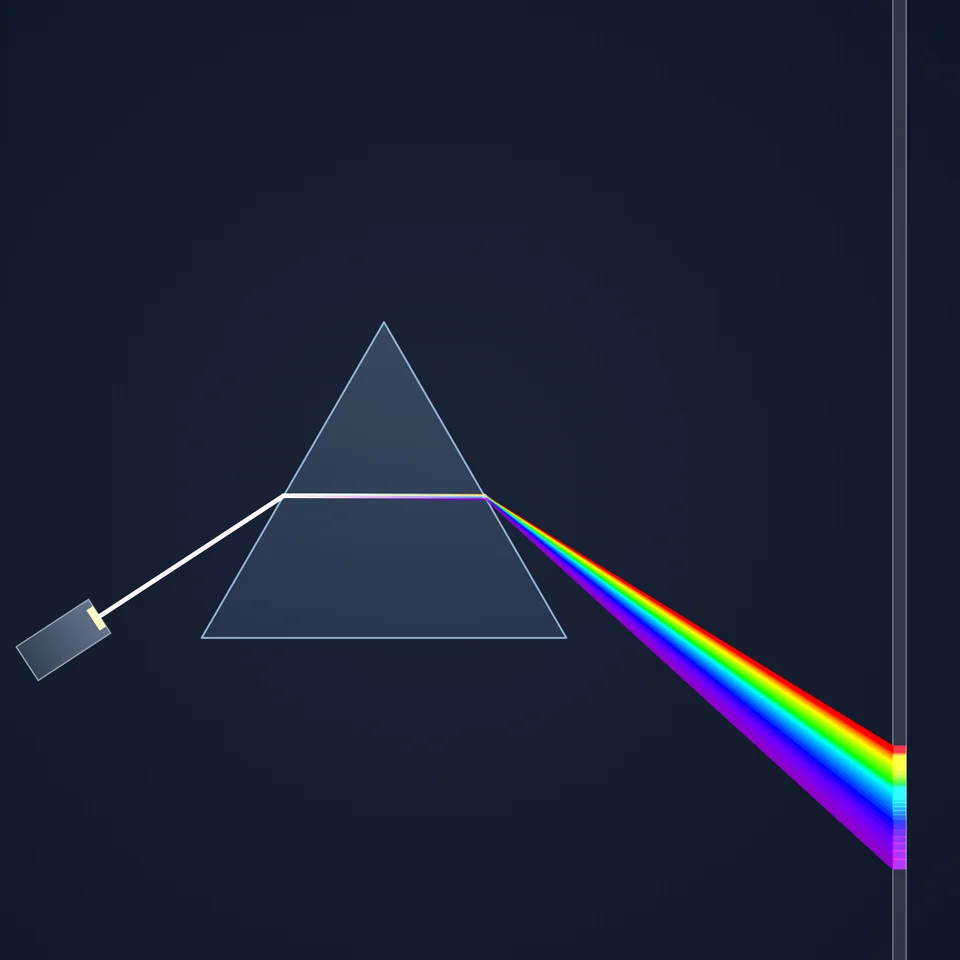
Split white light into a spectrum with a glass prism, find the angle of minimum deviation, trap light by total internal reflection and recombine the colours with Newton's second prism. Follow sunlight through a raindrop and see why the primary rainbow sits at 42° and the secondary at 51°, with Alexander's dark band.
Color wheel
Pick a color on an interactive wheel, generate complementary, analogous, triadic, and other palettes, and copy HEX, RGB, HSL, HSV, or CMYK.
Color palette generator
Build, lock, and shuffle color palettes in your browser. Copy HEX, CSS variables, or JSON, export PNG or SVG, and extract colors from a photo.
Colors
How does color work on screens and in print? Light and mixing, RGB, CMYK, HSL and HSV, hex codes, the color wheel, gradients, contrast and accessibility.
Ready to try it?
Open PictorX in your browser — no install, no credit card required to start.
Go to Editor