
- 문자
- 점
- 선
Visual Morse Code
Type a message and see it as dots and dashes, grouped by letter, ready for a lesson, a note, or a page. Switch to a signal strip, a card with the words above the code, or the alphabet chart. Play flashes a lamp at the speed you choose. 메시지를 입력합니다. 점과 선으로 된 글자, 신호 띠, 카드 또는 알파벳의 모스 부호 도안이 됩니다. 재생은 램프를 깜박입니다. 연습은 글자 속도를 일정하게 두고 쉼을 늘립니다. 부호를 복사하거나 도안을 저장합니다. 메시지는 이 브라우저에 남습니다.
작동 원리
- Type a message. Letters, digits and common punctuation become Morse code.
- Choose a design: grouped letters, a signal strip, a card, or the alphabet chart.
- Play the lamp, copy the code, or save the design as an image or PDF.
A design, not only a line of dots
Groups show each letter as circles and bars, with the letter underneath, so a page can be read by someone who is still learning the code. The strip is one line of signal and silence. The card puts your words above the code. The alphabet marks the letters you used.
Timing you can watch
A dot is one unit, a dash is three, the gap inside a letter is one, between letters three, and between words seven. Speed is in words per minute, counted on the word PARIS. Learn timing keeps the letters at 15 words per minute and stretches the pauses, which is easier to follow than sending every mark slowly. The drawing keeps an even spacing either way, so the page stays readable; the lamp is what changes rhythm.
자주 묻는 질문
Which Morse code is this?
International Morse, the code used on radio and in classrooms, not American Morse. Accented letters use their international sign where there is one. Anything else is left out, or sent as the base letter.
Does it make a sound?
No. It is visual. The lamp flashes and the mark being sent lights up on the design. Nothing is played through the speaker.
Is my text uploaded?
No. The code is drawn in your browser, and the last message stays in this browser only.
관련 도구
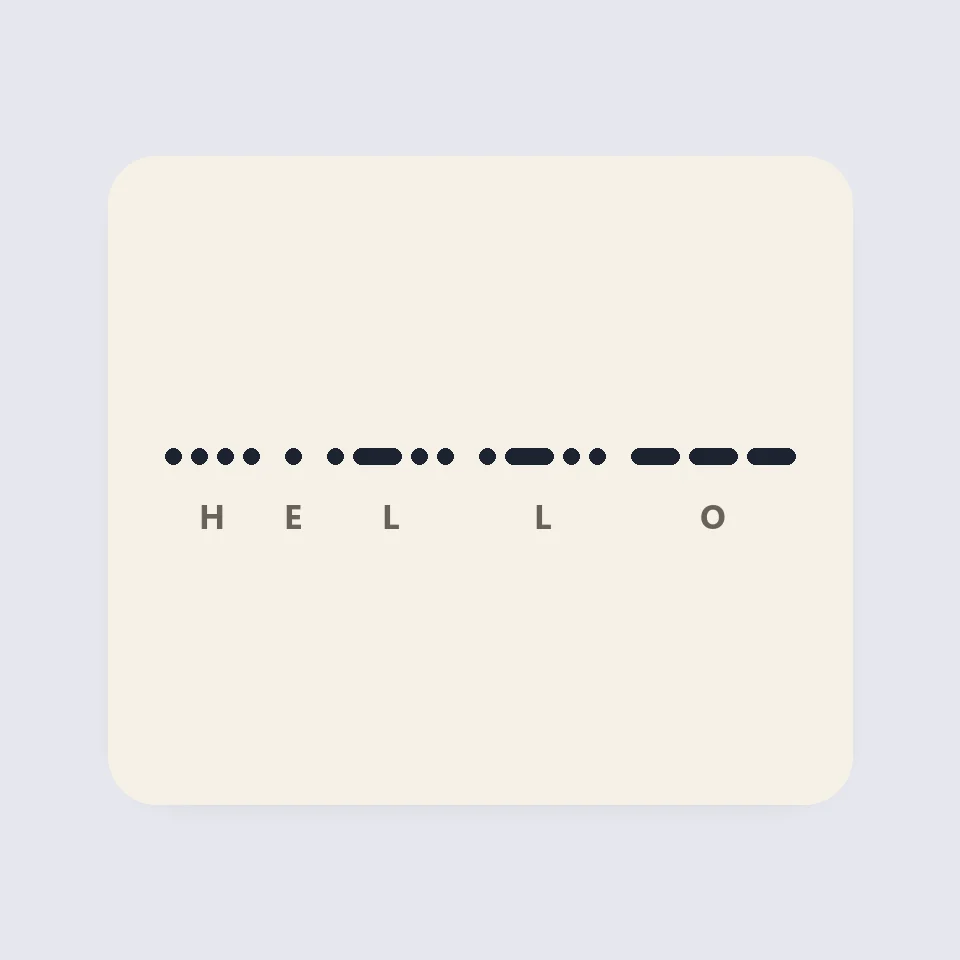
How Morse code is written and timed
How Morse code works: dots, dashes and the three gaps, the 50 units of PARIS, Farnsworth timing for learners, and why SOS is read as three letters.
QR 코드 생성기
URL, 텍스트, Wi-Fi, vCard 연락처, 이메일, 전화, SMS, 위치용 무료 QR 코드 생성기. 대비 검사가 있는 사용자 색상, 여백, 둥근 모듈이나 점 모듈, 로고, PNG 및 SVG 다운로드. 가입 없음, 업로드 없음.
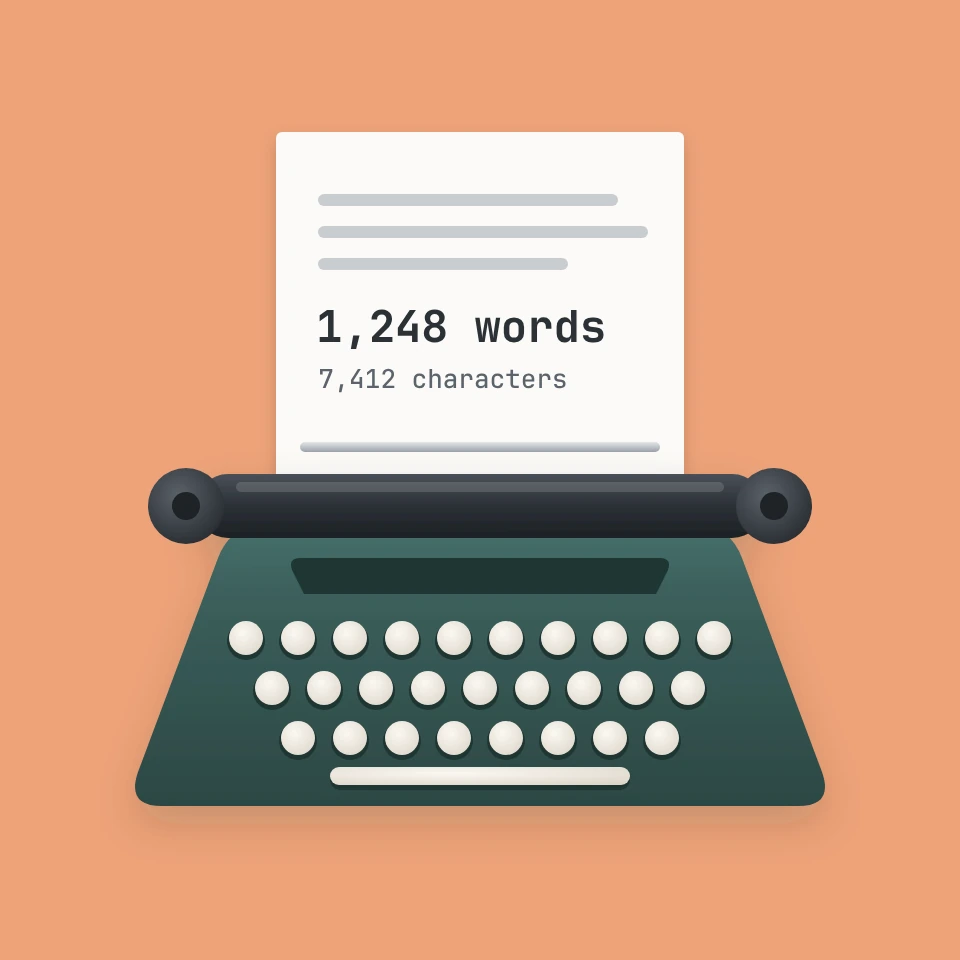
글자 수 및 단어 수 세기
무료 글자 수 및 단어 수 세기: 단어, 공백 포함 및 제외 글자, 문장, 단락, 고유 단어, 읽기와 말하기 시간, 키워드 밀도, X 게시물, 문자 메시지, 메타 설명, 제목 길이 제한. 모든 언어 지원.
대소문자 변환기
무료 대소문자 변환기: 대문자, 소문자, 언어 규칙을 따르는 제목 형식, 문장 형식, camelCase, PascalCase, snake_case, kebab-case, CONSTANT_CASE, dot.case, URL 슬러그와 공백, 줄바꿈, 글머리 기호, 이모지 정리.
시도해 볼 준비가 되셨나요?
브라우저에서 PictorX를 엽니다. 설치가 필요 없고 시작하는 데 신용 카드가 필요하지 않습니다.
편집기로 이동