
Neonschild-Generator
Gestalte ein Neonschild im Browser. Text eingeben, Neonschrift und Röhrenfarbe wählen und an Ziegel, Fliesen, Holz, Beton, Plakate oder dein eigenes Foto hängen. Die Wand wird nachtdunkel und fängt das Leuchten ein. PNG speichern — nichts wird hochgeladen. Gib deinen Text ein, wähle eine Röhrenfarbe und eine Wand und zieh das Schild an seinen Platz.
Wie es funktioniert
- Type your text: one word or up to four short lines.
- Pick a neon font, a tube color, and a wall, then drag the sign into place.
- Tune size, tube thickness, glow, and darkness, then save a PNG or keep editing in PictorX.
Glass tubes, not a text shadow
Each letter is drawn as a lit glass tube with a hot white core, a colored rim, and a soft halo. The glow spills onto the wall and follows its texture, so mortar joints, tile grout, and wood grain catch the light. Turn on flicker for a letter with a bad electrode.
Walls, backplates, and details
Choose from sixteen street walls, the painted graffiti wall, or upload your own photo. Mount the sign on clear acrylic with stand-off screws, a dark metal box, or straight on the wall, and add a power cord for a realistic mockup.
Häufig gestellte Fragen
What does the Neon Sign Maker do?
It turns your text into a glowing neon sign and mounts it on a wall, so you can preview a custom sign or make a neon-style graphic.
Can I use my own wall?
Yes. Pick My wall in the wall list and open a photo. The photo is dimmed to night and lit by the sign.
Can I make each line a different color?
Yes. Turn on Color per line and every line gets its own tube color.
Do my designs leave my device?
No. The sign is drawn in your browser. Nothing is uploaded to PictorX servers.
Verwandte Tools

Graffiti-Wand
Sprühfarbe, Tags und Tropfen auf einer Ziegel-Graffitiwand im Browser. Randomisieren, rückgängig machen und als PNG speichern — kostenlos bei PictorX.

Banksy Street Art
Machen Sie aus einem Foto Banksy-artige Schablonen-Street-Art im Browser. Wand wählen, sprühen und tropfen — PNG speichern. Nichts wird hochgeladen.

Magazin-Ausschnittbuchstaben Generator
Mach aus getippten Wörtern Magazin-Ausschnittbuchstaben. Mische Schriften oder nimm eine, würfle Farben und Größen, lade ein PNG. Nichts wird hochgeladen.
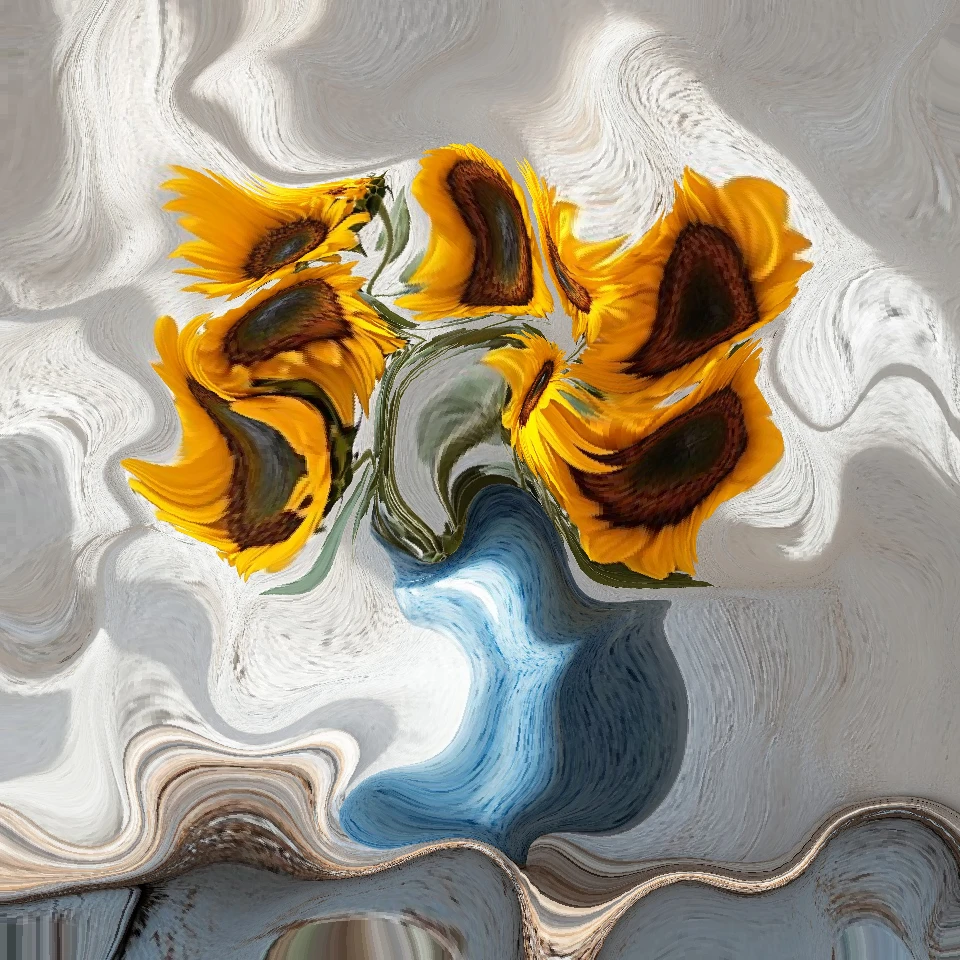
Photo Physics
Importiere ein Foto und lass Physik darauf los – im Browser: Partikel, Flüssigkeit, Schwerkraft, Wind, Kristalle, Blitze und Strömungsfelder. PNG speichern. Nichts wird hochgeladen.
Bereit, es auszuprobieren?
Öffnen Sie PictorX in Ihrem Browser – keine Installation, zum Starten ist keine Kreditkarte erforderlich.
Zum Editor