
Bohr model of the atom
In 1913 Niels Bohr drew the atom as a tiny solar system: a heavy nucleus in the middle and the electrons circling it on fixed orbits, the shells. It is not the whole truth, but it is still the picture everyone recognises, and it explains a great deal: why the elements repeat their properties in the rows of the periodic table, why atoms give off light of exact colours, and which electrons take part in a chemical bond. Pick any element, from hydrogen with its single electron to oganesson with 118, and turn its atom in 3D. Pick an element, or press Next element to go up the periodic table one proton at a time. Drag across the picture to turn the atom; the wheel or two fingers zoom and a double click puts it back. Play sends the electrons round their shells, the inner ones faster, and Reset puts the view back. Charge turns the atom into an ion with electrons taken away or added. Orbits draws the rings tilted like the atom symbol or in one plane like a textbook diagram; True ratio spaces the shells as Bohr did, radius growing with n². The tiles give the element, the neutrons and mass number, the electrons per shell and the valence electrons.
How it works
- Pick an element by its atomic number and name, or press Next element to add one proton at a time and watch the shells fill.
- Drag across the picture to turn the atom, use the wheel or two fingers to zoom, and press Orbit to send the electrons round, the inner ones fastest.
- Set a charge to make an ion, draw the rings tilted like the atom symbol or in one plane like a textbook diagram, and space the shells evenly or at Bohr's true ratio.
- Read the element, the neutrons and mass number, the electrons per shell and the valence electrons in the tiles, then save the picture or open it in the editor with the nucleus, every shell and the glow on layers of their own.
Nucleus and shells
An atom of atomic number Z has Z protons in its nucleus, and as a neutral atom Z electrons around it. The nucleus also holds neutrons, about as many as protons in light atoms and half as many again in heavy ones; protons and neutrons together give the mass number. The electrons sit in shells: at most 2 in the first, K, then 8 in L, and 18 in M once the shells beyond have started to fill. The model shows the ground state of every element, with its electrons per shell from the periodic table.
Valence electrons
The electrons in the outermost shell are the valence electrons, and they decide how an atom reacts. Sodium has one, which it gives away easily; chlorine has seven and takes one more; neon has a full shell of eight and reacts with nothing. Elements in the same column of the periodic table have the same number of valence electrons, which is why lithium, sodium and potassium behave so alike.
Ions
Give an atom a charge and it becomes an ion. Sodium that has lost its valence electron is the ion Na⁺, with the full shells of neon; chlorine that has taken one is Cl⁻, with the shells of argon. Table salt is made of these two ions held together by their opposite charges. Set Charge to see the outer shell empty or fill up.
Bohr's orbits
Bohr's idea was that an electron can only circle on certain orbits, where its angular momentum is a whole multiple of Planck's constant divided by 2π. The radius of orbit n then grows with n², and its energy with −1/n². When the electron jumps from a higher orbit to a lower one, the atom gives off a photon with exactly the energy difference, which is why hydrogen glows in sharp spectral lines. Choose True ratio to space the shells by n², and see how quickly the atom grows.
Frequently asked questions
What is the Bohr model?
A picture of the atom proposed by Niels Bohr in 1913: a small, heavy, positively charged nucleus with the negative electrons circling it on fixed orbits, or shells, each with its own energy. Electrons can jump between orbits by absorbing or giving off light of a definite colour. It explained the spectrum of hydrogen and earned Bohr the Nobel Prize in 1922.
How many electrons fit in each shell?
At most 2n² in shell n: 2 in K, 8 in L, 18 in M, 32 in N. But shells fill in a more complicated order: the fourth shell starts before the third is full, so potassium has 2, 8, 8, 1 rather than 2, 8, 9. The model uses the real ground-state configuration of each element from the periodic table, including the known exceptions such as chromium and copper.
Is the Bohr model correct?
Partly. It gets the energies of hydrogen exactly right and its shells survive in modern chemistry, but electrons do not travel on circular orbits. Quantum mechanics describes them as clouds of probability, orbitals, of different shapes. The Bohr model is still taught because it shows the shells, the valence electrons and the jumps between energy levels so clearly.
Why is the nucleus so big in the picture?
Because it would be invisible otherwise. A real nucleus is about 100,000 times smaller than the atom: if the atom were a football stadium, the nucleus would be a pea on the centre spot. Every Bohr diagram exaggerates it, and the shells are spaced evenly unless you choose True ratio.
How is the number of neutrons chosen?
From the standard atomic weight, rounded: the mass number of a common isotope. Carbon gets 6 neutrons (carbon-12), iron 30 (iron-56), gold 118 (gold-197). For elements without stable isotopes the longest-lived isotope is used. Other isotopes of the same element have other numbers of neutrons but the same electrons.
Can I use the picture in a design?
Yes. Save gives a PNG at the size you choose, and the pencil opens the atom in the PictorX photo editor with the protons, the neutrons, every shell with its electrons, the glow and the symbol and name on layers of their own. In the editor itself it is under Apps ▸ Science ▸ Chemistry ▸ Bohr Model. Everything is drawn in your browser.
Bohr Model: how do I record a video?
Press the red Record button in the playback bar: it films what the stage shows. Press it again to stop, and the video is saved to your device. Recording is free; you only need to sign in. Without a subscription the video carries a small PictorX logo in a corner. The button beside Record opens the video options: the shape (as shown, square, story 9:16 or wide 16:9), the length (until you stop, or 5, 10, 15 or 30 seconds for social media) and the file: MP4, WebM or an animated GIF. You can add one of three music tracks: calm, bright or beat.
Related tools
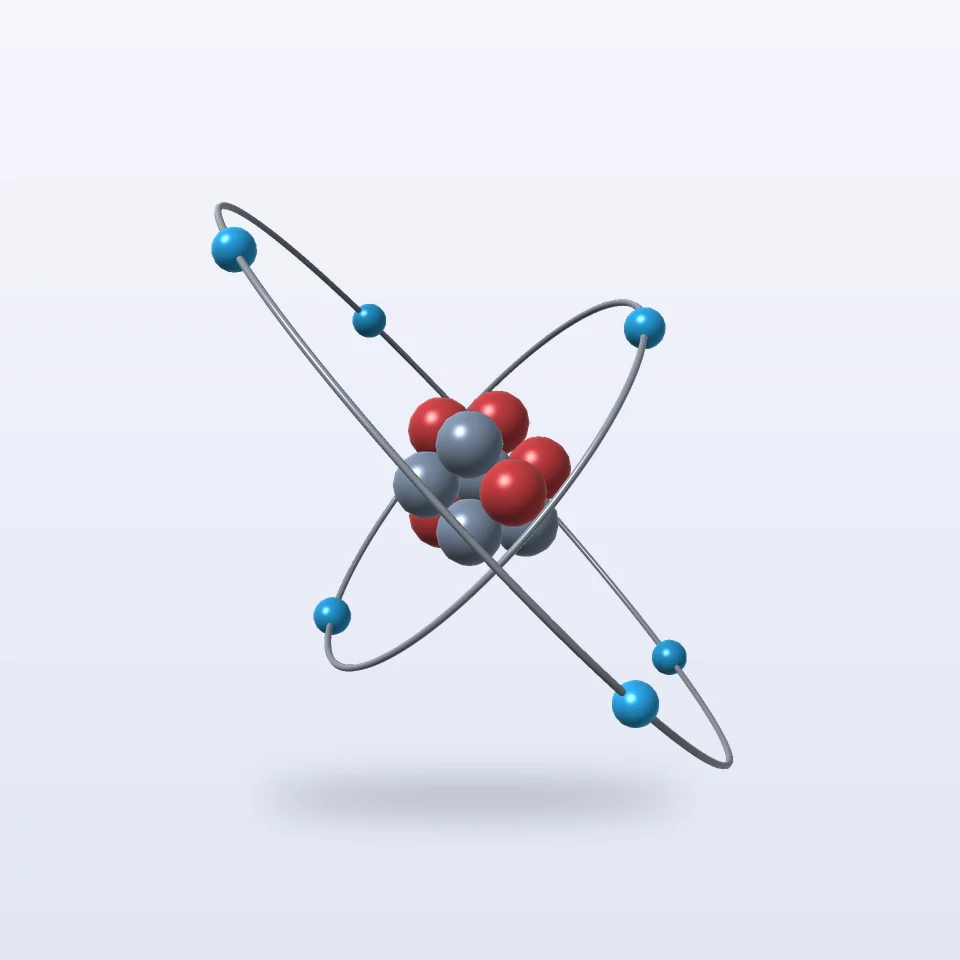
The Bohr model explained
How Niels Bohr's 1913 model of the atom works, why electrons sit in shells, how the jumps between orbits explain the spectrum of hydrogen, how shells fill across the periodic table, and how quantum mechanics replaced the orbits with orbitals.
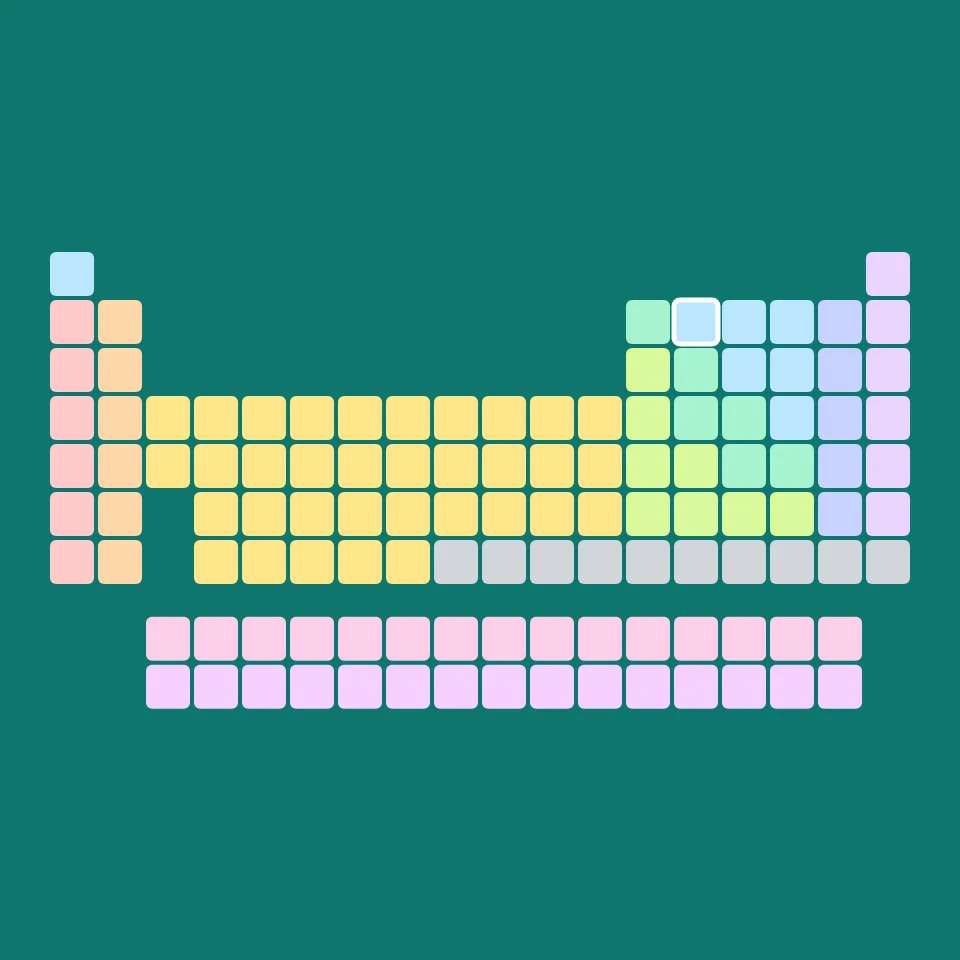
Interactive periodic table
An interactive periodic table of all 118 elements: color it by category, block, state or electronegativity, and click an element for its atomic weight, electron configuration and shells.
Molecule builder
A free online molecule builder: join atoms with single, double and triple bonds, get the formula and molar mass, see the molecule's real shape in 3D, and solve chemistry challenges.
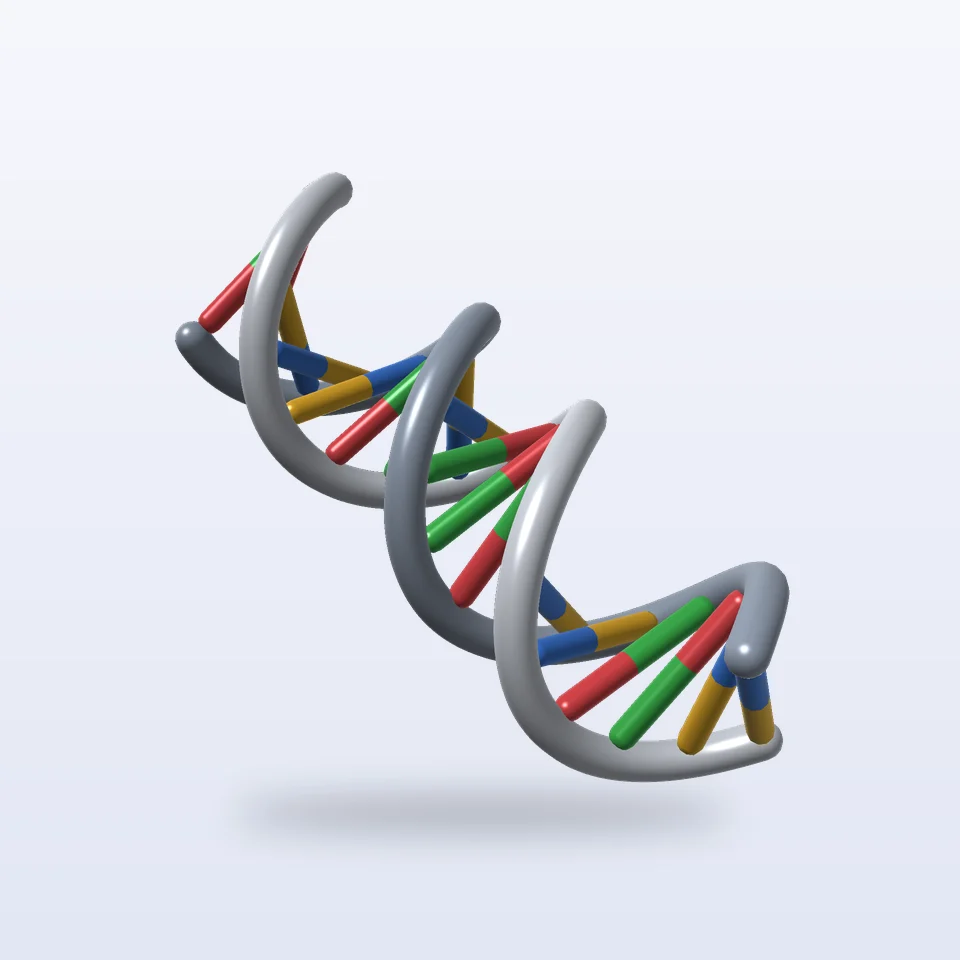
DNA double helix
Type a DNA sequence and turn it as a double helix in 3D: the complementary strand fills in by base pairing, A with T and G with C. Compare B-, A- and Z-DNA, unzip the helix like a replication fork, and read the GC content, length and melting temperature.
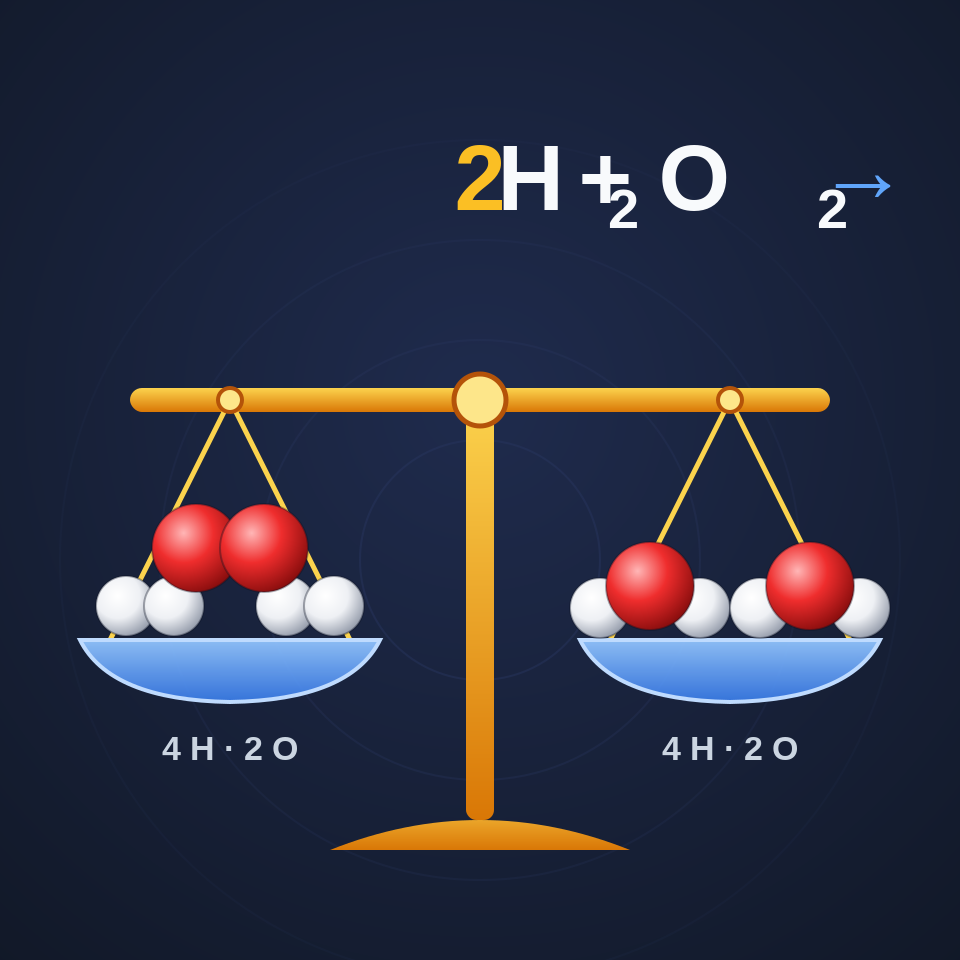
Chemical equation balancer
Balance any chemical equation instantly and exactly, ions, hydrates and redox reactions included. Count the atoms on both sides, see the oxidation numbers that change, and work out molar masses, the limiting reactant and the yield.
Ready to try it?
Open PictorX in your browser — no install, no credit card required to start.
Go to Editor