
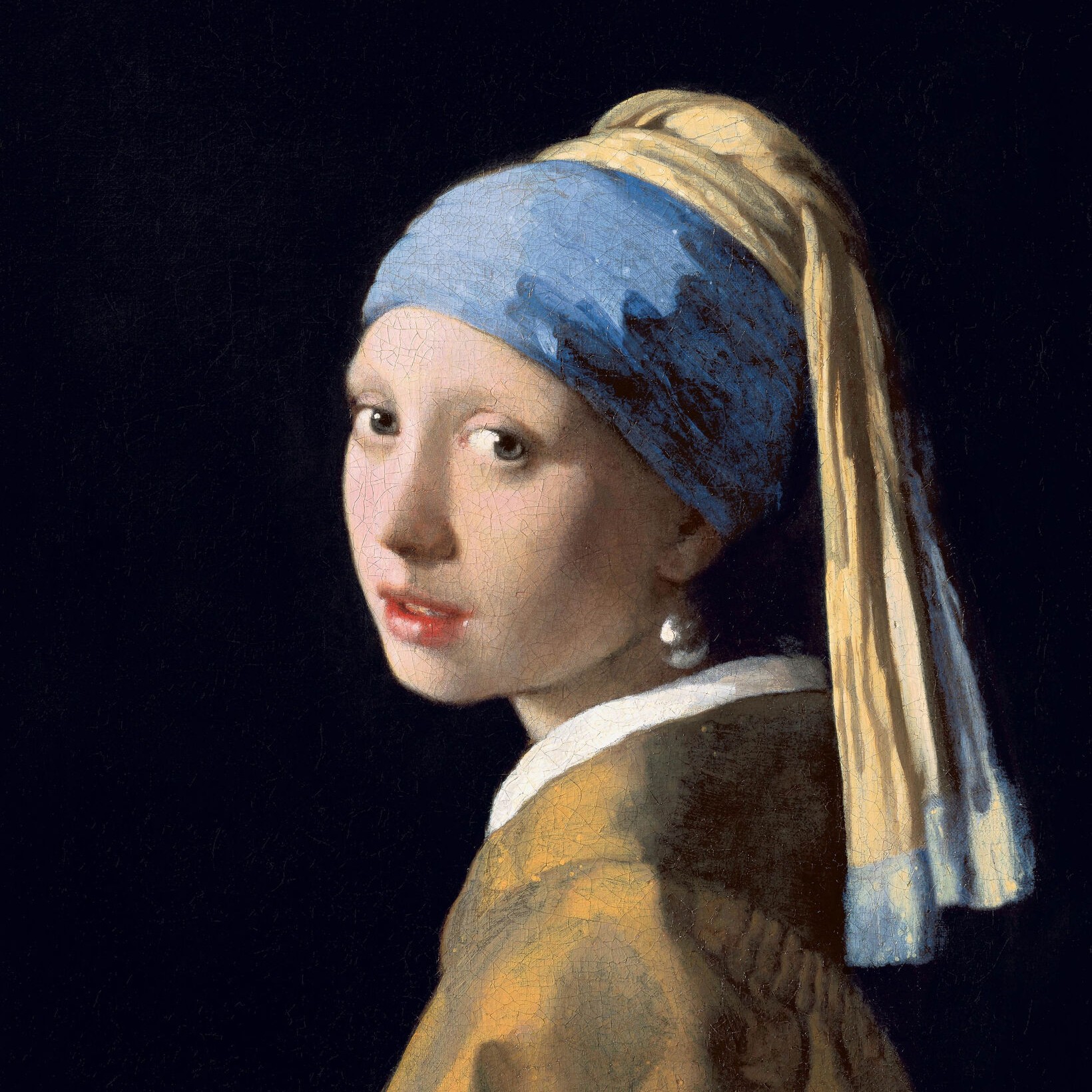
黑白效果
Turn a photo black and white without leaving the browser. PictorX includes Grayscale, Threshold, Dots, Squares, Ordered Dithering, Error Diffusion (Floyd-Steinberg, Burkes, Stucki), and Mezzotint. Set strength, threshold, cell size, angle, grain, and foreground/background colors—or make the background transparent—then keep editing with layers and type in the same workspace. 试试下方的黑白效果,或打开你自己的图片。
它是如何运作的
- Open this page and try a black-and-white look on the sample, or open your own photo.
- Switch looks—grayscale, threshold, dots, squares, ordered dithering, error diffusion, mezzotint—and tune strength, threshold, cell size, grain, and colors.
- Save the result, or keep editing with layers, text, and other effects in PictorX.
More than a grayscale slider
Grayscale keeps every tone. The other looks flatten a photo into two colors: a high-contrast threshold, a newspaper-style dot or square screen, Bayer ordered dithering, error-diffusion dithering (Floyd-Steinberg, Burkes, Stucki), or mezzotint grain (Fine, Medium, Coarse). Foreground and background can stay black and white or any two colors, and the background can be transparent for a PNG cutout.
Print looks that stay editable
Apply a look in the browser, then keep going in the same project—crop, type, stickers, or another filter. Cell size and angle change how coarse the screen feels; softness on Threshold blends the cut instead of a hard edge; Mezzotint Fine/Medium/Coarse sets the grain.
Looks in this set
常见问题
What black-and-white looks can I try?
Grayscale, Threshold, Dots, Squares, Ordered Dithering, Error Diffusion (Floyd-Steinberg, Burkes, and Stucki), and Mezzotint.
Is this the same as grayscale?
No. Grayscale keeps a full range of gray. These looks flatten the photo into two colors—or a dithered mix of those two colors.
Can I use colors other than black and white?
Yes. Set foreground and background to any two colors, or make the background transparent for a PNG.
Do these filters run in the browser?
Yes. PictorX applies them in your browser, then you can keep editing with layers, text, and other effects.
相关工具
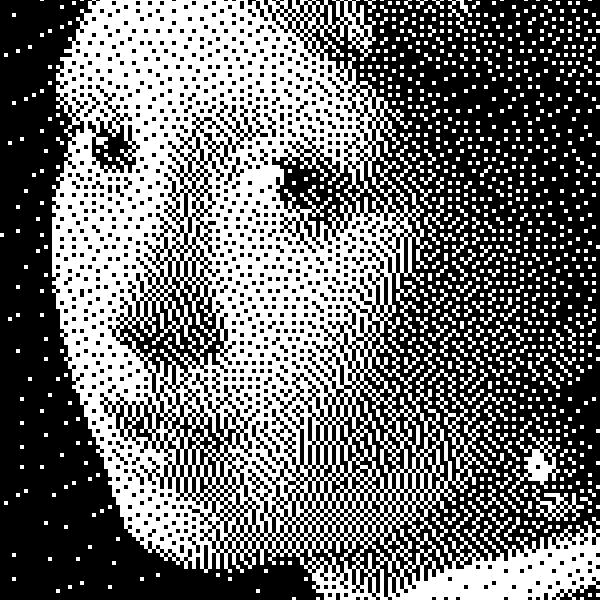
了解更多黑白知识
双色调图像原理:简单阈值、Bayer 有序抖动、Floyd–Steinberg 误差扩散,以及在 PictorX 中何时使用哪种效果。
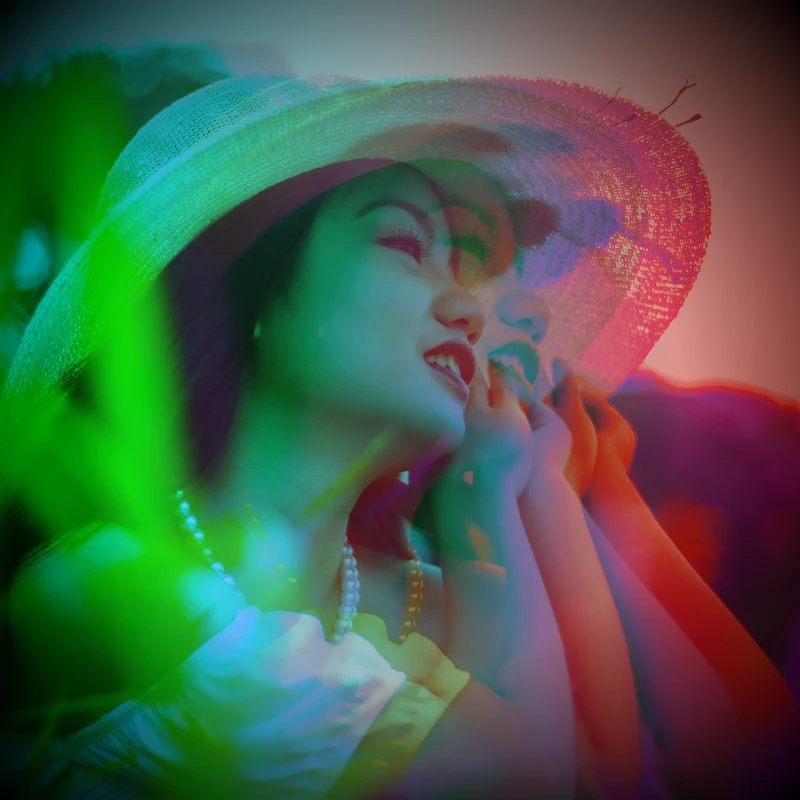
色彩效果
通过效果 → 颜色为照片注入电影感。效果 → 颜色 → 霓虹发光让霓虹边缘脉动,效果 → 颜色 → 热力图映射数据感热力图,效果 → 颜色 → 双色调锁定双色调氛围,效果 → 颜色 → 三色调锁定三色调氛围。叠加滤镜、调节不透明度,把普通照片变成海报级电光梦境。
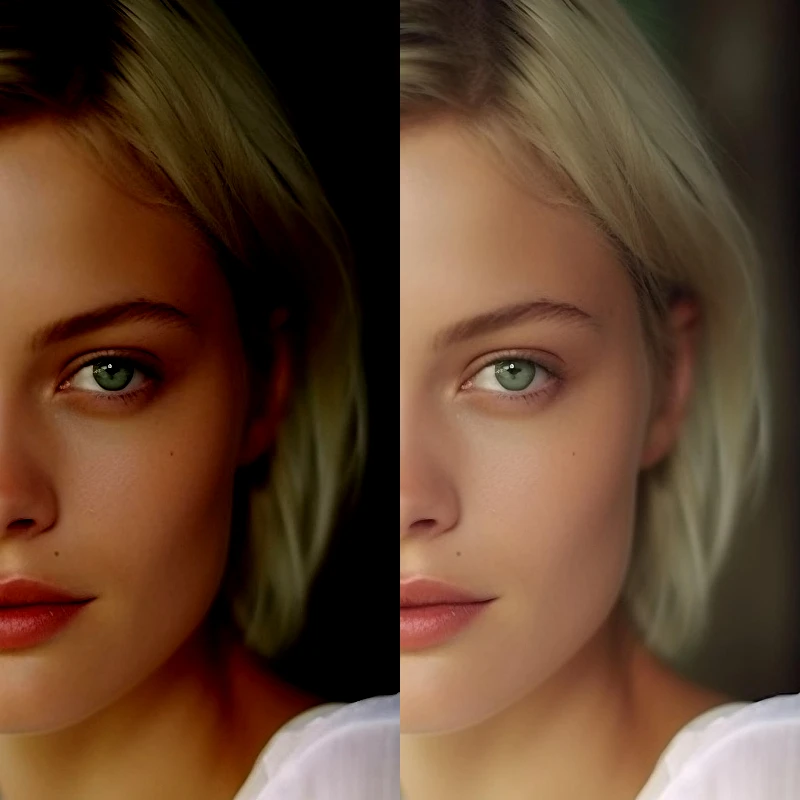
调整
通过图像 → 调整校正曝光与色彩。可调亮度对比度、色相饱和度、自然饱和度、灰度、阈值、色阶、曲线、色调分离、色彩平衡、RGB 滤镜、通道混合器和渐变映射,然后继续在 PictorX 中编辑。

像素化效果
将照片变成马赛克瓷砖、六边形、水晶、低多边形艺术、半色调点和复古街机调色板。
复古效果生成器
在浏览器中为照片加上灰度、褐色、Holga、褪色拍立得、Kodachrome、交叉冲洗、Lomo、Super 8、漏光等复古胶片风格。
准备好尝试了吗?
在浏览器中打开 PictorX — 无需安装,无需信用卡即可启动。
前往编辑器