
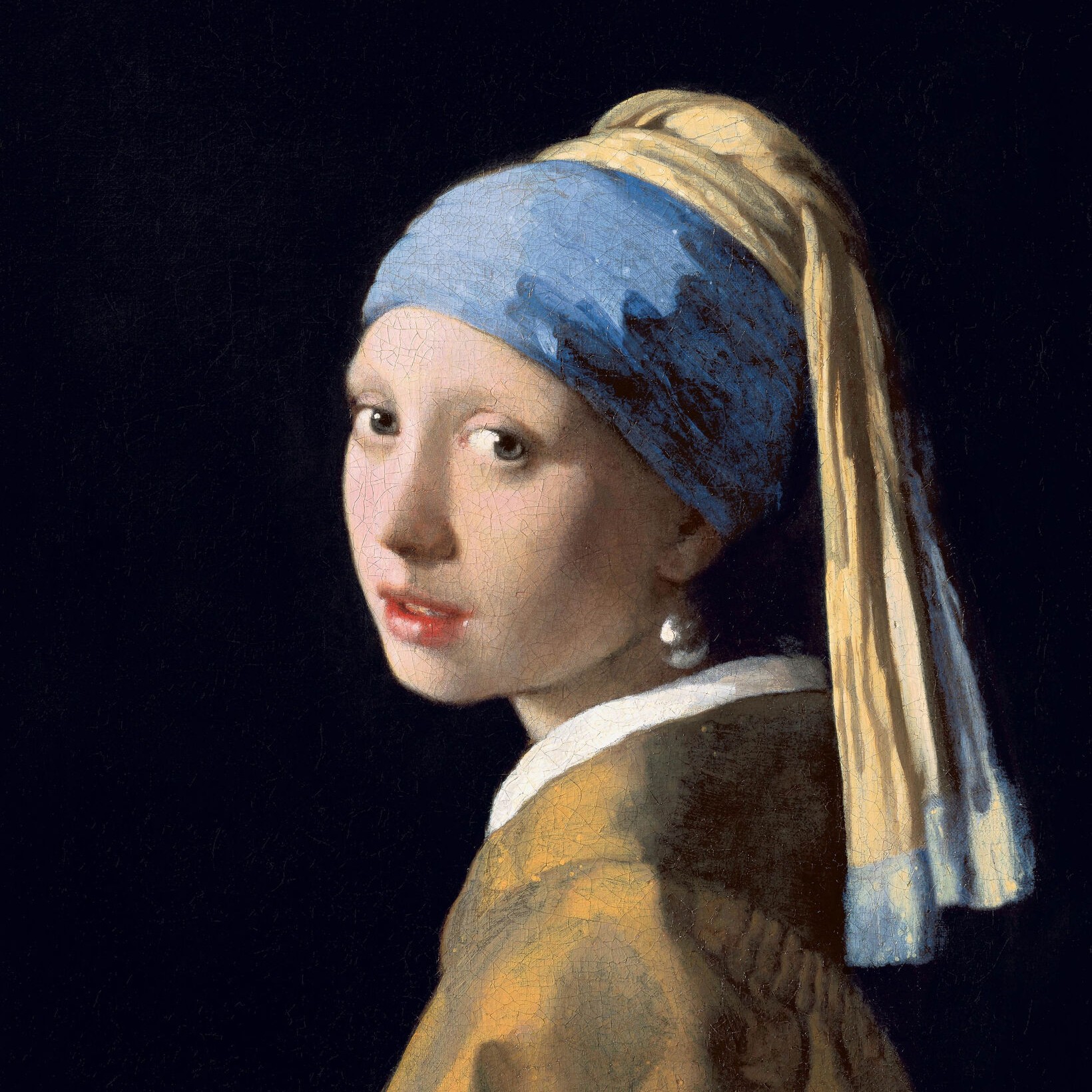
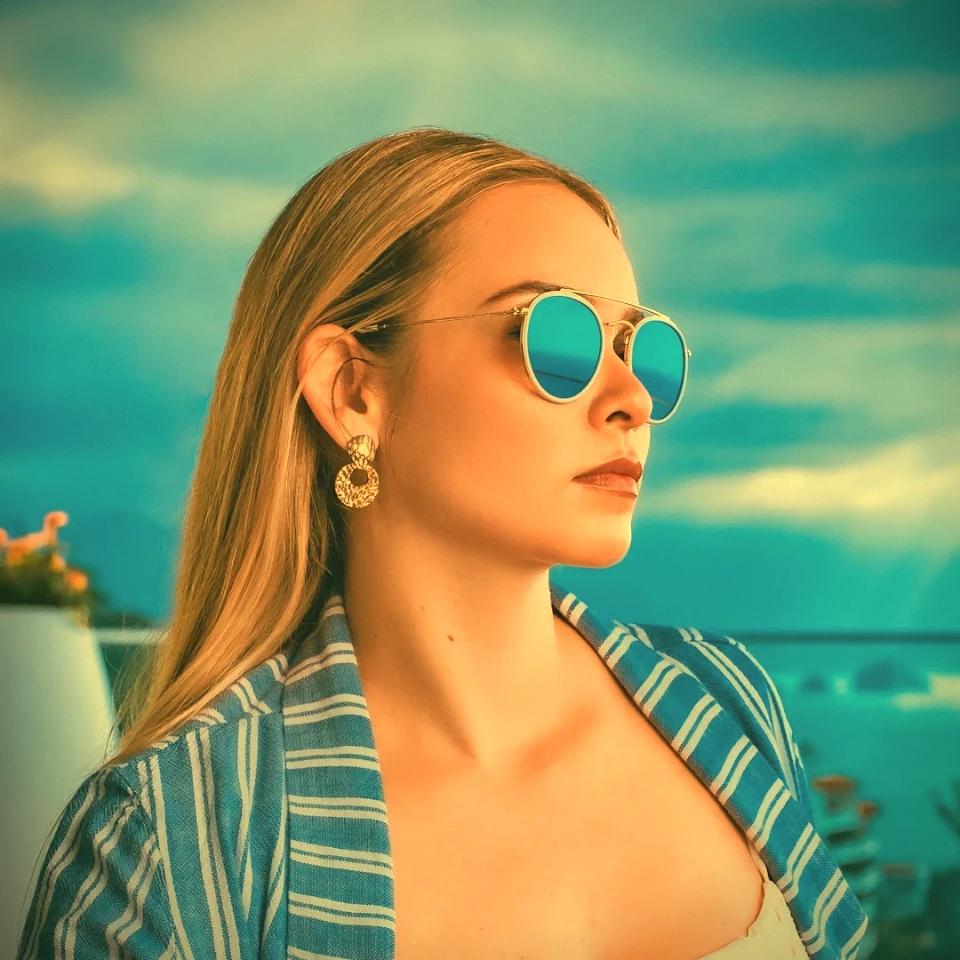
Experimente um visual preto e branco abaixo ou abra a sua própria imagem.
Efeitos preto e branco
Turn a photo black and white without leaving the browser. PictorX includes Grayscale, Threshold, Dots, Squares, Ordered Dithering, Error Diffusion (Floyd-Steinberg, Burkes, Stucki), and Mezzotint. Set strength, threshold, cell size, angle, grain, and foreground/background colors—or make the background transparent—then keep editing with layers and type in the same workspace. Experimente um visual preto e branco abaixo ou abra a sua própria imagem.
Como funciona
- Open this page and try a black-and-white look on the sample, or open your own photo.
- Switch looks—grayscale, threshold, dots, squares, ordered dithering, error diffusion, mezzotint—and tune strength, threshold, cell size, grain, and colors.
- Save the result, or keep editing with layers, text, and other effects in PictorX.
More than a grayscale slider
Grayscale keeps every tone. The other looks flatten a photo into two colors: a high-contrast threshold, a newspaper-style dot or square screen, Bayer ordered dithering, error-diffusion dithering (Floyd-Steinberg, Burkes, Stucki), or mezzotint grain (Fine, Medium, Coarse). Foreground and background can stay black and white or any two colors, and the background can be transparent for a PNG cutout.
Print looks that stay editable
Apply a look in the browser, then keep going in the same project—crop, type, stickers, or another filter. Cell size and angle change how coarse the screen feels; softness on Threshold blends the cut instead of a hard edge; Mezzotint Fine/Medium/Coarse sets the grain.
Looks in this set
Perguntas frequentes
What black-and-white looks can I try?
Grayscale, Threshold, Dots, Squares, Ordered Dithering, Error Diffusion (Floyd-Steinberg, Burkes, and Stucki), and Mezzotint.
Is this the same as grayscale?
No. Grayscale keeps a full range of gray. These looks flatten the photo into two colors—or a dithered mix of those two colors.
Can I use colors other than black and white?
Yes. Set foreground and background to any two colors, or make the background transparent for a PNG.
Do these filters run in the browser?
Yes. PictorX applies them in your browser, then you can keep editing with layers, text, and other effects.
Ferramentas relacionadas
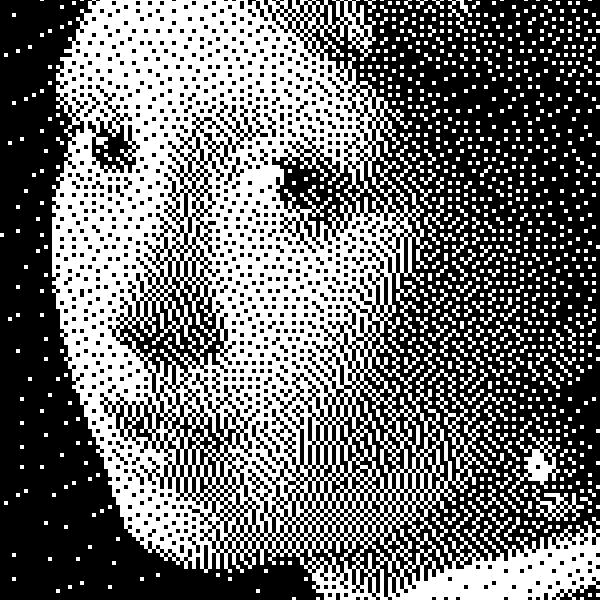
Preto e branco
Como funcionam imagens bilevel: limiar simples, dithering Bayer, difusão Floyd–Steinberg e quando usar cada aspeto no PictorX.
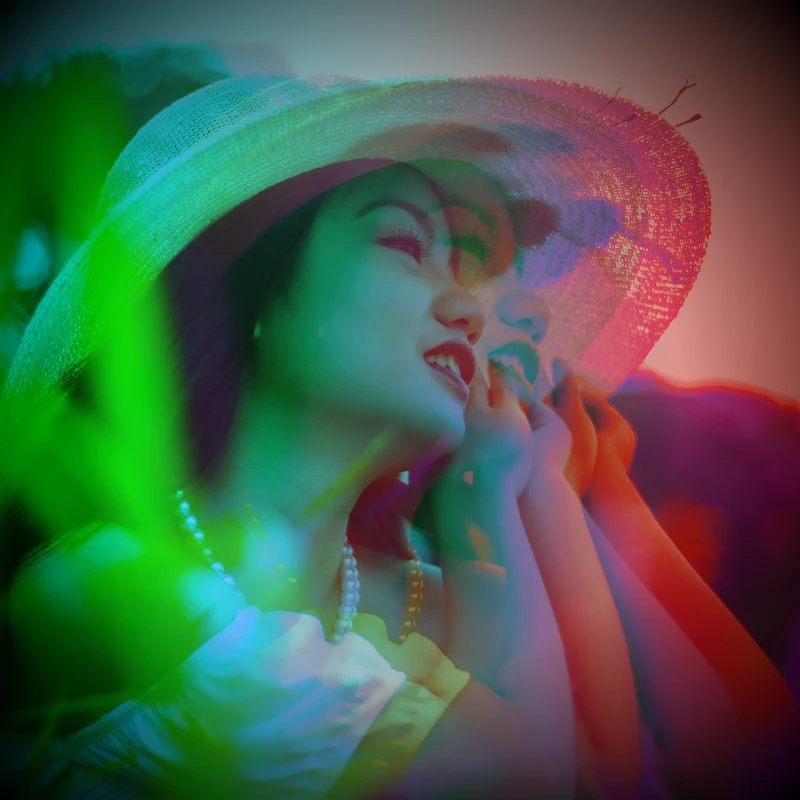
Efeitos de cor
Dê às fotografias um glow-up cinematográfico a partir de Efeitos → Cor.
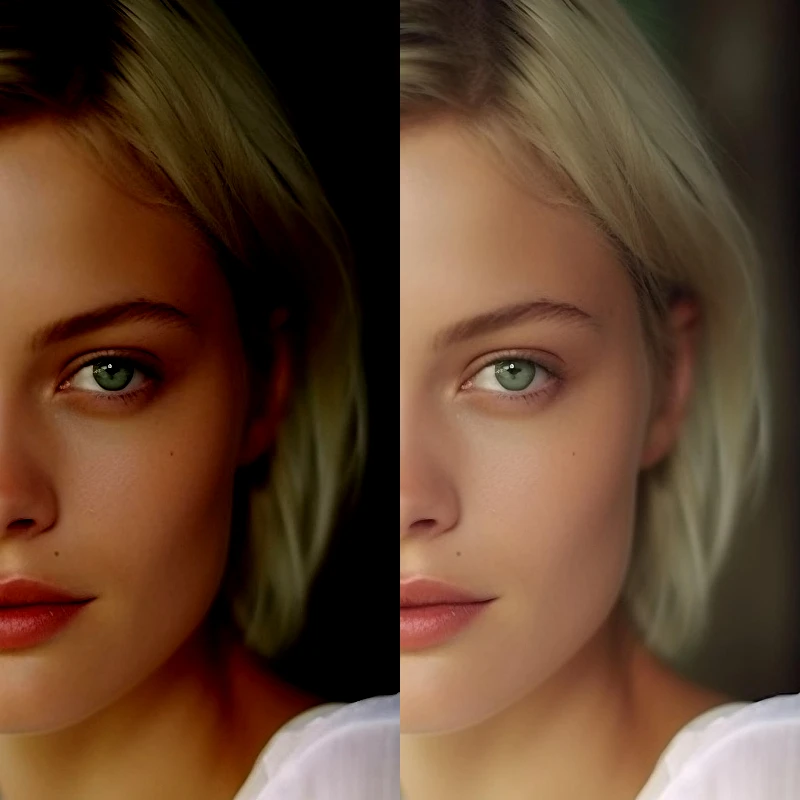
Ajustar
Corrija exposição e cor em Imagem → Ajustar.

Efeitos de pixelização
Transforme fotos em mosaicos, hexágonos, cristais, arte low-poly, pontos de meio-tom e paletas de arcade retrô.
Gerador de efeito vintage
Aplique tons de cinza, sépia, Holga, Polaroid desbotada, Kodachrome, revelação cruzada, Lomo, Super 8, vazamento de luz e outros estilos de filme vintage no browser.
Pronto para experimentar?
Abra o PictorX em seu navegador – sem instalação, sem necessidade de cartão de crédito para iniciar.
Ir para o editor