
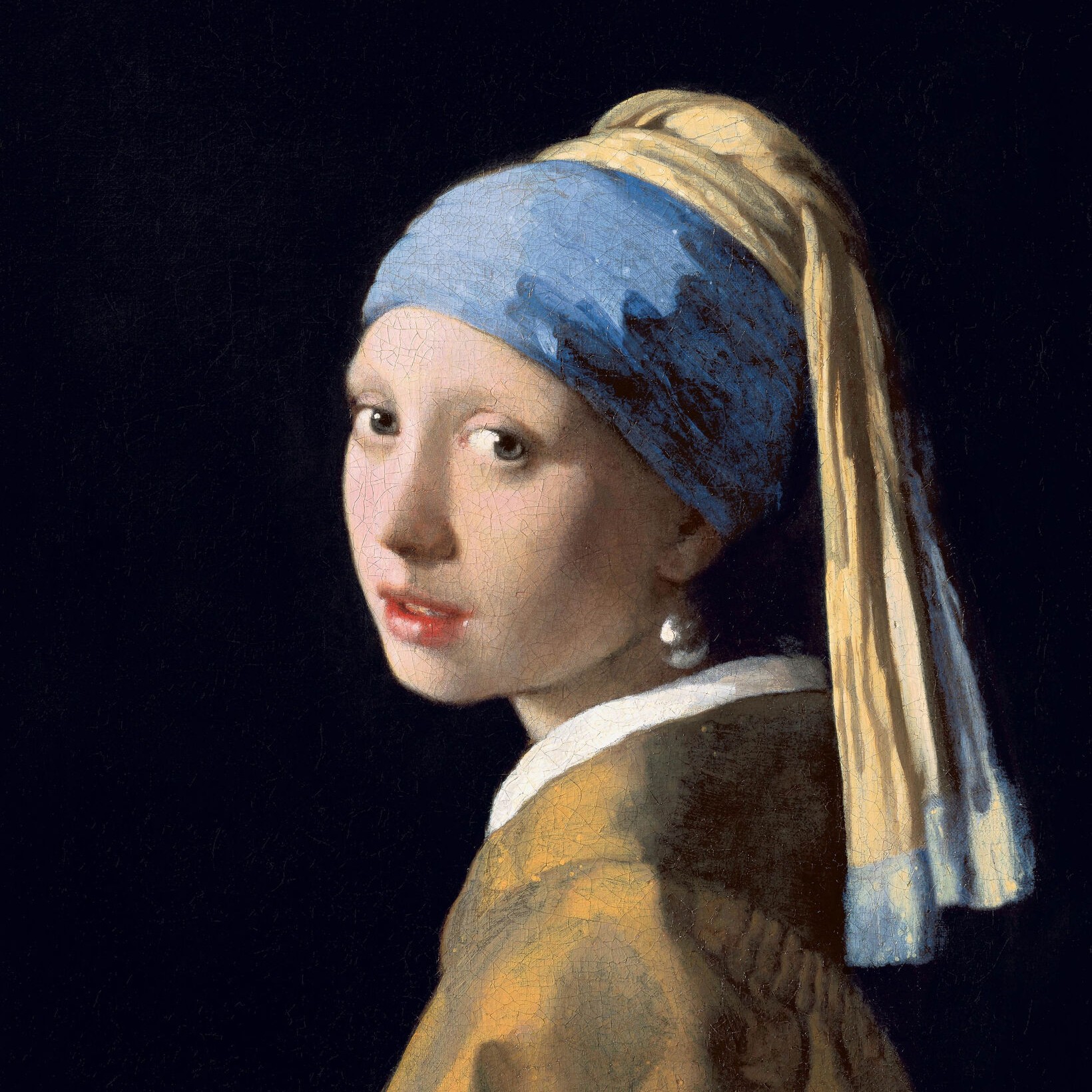
Чёрно-белые эффекты
Turn a photo black and white without leaving the browser. PictorX includes Grayscale, Threshold, Dots, Squares, Ordered Dithering, Error Diffusion (Floyd-Steinberg, Burkes, Stucki), and Mezzotint. Set strength, threshold, cell size, angle, grain, and foreground/background colors—or make the background transparent—then keep editing with layers and type in the same workspace. Попробуйте чёрно-белый стиль ниже или откройте своё изображение.
Как это работает
- Open this page and try a black-and-white look on the sample, or open your own photo.
- Switch looks—grayscale, threshold, dots, squares, ordered dithering, error diffusion, mezzotint—and tune strength, threshold, cell size, grain, and colors.
- Save the result, or keep editing with layers, text, and other effects in PictorX.
More than a grayscale slider
Grayscale keeps every tone. The other looks flatten a photo into two colors: a high-contrast threshold, a newspaper-style dot or square screen, Bayer ordered dithering, error-diffusion dithering (Floyd-Steinberg, Burkes, Stucki), or mezzotint grain (Fine, Medium, Coarse). Foreground and background can stay black and white or any two colors, and the background can be transparent for a PNG cutout.
Print looks that stay editable
Apply a look in the browser, then keep going in the same project—crop, type, stickers, or another filter. Cell size and angle change how coarse the screen feels; softness on Threshold blends the cut instead of a hard edge; Mezzotint Fine/Medium/Coarse sets the grain.
Looks in this set
Часто задаваемые вопросы
What black-and-white looks can I try?
Grayscale, Threshold, Dots, Squares, Ordered Dithering, Error Diffusion (Floyd-Steinberg, Burkes, and Stucki), and Mezzotint.
Is this the same as grayscale?
No. Grayscale keeps a full range of gray. These looks flatten the photo into two colors—or a dithered mix of those two colors.
Can I use colors other than black and white?
Yes. Set foreground and background to any two colors, or make the background transparent for a PNG.
Do these filters run in the browser?
Yes. PictorX applies them in your browser, then you can keep editing with layers, text, and other effects.
Сопутствующие инструменты
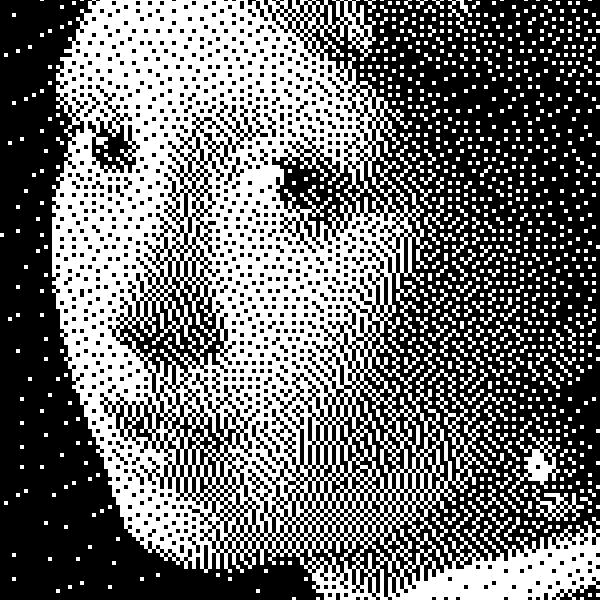
чёрно-белом
Как работают двухуровневые изображения: простой порог, упорядоченный дизеринг Bayer, диффузия ошибки Floyd–Steinberg и когда какой вид выбирать в PictorX.
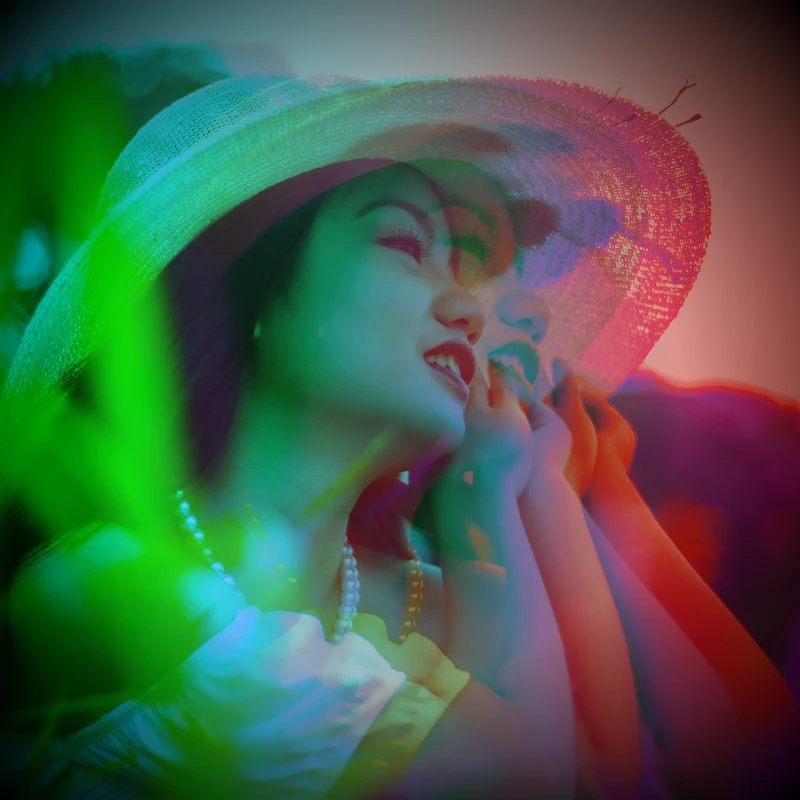
Цветовые эффекты
Подайте фото кинематографический glow-up через Эффекты → Цвет.
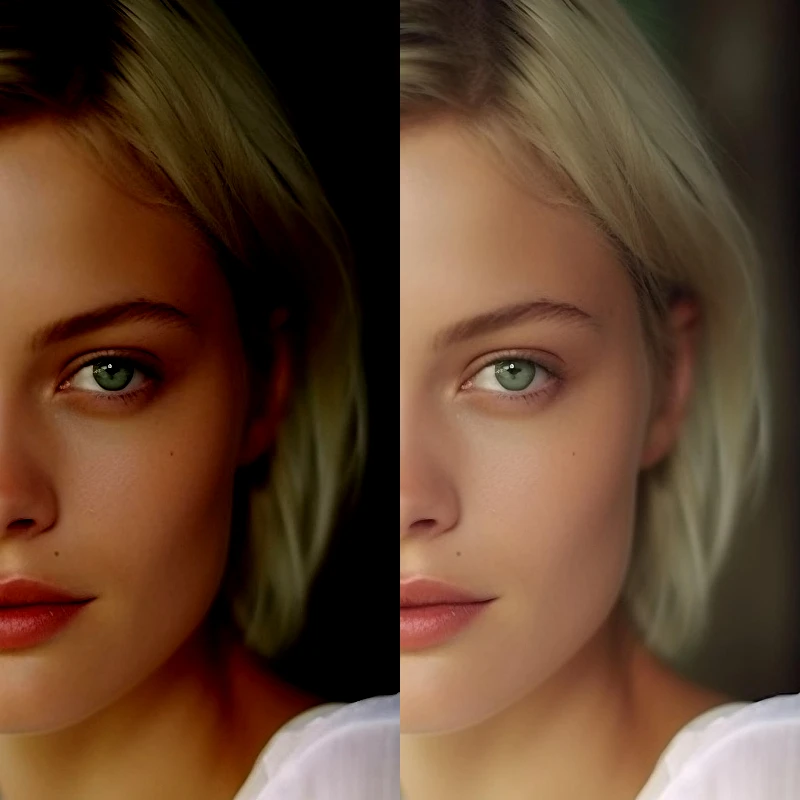
Коррекция
Корректируйте экспозицию и цвет через Изображение → Коррекция.

Пиксельные эффекты
Превращайте фотографии в мозаичные плитки, шестиугольники, кристаллы, низкополигональные изображения, полутоновые точки и аркадные палитры в стиле ретро.
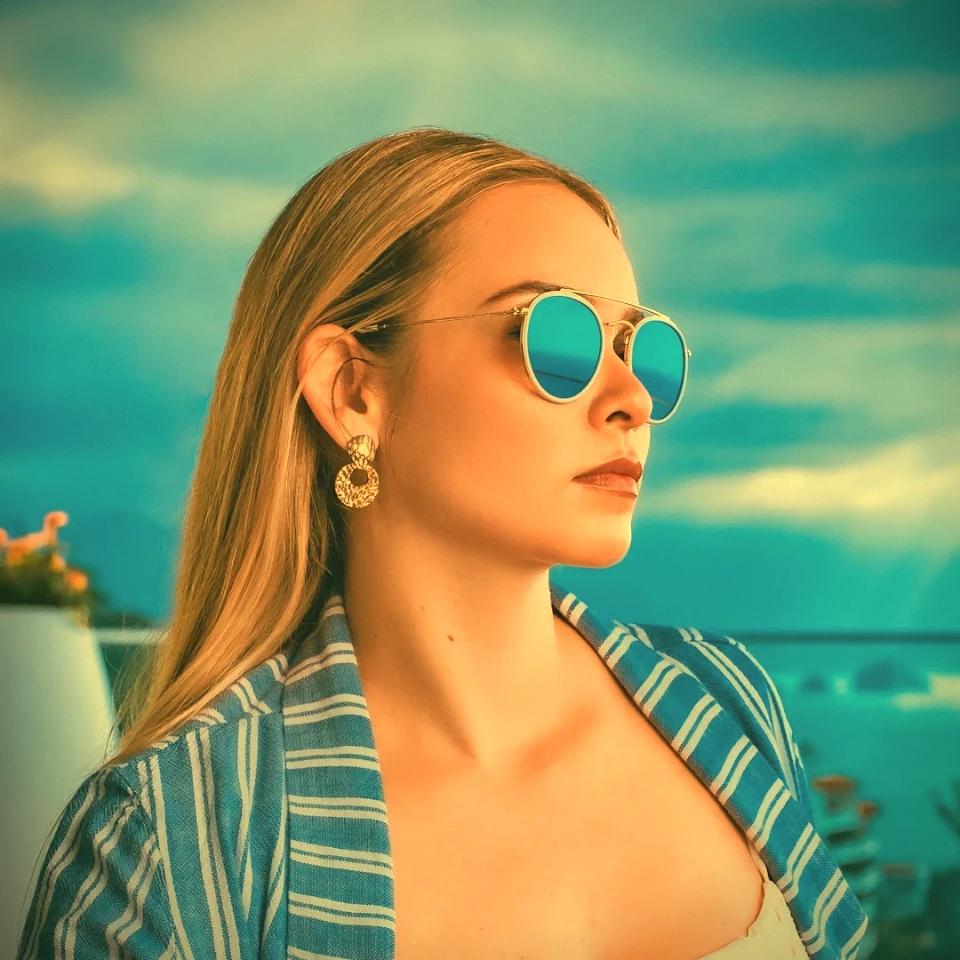
Генератор винтажного эффекта
Примените оттенки серого, сепию, Holga, выцветший Polaroid, Kodachrome, кросс-процесс, Lomo, Super 8, засветку и другие винтажные плёночные стили в браузере.
Готовы попробовать?
Откройте PictorX в своем браузере — установка не требуется, для запуска не требуется кредитная карта.
Перейти в редактор