
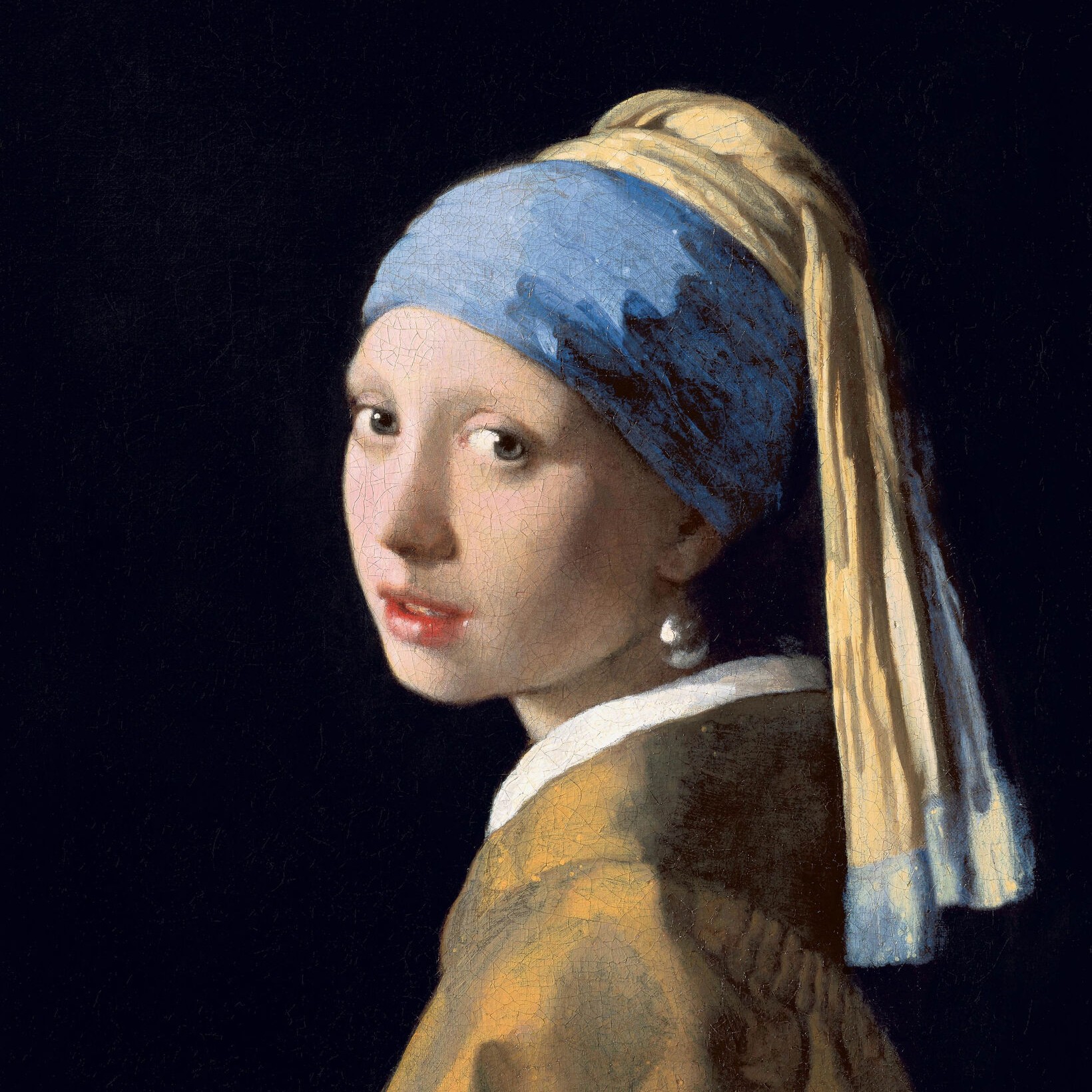
白黒効果
Turn a photo black and white without leaving the browser. PictorX includes Grayscale, Threshold, Dots, Squares, Ordered Dithering, Error Diffusion (Floyd-Steinberg, Burkes, Stucki), and Mezzotint. Set strength, threshold, cell size, angle, grain, and foreground/background colors—or make the background transparent—then keep editing with layers and type in the same workspace. 下の白黒効果を試すか、自分の写真を開いてください。
使い方
- Open this page and try a black-and-white look on the sample, or open your own photo.
- Switch looks—grayscale, threshold, dots, squares, ordered dithering, error diffusion, mezzotint—and tune strength, threshold, cell size, grain, and colors.
- Save the result, or keep editing with layers, text, and other effects in PictorX.
More than a grayscale slider
Grayscale keeps every tone. The other looks flatten a photo into two colors: a high-contrast threshold, a newspaper-style dot or square screen, Bayer ordered dithering, error-diffusion dithering (Floyd-Steinberg, Burkes, Stucki), or mezzotint grain (Fine, Medium, Coarse). Foreground and background can stay black and white or any two colors, and the background can be transparent for a PNG cutout.
Print looks that stay editable
Apply a look in the browser, then keep going in the same project—crop, type, stickers, or another filter. Cell size and angle change how coarse the screen feels; softness on Threshold blends the cut instead of a hard edge; Mezzotint Fine/Medium/Coarse sets the grain.
Looks in this set
よくある質問
What black-and-white looks can I try?
Grayscale, Threshold, Dots, Squares, Ordered Dithering, Error Diffusion (Floyd-Steinberg, Burkes, and Stucki), and Mezzotint.
Is this the same as grayscale?
No. Grayscale keeps a full range of gray. These looks flatten the photo into two colors—or a dithered mix of those two colors.
Can I use colors other than black and white?
Yes. Set foreground and background to any two colors, or make the background transparent for a PNG.
Do these filters run in the browser?
Yes. PictorX applies them in your browser, then you can keep editing with layers, text, and other effects.
関連ツール
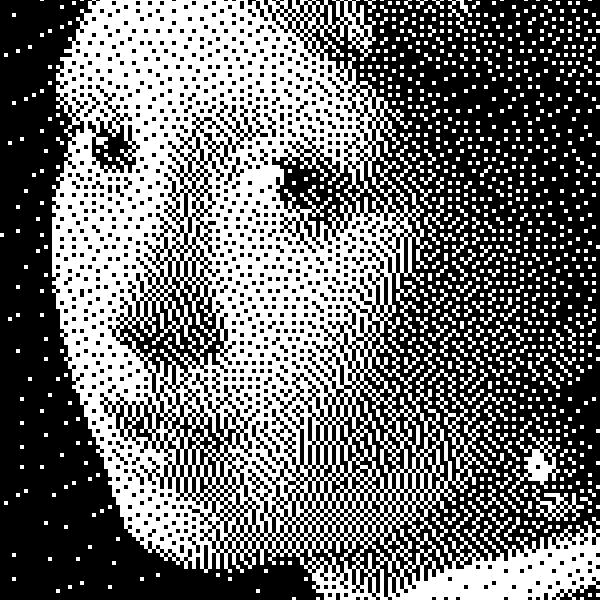
白黒についてもっと見る
二値画像の仕組み:単純しきい値、Bayer順序ディザ、Floyd–Steinberg誤差拡散、そしてPictorXでの使い分け。
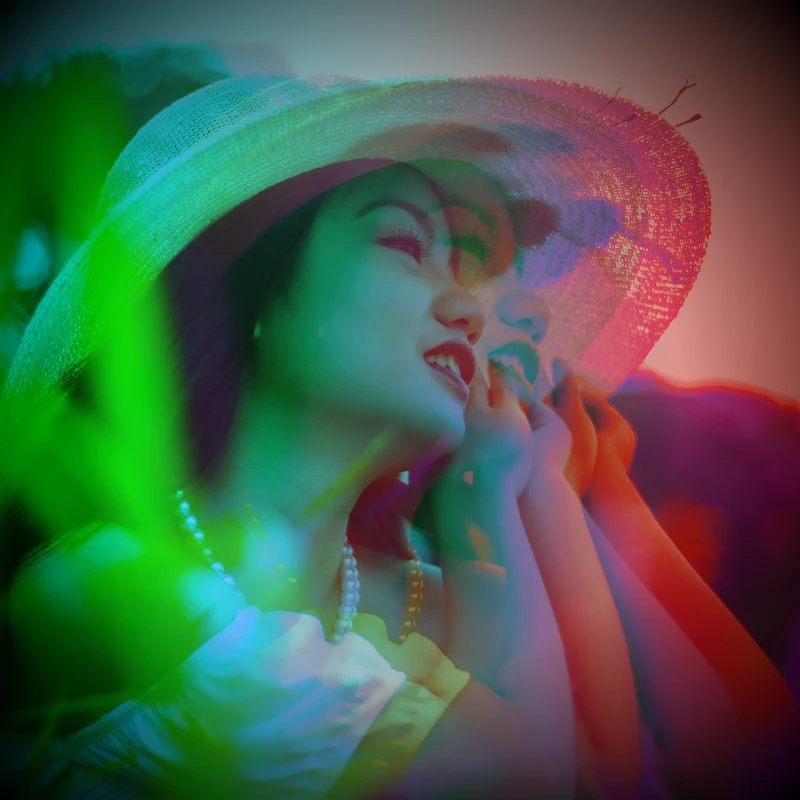
カラーエフェクト
効果 → 色 で映画のような輝き。効果 → 色 → ネオングロー、効果 → 色 → ヒートマップ、効果 → 色 → デュオトーン、効果 → 色 → トライトーン など。フィルターを重ね、不透明度を調整してポスター品質のエレクトリックな仕上がりに。
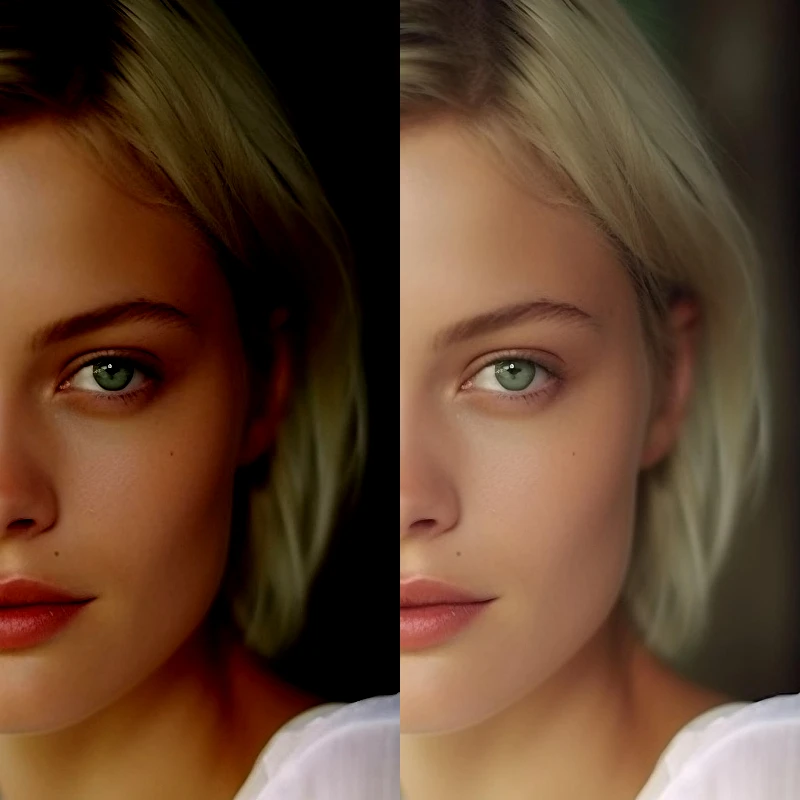
色調補正
画像 → 色調補正 で露出と色を補正。明るさ/コントラスト、色相/彩度、自然な彩度、グレースケール、しきい値、レベル、カーブ、ポスタリゼーション、カラーバランス、RGB フィルター、チャンネルミキサー、グラデーションマップ。PictorX で編集を続けます。

ピクセル化効果
写真をモザイクタイル、六角形、結晶、ローポリアート、ハーフトーンの点、レトロアーケードパレットに変えます。
ビンテージ効果ジェネレーター
ブラウザでグレースケール、セピア、Holga、色あせた Polaroid、Kodachrome、クロスプロセス、Lomo、Super 8、ライトリークなどのビンテージフィルムスタイルを適用。
試してみますか?
ブラウザで PictorX を開きます。インストール不要、始めるのにクレジットカードも不要です。
エディターへ