
调整
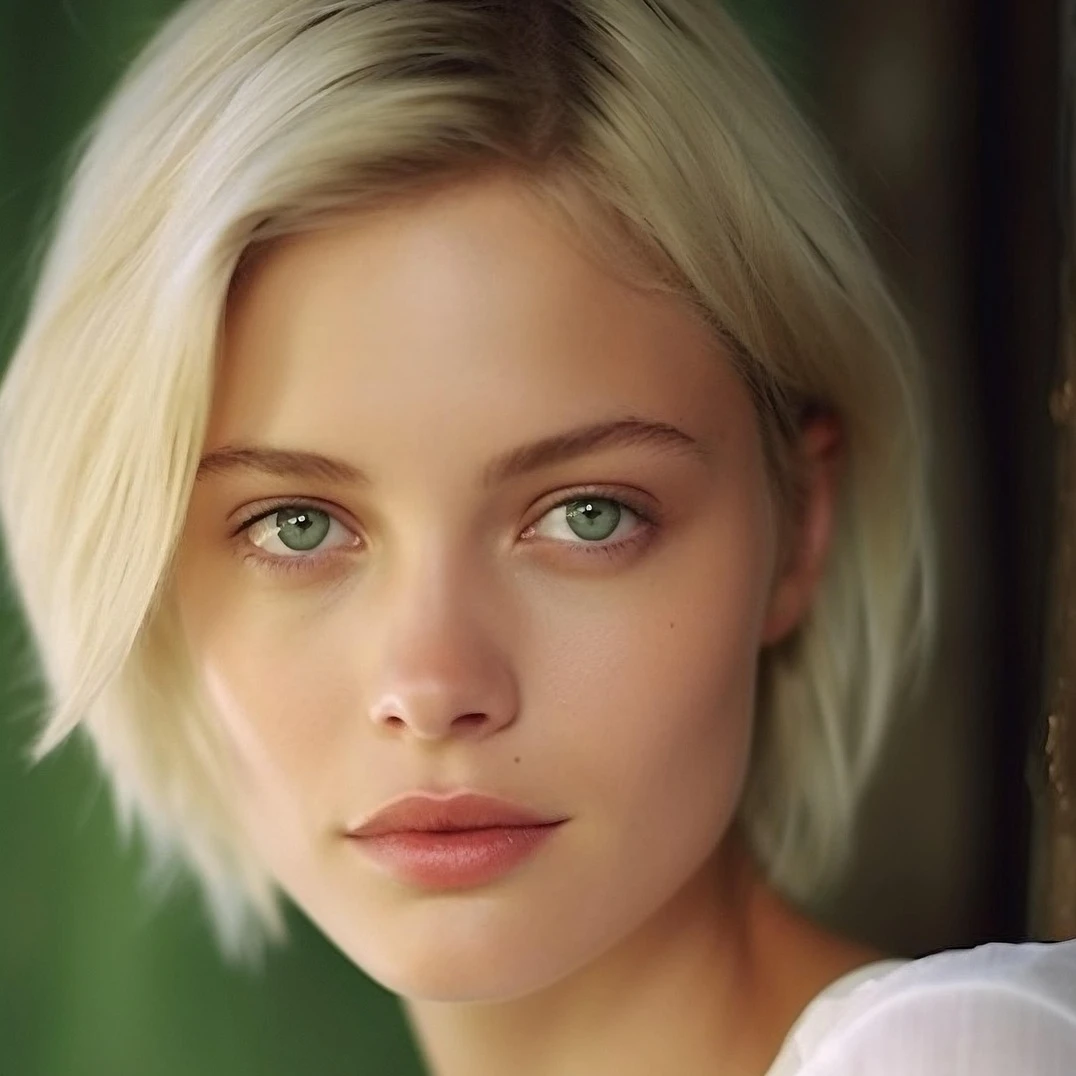
通过图像 → 调整校正曝光与色彩。可调亮度对比度、色相饱和度、自然饱和度、灰度、阈值、色阶、曲线、色调分离、色彩平衡、RGB 滤镜、通道混合器和渐变映射,然后继续在 PictorX 中编辑。 试试下方的调整,或打开您自己的图片。
它是如何运作的
- 在浏览器中打开 PictorX,开始新项目或加载图片。
- 使用 调整 塑造结果,再用周围的编辑工具进一步调整。
- 继续编辑、导出作品,或把结果变成下一个设计。
调整 如何融入你的工作流
通过图像 → 调整校正曝光与色彩。可调亮度对比度、色相饱和度、自然饱和度、灰度、阈值、色阶、曲线、色调分离、色彩平衡、RGB 滤镜、通道混合器和渐变映射,然后继续在 PictorX 中编辑。 PictorX 将此功能与照片、图层、排版和设计工具放在同一工作区,让你从想法到成品无需切换应用。
用 调整 创作更多
先做一处重点调整,在整体中查看效果并继续迭代。需要打磨社交媒体图、演示文稿、印刷版式或个人项目时,把 调整 与其他 PictorX 工具结合使用。
Looks in this set
常见问题
What is in the Adjust menu?
Brightness and contrast, hue and saturation, vibrance, black-and-white tools (threshold and grayscale), levels, curves, posterize, color balance, RGB filter, channel mixer, and gradient map.
How is Adjust different from Color effects?
Adjust is for correcting tone and color. Color effects are stylized looks such as invert, heatmap, x-ray, neon glow, duotone, and tritone.
Can I change brightness without losing the original?
Yes. Apply Adjust on a layer, then keep editing. Non-destructive adjustments and undo let you refine or reverse the change.
Do these tools run in the browser?
Yes. PictorX applies Adjust in your browser, then you can keep editing with layers, text, and other effects.
相关工具
色彩效果
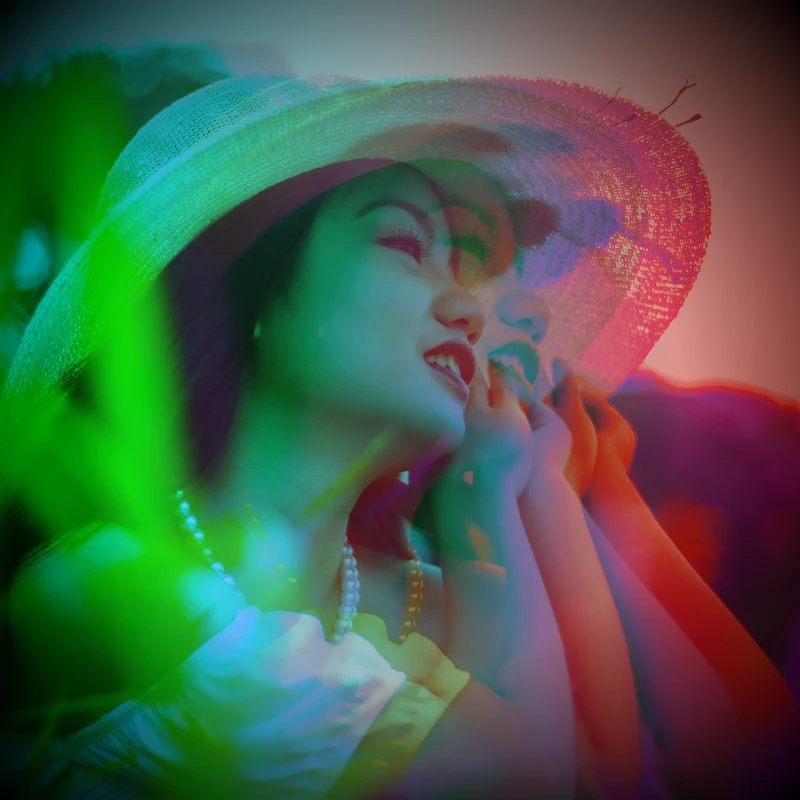
通过效果 → 颜色为照片注入电影感。效果 → 颜色 → 霓虹发光让霓虹边缘脉动,效果 → 颜色 → 热力图映射数据感热力图,效果 → 颜色 → 双色调锁定双色调氛围,效果 → 颜色 → 三色调锁定三色调氛围。叠加滤镜、调节不透明度,把普通照片变成海报级电光梦境。
黑白效果
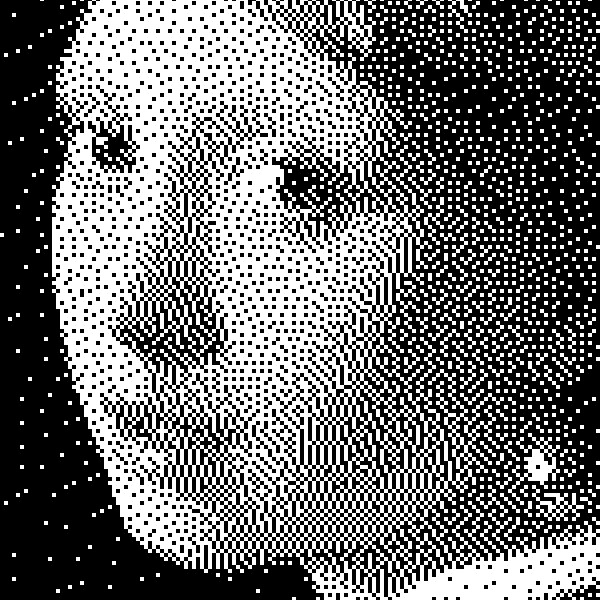
在浏览器中对照片应用灰度、阈值、圆点、方块、有序抖动、误差扩散和美柔汀。完整灰阶或自定义前景与背景色的双色印刷。
非破坏性调整
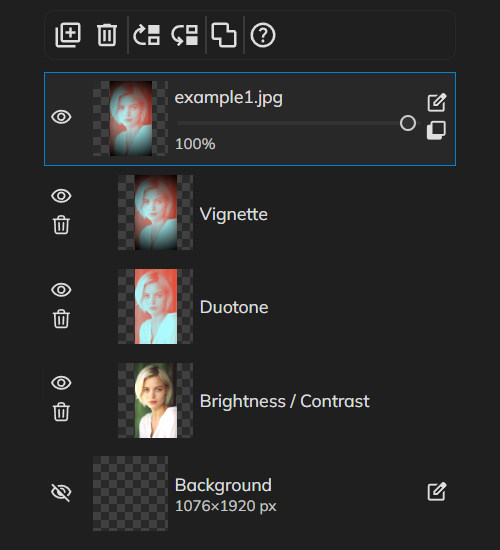
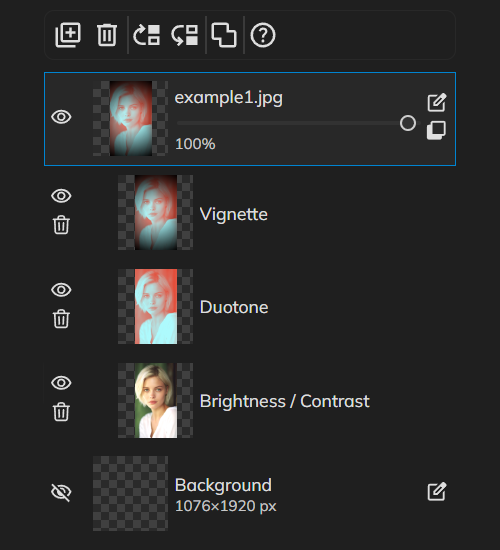
像专业人士一样调色,无需烘焙像素。从调整添加调整图层——亮度与对比度、色相与饱和度、色阶、曲线、自然饱和度、色彩平衡等——随时可再修改。叠加多层校正,更改混合模式,调节不透明度。关闭调整以对比前后效果,完成后可干净地删除。
了解更多数字图像编辑最佳实践
非破坏性工作流、分辨率、色彩、图层、导出格式与备份——在 PictorX 中编辑数字图像的实用最佳实践。
准备好尝试了吗?
在浏览器中打开 PictorX — 无需安装,无需信用卡即可启动。
前往编辑器