
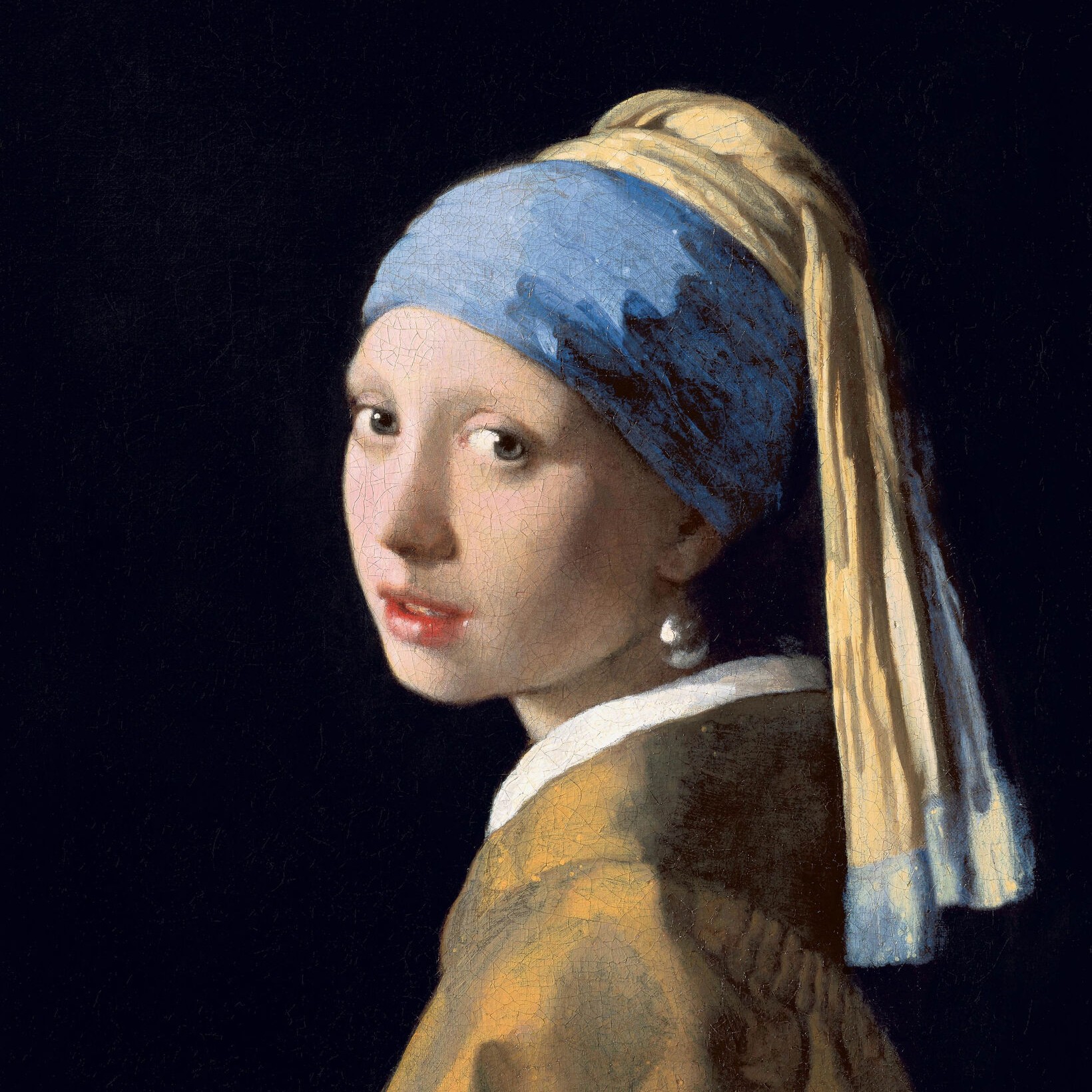
Svartvita effekter
Turn a photo black and white without leaving the browser. PictorX includes Grayscale, Threshold, Dots, Squares, Ordered Dithering, Error Diffusion (Floyd-Steinberg, Burkes, Stucki), and Mezzotint. Set strength, threshold, cell size, angle, grain, and foreground/background colors—or make the background transparent—then keep editing with layers and type in the same workspace. Prova en svartvit look nedan, eller öppna din egen bild.
Hur det fungerar
- Open this page and try a black-and-white look on the sample, or open your own photo.
- Switch looks—grayscale, threshold, dots, squares, ordered dithering, error diffusion, mezzotint—and tune strength, threshold, cell size, grain, and colors.
- Save the result, or keep editing with layers, text, and other effects in PictorX.
More than a grayscale slider
Grayscale keeps every tone. The other looks flatten a photo into two colors: a high-contrast threshold, a newspaper-style dot or square screen, Bayer ordered dithering, error-diffusion dithering (Floyd-Steinberg, Burkes, Stucki), or mezzotint grain (Fine, Medium, Coarse). Foreground and background can stay black and white or any two colors, and the background can be transparent for a PNG cutout.
Print looks that stay editable
Apply a look in the browser, then keep going in the same project—crop, type, stickers, or another filter. Cell size and angle change how coarse the screen feels; softness on Threshold blends the cut instead of a hard edge; Mezzotint Fine/Medium/Coarse sets the grain.
Looks in this set
Ofta ställda frågor
What black-and-white looks can I try?
Grayscale, Threshold, Dots, Squares, Ordered Dithering, Error Diffusion (Floyd-Steinberg, Burkes, and Stucki), and Mezzotint.
Is this the same as grayscale?
No. Grayscale keeps a full range of gray. These looks flatten the photo into two colors—or a dithered mix of those two colors.
Can I use colors other than black and white?
Yes. Set foreground and background to any two colors, or make the background transparent for a PNG.
Do these filters run in the browser?
Yes. PictorX applies them in your browser, then you can keep editing with layers, text, and other effects.
Relaterade verktyg
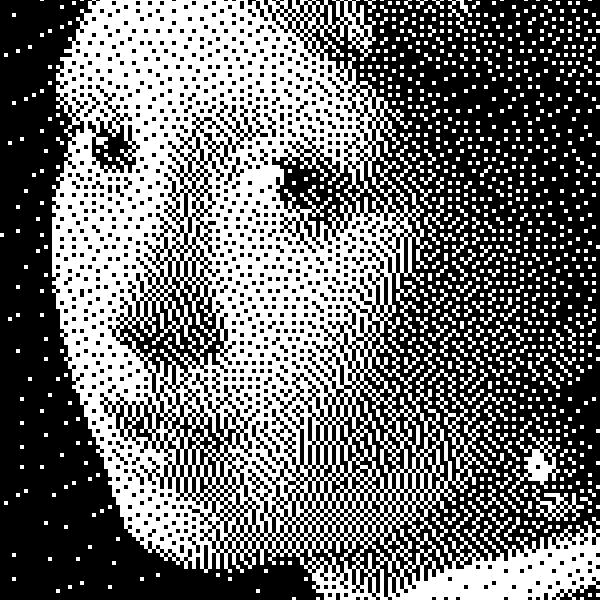
Svartvitt
Så fungerar bilevel-bilder: enkel tröskel, Bayer-ordnad dithering, Floyd–Steinberg fel diffusion och när du ska använda varje look i PictorX.
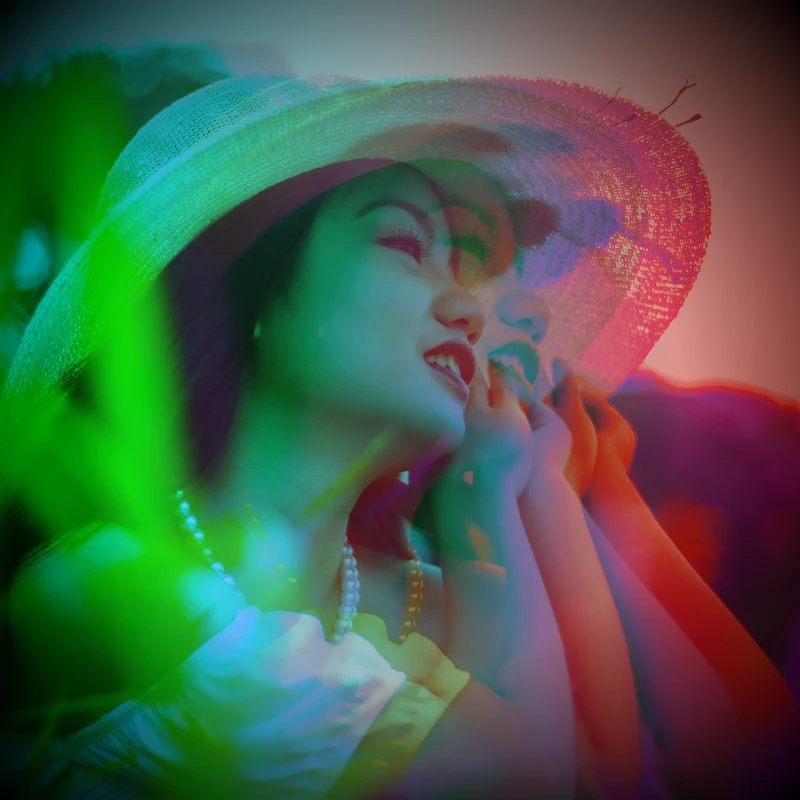
Färgeffekter
Ge bilder en filmisk glödning från Effekter → Färgfärg.
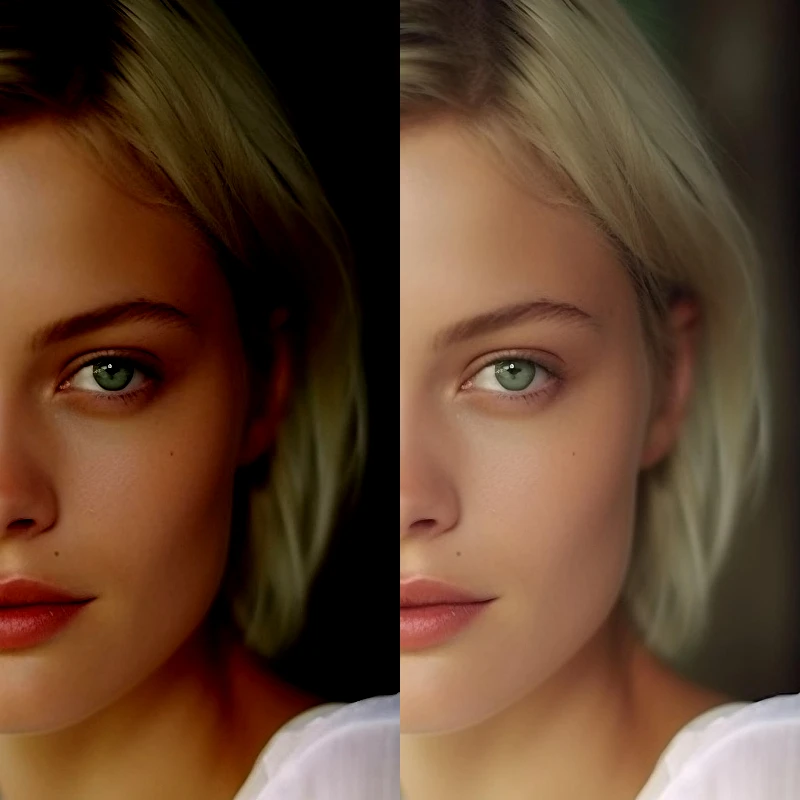
Justera
Rätt exponering och färg från Bild → Justera.

Pixelateffekter
Förvandla bilder till mosaikplattor, hexagoner, kristaller, lågpoly konst, halvton prickar och retro arkadpaletter.
Vintage Effect Generator
Applicera gråskala, sepia, Holga, blek Polaroid, Kodachrome, korsprocess, Lomo, Super 8, ljusläcka och andra vintage filmstilar i din webbläsare.
Redo att prova det?
Öppna PictorX i din webbläsare - ingen installation, inget kreditkort krävs för att starta.
Gå till Editor