
Atom Builder: Bohr diagrams of every element
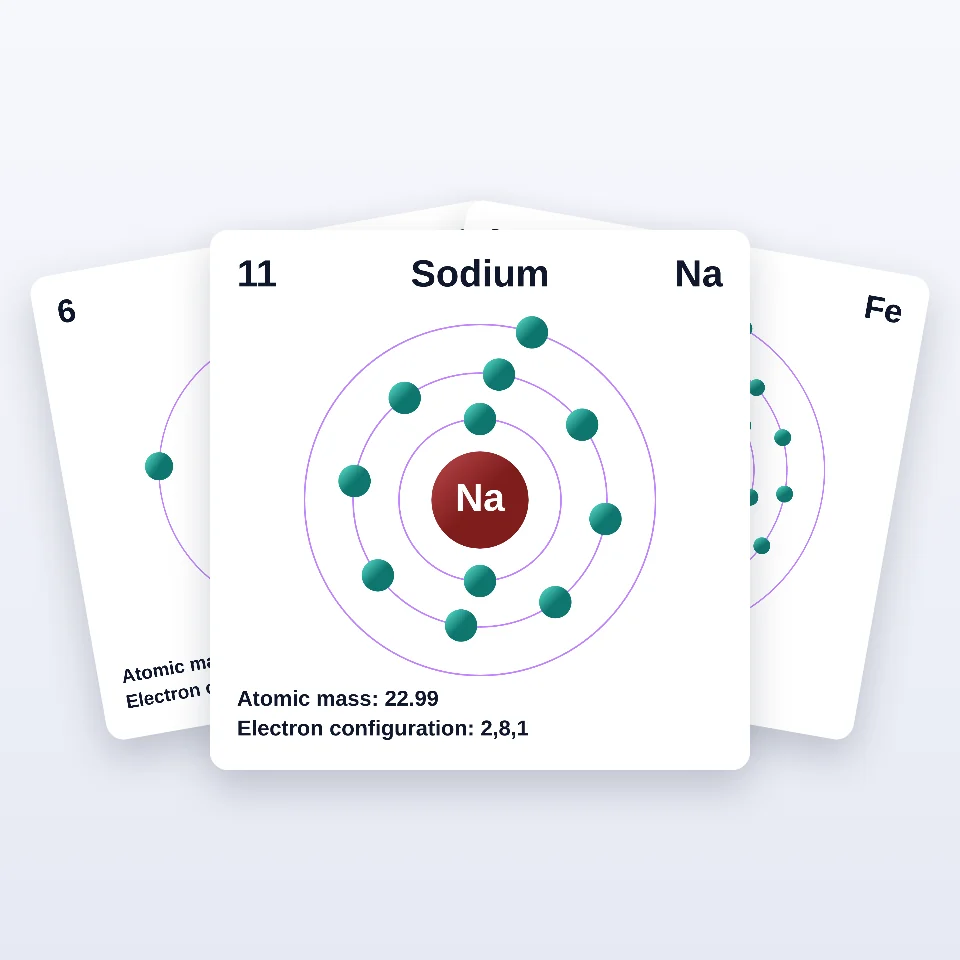
The flat Bohr diagram is the drawing of an atom every student learns first: a nucleus in the middle, a ring for each shell and a dot for each electron. Pick any element, from hydrogen to oganesson, and the Atom Builder draws its card at once, with the atomic number, the name and the symbol on top and the atomic mass and electron configuration underneath. Set a charge to see an ion lose or gain its outer electrons. Pick an element and set the look. The card updates as you go; save it as an image, or open it in the photo editor with every shell, the nucleus and each line of text on a layer of its own.
How it works
- Pick an element from the list, or walk through the periodic table with Previous and Next element.
- Set a charge to make an ion: the outer shell empties or fills and the symbol gets its charge.
- Choose the colours, turn the electrons, change their size, and choose what the card shows: the header, the details with the configuration per shell or per subshell, the symbol in the nucleus and the shell names.
- Save the card as an image, or open it in the photo editor with the background, every shell, the nucleus and each line of text on a layer of its own.
One card per element
Every card is laid out the same way, so a set of them reads like a table: the atomic number on the left, the name in the middle and the symbol on the right, the diagram in the centre, and the atomic mass and the electron configuration at the bottom. The rings and the electrons get smaller as the shells add up, so heavy atoms with five, six or seven shells still fit, and the nucleus takes the colour of the element's family: alkali metals red, noble gases rose, transition metals blue.
Shells as chemists count them
The electrons per shell come from the element's ground-state configuration, the same as in the periodic table: potassium is 2, 8, 8, 1, iron 2, 8, 14, 2, and the known exceptions such as chromium and copper are drawn as they are. Switch the details to subshells to print the configuration in noble-gas notation instead, such as [Ar] 3d6 4s2 for iron.
Ions
A charge of +1 takes one electron away, −1 adds one. The diagram shows the ion's shells and the symbol gets its charge, Na⁺ or Cl⁻, so you can show how sodium and chlorine both reach the arrangement of a noble gas when they form salt. The tiles read the element, the electrons per shell, the atomic mass and the configuration.
For worksheets, slides and posters
Save gives a square PNG at the size you choose, on white, on a colour or transparent. The pencil opens the card in the PictorX photo editor with every part as a layer, so you can recolour one shell, move a label or put several atoms on one page. The same app is in the editor under Apps ▸ Science ▸ Chemistry ▸ Atom Builder, and the atom templates are made with it.
Frequently asked questions
What is a Bohr diagram?
A flat drawing of an atom: the nucleus in the middle, one ring for each electron shell and a dot for each electron. It is based on the model Niels Bohr proposed in 1913. It does not show how electrons really behave, but it shows clearly how many there are, how they are grouped in shells and how many are on the outside, which is what decides how an element reacts.
How many electrons go in each shell?
At most 2 in the first shell, 8 in the second, 18 in the third and 32 in the fourth (2n²). For the first twenty elements you can fill 2, 8, 8 and put the rest in the fourth shell. Heavier elements fill the third shell up to 18 after the fourth has started. The Atom Builder uses each element's real ground state.
How do I draw an ion?
Set the charge. A positive ion has lost electrons from its outer shell, a negative ion has gained them; the nucleus stays the same. The card shows the remaining shells and writes the charge beside the symbol, for example Mg²⁺ with 2, 8 or O²⁻ with 2, 8.
What are valence electrons?
The electrons in the outermost shell. Elements in the same column of the periodic table have the same number of them and behave alike: lithium, sodium and potassium each have one, the halogens seven, the noble gases a full shell. On the card they are the dots on the outer ring.
What is the difference with the Bohr Model app?
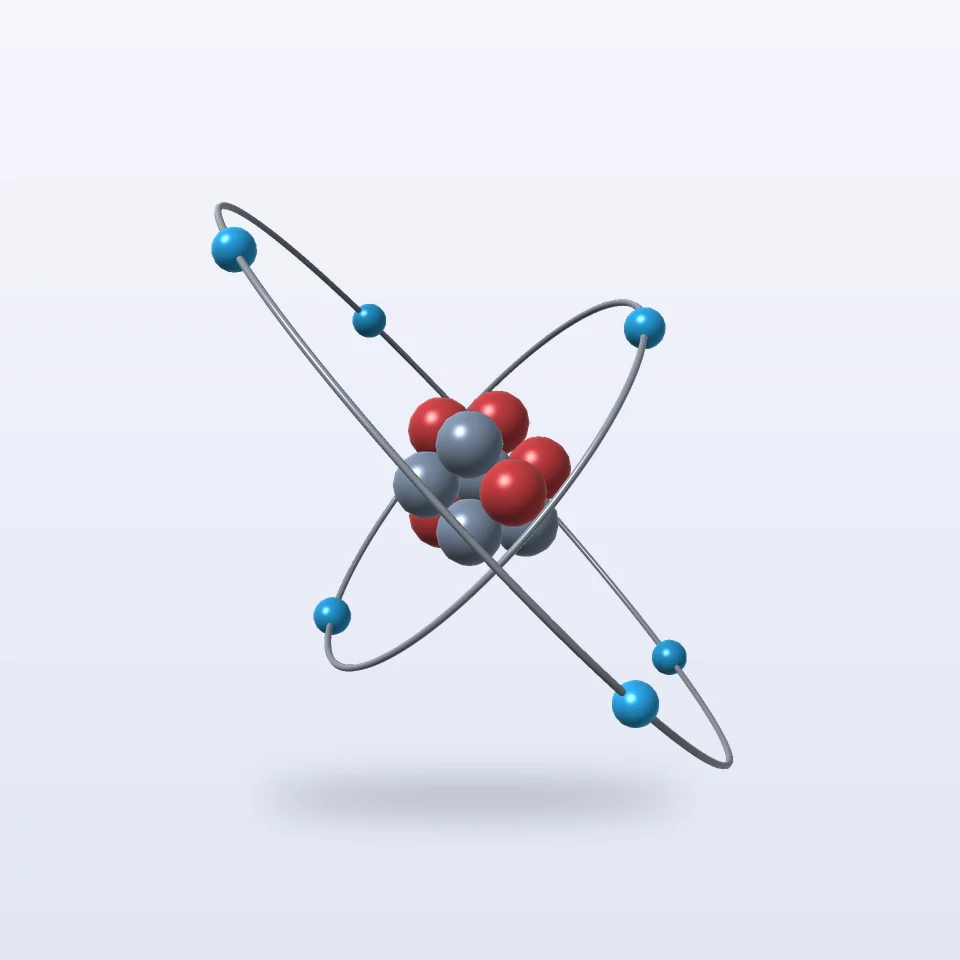
The Bohr Model app draws the atom in 3D, with every proton and neutron in the nucleus and the electrons circling on tilted rings. The Atom Builder draws the flat textbook diagram on a card with the element's data, ready to print or to use in a design.
Can I use the cards in my own material?
Yes. Save gives a PNG at the size you choose, and the pencil opens the card in the PictorX photo editor with the background, every shell, the nucleus and each line of text on a layer of its own. Everything is drawn in your browser.
Related tools
Bohr diagrams explained
How to read and draw a Bohr diagram: the nucleus, the shells K, L, M and N, how many electrons each shell holds, how ions gain or lose electrons, what the valence electrons tell you, and how the diagram relates to the electron configuration.
Bohr model of the atom
Build a Bohr model of any of the 118 elements in 3D: a nucleus of protons and neutrons with the electrons circling on their shells. Make ions, compare even spacing with Bohr's n² ratio, and read the electrons per shell and the valence electrons.
Interactive periodic table
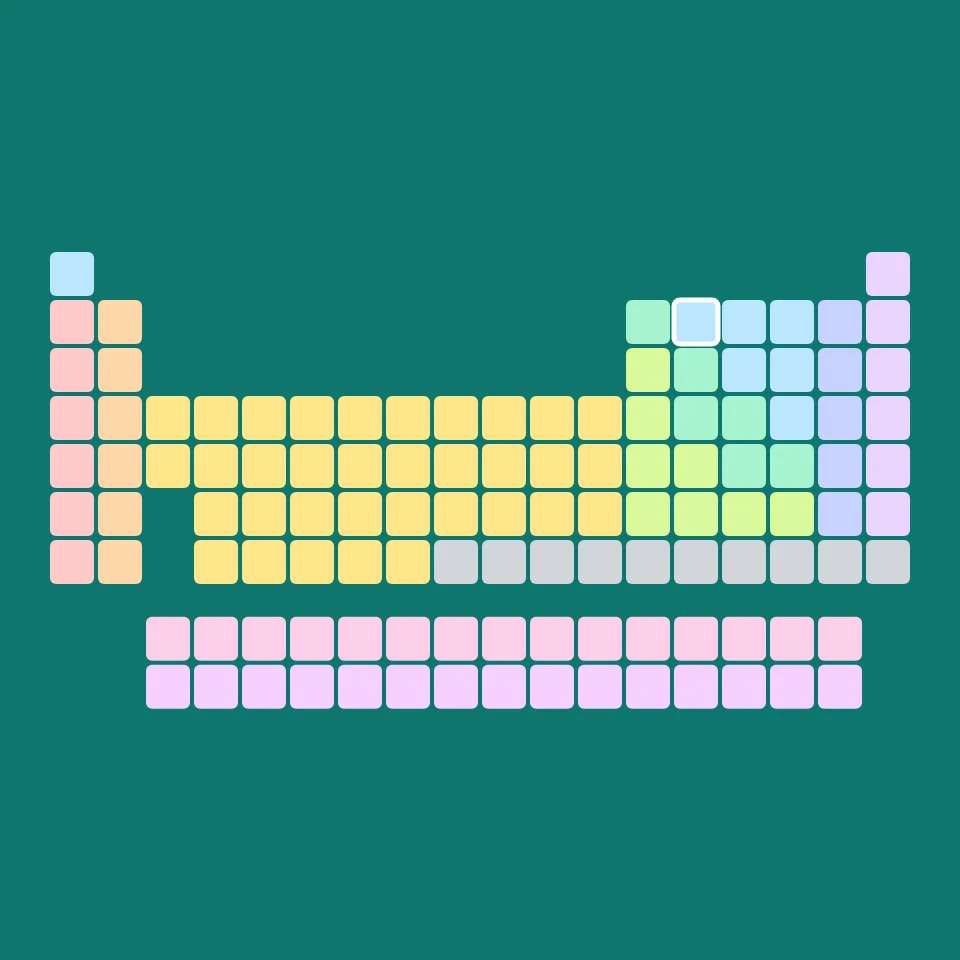
An interactive periodic table of all 118 elements: color it by category, block, state or electronegativity, and click an element for its atomic weight, electron configuration and shells.
Molecule builder
A free online molecule builder: join atoms with single, double and triple bonds, get the formula and molar mass, see the molecule's real shape in 3D, and solve chemistry challenges.
Chemical equation balancer
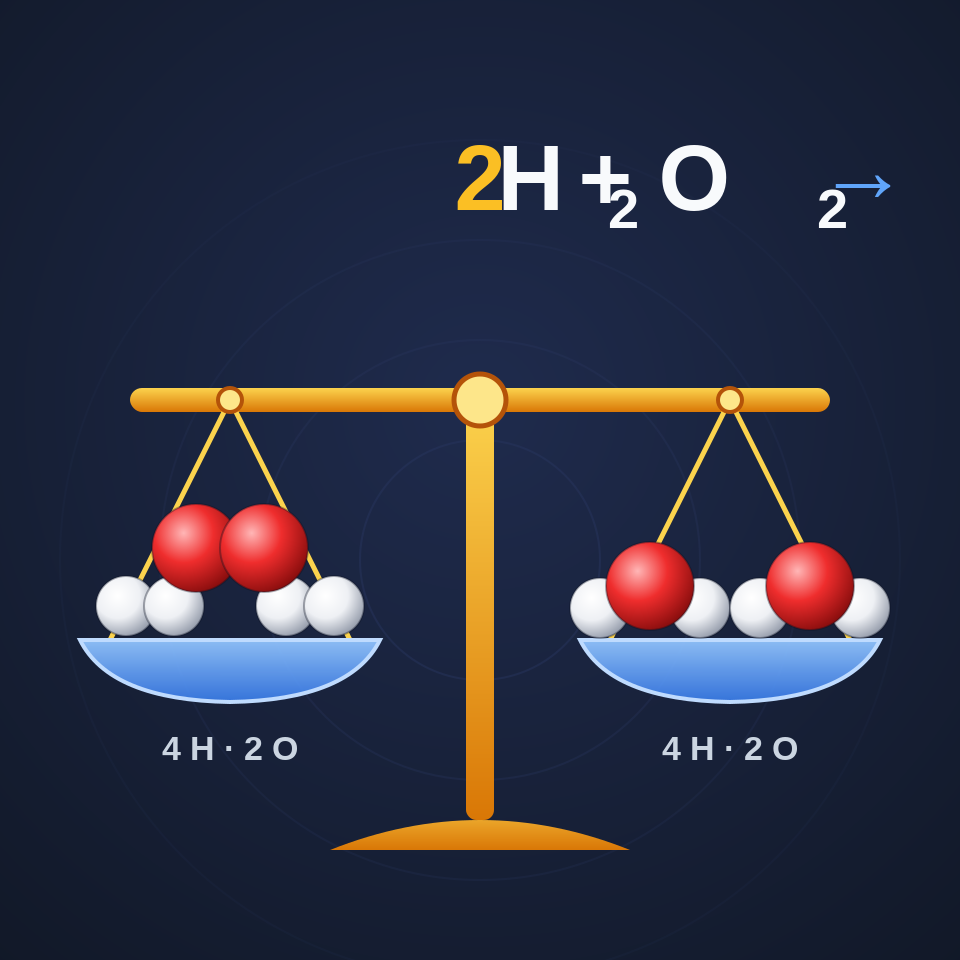
Balance any chemical equation instantly and exactly, ions, hydrates and redox reactions included. Count the atoms on both sides, see the oxidation numbers that change, and work out molar masses, the limiting reactant and the yield.
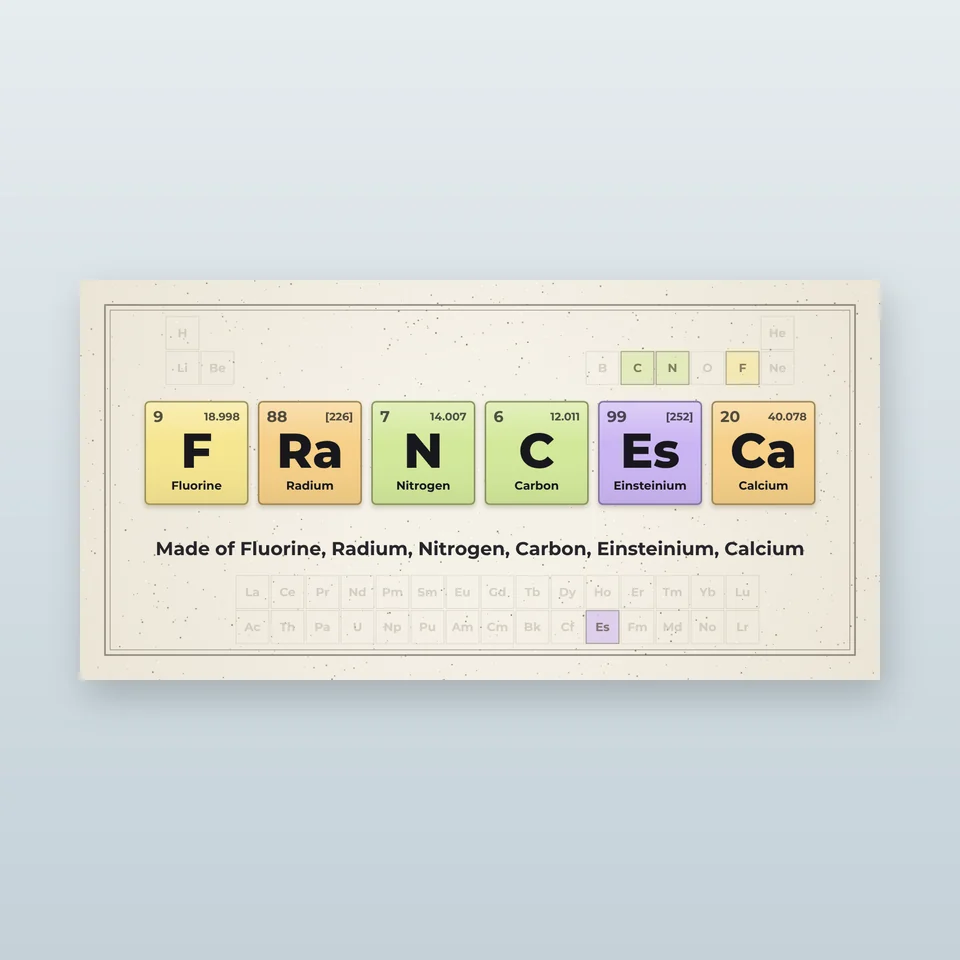
Name in chemical elements - your name in the periodic table
Spell your name with periodic table tiles: real symbols, atomic numbers, names and masses, coloured by group. Make a poster or a row of tiles, save as PNG.
Ready to try it?
Open PictorX in your browser — no install, no credit card required to start.
Go to Editor