
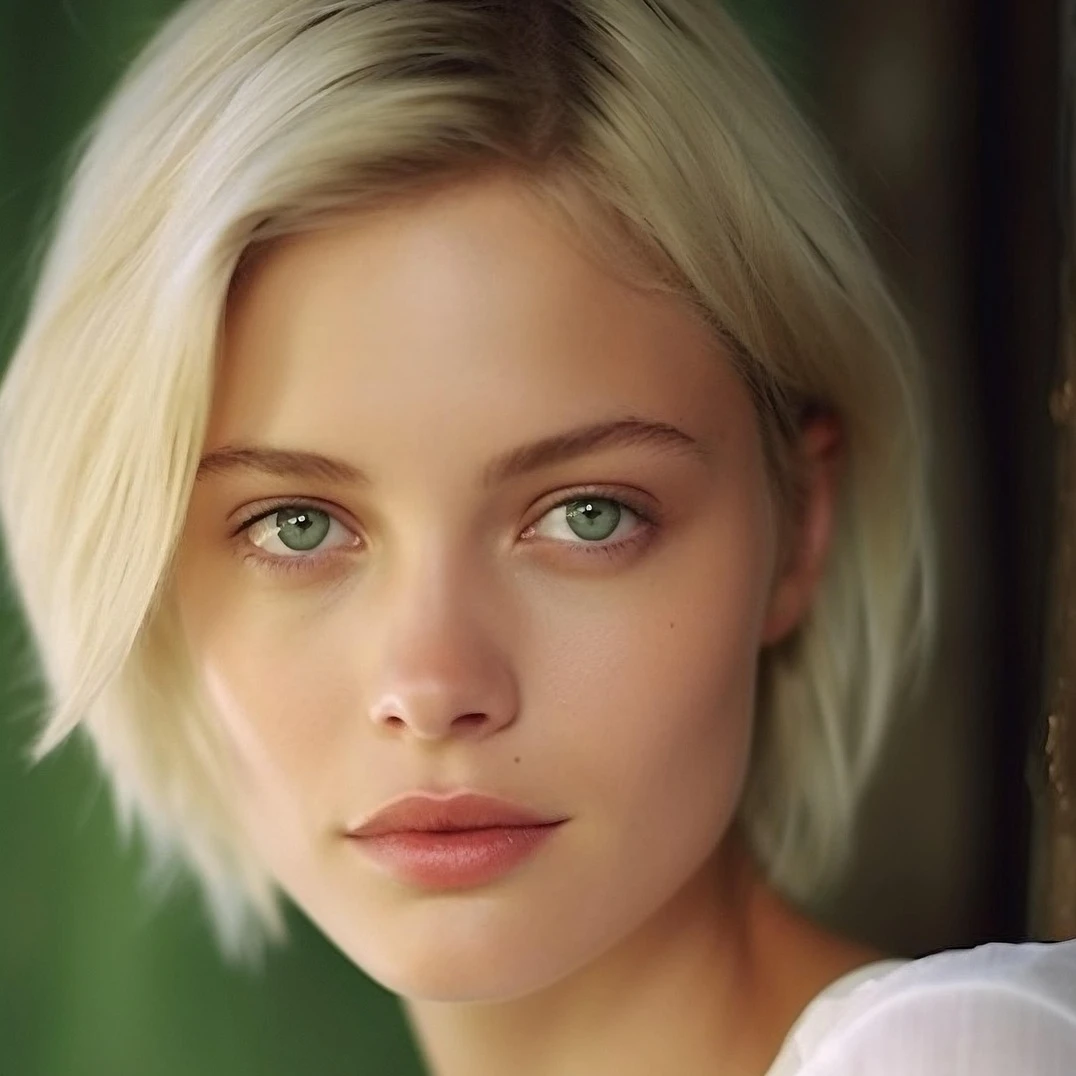
Coba adjustment di bawah, atau buka gambar Anda sendiri.
Sesuaikan
Correct exposure dan warna dari Gambar → Sesuaikan. Tune brightness dan contrast, hue dan saturation, vibrance, grayscale, threshold, levels, curves, posterize, warna balance, RGB filter, channel mixer, dan gradien peta, lalu lanjutkan menyunting di PictorX. Coba adjustment di bawah, atau buka gambar Anda sendiri.
cara itu works
- Buka PictorX di browser Anda dan mulai baru proyek atau load gambar.
- Gunakan Sesuaikan ke bentuk hasil, lalu sempurnakan itu dengan surrounding editor alat.
- biarkan pengeditan, ekspor Anda kerja, atau ubah hasil menjadi Anda berikutnya desain.
cara Sesuaikan fits Anda alur kerja
Correct exposure dan warna dari Gambar → Sesuaikan. PictorX menyimpan fitur alongside Anda foto, lapisan, typography, dan desain alat, sehingga Anda dapat pindahkan dari idea ke selesai grafis tanpa berpindah aplikasi.
Buat lebih dengan Sesuaikan
Mulai dengan satu focused ubah, ulasan hasil di context, dan biarkan iterating. gabungkan Sesuaikan dengan lain PictorX alat saat Anda membutuhkan polished gambar untuk sosial media, presentasi, cetak tata letak, atau personal proyek.
Looks in this set
Frequently asked questions
What is in the Adjust menu?
Brightness and contrast, hue and saturation, vibrance, black-and-white tools (threshold and grayscale), levels, curves, posterize, color balance, RGB filter, channel mixer, and gradient map.
How is Adjust different from Color effects?
Adjust is for correcting tone and color. Color effects are stylized looks such as invert, heatmap, x-ray, neon glow, duotone, and tritone.
Can I change brightness without losing the original?
Yes. Apply Adjust on a layer, then keep editing. Non-destructive adjustments and undo let you refine or reverse the change.
Do these tools run in the browser?
Yes. PictorX applies Adjust in your browser, then you can keep editing with layers, text, and other effects.
Related alat
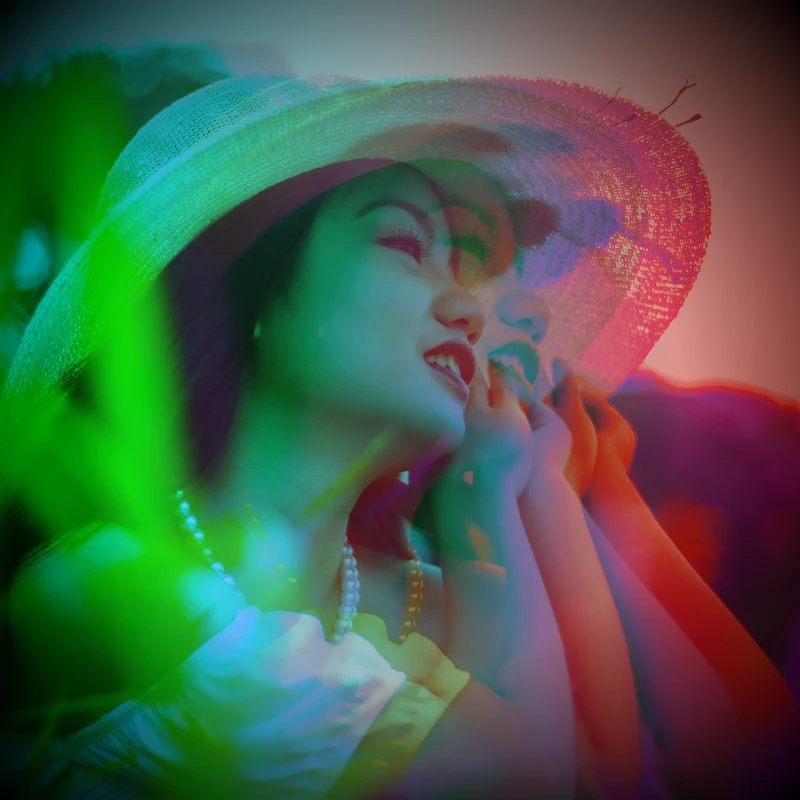
Efek warna
Give foto cinematic glow-atas dari Efek → Warna.
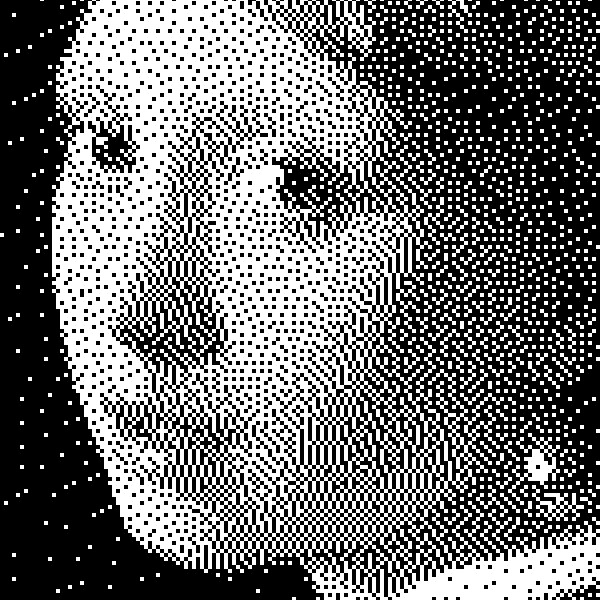
Efek hitam putih
Terapkan skala abu-abu, ambang, titik, kotak, dithering terurut, difusi error, dan mezzotint pada foto di browser. Ramp abu-abu penuh atau cetakan dua nada dengan warna latar depan dan belakang kustom.
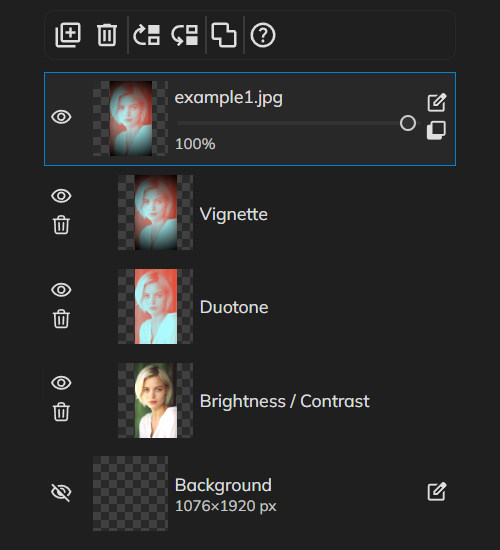
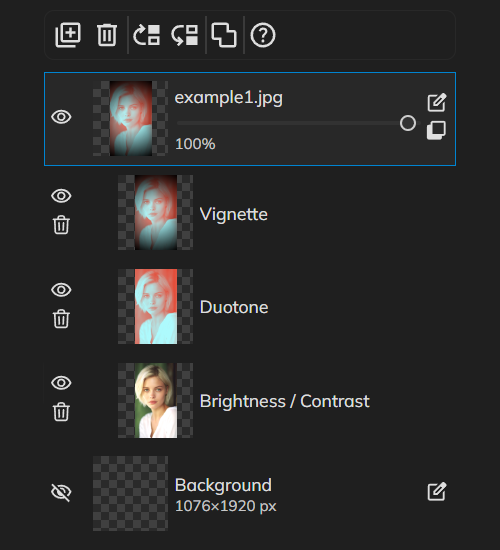
Penyesuaian non-destruktif
Grade warna seperti pro tanpa baking piksel.
Informasi selengkapnya tentang praktik terbaik mengedit gambar digital
Alur non-destruktif, resolusi, warna, layer, format ekspor, dan cadangan—praktik terbaik mengedit gambar di PictorX.
Siap ke coba itu?
Buka PictorX di browser Anda — tidak instalasi, tidak credit kartu diperlukan ke mulai.
Ke Editor