
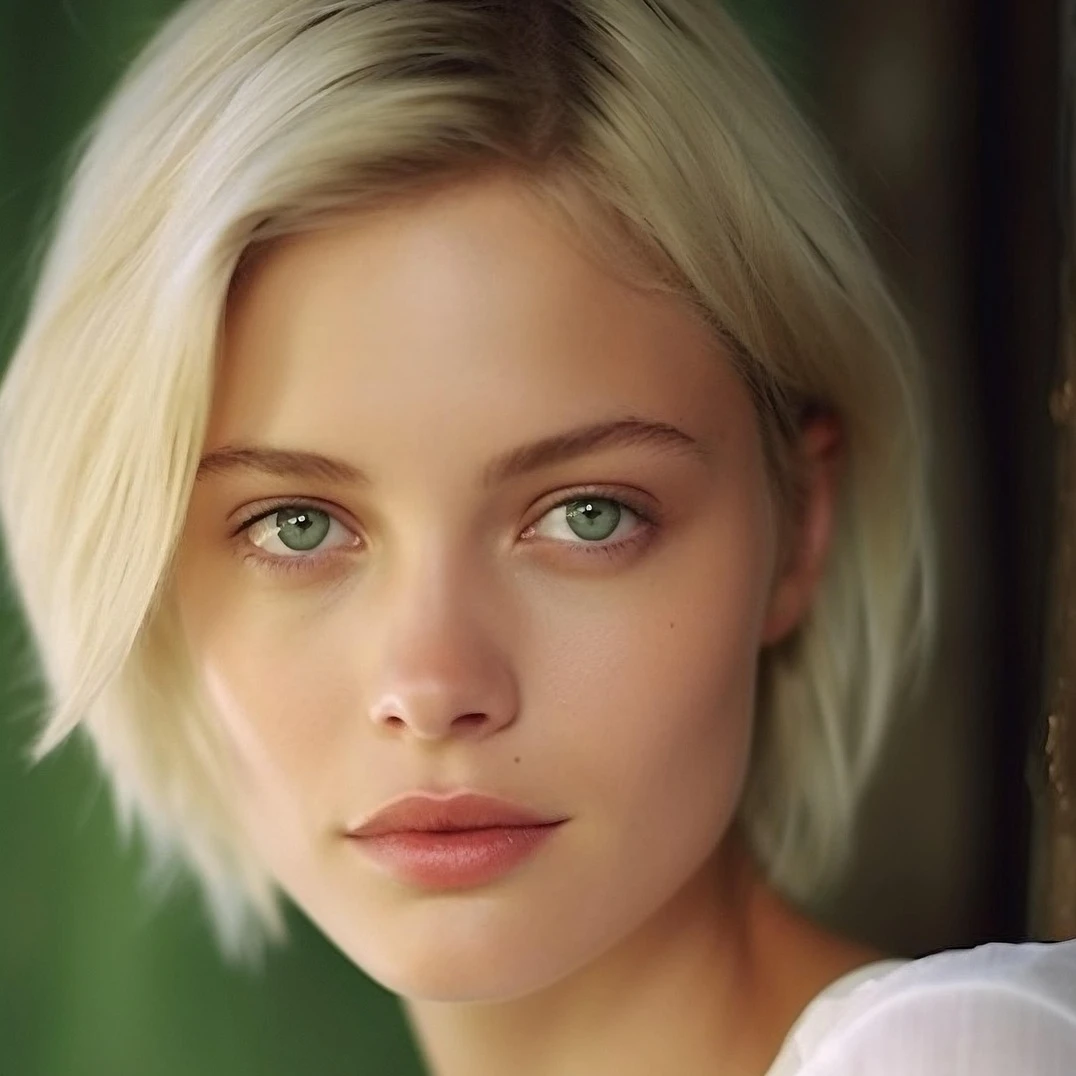
色調補正
画像 → 色調補正 で露出と色を補正。明るさ/コントラスト、色相/彩度、自然な彩度、グレースケール、しきい値、レベル、カーブ、ポスタリゼーション、カラーバランス、RGB フィルター、チャンネルミキサー、グラデーションマップ。PictorX で編集を続けます。 下の色調補正を試すか、自分の写真を開いてください。
使い方
- ブラウザで PictorX を開き、新規プロジェクトを始めるか画像を読み込みます。
- 色調補正で結果を形作り、周りのエディターツールで整えます。
- 編集を続ける、作品を書き出す、または結果を次のデザインにします。
色調補正 がワークフローに合う理由
画像 → 色調補正 で露出と色を補正。明るさ/コントラスト、色相/彩度、自然な彩度、グレースケール、しきい値、レベル、カーブ、ポスタリゼーション、カラーバランス、RGB フィルター、チャンネルミキサー、グラデーションマップ。PictorX で編集を続けます。 PictorX は写真、レイヤー、タイポグラフィ、デザインツールの隣に機能を置くので、アプリを切り替えずにアイデアから完成グラフィックへ進めます。
色調補正 でもっと作る
一つの変化に集中し、文脈で結果を確認し、繰り返し整えます。SNS、プレゼン、印刷レイアウト、個人プロジェクト向けに仕上げたいとき、色調補正 を他の PictorX ツールと組み合わせます。
Looks in this set
よくある質問
What is in the Adjust menu?
Brightness and contrast, hue and saturation, vibrance, black-and-white tools (threshold and grayscale), levels, curves, posterize, color balance, RGB filter, channel mixer, and gradient map.
How is Adjust different from Color effects?
Adjust is for correcting tone and color. Color effects are stylized looks such as invert, heatmap, x-ray, neon glow, duotone, and tritone.
Can I change brightness without losing the original?
Yes. Apply Adjust on a layer, then keep editing. Non-destructive adjustments and undo let you refine or reverse the change.
Do these tools run in the browser?
Yes. PictorX applies Adjust in your browser, then you can keep editing with layers, text, and other effects.
関連ツール
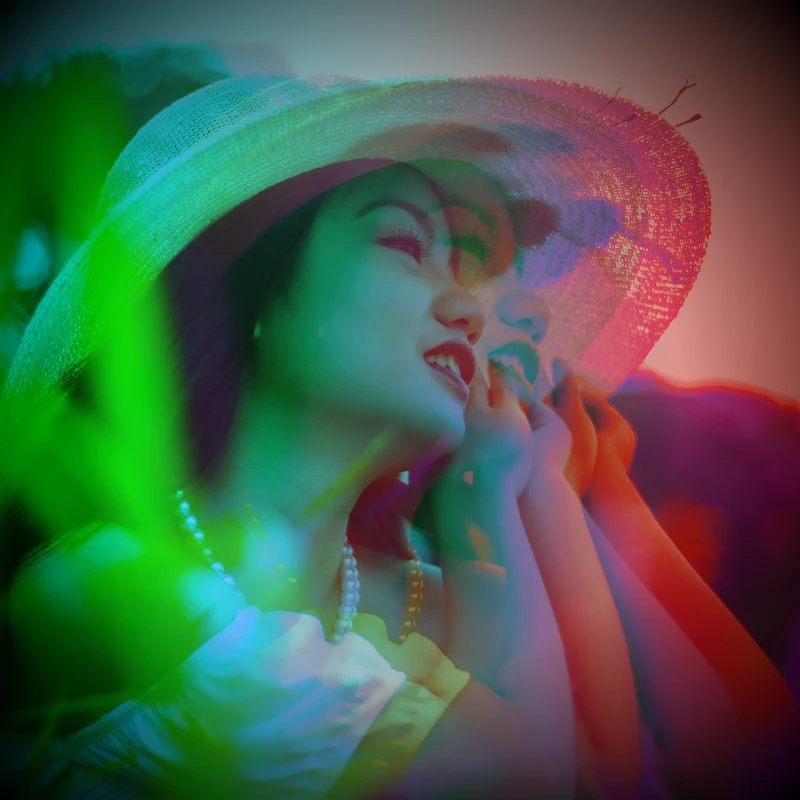
カラーエフェクト
効果 → 色 で映画のような輝き。効果 → 色 → ネオングロー、効果 → 色 → ヒートマップ、効果 → 色 → デュオトーン、効果 → 色 → トライトーン など。フィルターを重ね、不透明度を調整してポスター品質のエレクトリックな仕上がりに。
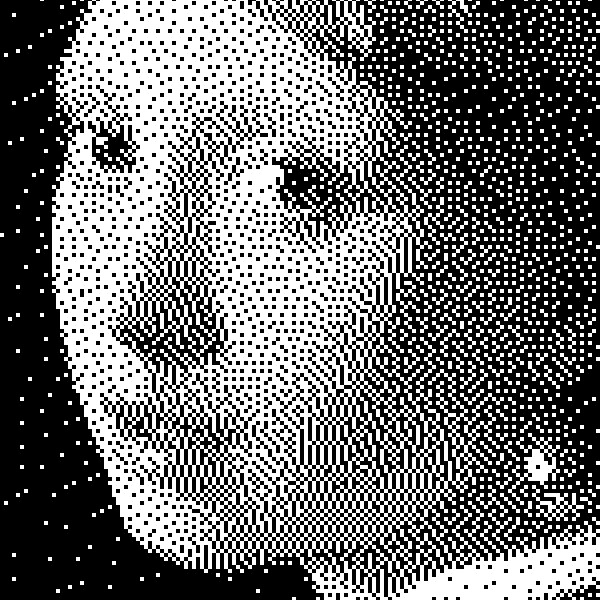
白黒効果
ブラウザで写真にグレースケール、しきい値、ドット、スクエア、規則ディザ、誤差拡散、メゾチントを適用。完全なグレーランプ、または前景・背景色を指定した2色印刷。
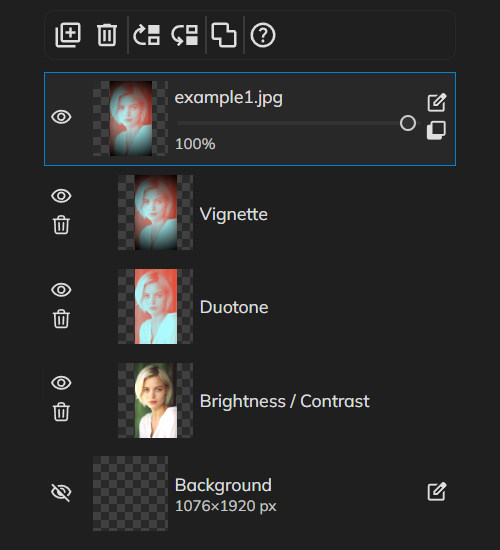
非破壊の色調補正
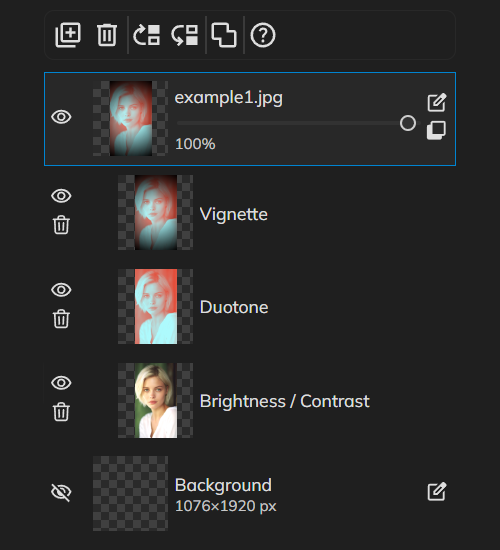
ピクセルを焼き込まずプロのように色を整えます。色調補正 から明るさ/コントラスト、色相/彩度、レベル、カーブ、自然な彩度、カラーバランスなどの調整レイヤーを追加し、いつでも再編集。複数を重ね、描画モードや不透明度を変え、オフにして比較したり、不要なら削除できます。
デジタル画像編集のベストプラクティスについてもっと見る
非破壊ワークフロー、解像度、色、レイヤー、書き出し形式、バックアップ——PictorXでの実践的な編集のコツ。
試してみますか?
ブラウザで PictorX を開きます。インストール不要、始めるのにクレジットカードも不要です。
エディターへ