
How JSON, YAML, XML and CSV work
JSON, YAML, XML and CSV all write structured data as plain text, but each was made for a different job: JSON for programs talking to each other, YAML for configuration files people edit by hand, XML for documents with markup and strict schemas, and CSV for tables that spreadsheets open. Here is how each one is built, where they differ, and what a converter has to decide when it moves data from one to another.

JSON: objects, arrays and six types
JSON (JavaScript Object Notation, RFC 8259) knows only six kinds of value: objects in braces with "key": value pairs, arrays in square brackets, strings in double quotes, numbers, true and false, and null. Keys are always strings in double quotes, items are separated by commas, and there are no comments and no comma after the last item. That strictness is the point: every language can read JSON the same way, which made it the default format of web APIs. Whitespace does not matter, so the same data can be minified to one line or indented with 2 spaces, 4 spaces or tabs.
YAML: structure by indentation
YAML (YAML Ain't Markup Language) shows structure with indentation instead of brackets: key: value lines form a mapping, lines starting with "- " form a list, and a deeper indent nests one in the other. It allows comments with #, strings without quotes, and multi-line text with | (lines kept) or > (lines folded into one). Indentation must use spaces, never tabs. JSON is almost a subset of YAML, since YAML also has a flow style with braces and brackets. Its convenience has traps: unquoted values get a type, so 3.10 becomes the number 3.1, and in the older YAML 1.1 the country code NO became false, the so-called Norway problem. Quote a value when in doubt.
XML: elements, attributes and text
XML (Extensible Markup Language) wraps data in named tags: <city>London</city>. An element can carry attributes (<person id="1">), contain text, other elements, or both, and a document has exactly one root element. Everything is text: XML has no numbers or booleans of its own unless a schema says so. Because XML has attributes, mixed content and repeated elements and JSON has none of these, there is no single official mapping between them. A common convention, used here, writes attributes as keys starting with @, text beside child elements as #text, and repeated elements with the same name as an array.
CSV: one table, one record per line
CSV (comma-separated values, described in RFC 4180) is the simplest format: each line is a record, fields are separated by commas, and the first line usually names the columns. A field that contains a comma, a quote or a line break is put in double quotes, and a quote inside it is written twice: "He said ""hi""". Many European spreadsheets use semicolons, because the comma is their decimal separator, and tab-separated files are common too. CSV has no types and no nesting: every value is text, and a hierarchy must be flattened, for example into columns named address.city and address.country.
What changes when you convert
JSON and YAML describe the same model, so they convert both ways without loss, apart from comments, which JSON cannot keep. XML to JSON needs the mapping above and turns text into numbers only when asked. JSON to XML needs one root element, so a list or an object with several keys is wrapped in one, and keys that are not valid element names, such as ones starting with a digit, have to be changed. JSON to CSV only fits a list of records: nested objects become dotted column names, and records with different keys leave empty cells. Converting back and forth can therefore change the shape of the data, so check the result before you replace the original.
Frequently asked questions
Which format should I use?
JSON for data that programs exchange, such as web APIs, because every language reads it the same way. YAML for configuration that people edit, such as Docker Compose, Kubernetes or GitHub Actions files, because it allows comments and needs fewer brackets. XML where a standard or a schema requires it, such as RSS, SVG, office documents and many enterprise systems. CSV for flat tables that go into a spreadsheet or a database.
Is JSON valid YAML?
Almost always. YAML 1.2 was designed so that JSON documents are valid YAML, using its flow style of braces and brackets. The rare exceptions are edge cases such as duplicate keys, which JSON tolerates and YAML forbids, and very long keys. The other way round is not true: YAML's comments, unquoted strings and indentation are not JSON.
Why do numbers sometimes change when converting?
Because the formats type values differently. CSV and XML store only text, so a converter has to guess that 42 is a number; a postcode such as 01234 must stay text, which is why numbers with a leading zero are kept as text here. YAML types unquoted values itself, so 1.0 reads as the number 1. And very large integers, beyond 9,007,199,254,740,991, cannot be stored exactly as JavaScript numbers, so in CSV, XML and YAML they are kept as text here.
Related tools
Data format converter
A free data format converter: convert between JSON, YAML, XML and CSV as you type, in your browser, with errors shown at their line and column, a choice of indent, sorted keys, and copy or download.

JSON formatter
A free JSON formatter and validator: beautify or minify JSON, find the exact line and column of an error, sort keys, browse a collapsible tree, copy paths and convert arrays to CSV, all in your browser.
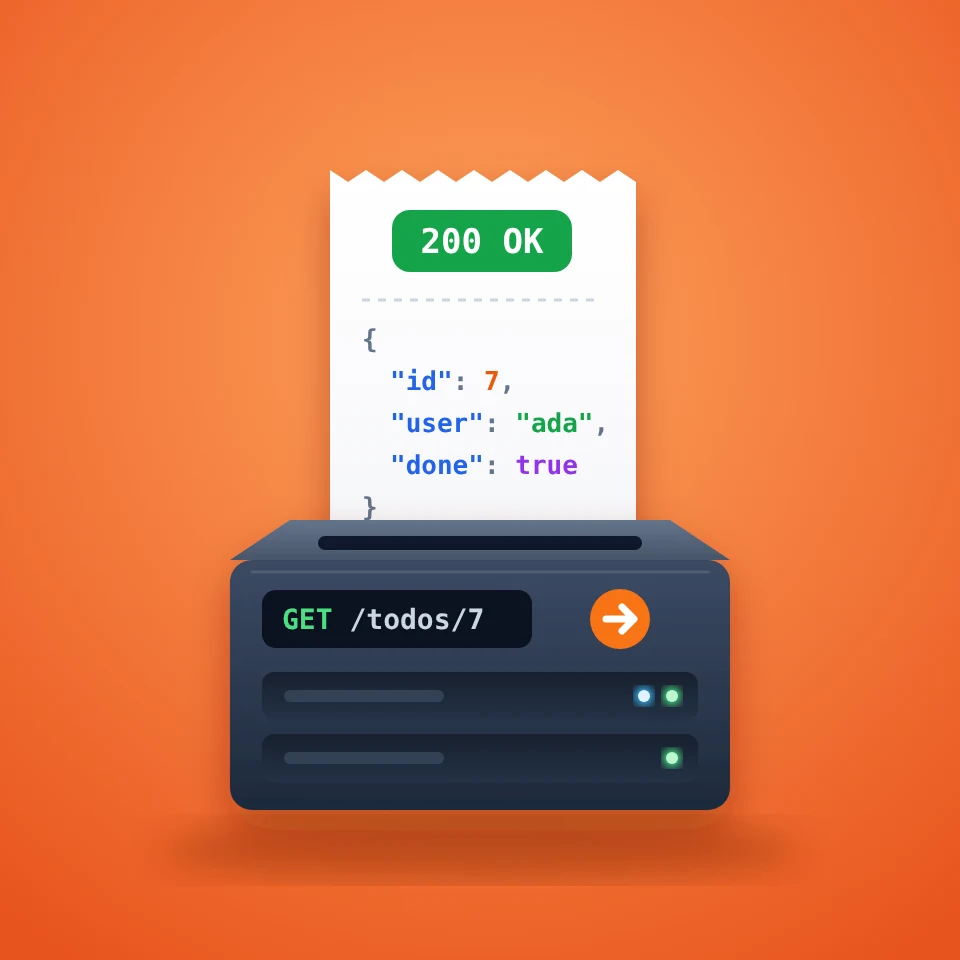
API Tester
A free online API tester: send GET, POST, PUT, PATCH and DELETE requests from your browser with query parameters, headers, a JSON body and auth, then read the status, time, headers and formatted response.
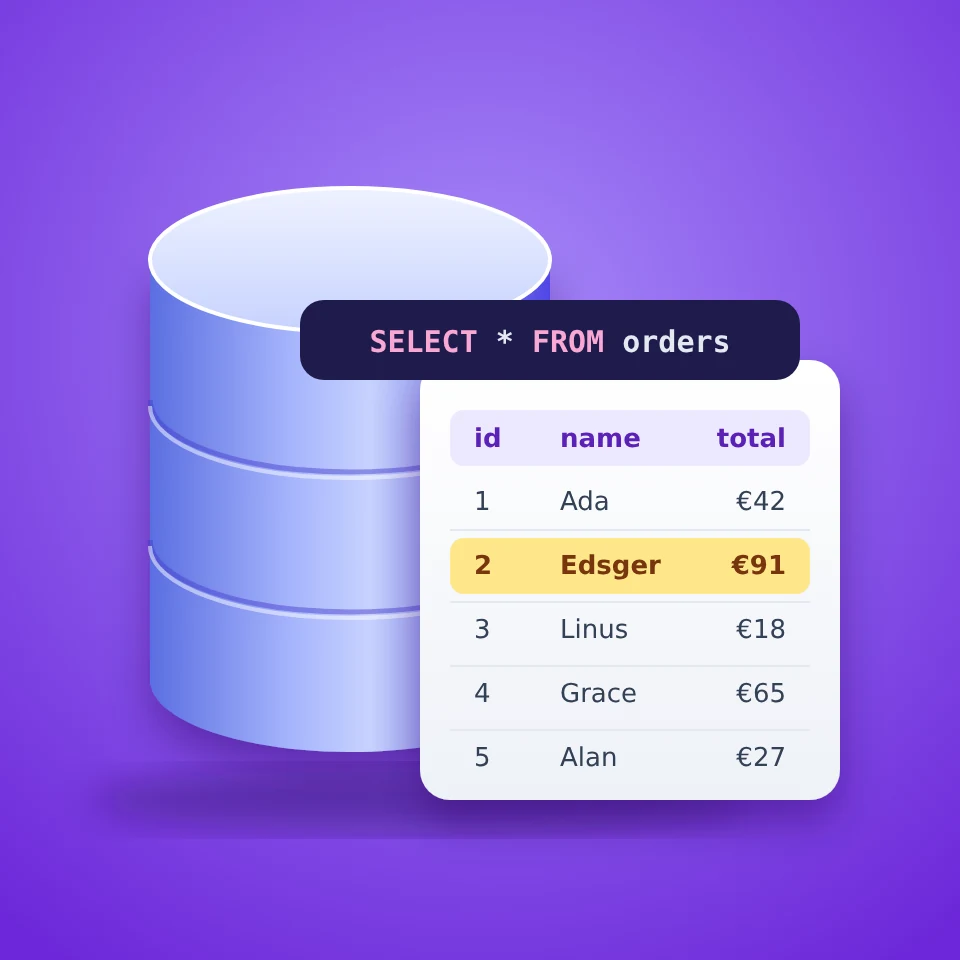
SQL query builder
A free visual SQL query builder: pick tables, columns, joins, filters, grouping and sorting, get formatted SQL for MySQL, PostgreSQL, SQLite or SQL Server, and run it on sample data or your own CSV in the browser.
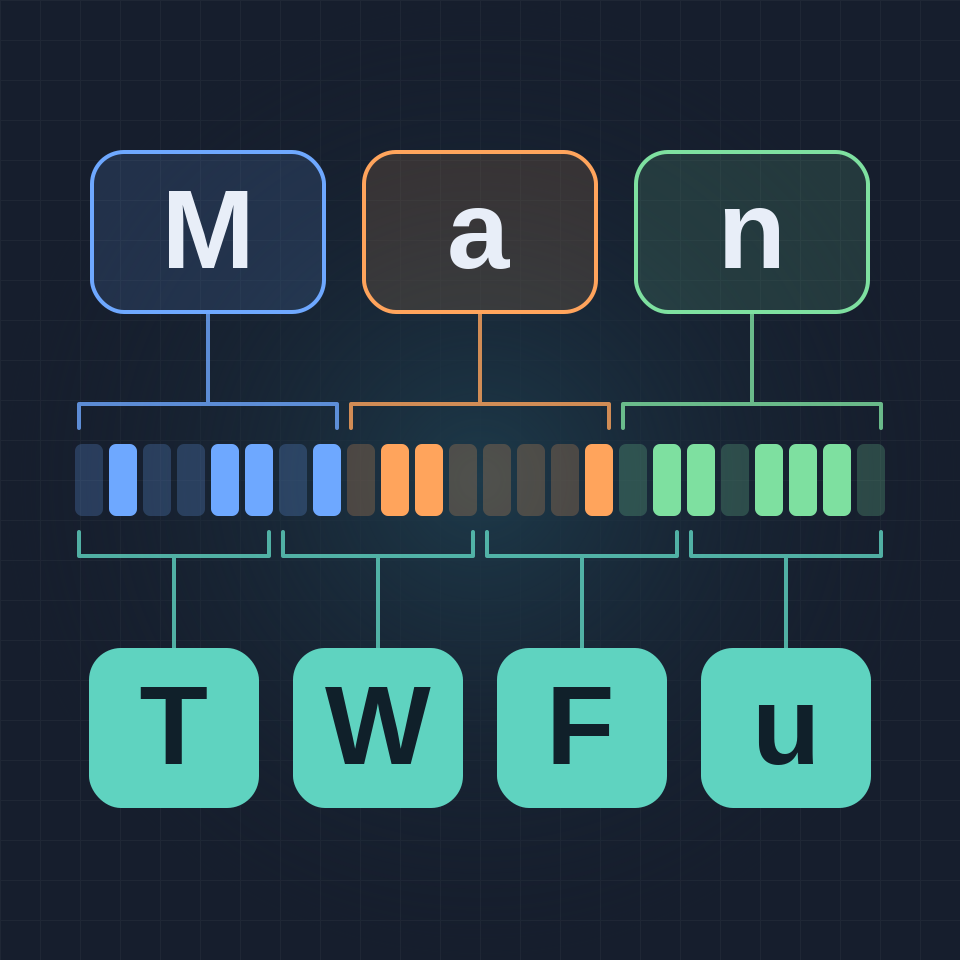
Base64 Encoder
A free online Base64 encoder and decoder: convert text to Base64 and back as you type, with UTF-8, URL-safe Base64, padding, MIME line breaks, files to data URIs and a preview of decoded images.
Ready to try it?
Open PictorX in your browser — no install, no credit card required to start.
Open the Data Format Converter