
Base64 Encoder
Type text on one side and its Base64 appears on the other, or paste Base64 and read the text it holds. Both panes follow each other as you type and handle UTF-8 correctly, so accents and emoji come back exactly as they went in. Switch to the URL-safe alphabet, drop the padding or break lines at 76 characters for MIME. Choose or drop a file to get its Base64 and a ready-made data: URI, and paste a data URI or Base64 of an image to see it and download the file. A small diagram shows how the first bytes become 6-bit groups and characters, and the sizes show the 33% Base64 adds. Nothing is uploaded. Type or paste text on one side and the other side follows as you type: text becomes Base64, and Base64 or a data: URI becomes text again. Choose the standard or the URL-safe alphabet, padding and line breaks at 76 characters. In File mode, choose or drop a file to get its Base64 and a data: URI. How it works shows the first bytes split into groups of 6 bits. Your last text is kept in this browser.
How it works
- Type or paste text in the Text pane to encode it, or paste Base64 or a data: URI in the Base64 pane to decode it; the other pane follows as you type.
- Choose the standard or URL-safe alphabet, padding and line breaks at 76 characters in the control panel, and copy either side with its Copy button.
- For a file, switch to File, choose or drop it, and copy its Base64 or its data: URI. Decoded images show a preview and download as a file.
Text in, text out, both ways
Most Base64 tools only accept the Latin alphabet and fail on é or 😀. This one turns text into UTF-8 bytes first, the way browsers, servers and email programs do, so every character survives the trip. Decoding is forgiving: spaces and line breaks are skipped, both the standard and the URL-safe alphabet are read, and missing padding is added. When something cannot be decoded, the message names the character and its position, and a click selects it in the field.
Files, data URIs and images
In File mode a file up to 5 MB is read by your browser and never uploaded. You get its Base64 and a data: URI with the right type, ready for CSS, HTML or JSON. The other way round, paste a data URI or the Base64 of a PNG, JPEG, GIF, WebP or SVG image and the app recognises it from its first bytes, shows a preview with its size in pixels and downloads it as a file.
See the bits
How it works takes the first three groups of your input apart: each character, its bytes in hexadecimal and binary, the same 24 bits cut into four groups of 6 and the character each group stands for. You can see why 3 bytes always become 4 characters, why Base64 is a third larger than the original, and where the = signs at the end come from.
Frequently asked questions
Why does Base64 end with = or ==?
Base64 turns every 3 bytes into 4 characters. When the length is not a multiple of 3, the last group is short: one leftover byte gives two characters and ==, two leftover bytes give three characters and =. Untick Padding (=) to leave the signs out; the decoder adds them back when they are missing.
When should I use line breaks at 76 characters?
When the Base64 goes into an email or another MIME message, whose standard limits encoded lines to 76 characters. For data URIs, JSON, URLs, tokens and most code, leave Line breaks at 76 (MIME) off, because they expect one unbroken line. When decoding, line breaks are skipped either way.
Why does decoding show strange characters or say the bytes are not text?
Base64 can hold any bytes, not only text. If they are an image, a PDF or a compressed file, they are not UTF-8 text, so the app shows their type and size, a preview for images and a Download button instead. Text that was encoded in another character set, such as Windows-1252, can also fail to read as UTF-8.
What is the difference between Base64 and Base64url?
Base64url, the URL-safe alphabet, uses - and _ instead of + and /, because + and / have a meaning of their own in URLs and file names. The padding = is often left out as well. JSON Web Tokens use Base64url without padding. The decoder reads both alphabets, with or without padding.
How do I convert an image to Base64?
Switch to File, choose or drop the image, and copy the data: URI. It starts with data:image/png;base64, (or the type of your image) and can be used directly as the src of an img tag or as a url() in CSS. Copy Base64 gives the bare Base64 without the prefix.
Is Base64 encryption?
No. Base64 only rewrites bytes with 64 printable characters so they can travel through systems built for text. Anyone can decode it without a key, so never use it to hide passwords or secrets.
Related tools
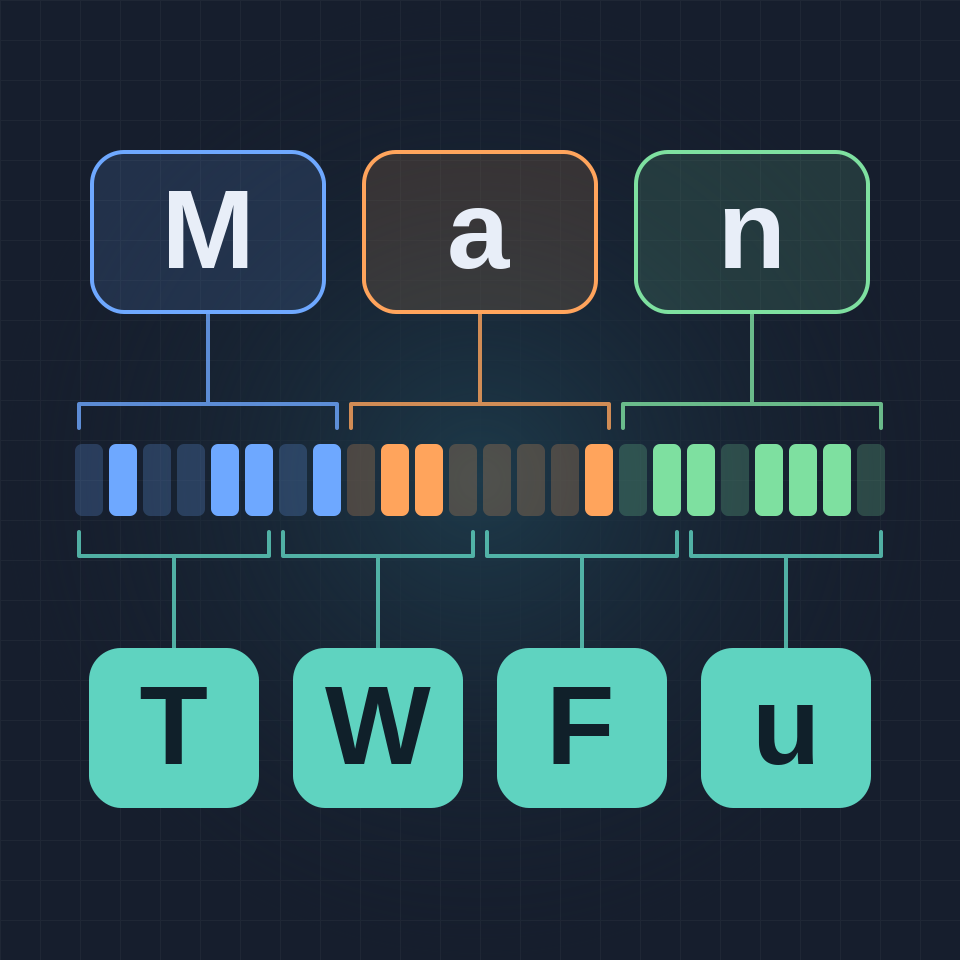
How Base64 encoding works
How Base64 turns any bytes into 64 printable characters: 3 bytes become 4 characters, why = pads the end, the URL-safe alphabet, UTF-8 text, data URIs, the 33% overhead and why Base64 is not encryption.
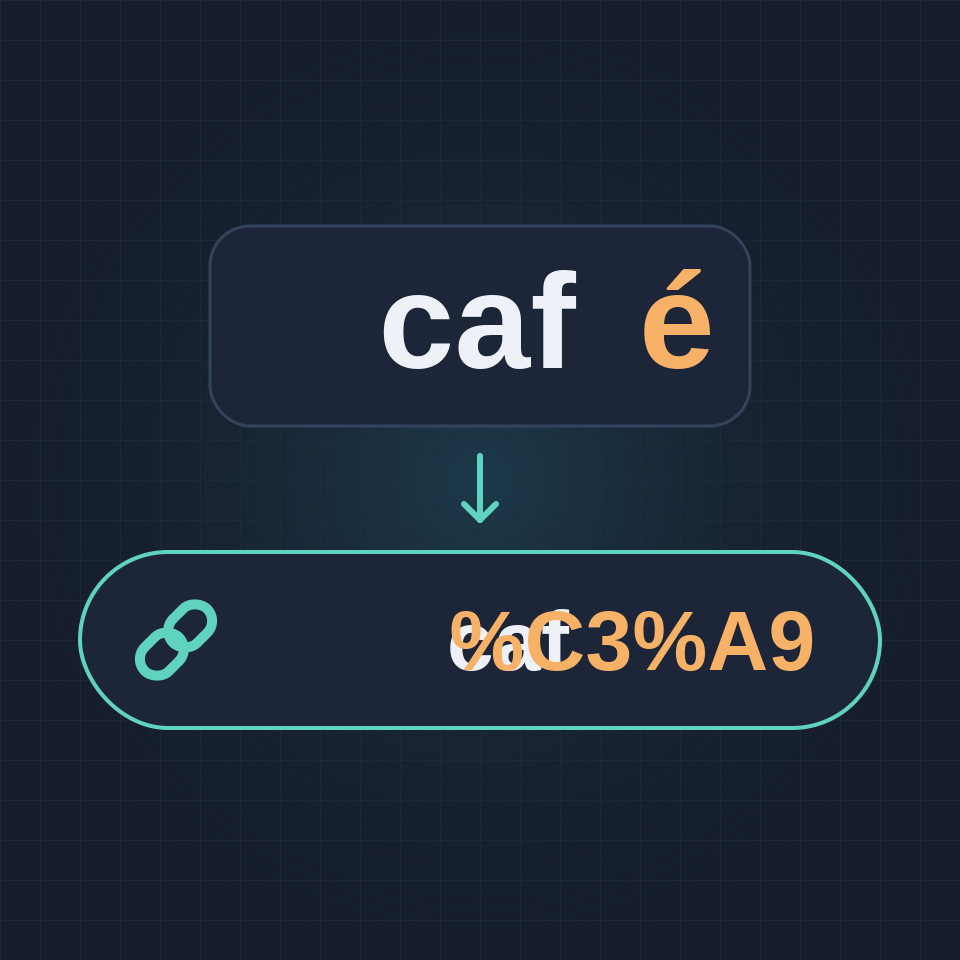
URL encoder and decoder
A free URL encoder and decoder: percent-encode text for a query value, a whole URL or form data, decode it back with errors pointed out, see each character's UTF-8 bytes, and take a URL apart.
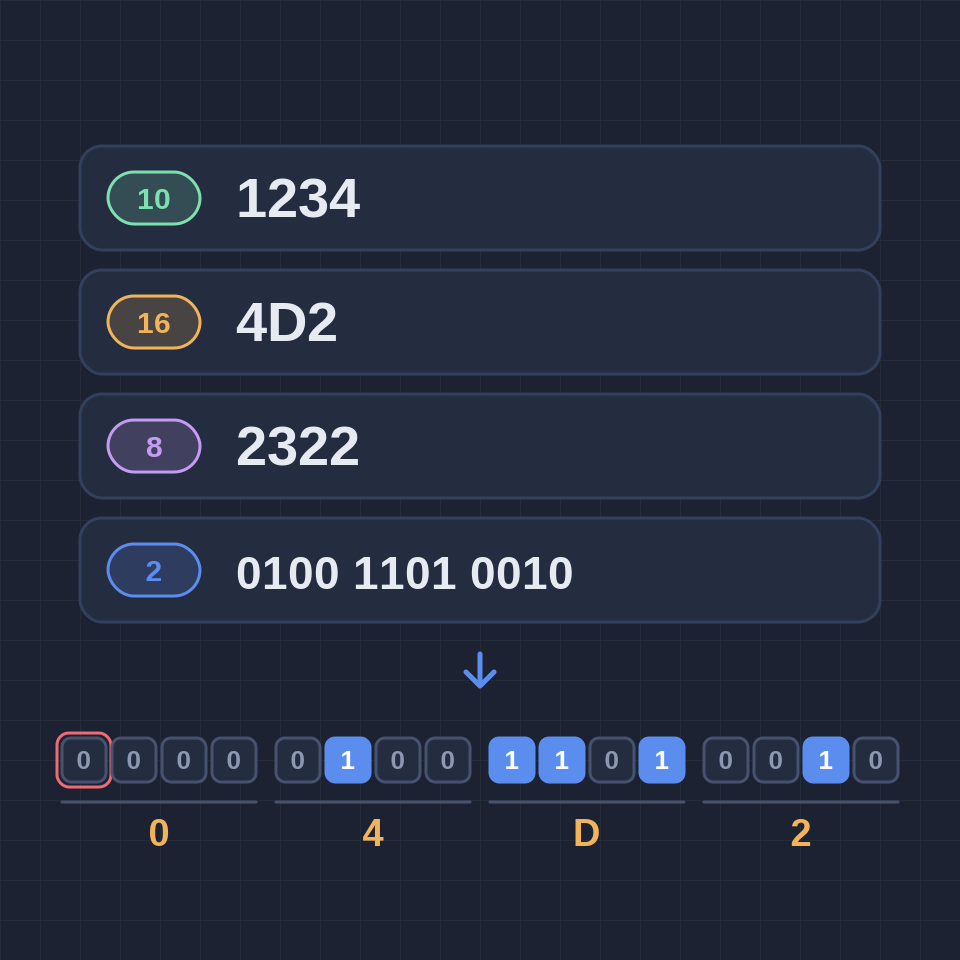
Base converter
A free base converter: convert numbers between binary, octal, decimal, hexadecimal and any base from 2 to 36 as you type, with two's complement, a clickable bit grid and the steps worked out.

JWT Decoder
A free JWT decoder: paste a JSON Web Token to read its header and payload, see the claims explained and when it expires, and verify an HS256, HS384 or HS512 signature with your secret, all in your browser.
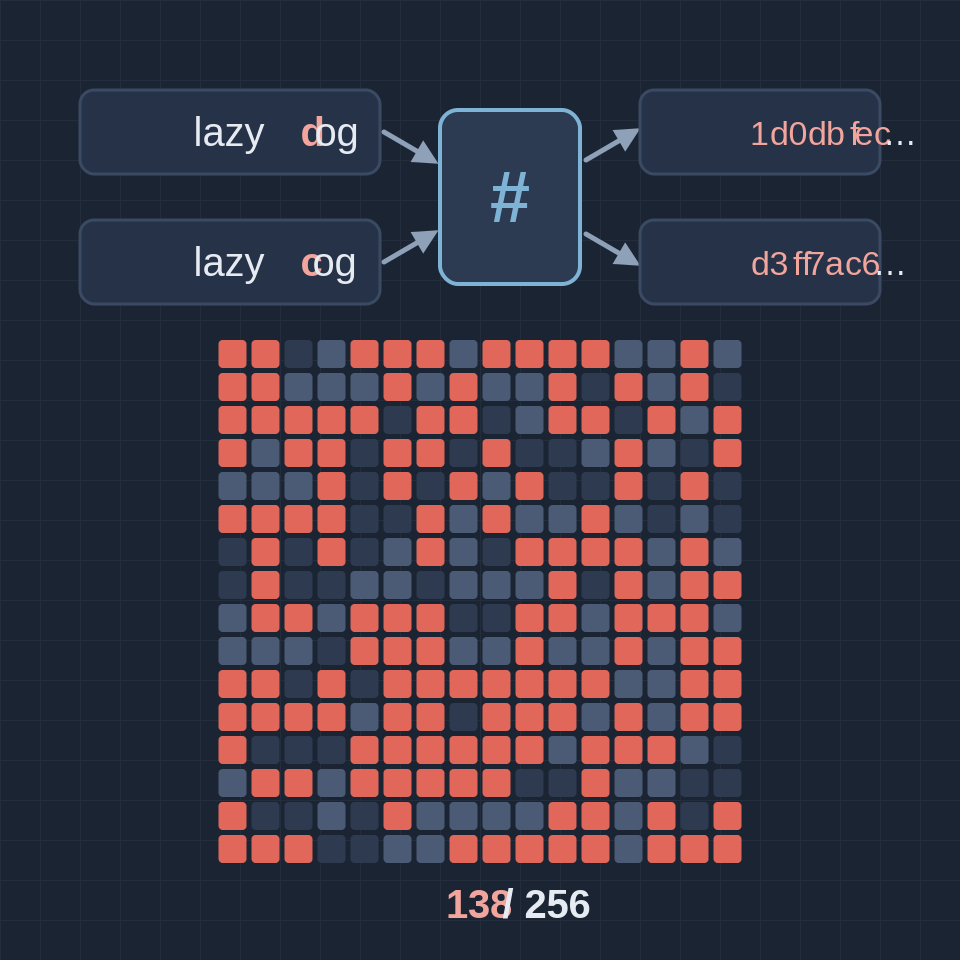
Hash function playground
Hash any text with SHA-256, SHA-512, SHA-1, MD5 and CRC-32, change one character and watch half the digest bits flip, test the avalanche effect, and find collisions on short digests with the birthday attack.
Ready to try it?
Open PictorX in your browser — no install, no credit card required to start.
Go to Editor