
Look
Effects
3D Text Effects Generator
Type a word and see it as solid 3D letters of gold, chrome, heavy metal, wood, chocolate, candy, soap bubbles, or animal skin. Move and resize the text, then save a PNG. Type your text and pick a material. Drag the text to move it, pull a corner to resize, or turn the knob to rotate.
How it works
- Type your text. Each line becomes a row of 3D letters.
- Pick a material, a font, and a background. Set the 3D depth, the bevel, and the color shift.
- Drag the text to move it, pull a corner to resize, or turn the knob to rotate. Then save a PNG, with a transparent background if you like.
Letters that look made, not printed
Each letter is modeled from its outline: a rounded or chiseled bevel, surface relief such as diamond plate, wood grain, or elephant wrinkles, and light that reflects off metal and shines on chocolate and candy. A darker 3D side and a soft shadow make the letters stand up from the background.
Almost forty materials to choose from
Food: chocolate, dripping melted chocolate and caramel, honeycomb, coffee beans, powdered sugar, candy, and gummy. Metal: gold, silver, chrome, liquid metal, copper, heavy metal, rusty iron, and carbon fiber. Nature: wood, marble, granite, concrete, ice, glowing lava, moss, clouds, and soap bubbles. Fabric: stitched denim and leather, velvet, knitted wool, and sequins. Fantasy: holographic, galaxy, and dragon scales. Animals: elephant, giraffe, leopard, tiger, cow, and zebra. Use the color shift to turn gold into rose gold, or a red gummy into a green one.
Frequently asked questions
What can I make with the 3D Text Effects Generator?
Titles, names, and words as 3D letters of gold, metal, wood, chocolate, candy, bubbles, or animal print, for posters, thumbnails, invitations, and social posts.
Can I move and resize the text?
Yes. Drag the text to move it, pull a corner of the blue frame to make it bigger or smaller, and turn the knob above the frame to rotate it.
Can I save the text without a background?
Yes. Pick Transparent as the background and save a PNG. The letters keep their 3D side and soft edges.
Do my designs leave my device?
No. Everything is drawn in your browser.
How do I make gold 3D text?
Type your words, pick Gold or Rose gold under Metal and choose a bold Font such as Titan One. 3D depth, Bevel and 3D angle set how thick and tilted the letters look; add Sparkle or Glow under 3D text effect, then save a PNG up to 4096 pixels wide.
Related tools
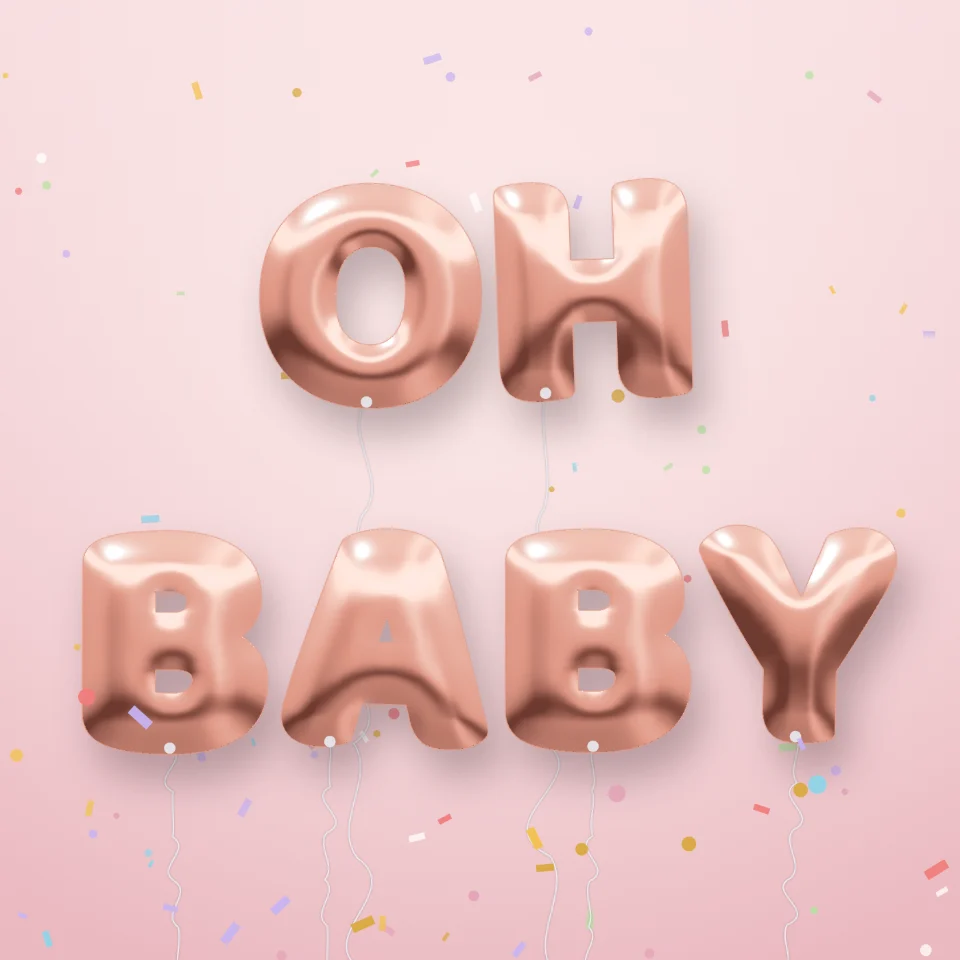
Balloon Letters Generator
Turn any name or word into shiny foil balloon letters in gold, silver, rose gold, or holographic, with ribbons and confetti. Save a PNG, even transparent.
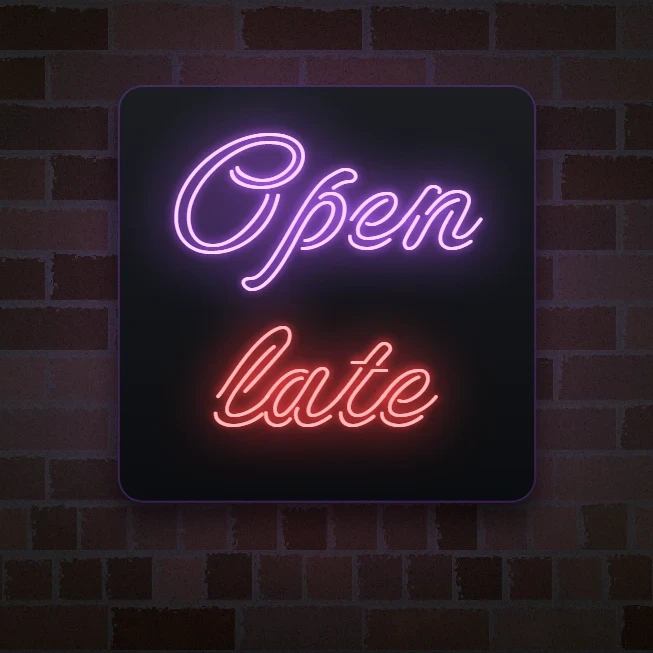
Neon Sign Maker
Type a word and turn it into a glowing neon sign on brick, tiles, wood, or concrete. Pick tube color, font, glow, and backplate, then save a PNG.
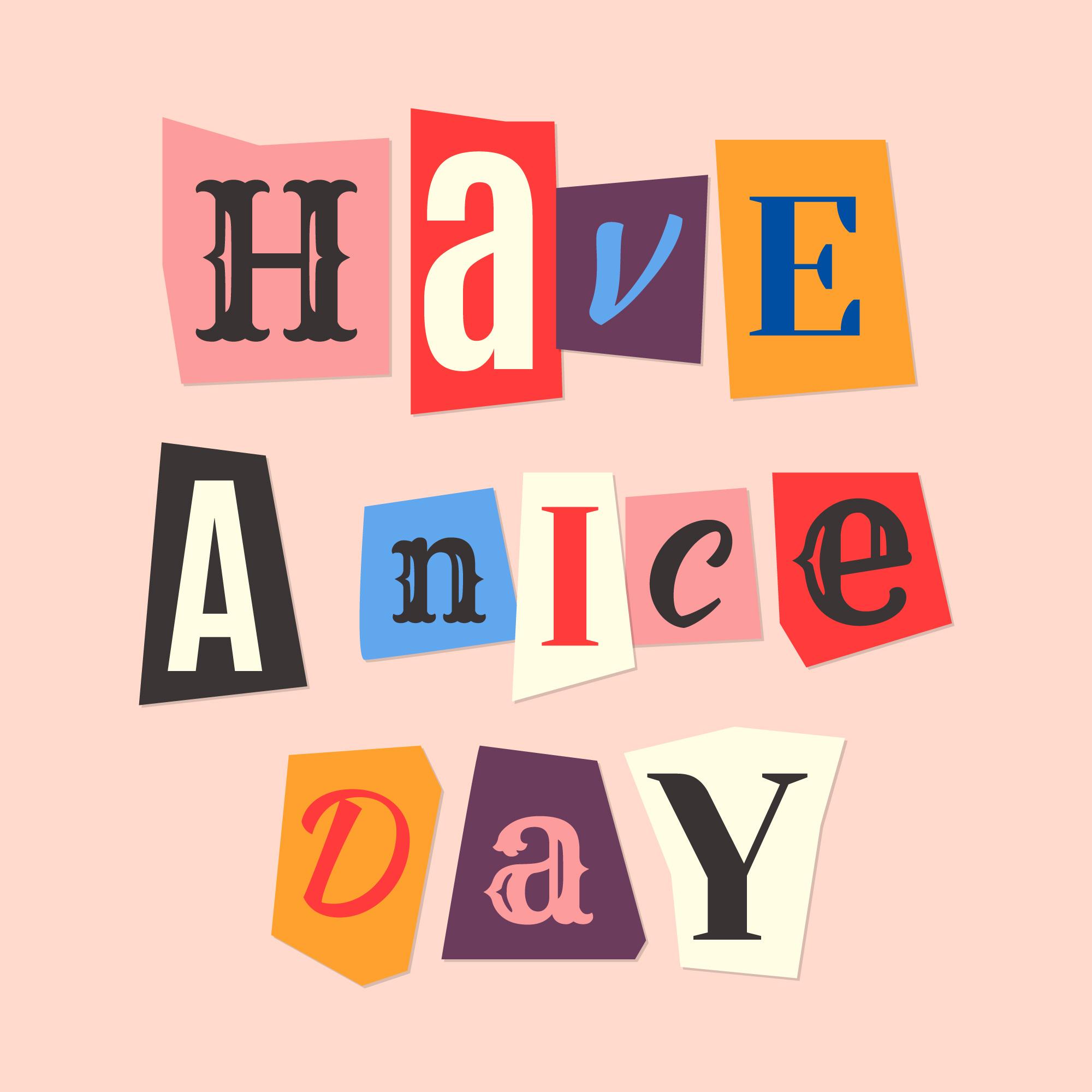
Magazine Cutout Letters Generator
Turn typed words into magazine-style cutout letters. 26 looks, wave, arc and scatter layouts, glitter, watercolor and comic-burst styles — download a hi-res PNG, copy it, or share a link to your design.
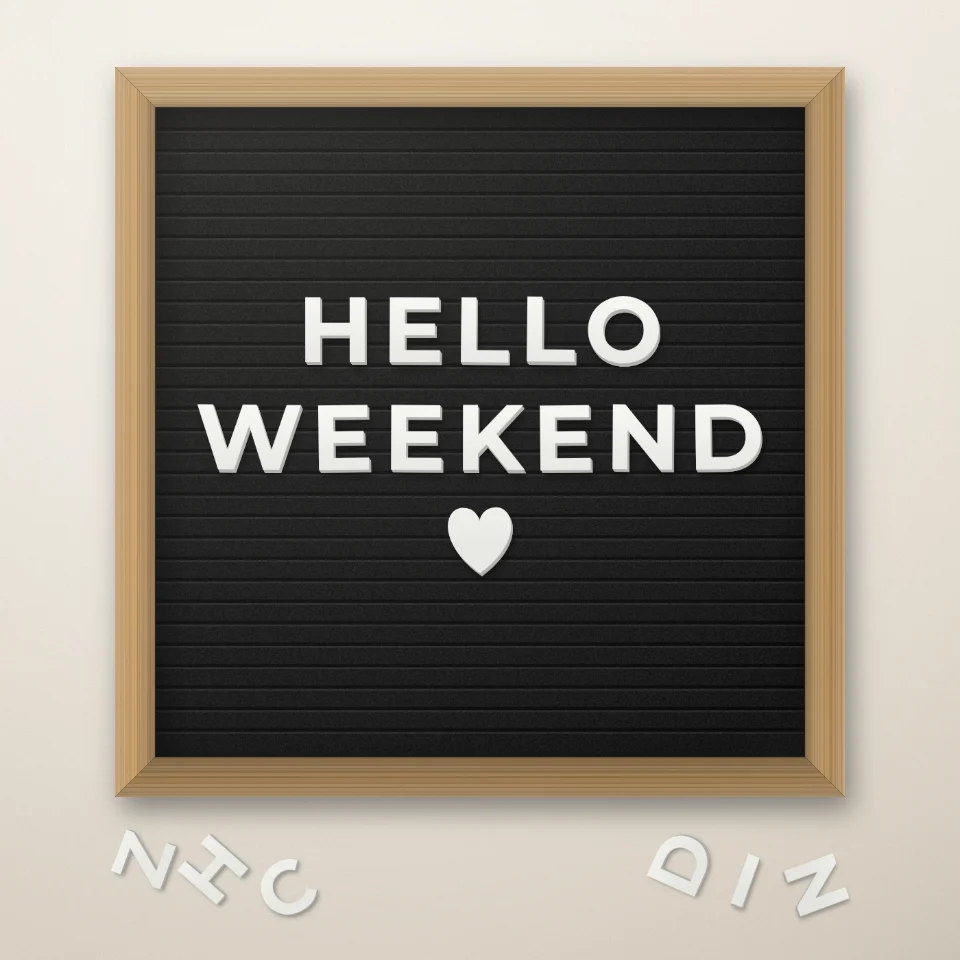
Letter Board Quote Maker
Type a quote on a felt letter board with white or gold plastic letters, a wooden frame, and hearts or stars. Save a PNG for Instagram.
Ready to try it?
Open PictorX in your browser — no install, no credit card required to start.
Go to Editor