
Tạo hiệu ứng chữ 3D
Nhập một từ và xem nó thành chữ 3D đặc bằng vàng, crôm, kim loại nặng, gỗ, sô-cô-la, kẹo, bong bóng xà phòng hoặc da thú. Di chuyển và đổi kích thước chữ, rồi lưu PNG — không tải lên gì cả. Nhập chữ và chọn chất liệu. Kéo chữ để di chuyển, kéo một góc để đổi kích thước hoặc xoay núm để xoay.
Cách nó hoạt động
- Type your text. Each line becomes a row of 3D letters.
- Pick a material, a font, and a background. Set the 3D depth, the bevel, and the color shift.
- Drag the text to move it, pull a corner to resize, or turn the knob to rotate. Then save a PNG, with a transparent background if you like.
Letters that look made, not printed
Each letter is modeled from its outline: a rounded or chiseled bevel, surface relief such as diamond plate, wood grain, or elephant wrinkles, and light that reflects off metal and shines on chocolate and candy. A darker 3D side and a soft shadow make the letters stand up from the background.
Almost forty materials to choose from
Food: chocolate, dripping melted chocolate and caramel, honeycomb, coffee beans, powdered sugar, candy, and gummy. Metal: gold, silver, chrome, liquid metal, copper, heavy metal, rusty iron, and carbon fiber. Nature: wood, marble, granite, concrete, ice, glowing lava, moss, clouds, and soap bubbles. Fabric: stitched denim and leather, velvet, knitted wool, and sequins. Fantasy: holographic, galaxy, and dragon scales. Animals: elephant, giraffe, leopard, tiger, cow, and zebra. Use the color shift to turn gold into rose gold, or a red gummy into a green one.
Hỏi thường xuyên
What can I make with the 3D Text Effects Generator?
Titles, names, and words as 3D letters of gold, metal, wood, chocolate, candy, bubbles, or animal print, for posters, thumbnails, invitations, and social posts.
Can I move and resize the text?
Yes. Drag the text to move it, pull a corner of the blue frame to make it bigger or smaller, and turn the knob above the frame to rotate it.
Can I save the text without a background?
Yes. Pick Transparent as the background and save a PNG. The letters keep their 3D side and soft edges.
Do my designs leave my device?
No. Everything is drawn in your browser. Nothing is uploaded to PictorX servers.
Công cụ liên quan
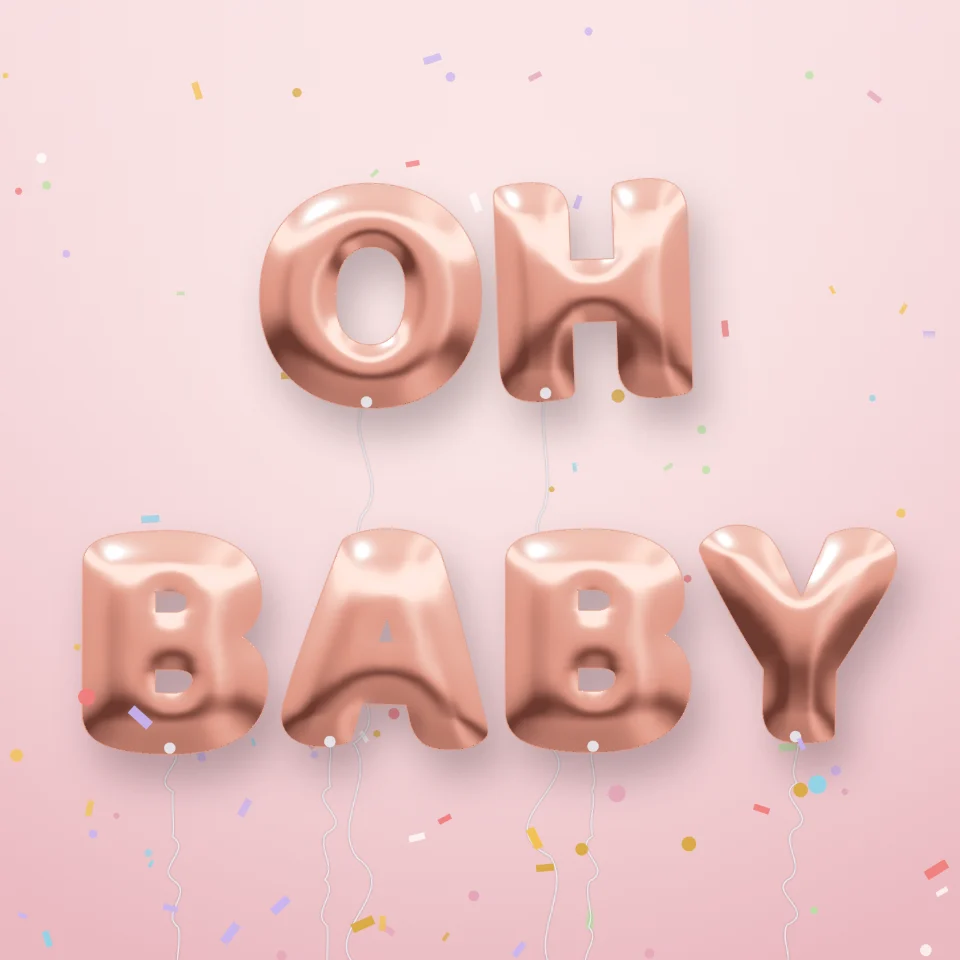
Tạo chữ bóng bay
Biến tên hoặc từ bất kỳ thành chữ bóng bay kim loại vàng, bạc, vàng hồng hoặc ánh ba chiều, có ruy băng và hoa giấy. Lưu PNG, cả nền trong suốt.

Tạo biển neon
Nhập chữ và biến nó thành biển neon phát sáng trên gạch, gạch men, gỗ hoặc bê tông. Chọn màu, phông, độ sáng và tấm nền rồi lưu PNG. Không tải lên.

Trình tạo chữ cái cắt tạp chí
Biến những từ đã gõ thành những chữ cắt tạp chí. Tổng hợp phông chữ hoặc khoá một, ngẫu nhiên hóa màu và kích cỡ, và tải về một PNG. Không có gì được tải lên.
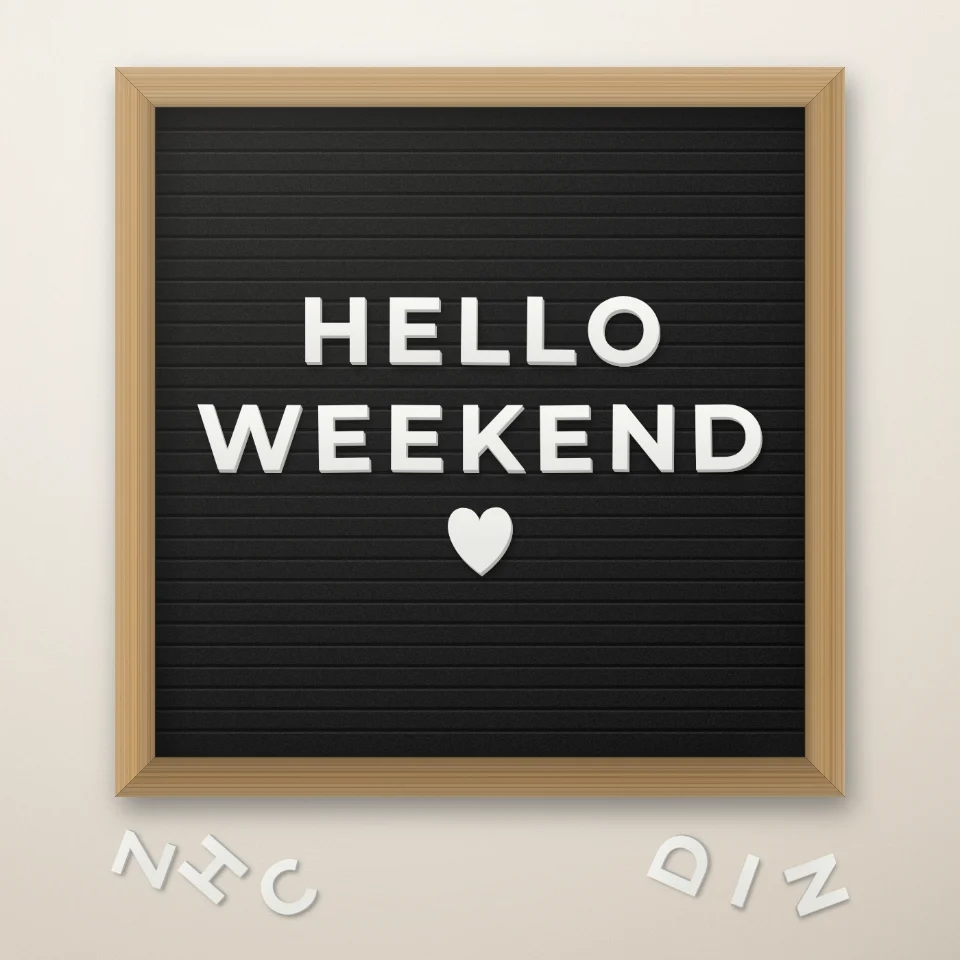
Tạo câu trên bảng chữ
Viết câu nói trên bảng chữ nỉ với chữ trắng hoặc vàng, khung gỗ và trái tim hay ngôi sao. Lưu PNG, không tải lên.
Sẵn sàng thử chưa?
Mở PictorX trong trình duyệt của bạn — không cài đặt, không cần thiết thẻ tín dụng để khởi động.
Tới bộ sửa