
लुक
इफ़ेक्ट
3D टेक्स्ट इफ़ेक्ट जनरेटर
कोई शब्द लिखें और उसे सोने, क्रोम, भारी धातु, लकड़ी, चॉकलेट, कैंडी, साबुन के बुलबुलों या जानवर की खाल से बने ठोस 3D अक्षरों में देखें। टेक्स्ट खिसकाएँ और आकार बदलें, फिर PNG सेव करें। अपना टेक्स्ट लिखें और कोई मटेरियल चुनें। टेक्स्ट को खिसकाने के लिए खींचें, आकार बदलने के लिए कोना खींचें, या घुमाने के लिए नॉब घुमाएँ।
यह कैसे काम करता है
- Type your text. Each line becomes a row of 3D letters.
- Pick a material, a font, and a background. Set the 3D depth, the bevel, and the color shift.
- Drag the text to move it, pull a corner to resize, or turn the knob to rotate. Then save a PNG, with a transparent background if you like.
Letters that look made, not printed
Each letter is modeled from its outline: a rounded or chiseled bevel, surface relief such as diamond plate, wood grain, or elephant wrinkles, and light that reflects off metal and shines on chocolate and candy. A darker 3D side and a soft shadow make the letters stand up from the background.
Almost forty materials to choose from
Food: chocolate, dripping melted chocolate and caramel, honeycomb, coffee beans, powdered sugar, candy, and gummy. Metal: gold, silver, chrome, liquid metal, copper, heavy metal, rusty iron, and carbon fiber. Nature: wood, marble, granite, concrete, ice, glowing lava, moss, clouds, and soap bubbles. Fabric: stitched denim and leather, velvet, knitted wool, and sequins. Fantasy: holographic, galaxy, and dragon scales. Animals: elephant, giraffe, leopard, tiger, cow, and zebra. Use the color shift to turn gold into rose gold, or a red gummy into a green one.
अक्सर पूछे जाने वाले प्रश्न
3D टेक्स्ट इफ़ेक्ट जनरेटर से क्या बना सकते हैं?
टाइटल, नाम और शब्द, सोने, धातु, लकड़ी, चॉकलेट, कैंडी, बबल या एनिमल प्रिंट वाले 3D अक्षरों के रूप में — पोस्टर, थंबनेल, निमंत्रण और सोशल पोस्ट के लिए।
क्या टेक्स्ट को खिसका सकते हैं और उसका आकार बदल सकते हैं?
हाँ। टेक्स्ट को खिसकाने के लिए उसे ड्रैग करें, बड़ा या छोटा करने के लिए नीले फ़्रेम का कोई कोना खींचें, और घुमाने के लिए फ़्रेम के ऊपर वाला नॉब घुमाएँ।
क्या टेक्स्ट को बिना बैकग्राउंड के सेव कर सकते हैं?
हाँ। बैकग्राउंड में “पारदर्शी” चुनें और PNG सेव करें। अक्षरों की 3D साइड और मुलायम किनारे बने रहते हैं।
क्या मेरे डिज़ाइन मेरे डिवाइस से बाहर जाते हैं?
नहीं। सब कुछ आपके ब्राउज़र में ही बनता है।
गोल्डन 3D टेक्स्ट कैसे बनाएँ?
अपने शब्द टाइप करें, “मेटल” में “गोल्ड” या “रोज़ गोल्ड” चुनें और Titan One जैसा कोई बोल्ड “फ़ॉन्ट” चुनें। “3D गहराई”, “बेवल” और “3D कोण” तय करते हैं कि अक्षर कितने मोटे और झुके दिखें; “3D टेक्स्ट इफ़ेक्ट” में “स्पार्कल” या “ग्लो” जोड़ें, फिर 4096 पिक्सेल तक चौड़ी PNG सेव करें।
संबंधित टूल
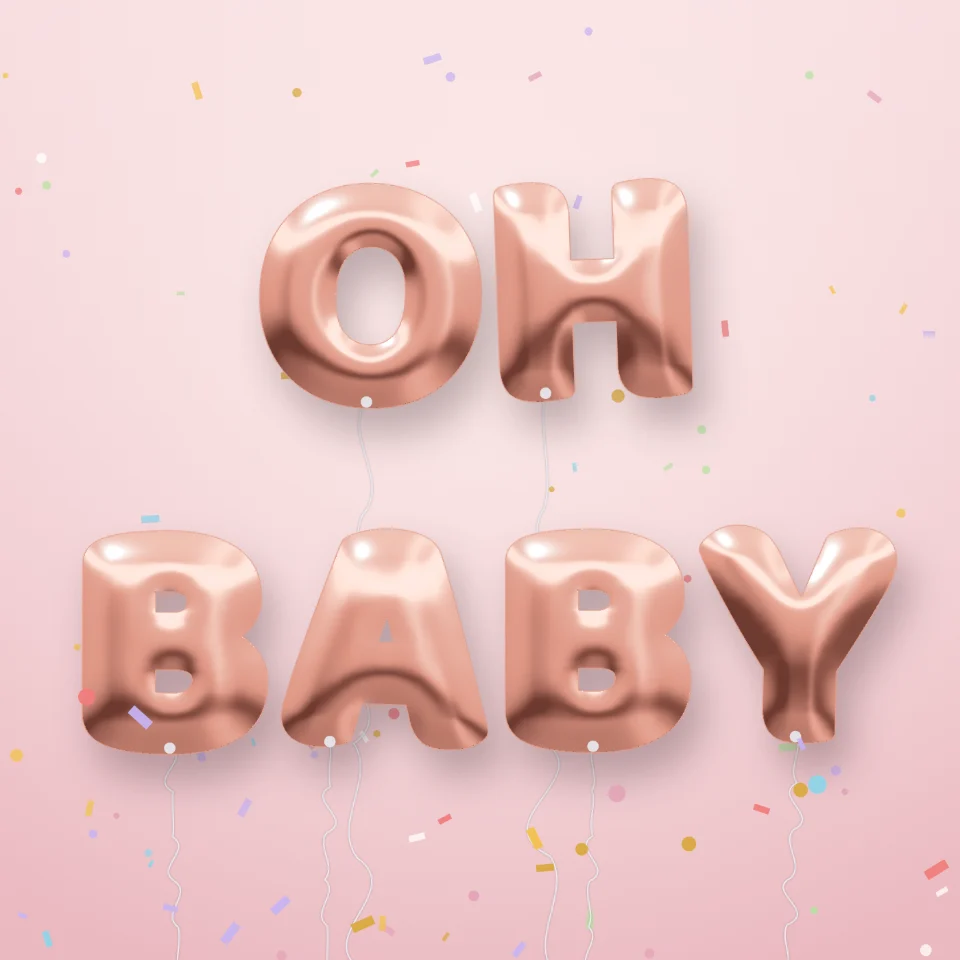
गुब्बारा अक्षर जनरेटर
किसी भी नाम या शब्द को गोल्ड, सिल्वर, रोज़ गोल्ड या होलोग्राफ़िक चमकदार फ़ॉइल गुब्बारा अक्षरों में बदलें, रिबन और कॉन्फ़ेटी के साथ। PNG सेव करें, पारदर्शी भी।
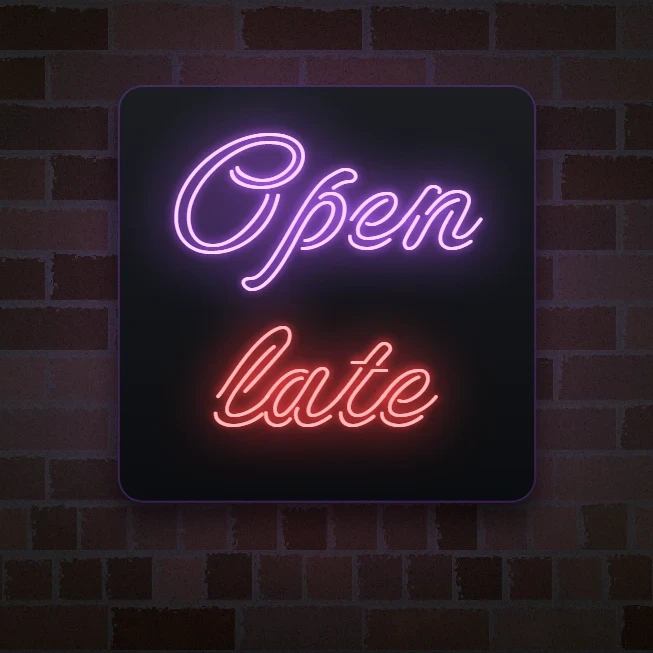
नियॉन साइन मेकर
एक शब्द लिखें और उसे ईंट, टाइल, लकड़ी या कंक्रीट पर चमकते नियॉन साइन में बदलें। रंग, फ़ॉन्ट, चमक और बैकप्लेट चुनें, PNG सेव करें।
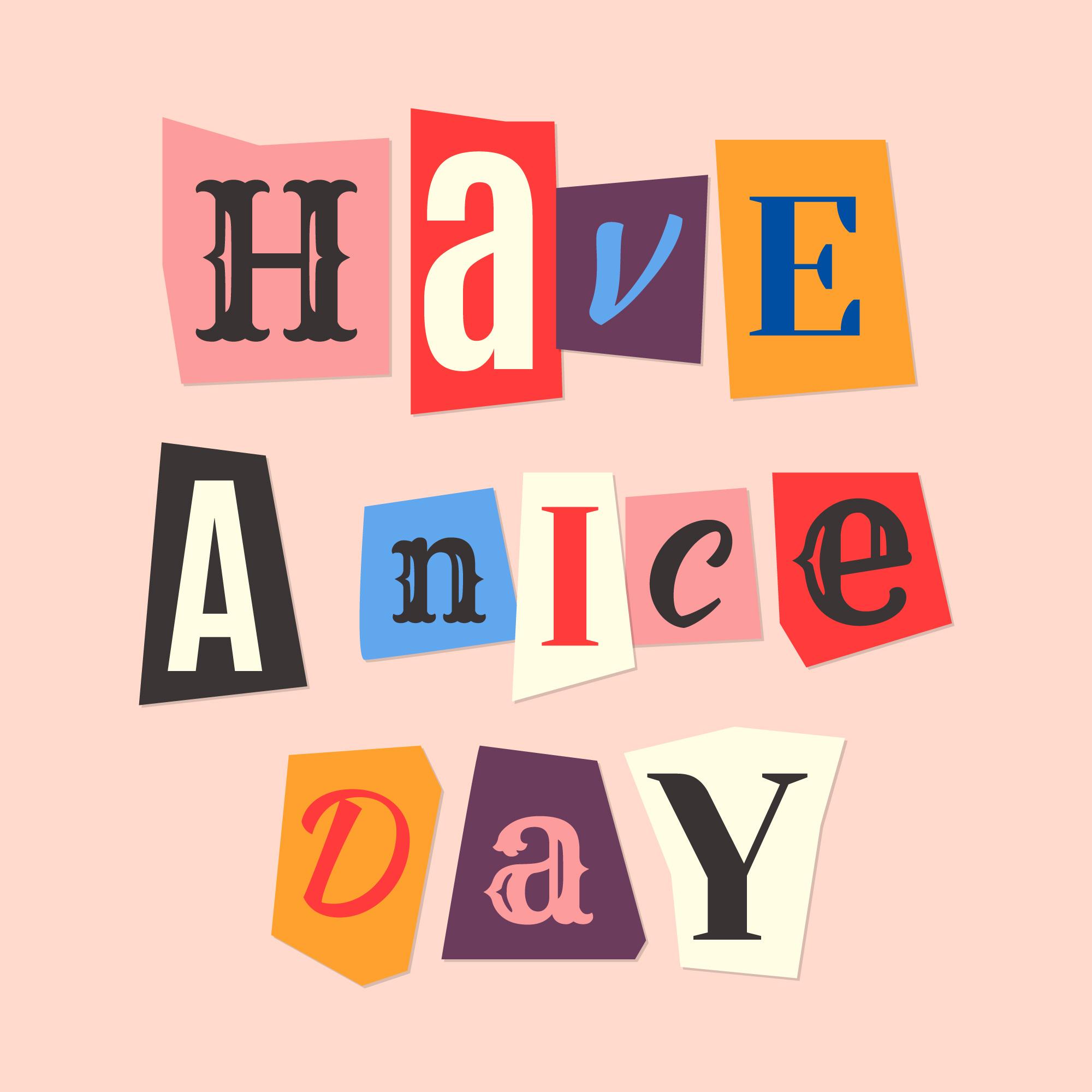
मैगज़ीन कटआउट अक्षर जनरेटर
टाइप किए शब्दों को मैगज़ीन कटआउट अक्षर बनाएँ। फ़ॉन्ट मिलाएँ या एक रखें, PNG डाउनलोड करें।
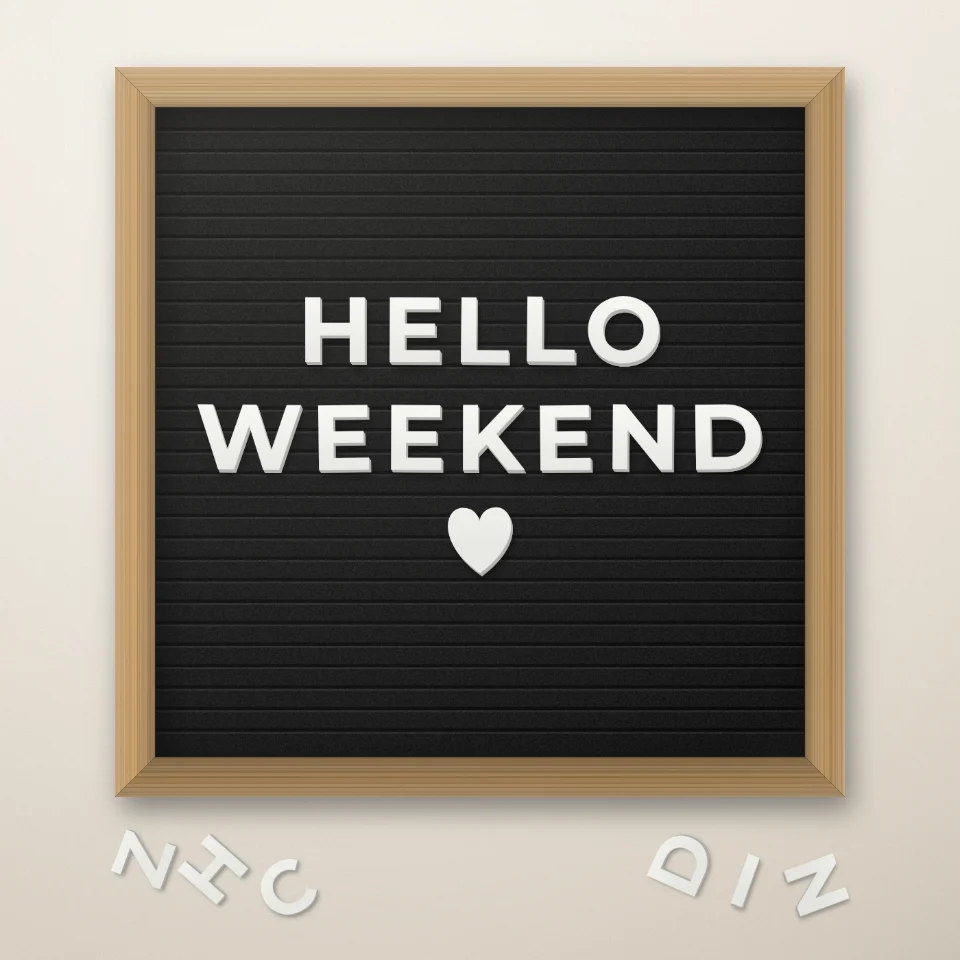
लेटर बोर्ड कोट मेकर
फ़ेल्ट लेटर बोर्ड पर सफ़ेद या सुनहरे अक्षरों, लकड़ी के फ़्रेम और दिल या तारों से अपना कोट लिखें।
आज़माने के लिए तैयार?
अपने ब्राउज़र में PictorX खोलें — शुरू करने के लिए इंस्टॉल या क्रेडिट कार्ड की ज़रूरत नहीं।
एडिटर पर जाएँ